Description
Please note: This is an ex-display model. This product comes with a full guarantee but there may be signs of slight wear on the box and there may be some light usage marks on the product. Images used are for illustrative purposes only.
Ex-Display & Delivery Only!
Surface Pro Signature Keyboard with Slim Pen 2
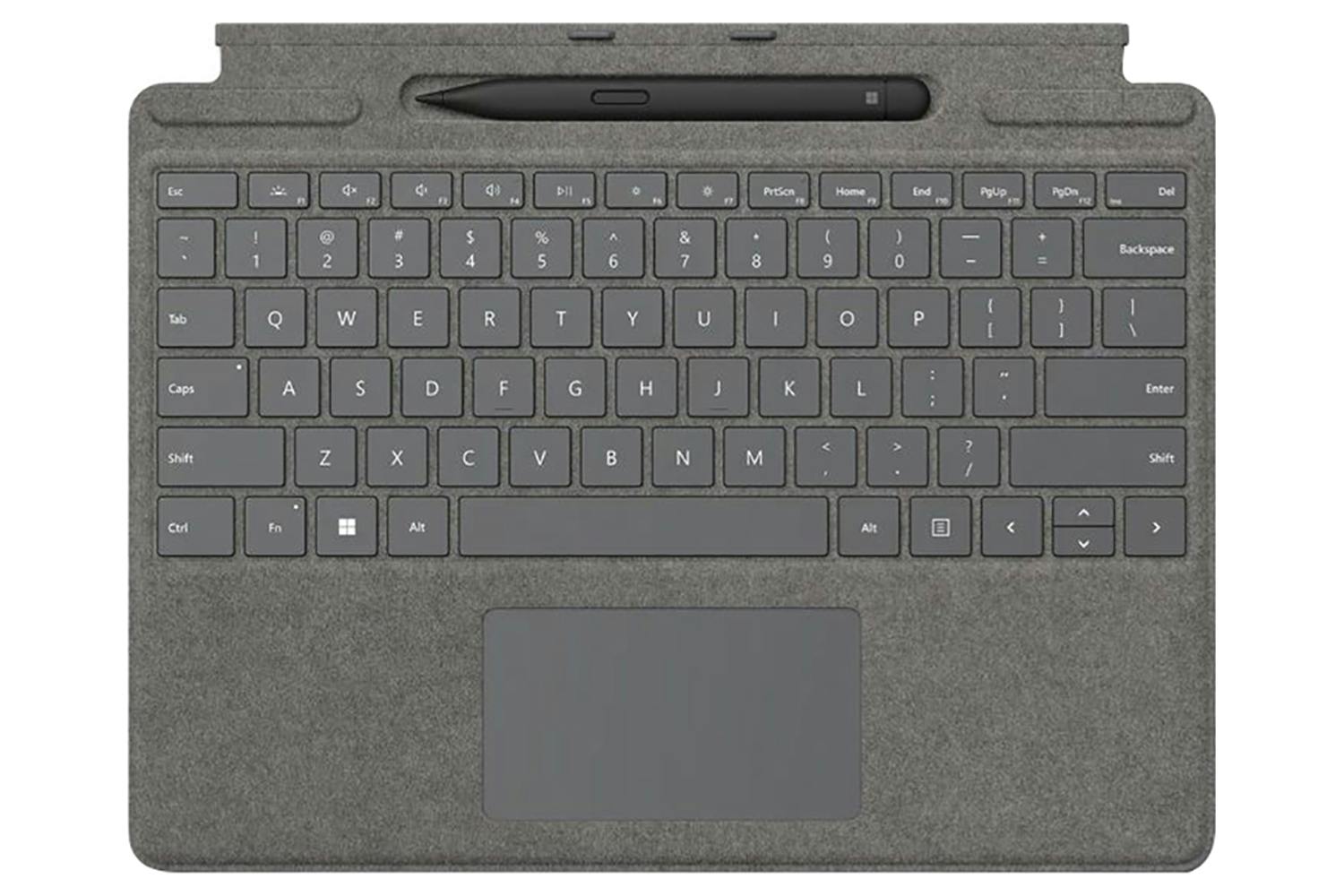
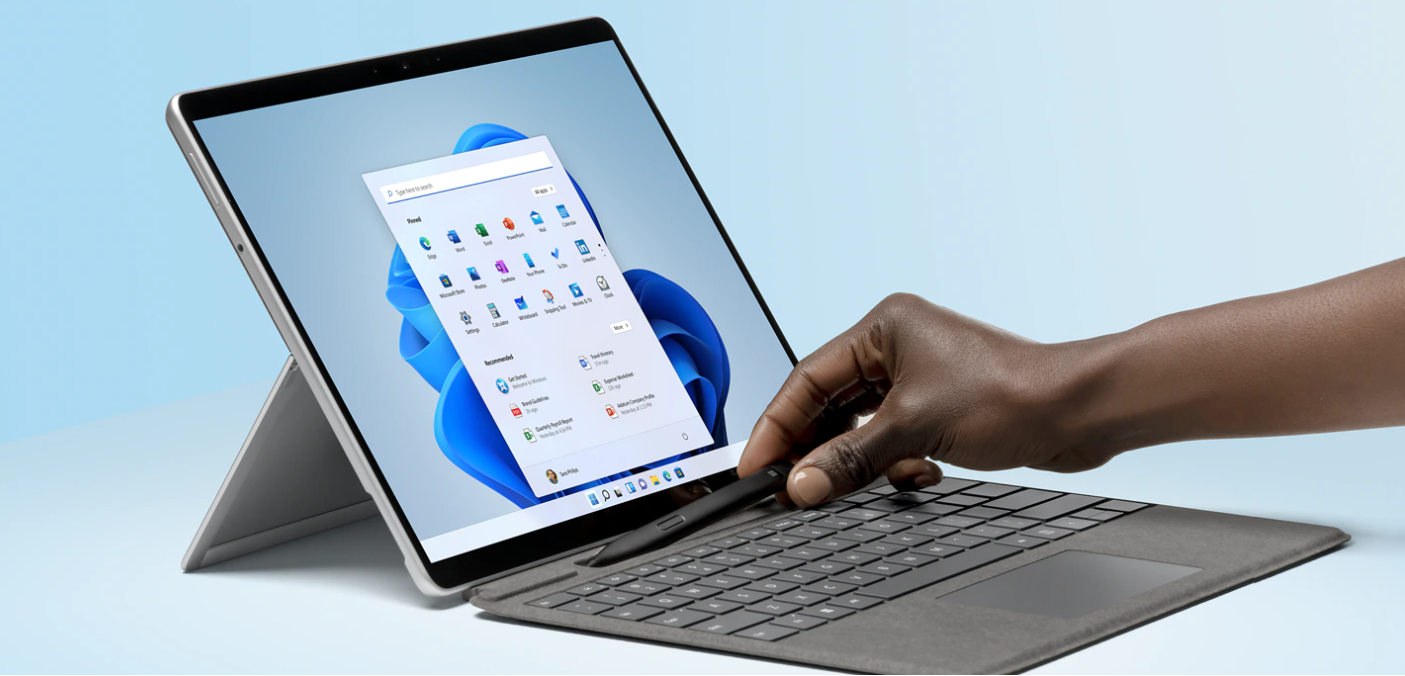
Next-level versatility comes in the perfect pair—Surface Slim Pen 2 stores securely and recharges in the premium keyboard, featuring a large glass touchpad and luxurious, Alcantara material covering. Ready to pair with Surface Pro 8¹ and Surface Pro X.[1]
The Microsoft Store Promise for Surface
Get the most from your new device when you buy at Microsoft Store: 60-days returns, price promise, 90 days free technical support and more.**
**Extended return offer period available with Surface devices purchased from Microsoft Store in selected markets. Return process must be started within 60 days after customer received the device. Not available for purchases by reseller customers. Extended return offer period limited to 5 device returns in total per eligible customer. Excludes Surface Hub. Void where prohibited or restricted by law. Microsoft reserves the right to modify or discontinue offers at any time. Other exclusions and limits may apply. Microsoft Store return policy applies to extended returns. See applicable Microsoft Terms of Sale for more information.
Store, Charge, Type and Write
Transform Surface Pro 81 and Surface Pro X1 into a full laptop with the premium keyboard. And with Surface Slim Pen 2 stored, charged and close at hand, it delivers typing and on-screen writing in one.
Choose Your Colour
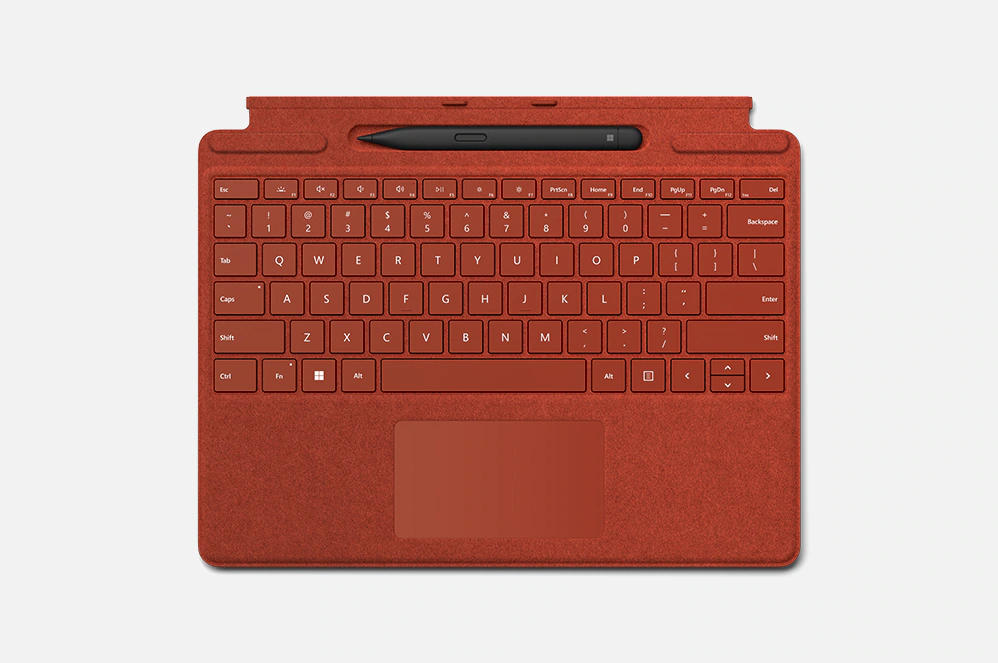
Available in rich colours,[2] Surface Pro Signature Keyboard adds a warm, comfortable touch to everyday tasks. Covered with luxurious Alcantara material.
Always Ready at Your Fingertips
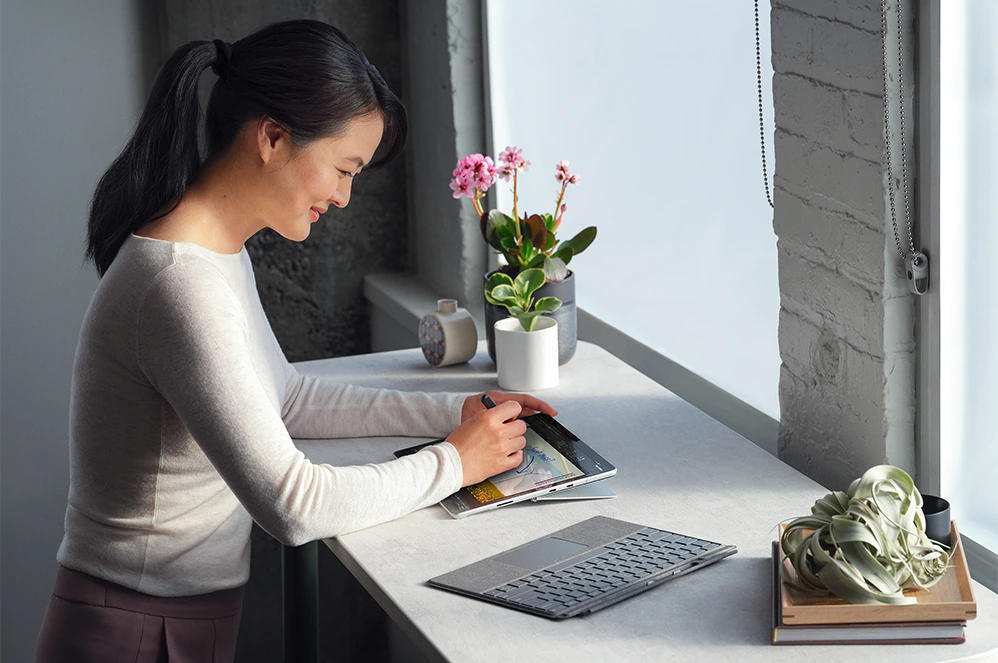
Surface Slim Pen 2 securely sits and recharges in the keyboard’s built-in storage tray. Typing and writing in one, without the bulk, Surface Pro Signature Keyboard delivers fast, accurate typing like a traditional, full-size keyboard, plus natural on-screen writing with our best inking experience yet.

An Exceptional Typing Experience
Type in comfort with Surface Pro Signature Keyboard. Sleek and compact, it performs like a traditional laptop keyboard, complete with a large touchpad for precise control and navigation.
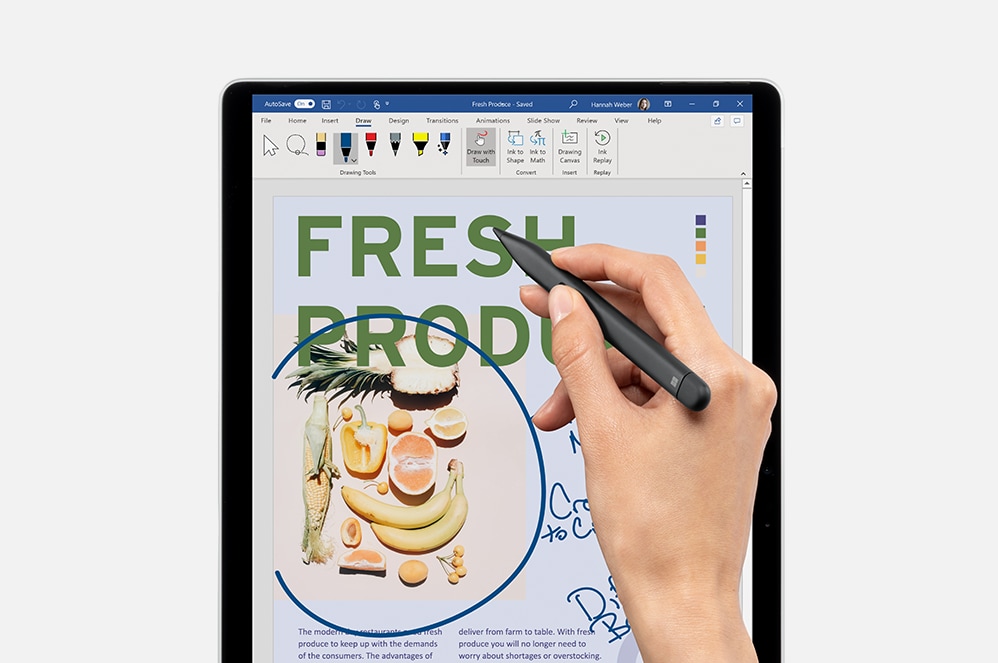
Fast, Fluid and Perfect with Your Surface
Our best performing pen yet, with real-time writing, pinpoint accuracy and incredible shading thanks to a sharper pen tip and improved design.
Pair with Surface Pro devices
Use Surface Slim Pen 2 across the portfolio of ink-enabled Surface devices,[3] and Surface Pro Signature Keyboard to transform Surface Pro 8[1] or Surface Pro X,[1] into a complete laptop.
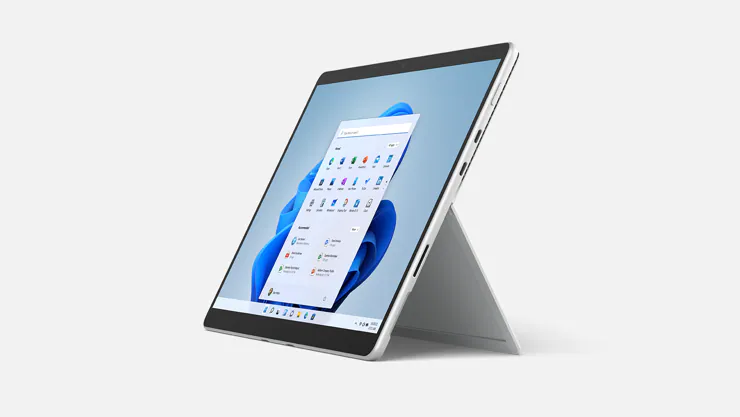
Surface Pro 8
Surface Pro 8 combines the power of a laptop with the flexibility of a tablet, now with a larger 13-inch touchscreen, faster connections with Thunderbolt™ 4 ports, and extra speed when you need it.
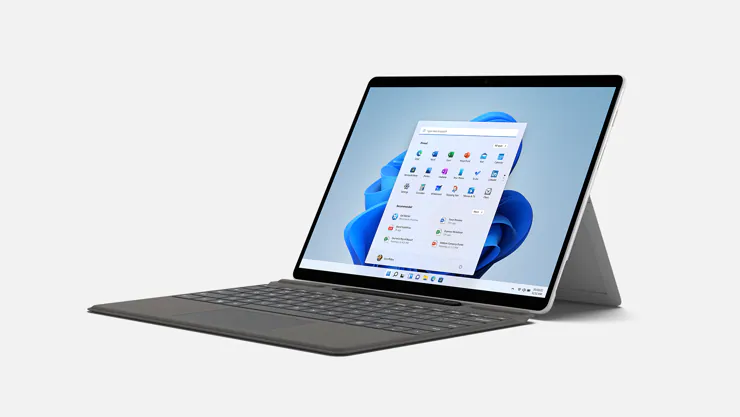
Surface Pro X
Meet the totally mobile Pro. Always with you, instantly ready. Designed to keep up anywhere, at any angle, with optional Gigabit LTE, all-day battery life, and a totally immersive, high-resolution 13-inch PixelSense touchscreen.
[1] Some software, accessories and devices sold separately. App availability may vary by market.
[2] Available colours may vary by market.
[3] Surface Slim Pen 2 experiences and compatibility vary by which device you are using it with. Visit aka.ms/SurfaceSlimPenCompatibility to learn more.
Compatibility:
Surface Pro Signature Keyboard:
- Surface Pro 8
- Surface Pro X
- Surface Pro 9
Surface Slim Pen 2:
- Surface Laptop Studio
- Surface Pro 3 - Surface Pro 8
- Surface Pro X
- Surface Duo, Surface Duo 2
- Surface Go, Go 2, Surface Go 3
- Surface Hub 2S
- Surface Laptop 1 - 4
- Surface Studio 1, 2
- Surface Book 1 - 3
- Non-Surface devices that support Microsoft Pen Protocol (MPP)
Dimensions and Weight:
- Surface Pro Signature Keyboard Dimensions(W x D x H): 289.1 x 226.1 x 4.89 mm
- Surface Slim Pen 2 Dimensions(H x D x W): 136.8 x 11.3 x 6.3 mm
- Surface Pro Signature Keyboard Weight: 281 g
- Surface Slim Pen 2: 13 g
Surface Pro Signature Keyboard Keys:
- Activation: Moving (mechanical) keys
- Layout: QWERTY, full row of function keys (F1 - F12)
- Dedicated buttons for Windows shortcuts, media controls, screen brightness
- Right click button
Product Features:
Surface Pro Signature Keyboard
- Material: alcantara
- Colours: platinum
- Interface: magnetic
- Pen integration: Surface Slim Pen 2 storage and charging
- Sensors: accelerometer
Surface Slim Pen 2
- Material: plastic enclosure
- Colour: matte black
- Connections: bluetooth wireless 5.0 technology
- Buttons: side button, top button with eraser functionality
- Tactile signals: haptic feedback functionality compatible only with Surface laptop studio and Surface Pro 8 with Windows 11
- Pressure and sensitivity: 4,096 pressure levels, zero force inking
Product Care
Protect your purchase with Product Care™. Get a brand new replacement if your product suffers an eligible fault through our hassle free support process, plus enjoy a range of exclusive benefits like a product health check and free prints each year so you experience your new product even more.
Discover all of the benefits Product Care™ brings you:
Protection
With Product Care™ you can relax knowing your purchase is protected. After an assessment, if your product suffers a fault covered by the terms of your plan, we’ll arrange to have a brand new replacement delivered to your doorstep.
Support
Our range of support options ensure you experience an easy and hassle free process when you need to talk to us about your Product Care™ plan. Whether you are experiencing a fault, or wanting to redeem your entitlements, we will provide you with guidance and support every step of the way.
Advantage
Having Product Care™ with your purchase means you can enjoy a range of special benefits that are exclusive to you and will help you enjoy the experience of your new product even more.