

Unlock new capabilities, build your skills and uncover worlds of possibility with new AI-powered features. 1
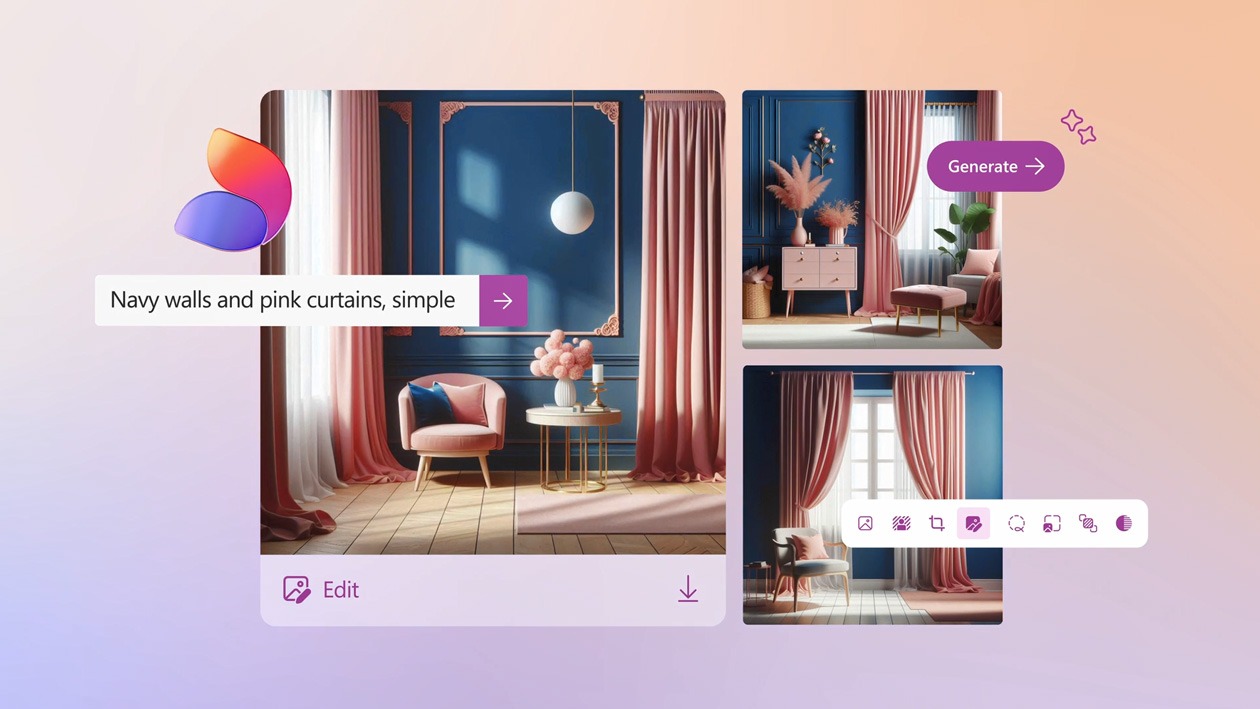



Reimagine what's possible with AI-powered features 1 in Microsoft 365.
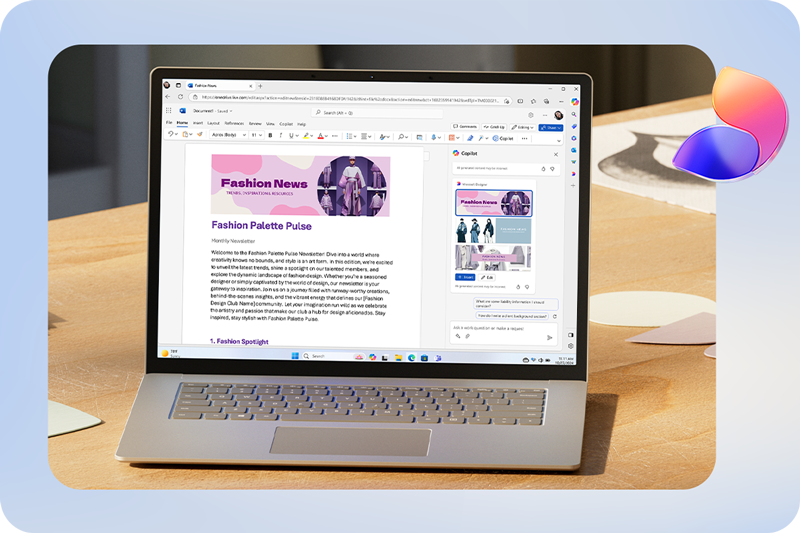
Better together with Designer in PowerPoint and Word
Edit photos and videos like a pro, turn simple ideas into stunning designs, and overcome writer’s block with confidence.


Stronger security for your peace of mind with Microsoft 365.
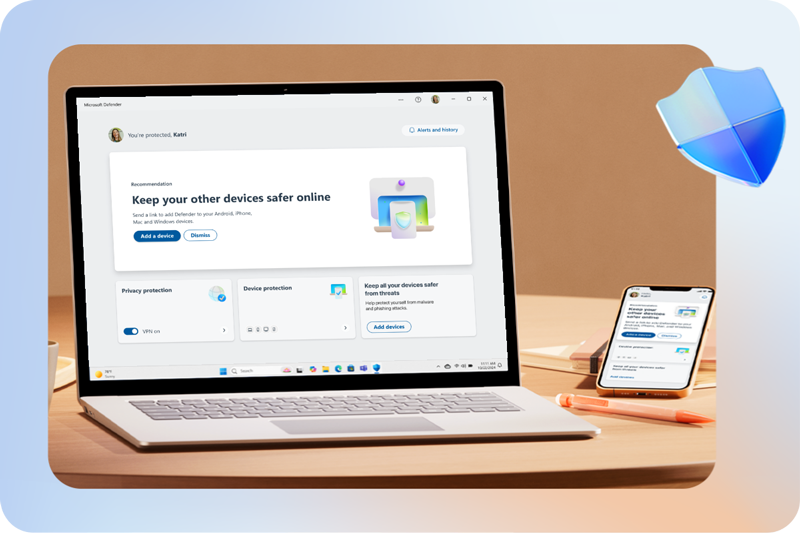
Safeguard what’s most important
Photos, important documents, email 2, personal data and devices 3 are secured with comprehensive yet easy-to-use tools and features.

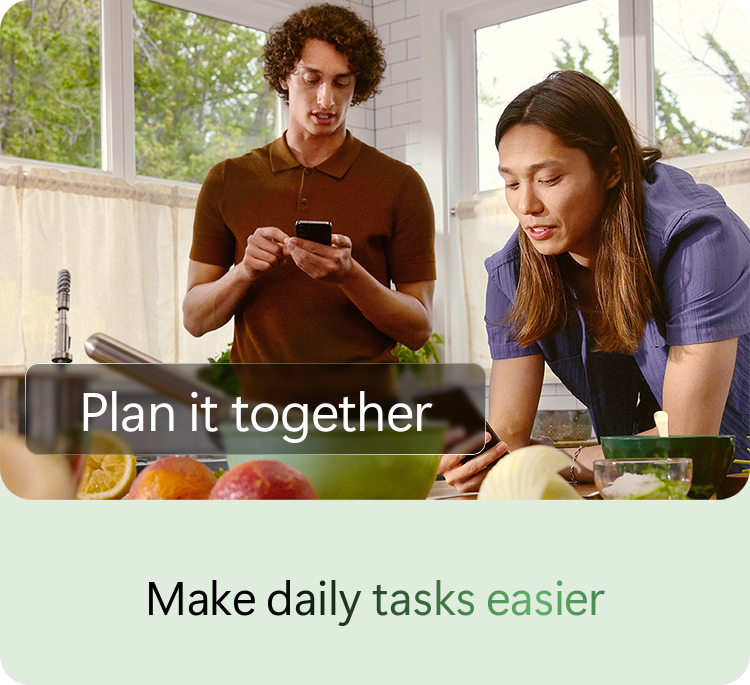
AI-powered features in Microsoft 365 1 seamlessly tackle your to-dos and easily track budgets, personal projects, and calendars.
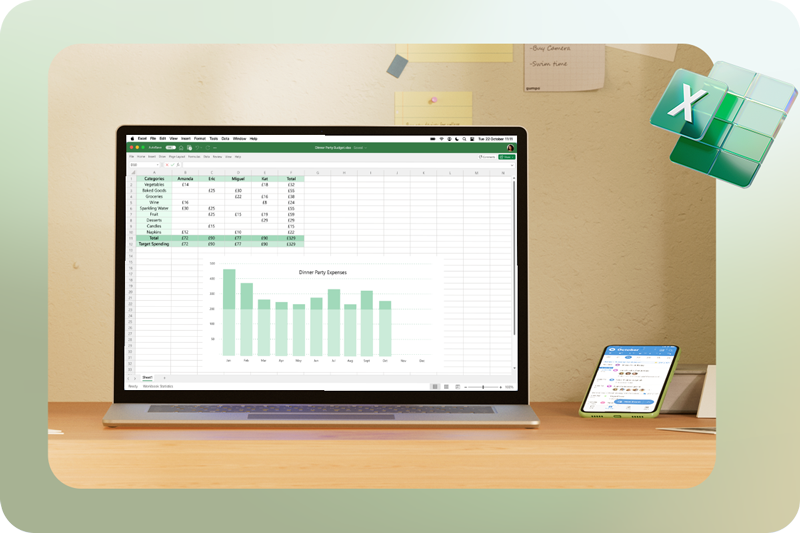
Keep up with your day, every day
Use your phone, laptop, or tablet to make and share plans, get organised, and stay on top – no matter where the day takes you.
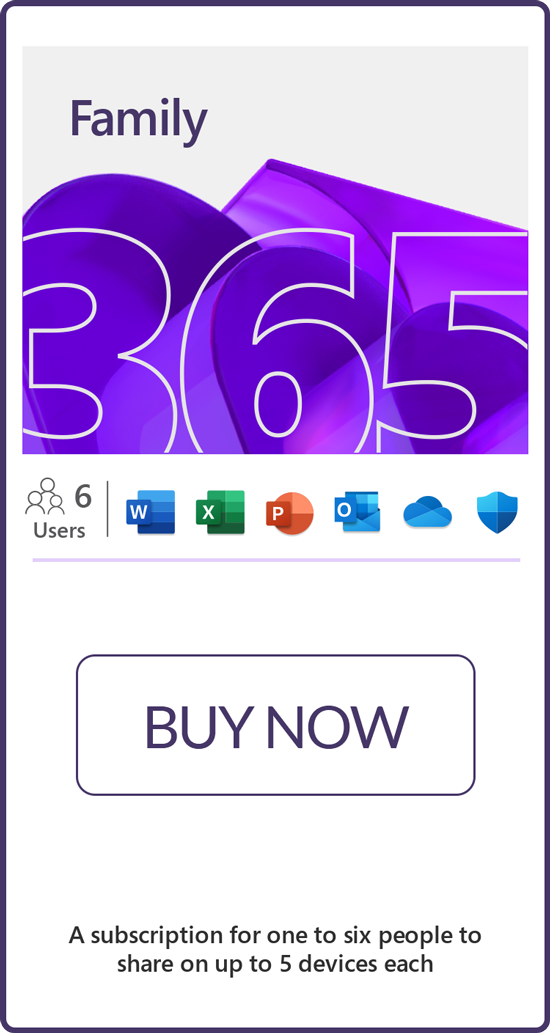
Choose the plan that's right for you.
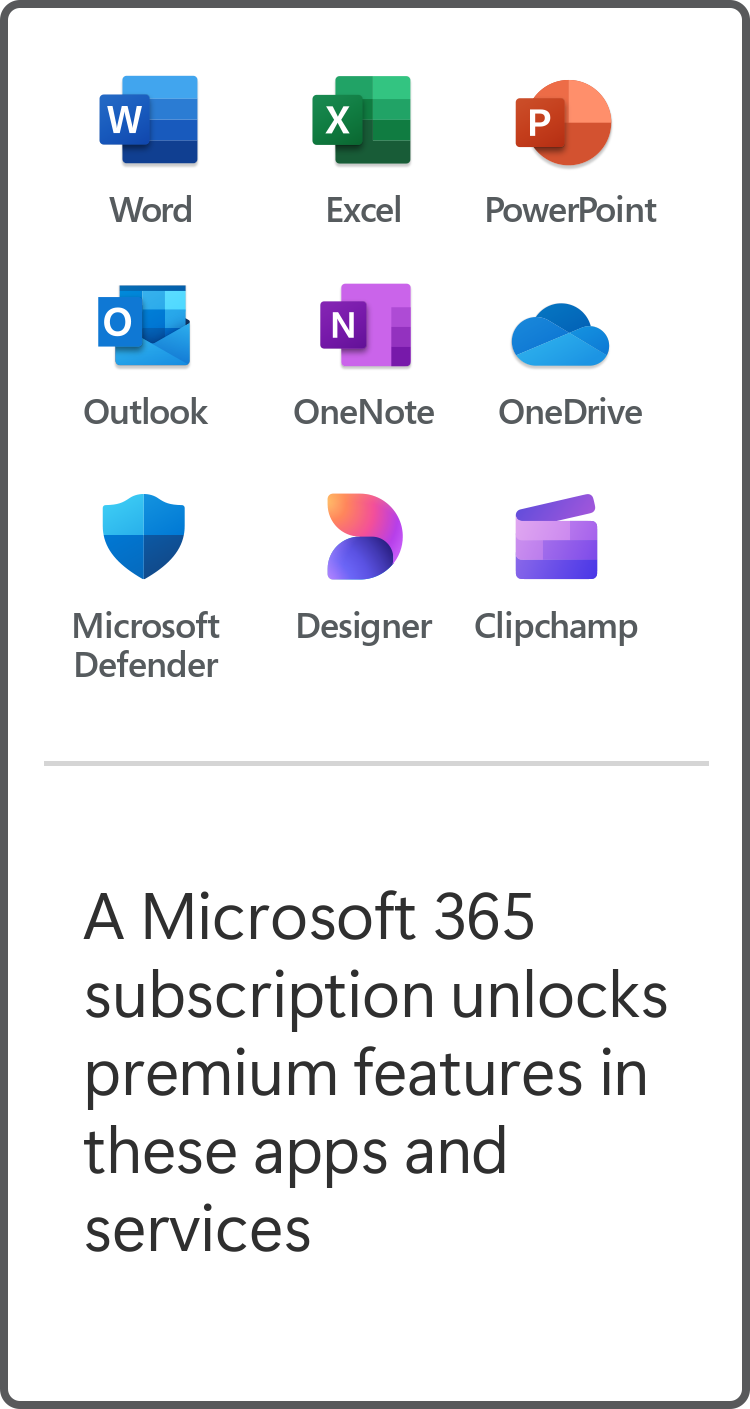
*App availability varies by device/language. Features vary by platform.
Minimum age limits may apply to use of Al features. Details: https://aka.ms/Copilot-In-M365-FAQ
1. AI usage limits apply.
2. Copilot in Excel requires AutoSave to be enabled, meaning the file must be saved to OneDrive; it doesn't function with unsaved files.
3. Copilot features in Outlook apply to accounts with @outlook.com, @hotmail.com, @live.com or @msn.com email addresses and are available in Outlook.com, Outlook built into Windows, Outlook on Mac, and iOS and Android apps.
4. Microsoft 365 Personal or Family subscription required; AI features only available to subscription owner and cannot be shared; usage limits apply.


Recently viewed products
Compare
 Secure Online Shopping