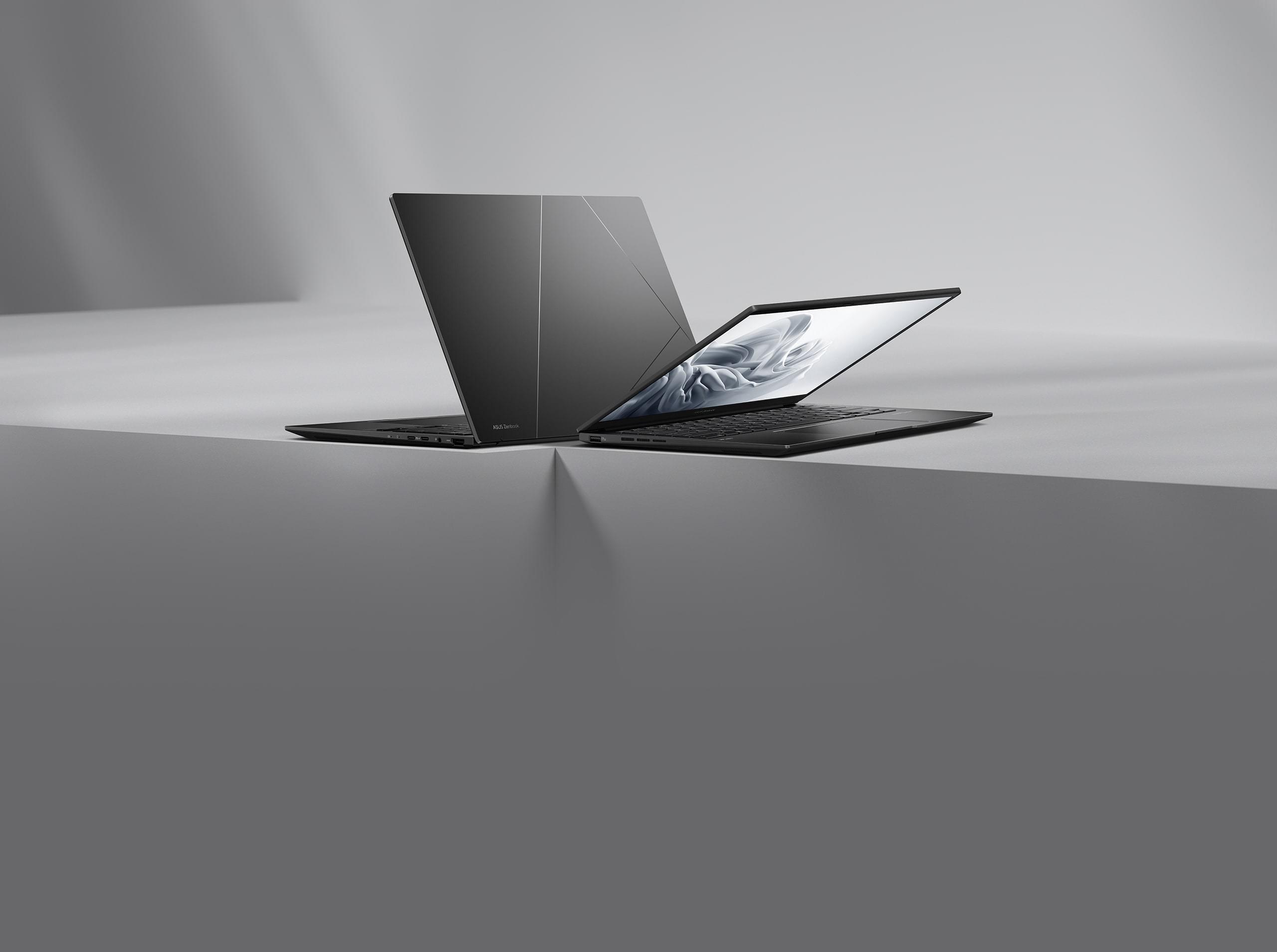
ASUS Zenbook 14 OLED
New Zen with AI
Elevate your experience with the sleek and sophisticated Zenbook 14 OLED ultraportable. Its thin-and-light design houses the power of the latest AI-enabled AMD Ryzen 8040 Series processors, which make AI tools fly, along with AMD Radeon graphics. A long-lasting battery ensures all-day power, and there's a full complement of I/O ports for enhanced connectivity. Its 180° hinge allows easy sharing, and you can dive into a world of sensory delight with the vibrant ASUS Lumina OLED display [1] and cutting-edge super-linear speakers, while embracing the environmentally conscious design that exudes eco-elegance.
Check out the video:
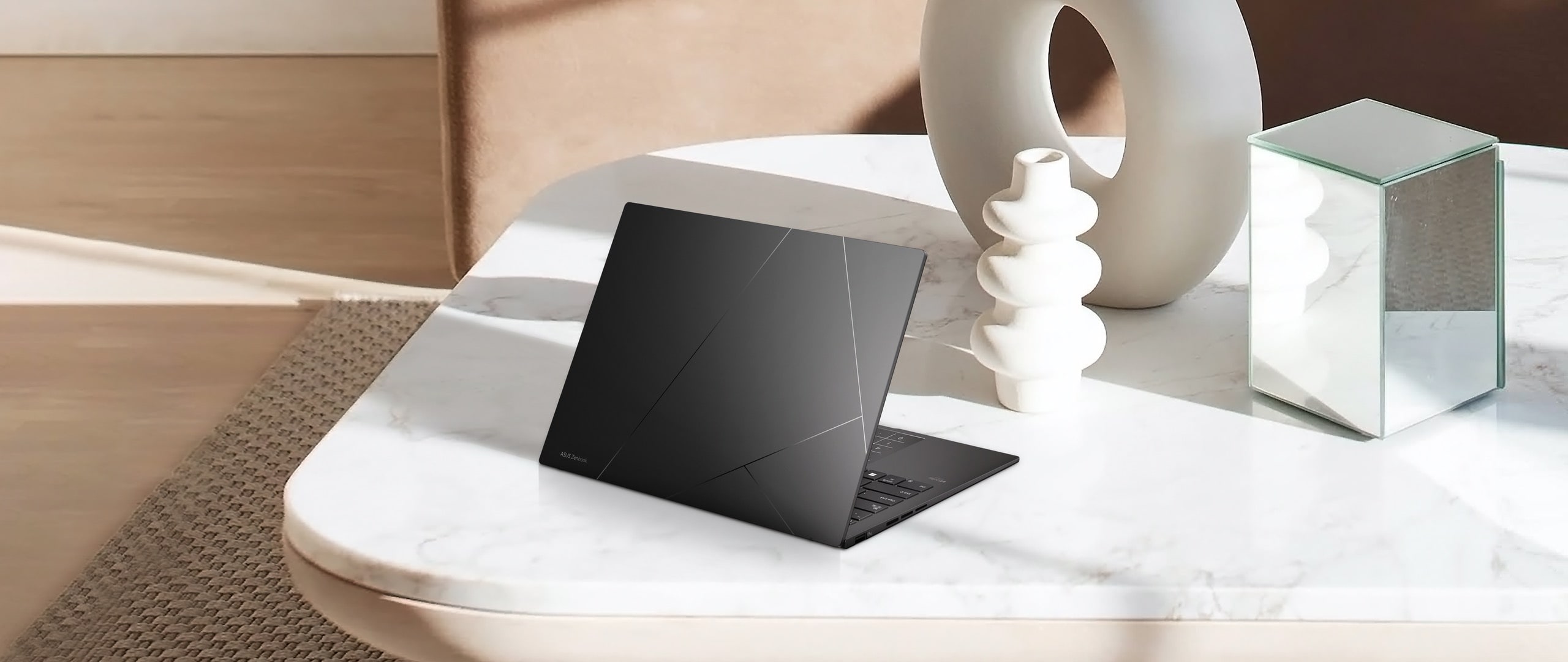
Design: Modern Elegance
Refined and Practical: We’ve chosen a sophisticated color for this contemporary classic.
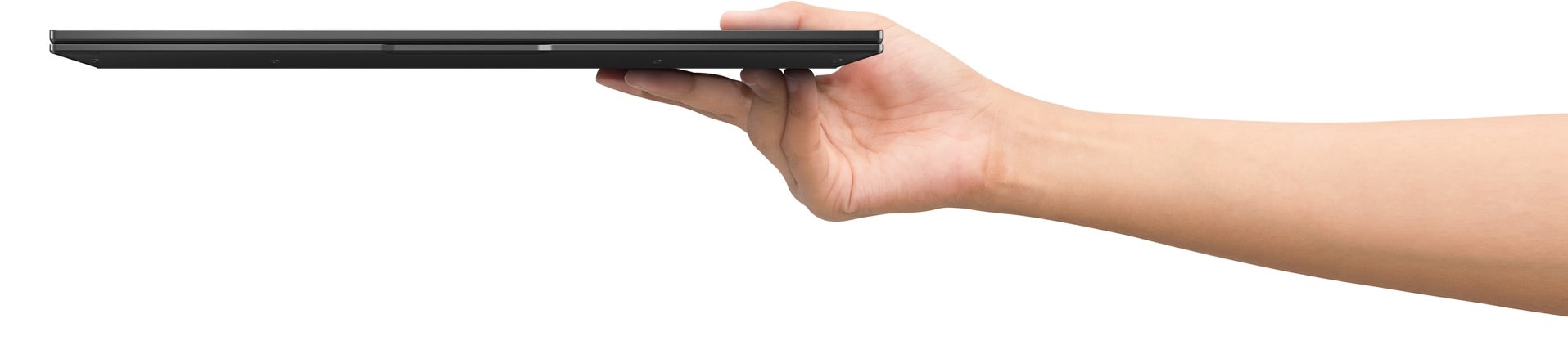
Mobility: Effortless Mobility
Experience unmatched portability with the slim, lightweight, and durable all-metal construction, and enjoy the feel of the seamless edge finish. Zenbook 14 OLED is up for all challenges, no matter where you are!
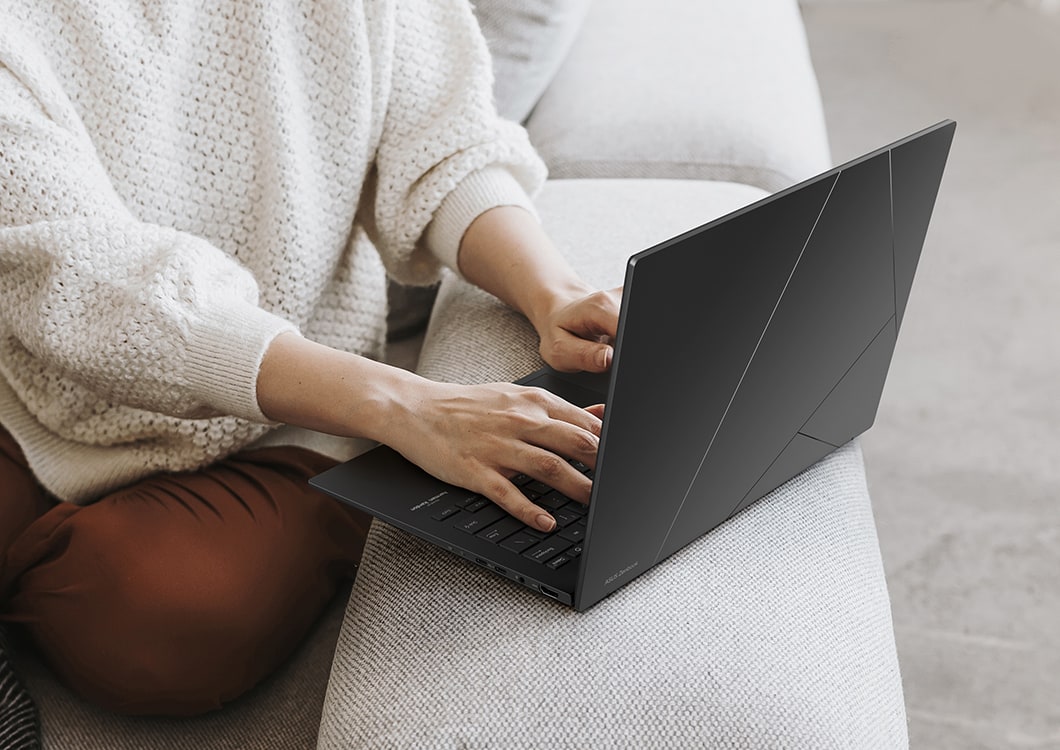
17+ Hours Non-Stop Entertaining
- 75 Wh battery capacity
- Up to 1.2x battery lifespan [4]
- 60% in 49 mins Fast Charging technology

Battery: All Day, Every Day
Untether yourself from the mains and be productive everywhere. Zenbook 14 OLED has the day-long stamina you need, and more. And when it’s time for a top-up, USB-C Easy Charge makes it ultra-quick and ultra-convenient!
Performance: Harness the Power of AI
Multitask like a pro with Zenbook 14 OLED! With its processor-integrated AMD Ryzen AI accelerator, lightning-fast up to 1 TB SSD storage, 16 GB of RAM, and WiFi 6E5 connectivity, you’ll experience less waiting and increased productivity, no matter where you’re working.
- Windows 11 Pro
- Processor: AMD Ryzen 7 8840HS
- Graphics: AMD Radeon
- Built-in: AMD Ryzen AI
- Up to 5.1 GHz with total 8 cores [6]
- Up to 16 Tera Opertations Per Second [6]
- Up to 28W CPU TDP [6]
- ASUS Laptop with AMD Ryzen 7 8840HS Processor: 13,803
- ASUS Laptop with AMD Ryzen 7 7730U Processor: 10,575
- 1.3x faster*
* 1.3x better performance is based on Cinebench R23 Multi Core benchmark. [18]
Windows 11: Your Time is Valuable
So, don’t waste it doing things the hard way. Windows 11 brings a fresh experience with new ways to get things done in a fast, fun, and easy kind of way.
*Screen simulated, subject to change. Feature availability and rollout timing varies by market and device.
Check out the video:
Copilot in Windows: Help is Always at Hand
One click for endless exploration. Your own personal copilot built right in. Get real answers, inspiration, and solutions for your questions, projects, and to-do-list?
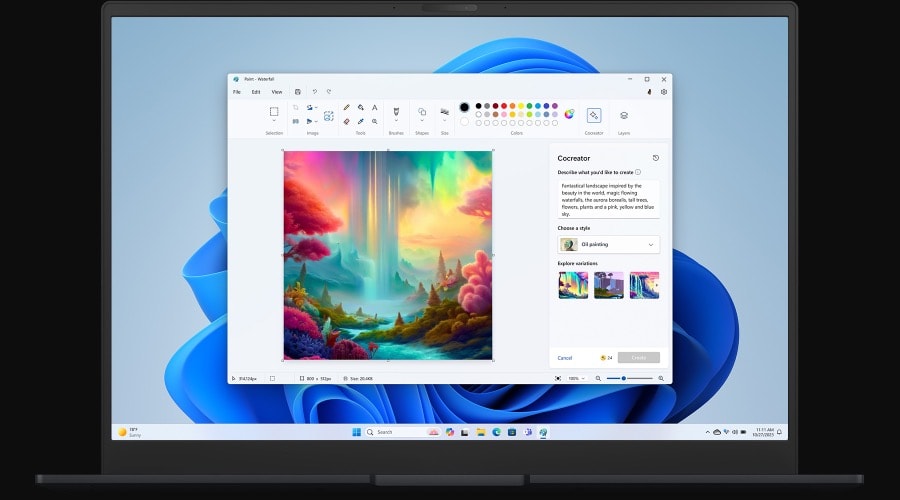
Paint: For Images, and Imagination
Paint now comes with new tools to help you edit photos like a pro and create art like a visionary?
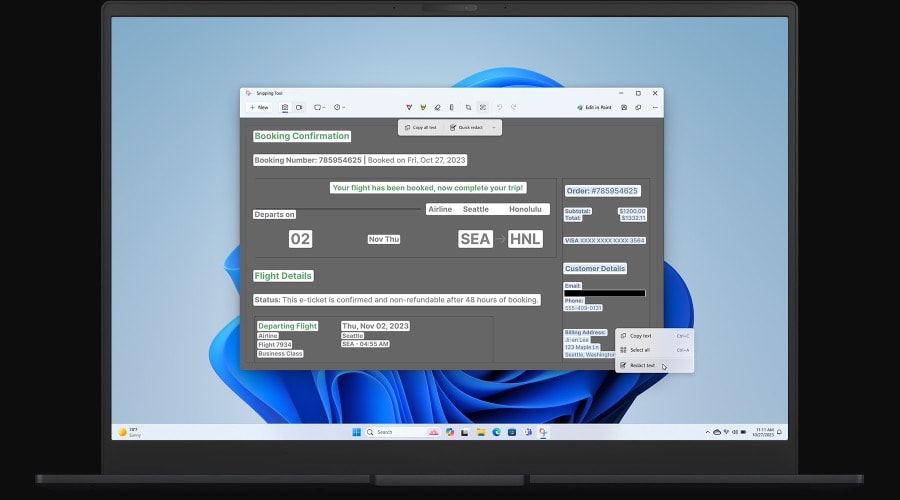
Snipping Tool: Nothing's as Clear as a Screenshot
Capture exactly what's on your screen with Snipping Tool and Screen Recorder. Then, edit and share it with others?
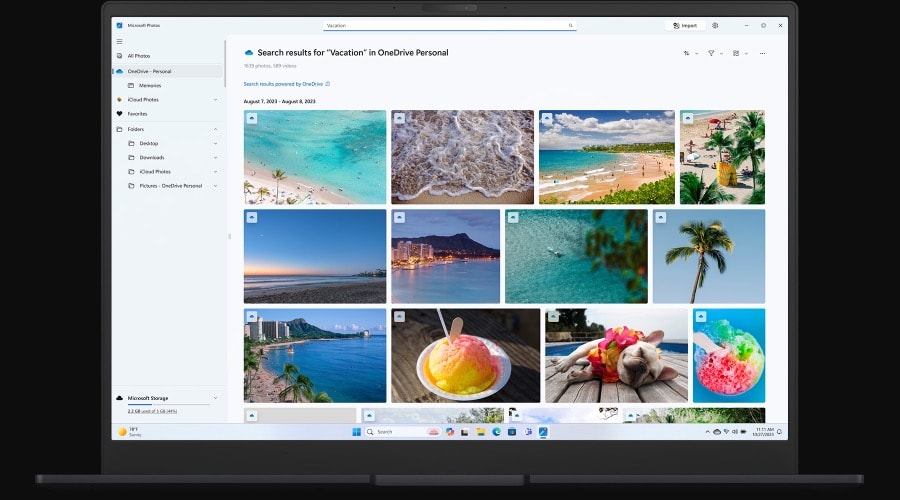
Photos: For the Moments Worth Remembering
The Photos app makes it simple to organize, edit, and revisit life's magical moments.
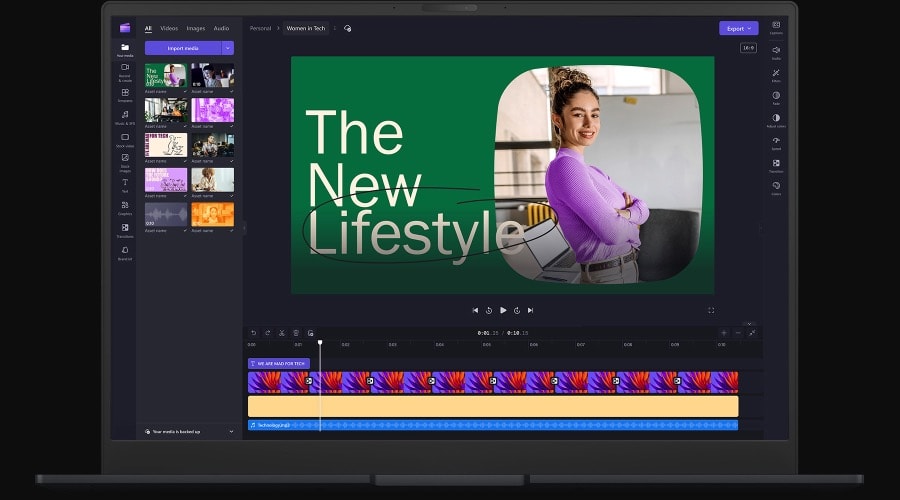
Clipchamp: Inspiring Ideas
When it comes to storytelling, editing matters just as much as scenes. Microsoft Clipchamp can help you make it all come together?
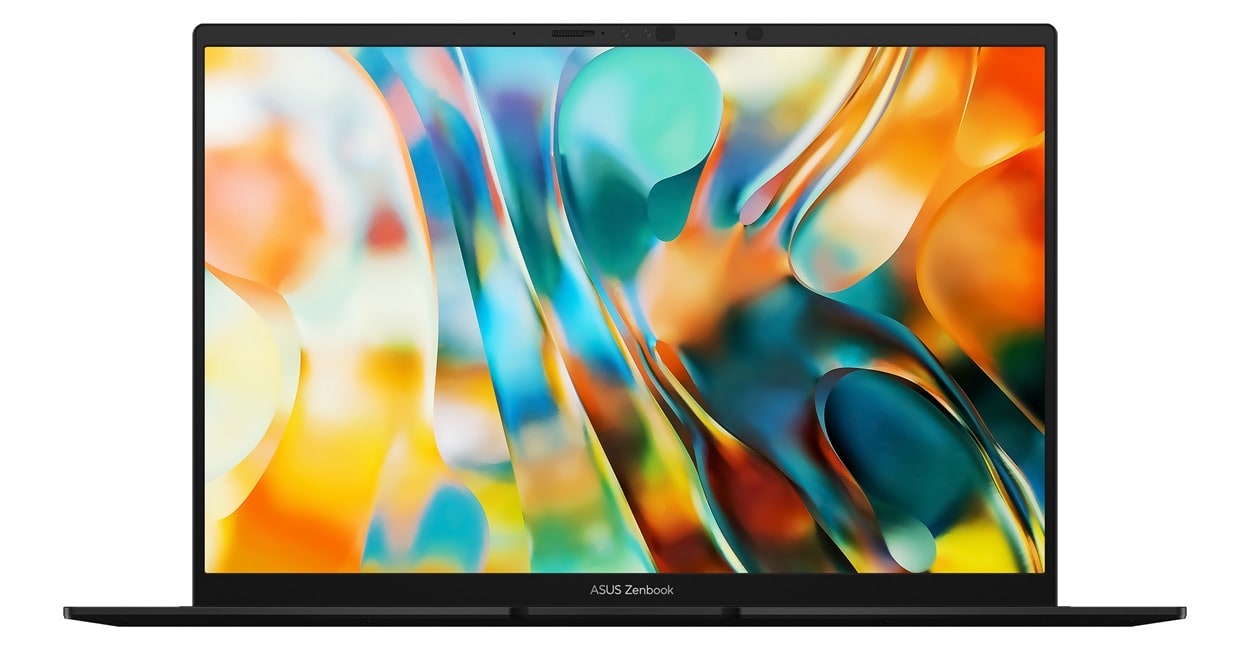
OLED 3K 120 Hz
The ultra-vivid 2880 by 1800 ASUS Lumina OLED display makes every moment incredible, with its up to 600-nit brightness [8], web-friendly 16:10 aspect ratio, and 87% screen-to-body ratio. And adaptive sync automatically adjusts the refresh rate for always-smooth visuals.
- High dynamic range
- Low blue light certified
- Low blue light hardware certified
- ASUS Lumina OLED display

More Accurate
ASUS Lumina OLED offers industry-standard colors, deep blacks, and exceptional detail.
More Adaptive
ASUS Lumina OLED provides customizable visuals, power-saving solutions and sharpened playback.

More Reliable
ASUS Lumina OLED ensures eye protection, burn-in prevention and panel durability.
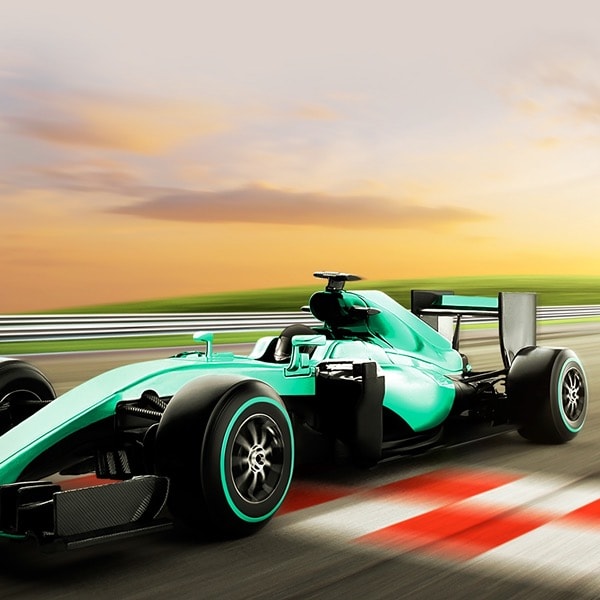
Leading 120 Hz Motion Clarity
More frames per second, so fast-moving visuals are smoother and clearer than ever.
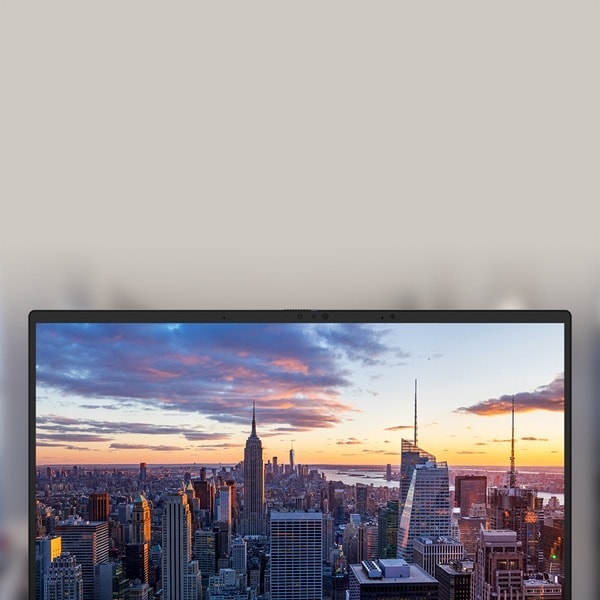
Perfect Brightness and Color Tone!
Automatically adjust screen brightness and color tone for your eye comfort.

Make it Personal, ASUS Splendid
Fully customizable color with sRGB, DCI-P3, Display-P3, and Native options.

Big Sound: Audio: Everything Sounds Better
Whatever you’re listening to, the powerful, crystal-clear sound delivered by the Super-linear speakers, Smart Amplifier and ASUS Audio Booster will give your ears a treat.
Quiet Comfortable: Keyboard: More Comfort, Less Distraction
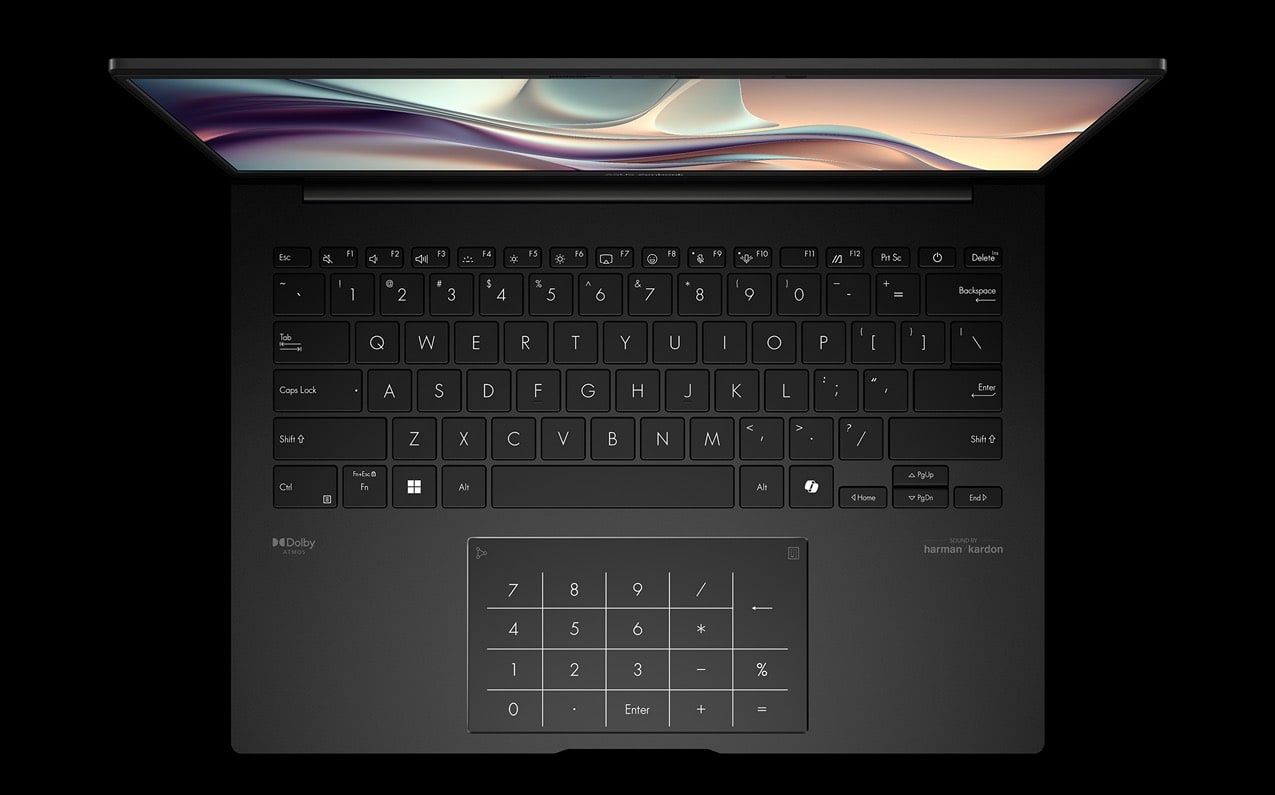
Our revolutionary Quiet Keyboard technology elegantly eliminates intrusive noises, benefiting both your personal space and those in your vicinity. And a touch on the emoji hotkey will infuse your conversations with vibrant expression. For easy number-crunching, the touchpad includes the ASUS NumberPadn[13], [14] 2.0 virtual numeric keypad.
- Quiet Keyboard
- Emoji hotkey
- Anti-fingerprint touchpad
I/O Ports: Convenient Connections
Zenbook 14 OLED includes all the essential full-function ports you need for fast and seamless on-the-go connections, so you don’t need to carry annoying dongles and adapters. There’s even a convenient audio combo jack!
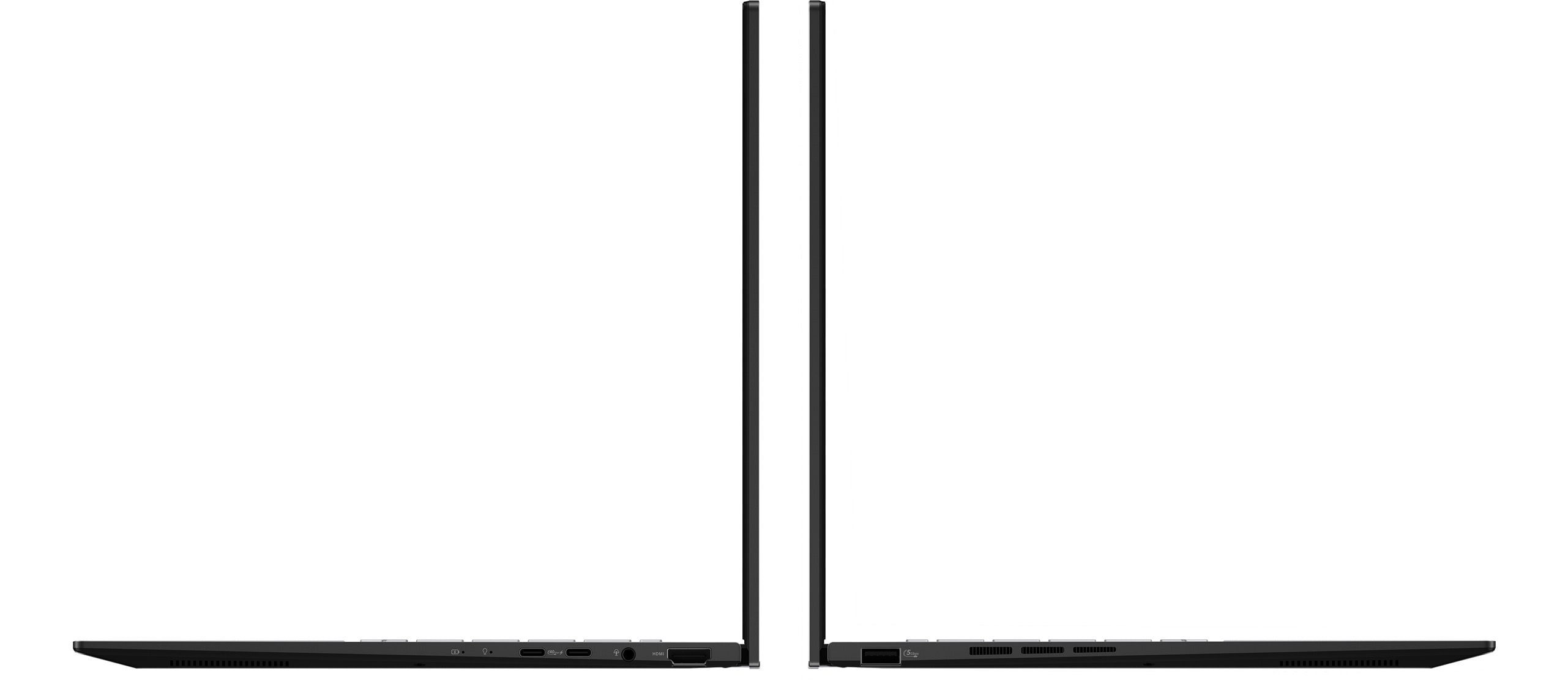
All the Ports You Need
- USB 3.2 Gen 2 Type-C
- USB 4 Type-C
- Audio combo jack
- HDMI 2.1
- USB 3.2 Gen 1
Smart Conferencing: Look Amazing, Sound Great
You’ll always look and sound your best with our innovative AI-enhanced camera and audio systems.

The ASUS AiSense camera makes sure that you always look your best during virtual conferences.
Hear and Be Heard Clearly
Two-Way AI Noise Cancelation leverages a massive deep-learning database to reduce background noise for microphone and audio.
Privacy: Protect your Privacy
Stay secure with the camera privacy shield and fast, password-free face login.
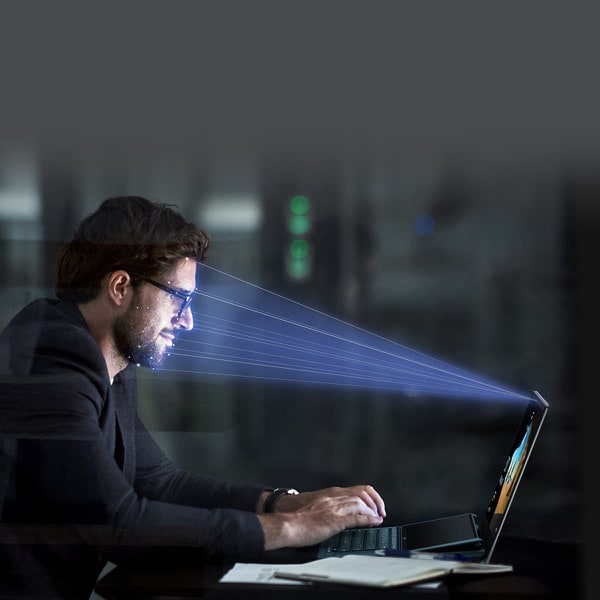
Unlock, Instantly
Windows Hello Infrared (IR) camera allows you to unlock your laptop quickly and securely.

Physical Webcam Privacy Shield
The integrated privacy shield slides over the webcam for instant privacy protection against prying eyes and disturbances.
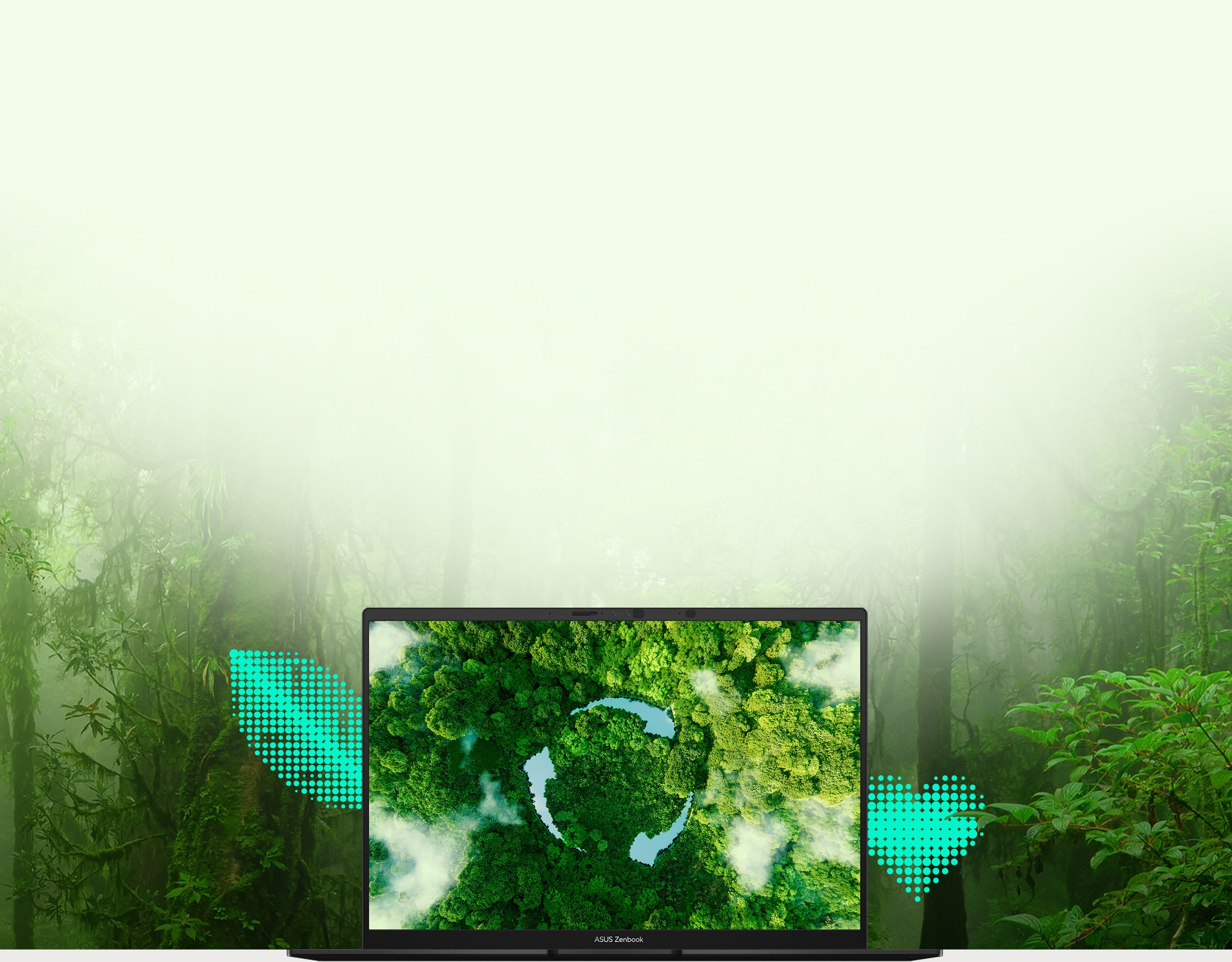
Environment: Made for the Earth. Made for you
ASUS is committed to driving progress toward a more sustainable future. Zenbook 14 OLED incorporates sustainable materials in the product and its packaging. Top ecolabels and compliance, including EPEAT Gold [15], ENERGY STAR, and RoHS, prove our commitment to protecting the earth and giving you the best.
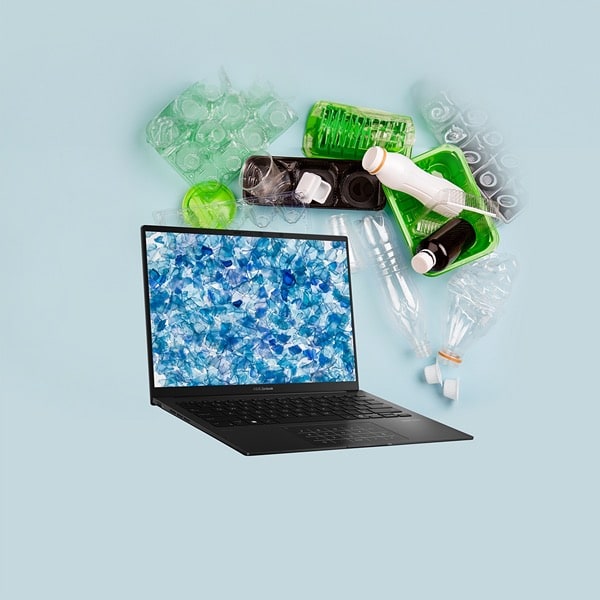
50% Post-Consumer Recycled (PCR) Plastics
Designed with the Earth in mind by using 50% PCR plastics, all without compromising quality, function, and durability.

100% Recyclable Packaging
Recyclable packaging reduces the need for single-use paper, achieving the goal of reduce, reuse, and recycle.

36% More Efficient than Energy Star
The energy efficiency of Zenbook 14 OLED exceeds ENERGY STAR standards by 36% [16], greatly reducing its carbon footprint.
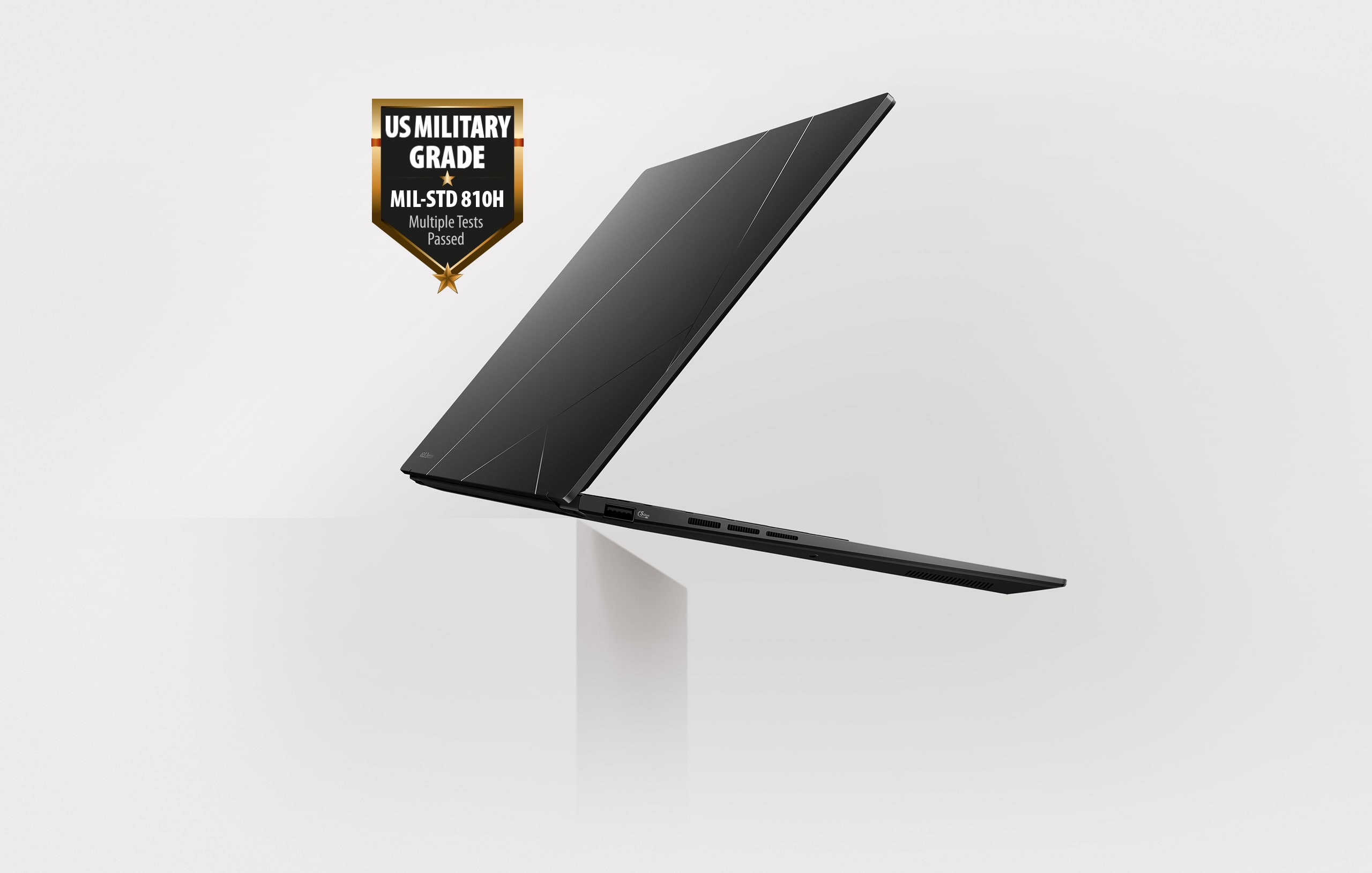
Military Grade: US Military-Grade Laptop Durability
ASUS consumer laptops meet the ultra-demanding MIL-STD 810H military standard [17] for reliability and durability, undergoing a punishing test regime that includes extended tests for operation in harsh environments. These factors also help improve the laptops’ longevity and hence their sustainability, so you can work, travel or relax with the confidence that your ASUS laptop is ready for the real world — today, and long into the future.
- Vibration Test
- Altitude Test
- High Temperature Test
- Low Temperature Test
- Shock Test
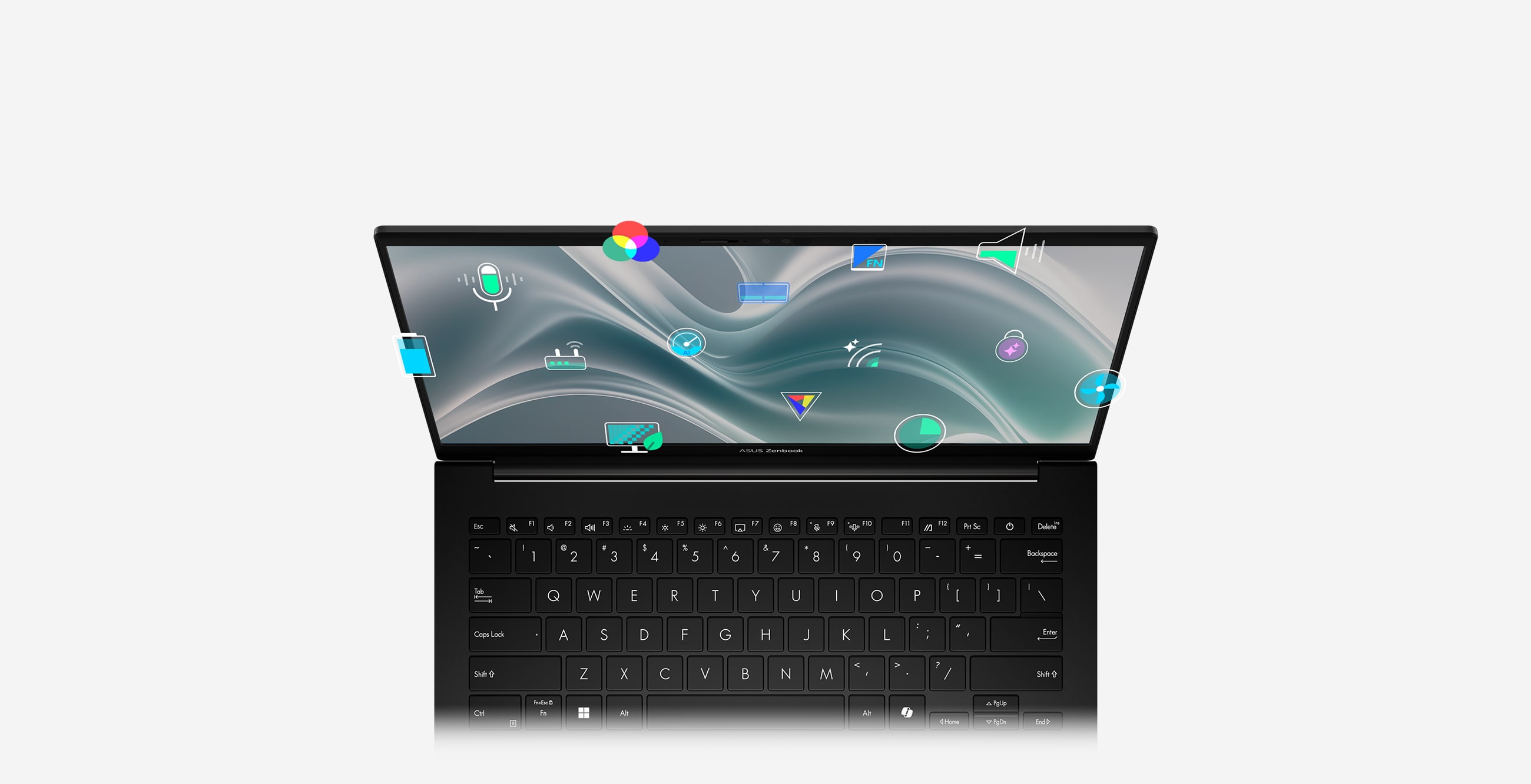
Software: Truly Personalized Workflow
ASUS offers a suite of software designed to take your computing experience up a notch. MyASUS provides a collection of handy apps and tools that help you get more out of your laptop, while GlideX enables you to get more done by sharing screens across devices. Plus, ScreenXpert helps you manage app windows across all connected displays for a smoother workflow.
MyASUS
MyASUS provides easy access to ASUS apps that are designed to help you maintain your system, update your software, optimize your PC’s performance, and contact ASUS for after-sales support.
- Device Setting
- ASUS Switch
- Customer Support
- System Update
- One-Click System Diagnosis
GlideX
GlideX is a cross-device screen-sharing solution that uses wired or wireless connections to give you a bigger and better space for work and play. GlideX optimizes your workflow in the blink of an eye!
- Mirror
- Extend (PC to Mobile)
- Extend (PC to PC)
- Unify Control
- File Transfer
- Communication
ScreenXpert
ScreenXpert — which you can download from Microsoft Store or find in your PC’s Start menu — helps you to manage app windows across displays connected to your ASUS PC and puts you in full control of your workflow!
- App Switcher
- App Navigator
- Control Center
- Cursor Locator
- Cursor Edge Lock
Notes:
* The model shown is for reference purposes only. Actual models may differ.
1. The visual appearance of OLED displays may change over the product’s lifetime. This is expected behavior that can include image persistence or burn-in, where the display shows a faint remnant of an image even after a new image appears on the screen. This tends to occur only in extreme use cases, such as when a static, high-contrast image is continuously displayed for prolonged periods of time. ASUS laptops with an OLED display minimize this risk by setting Windows’s Dark mode as default, as well as shortening the idle time before the screen is turned off — both on mains (AC) and battery (DC) power. This dual approach minimizes the potential for burn-in to maximize the lifespan of your OLED display lifespan, and also reduces unnecessary power draw for optimal battery life. We also recommended adjust the brightness of your OLED display to complement the ambient lighting in your environment, rather than keeping the screen at maximum brightness at all times. You should also ensure that you have an animated, dark-background screensaver enabled in the Windows Settings tool.
2. Weight might vary by specifications.
3. Battery tests conducted by ASUS on Jan. 2024 using the 1080p Video Playback scenario. Test configuration: Zenbook UM3406HA, 3K OLED panel, AMD Ryzen™ 7 8840HS processor, 1TB SSD, 16GB RAM. Test settings: WiFi enabled but disconnected (not connected to any access point), Windows Power Plan set to Balanced, display brightness set to 150 cd/m2. Actual battery life may vary depending on product configuration, usage, operational conditions and power management settings. Battery life will decrease over the lifetime of the battery.
4. This data is derived from ASUS laboratory testing, which involves simulating daily charging frequency as the testing standard. The actual lifespan of the battery may differ depending on factors such as product configuration, usage patterns, operational conditions, and power management settings. Over time, the battery’s longevity will naturally decrease. For more comprehensive information, please refer to the provided link. https://www.asus.com/support/faq/1051114
5. WiFi 6E availability may vary by country and their specific regulations. Feature only supported by Windows 11 or later.
6. The figures are based on theoretical performance. Actual performance may vary in real-world situations.
7. Copilot in Windows (in preview) is rolling out gradually within the latest update to Windows 11 in select global markets. Timing of availability varies by device and market. Copilot key feature availability varies by market. Learn more: https://www.microsoft.com/en-us/windows/copilot-ai-features?r=1#faq
8. Touchscreen is up to 500-nit brightness, non-touchscreen is up to 600-nit brightness.
9. Average tested result in MyASUS Splendid Display P3 and sRGB color gamut: Delta E < 1, +/- 0.5, and may vary by specification.
10. Compared to average LCD displays in the market, measuring energy emission of blue light in between 415-455 nm wavelength.
11. To further maximize the protection of your OLED laptop, ASUS has included OLED Care settings such as pixel refresh and pixel shifting, which are turned on by default. It’s important to note that if any burn-in issues do occur within the warranty period, which might vary by countries, ASUS offers a free exchange service for the affected OLED laptop as long as the user did not manually turn off the OLED Care functions.
12. The color-temperature-adjustment feature is available with OLED models only.
13. NumberPad 2.0 is optional.
14. Please note that all versions of NumberPad only work with the Microsoft Windows operating system.
15. EPEAT registered where applicable. EPEAT registration varies by country. See www.epeat.net for registration status by country.
16. Percentage varies according to device configuration.
17. The testing regime includes the requirements of both military-grade standards and ASUS quality tests, and varies depending on device. MIL-STD-810 testing is conducted on selected ASUS products only. Note that the MIL-STD-810 testing helps to ensure the quality of ASUS products but does not indicate a particular fitness for military use. The test is performed under laboratory conditions. Any damage caused by attempts to replicate these test conditions would be considered accidental, and would not be covered by the standard ASUS warranty. Additional coverage is available with ASUS Premium Care.
18. Performance claim is based on the Cinebench R23 Multi Core benchmark, comparing the score of Zenbook 14 UM3406HA tested by ASUS in Jan. 2024 (configured with AMD Ryzen™ 7 8840HS processor, 16 GB LPDDR5x RAM, and a 1 TB PCIe 4.0 x4 SSD) and Zenbook 14 UM3402YA (configured with AMD Ryzen™ 7 7730U processor, 16 GB LPDDR4x RAM, and a 1 TB PCIe 3.0 x4 SSD). Test settings: select Performance mode under Fan profile in MyASUS, and idle the laptop for 10mins prior to running the benchmark under AC mode. It’s important to note that results may vary based on different specifications and testing environments.
19. Performance claim is based on the 3DMark Time Spy overall score, comparing the score of Zenbook 14 UM3406HA tested by ASUS in Jan. 2024 (configured with AMD Ryzen™ 7 8840HS processor, 16 GB LPDDR5x RAM, and a 1 TB PCIe 4.0 x4 SSD), and Zenbook 14 UM3402YA (configured with AMD Ryzen™ 7 7730U processor, 16 GB LPDDR4x RAM, and a 1 TB PCIe 3.0 x4 SSD). Test settings: select Performance mode under Fan profile in MyASUS, and idle the laptop for 10 minutes prior to running the benchmark under AC mode. It’s important to note that results may vary based on different specs.
20. Performance claim is based on Microsoft Teams 3x3 video conference call testing with background blur effect enabled, comparing the score of Zenbook 14 UM3406HA tested by ASUS in Jan. 2024 with NPU on and NPU off (configured with AMD Ryzen™ 7 8840HS processor, 16 GB LPDDR5x RAM, and a 1 TB PCIe 4.0 x4 SSD) Test settings: select Balance mode under Microsoft battery settings, 150-nits brightness, with AI Noise canceling and keyboard backlit off. It’s important to note that results may vary based on different models, specifications, and testing environments.
Product Features:
- Neural processor: AMD XDNA NPU up to 16 TOPS
- Expansion slots: 1x M.2 2280 PCIe 4.0x4
- FHD camera with IR function
- Battery: 75WHrs, 4S1P, 4-cell Li-ion
- Power supply: 65W AC Adapter