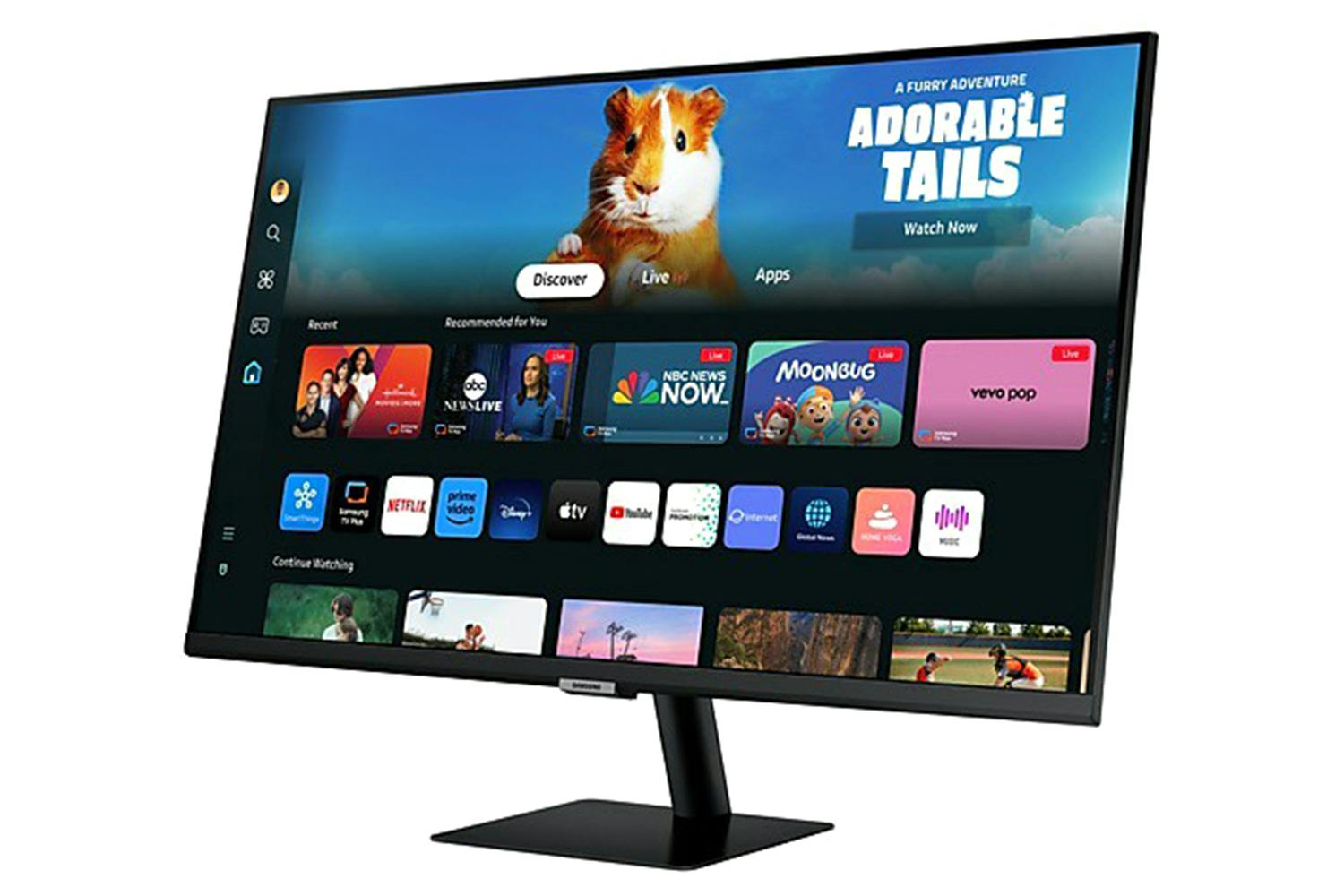
Description
Please note: This is an ex-display model. This product comes with a full guarantee but there may be signs of slight wear on the box and there may be some light usage marks on the product. Images used are for illustrative purposes only.
Ex-Display & Delivery Only!
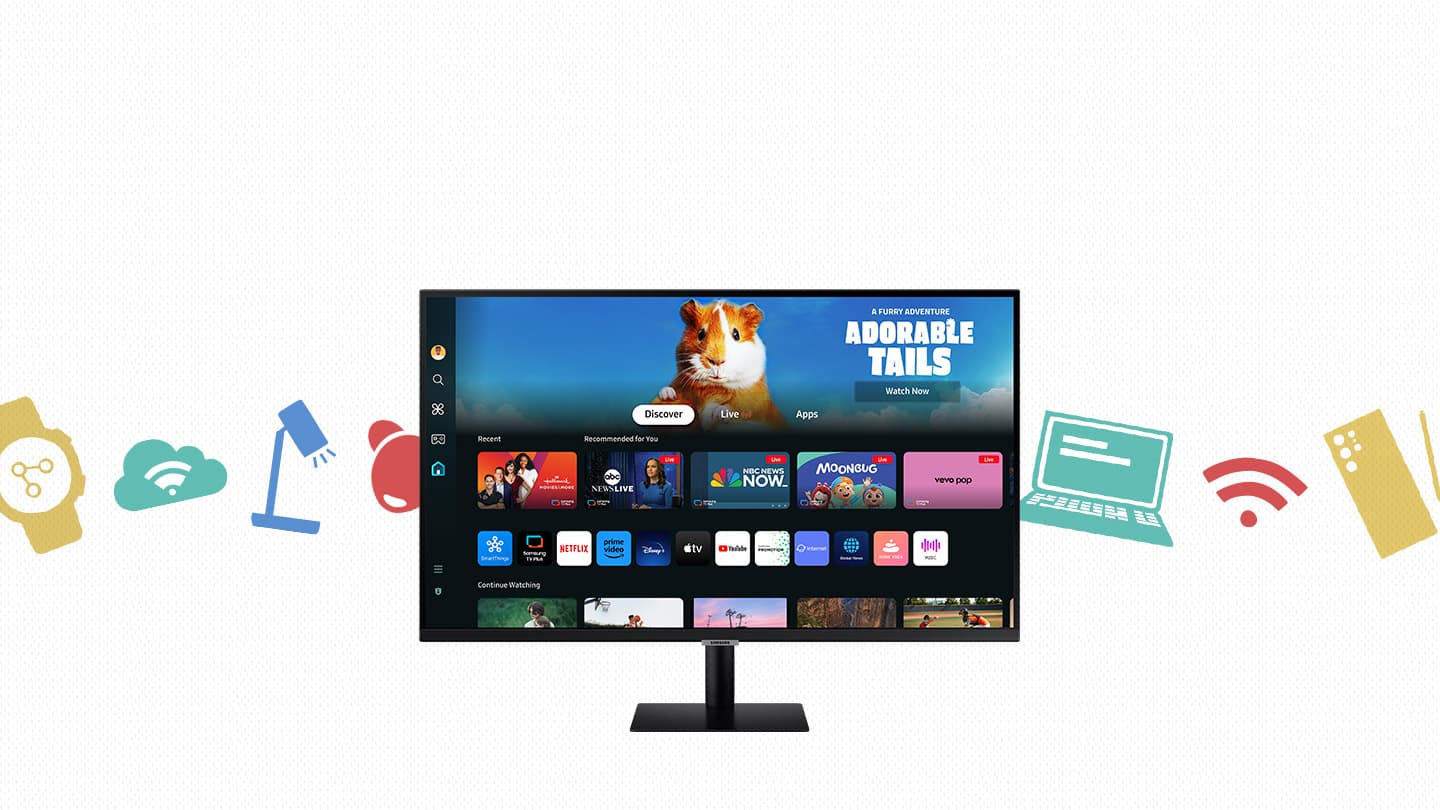
Watch, Play, Work in Style
A Monitor & Streaming TV All in One
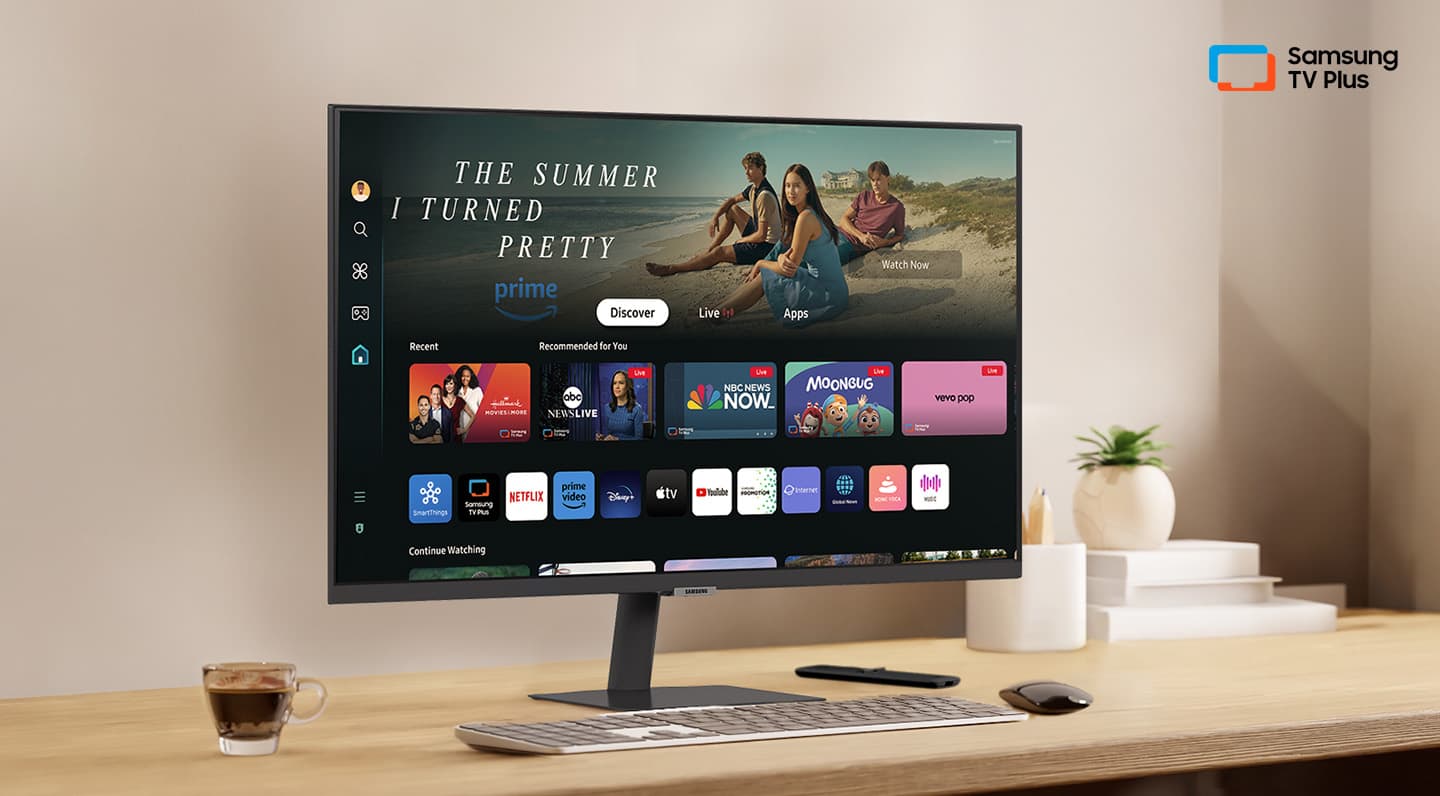
Instant access to your favorite OTT content: Smart TV Apps
Have to make the most out of a small space, or simply want a second TV? The Smart Monitor is the best choice. Stream OTT content directly from the monitor, or tune into Samsung TV Plus to get live TV channels and on-demand content at zero cost.
* Features, services and app availability may vary by country and region.* Samsung TV Plus and Universal Guide may not be available in some regions. * Some features may require separate subscriptions. * The user interface is subject to change without notice.* Smart Monitor does not include a TV tuner, which is not necessary for streaming apps. * Internet connection is required.* Remote control specifications vary by country, region and model.* Keyboard and mouse control compatibility varies by app.* Access to the full range of smart features, such as network-based services, applications (including games and streaming services), and smart home functionality requires a Samsung Account. Without logging in, functionality is limited to external devices, e.g. via HDMI. 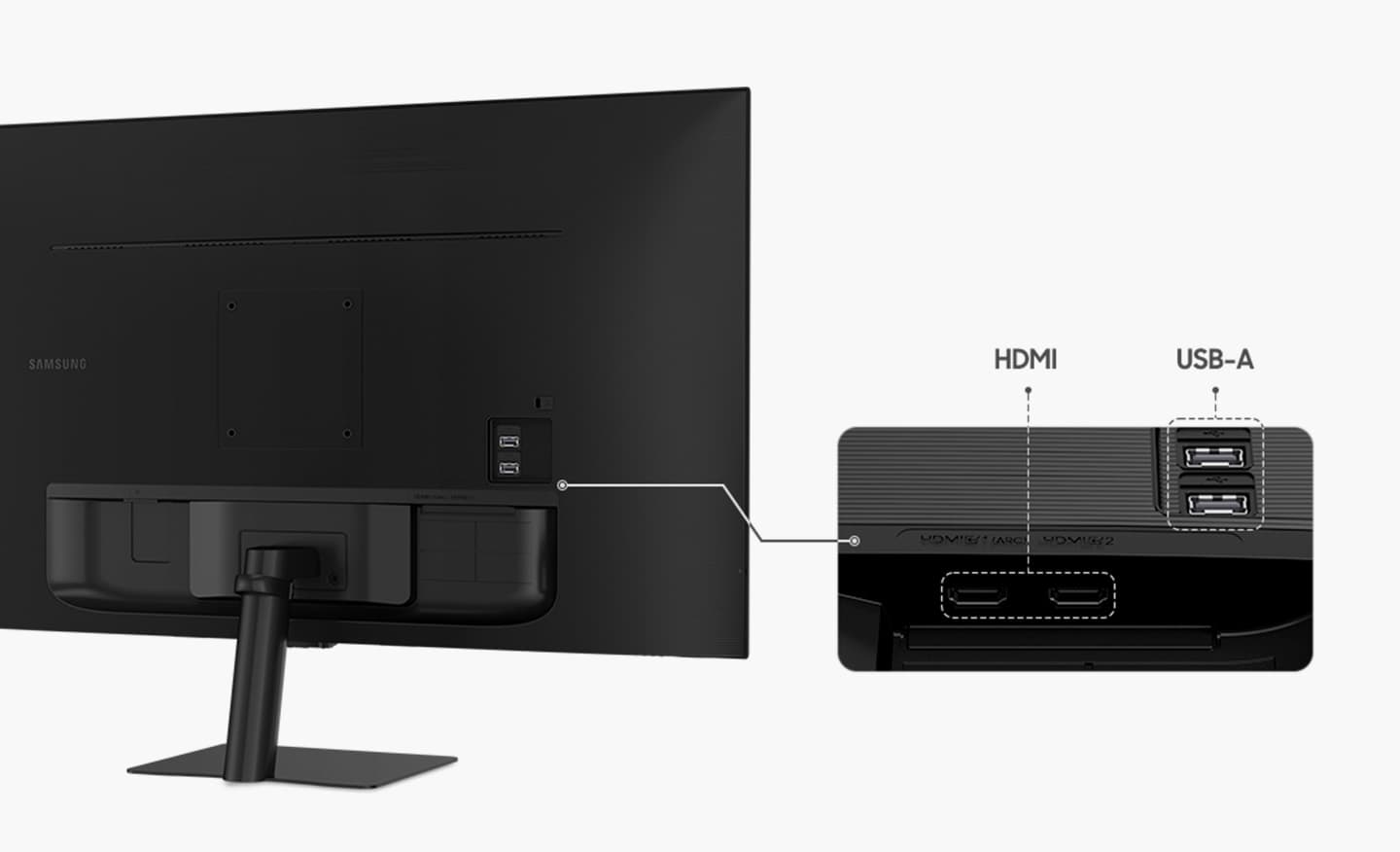
Multiple connections for your devices: Multiple Ports
Connect easily and create your customized set up using HDMI and USB-A ports without any adapters. Plug in to create your ideal multi-screen station.
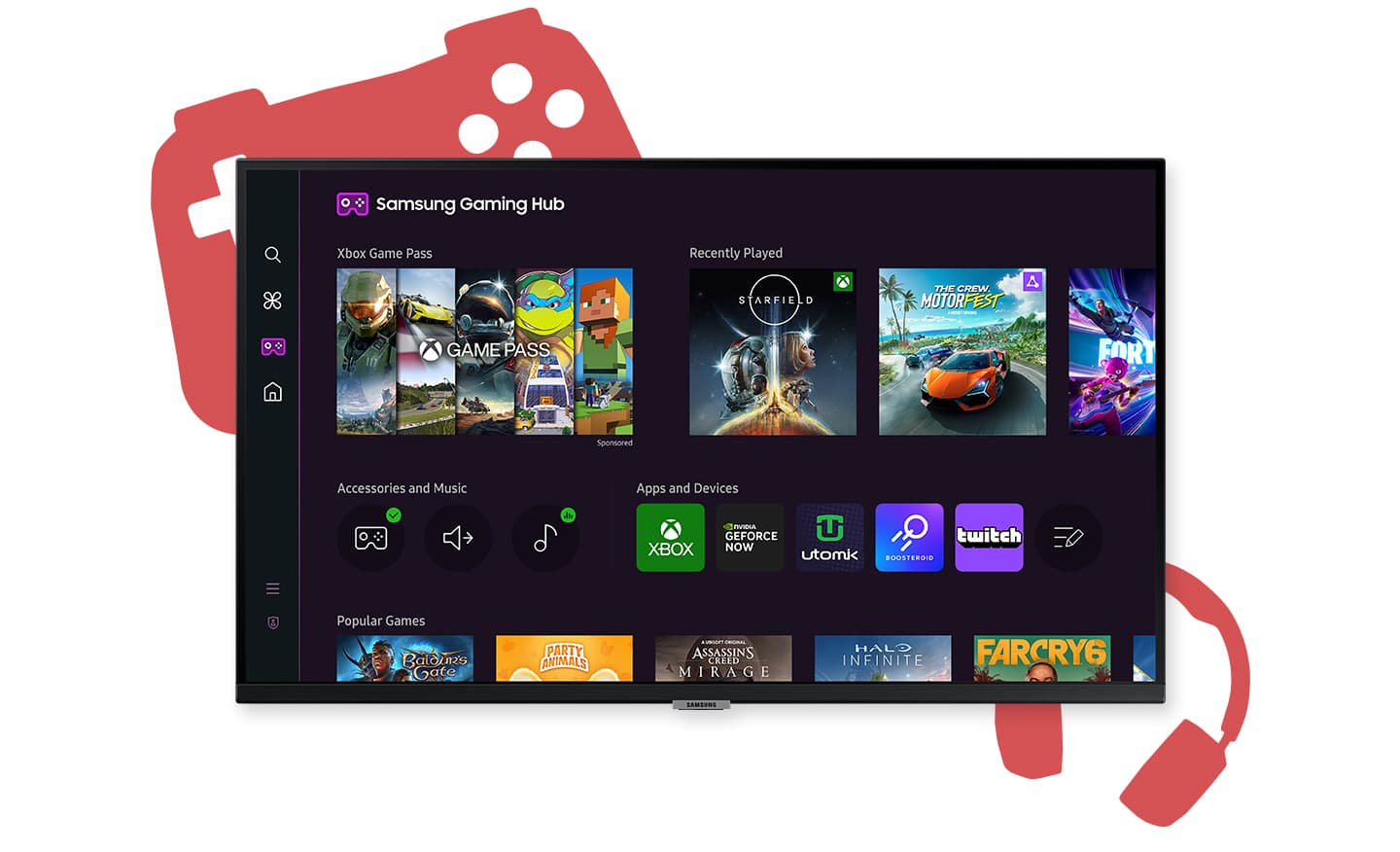
Where gaming comes together: Gaming Hub
Samsung Gaming Hub is the ultimate home for gaming. Instantly play the biggest games from top streaming partners, with no PC or console needed. Discover new games or replay old favorites all in one place.
* Gaming Hub is available in limited countries, with app availability differing by country. UI is subject to change without prior notice.* Accessing Gaming Hub is free of charge. Subscription may be required to access content offered by game-stream providers on the Gaming Hub.* You may need to download apps depending on the game or service.* A separate controller may be required depending on the specific game you are playing on the Gaming Hub.* Requires internet connection.
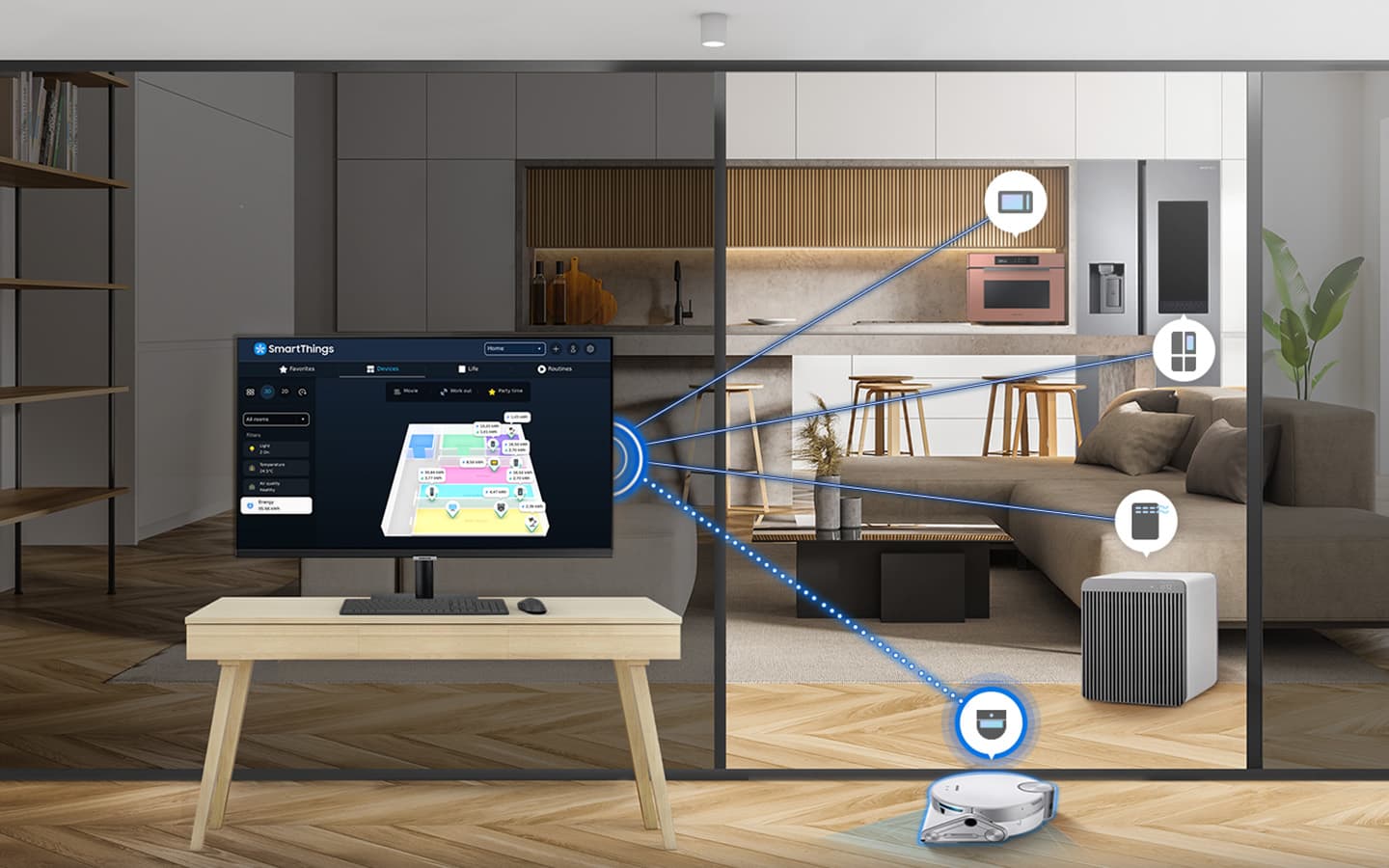
Simple control for your smart home: SmartThings
See all your smart home devices in a new 3D Map View, for an easier way to manage devices in different rooms. See energy usage and costs by device, and save money by turning on energy saving modes. Use your mobile phone to tap into the all-in-one IoT hub - all without pausing shows.
* Available technology, functions and features may vary by country, service provider, network environment or product, and are subject to change without notice.* Requires a Wi-Fi, Bluetooth or other wireless network connection and devices registered to SmartThings app.* Connected devices are sold separately. For full compatible device list, please check https://www.smartthings.com/products.* Energy saving is only available for smart appliances that are compatible with AI Energy mode.* A separate SmartThings Dongle is required to connect to Zigbee and Thread devices. (Connection to Z-Wave device is not supported)
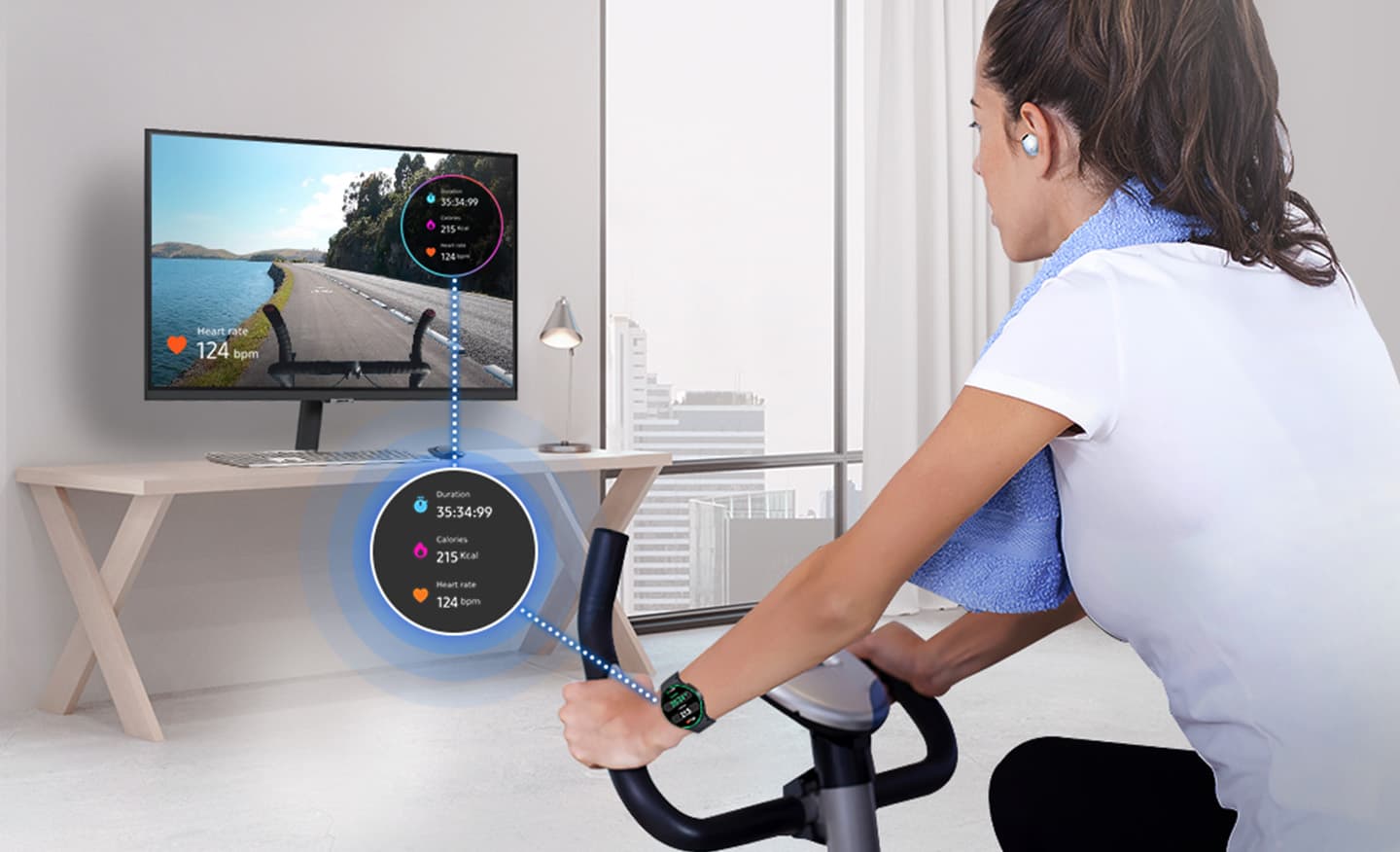
"Monitor" your workouts like never before: Workout Tracker
Forget about boring workouts. Stream workout content, or run your own workout while watching contents on the Smart Monitor. Pair your Galaxy Watch to track real-time health data on the screen, while keeping streaming content on at the same time.
* Supported devices are Galaxy Watch 4 or later with Galaxy Mobile (One UI 4.1.1 and above) with latest software version.* Devices must be logged into the same Samsung account.* Place your watch and mobile device near your screen to use Workout Tracker.* Screen images simulated for illustrative purpose.
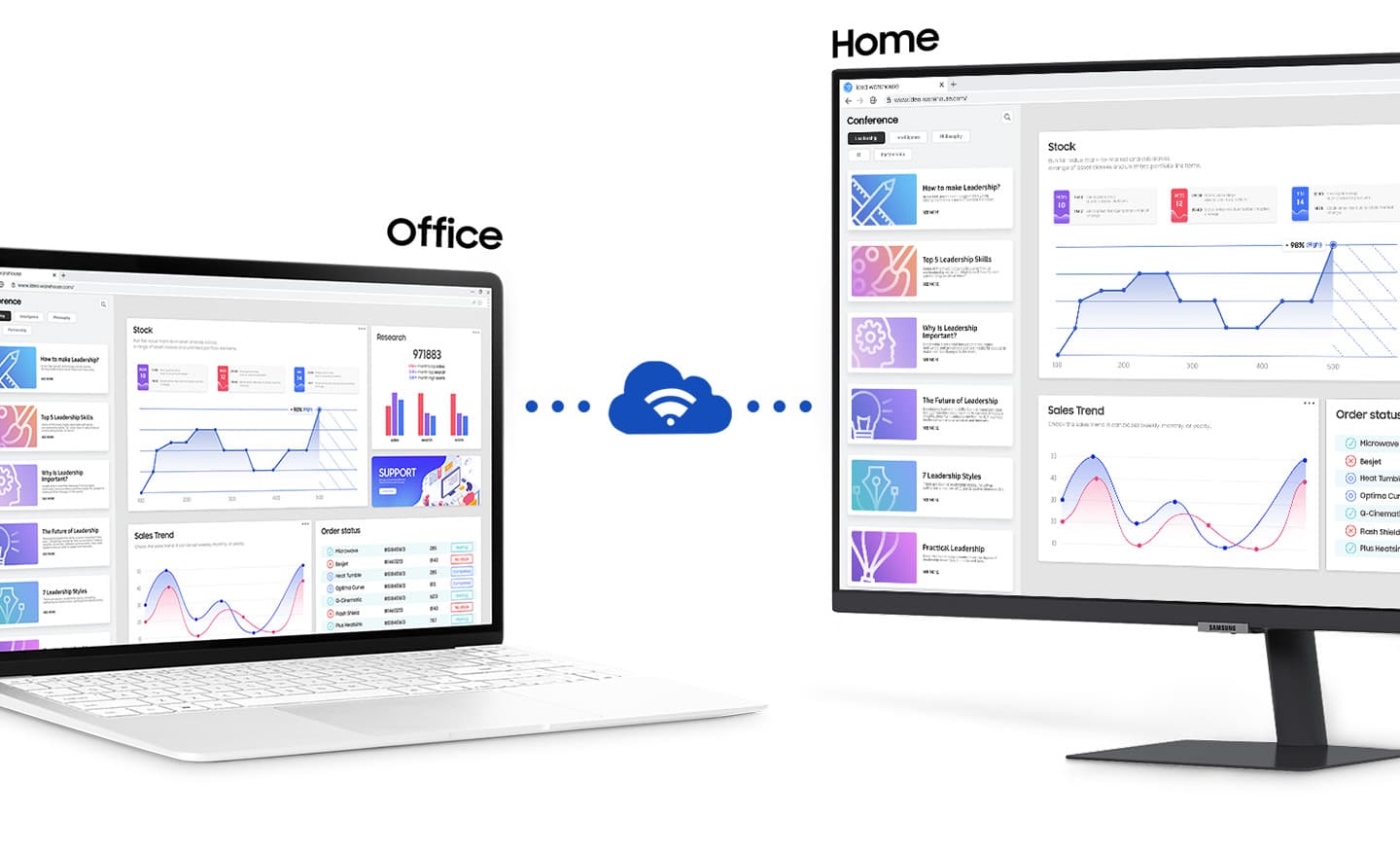
Faster, easier access to your work tools: Workspace
Access and control your PC remotely, or work directly on the monitor. Embedded productivity apps like Microsoft 365 let you bypass the PC for a simpler, streamlined working environment.
* On-screen content simulated for demonstration purpose.* Microsoft 365 requires Microsoft account. Some features of Microsoft 365 require subscription.* Windows 10 Pro, Mac OS 10.5, or higher, and compatible network settings are required for this feature.
One mouse and keyboard across devices: Multi Control
Maximize your multitasking capabilities by effortlessly controlling multiple devices with a single mouse and keyboard. Experience greater efficiency with a single control station for your Smart Monitor, Galaxy Tab and Galaxy mobile device.
Check out the video:
* Each device must be registered with a single Samsung Account and connected to the same Wi-Fi network.* Multi control requires updated Galaxy phones and tablets with One UI 5.1 or above and Galaxy Book series devices released in 2021 or later with Samsung Settings v1.5(Intel) or Samsung Settings v3.3(ARM).* Some functions(such as Copy & Paste or Drag & Drop) may not be available when using certain device models and apps. * Feature availability may vary by region(e.g. not provided in People's Republic of China).* Screen images simulated for illustrative purpose.* Multi Control connectivity to a Galaxy mobile or tablet without a Galaxy Book will be available following an update in May.

Designed for low vision users: Vision Accessibility Tools
The Smart Monitor is designed with accessibility in mind, particularly for low vision users. It comes equipped with tools that help them see and use the screen more easily, including color switching and audio descriptions for TV settings like the volume and channel.
Product Features:
- Speaker
- Speaker Output: 10W
- Adaptive Sound
- HDMI Version: 1.4
- HDCP Version (HDMI): 2.2
- Flicker Free
- Eye Saver Mode
Samsung M50D 32" FHD Monitor | LS32DM500EUXXU is rated
3.0 out of
5 by
2.
Rated 1 out of
5
by
Customer from
Didn’t work - Faulty product
Faulty product, didn’t work. Returned it to the store for replacement but nothing available so eventually got a refund and bought it on Amazon.
Date published: 2025-08-17
Product Care
Protect your purchase with Product Care™. Get a brand new replacement if your product suffers an eligible fault through our hassle free support process, plus enjoy a range of exclusive benefits like a product health check and free prints each year so you experience your new product even more.
Discover all of the benefits Product Care™ brings you:
Protection
With Product Care™ you can relax knowing your purchase is protected. After an assessment, if your product suffers a fault covered by the terms of your plan, we’ll arrange to have a brand new replacement delivered to your doorstep.
Support
Our range of support options ensure you experience an easy and hassle free process when you need to talk to us about your Product Care™ plan. Whether you are experiencing a fault, or wanting to redeem your entitlements, we will provide you with guidance and support every step of the way.
Advantage
Having Product Care™ with your purchase means you can enjoy a range of special benefits that are exclusive to you and will help you enjoy the experience of your new product even more.