Life, upscaled. In 4K.
Your first step into a world of crystal clear wonder. Every moment, now more vibrant and alive. Everything essential, now even more exceptional.
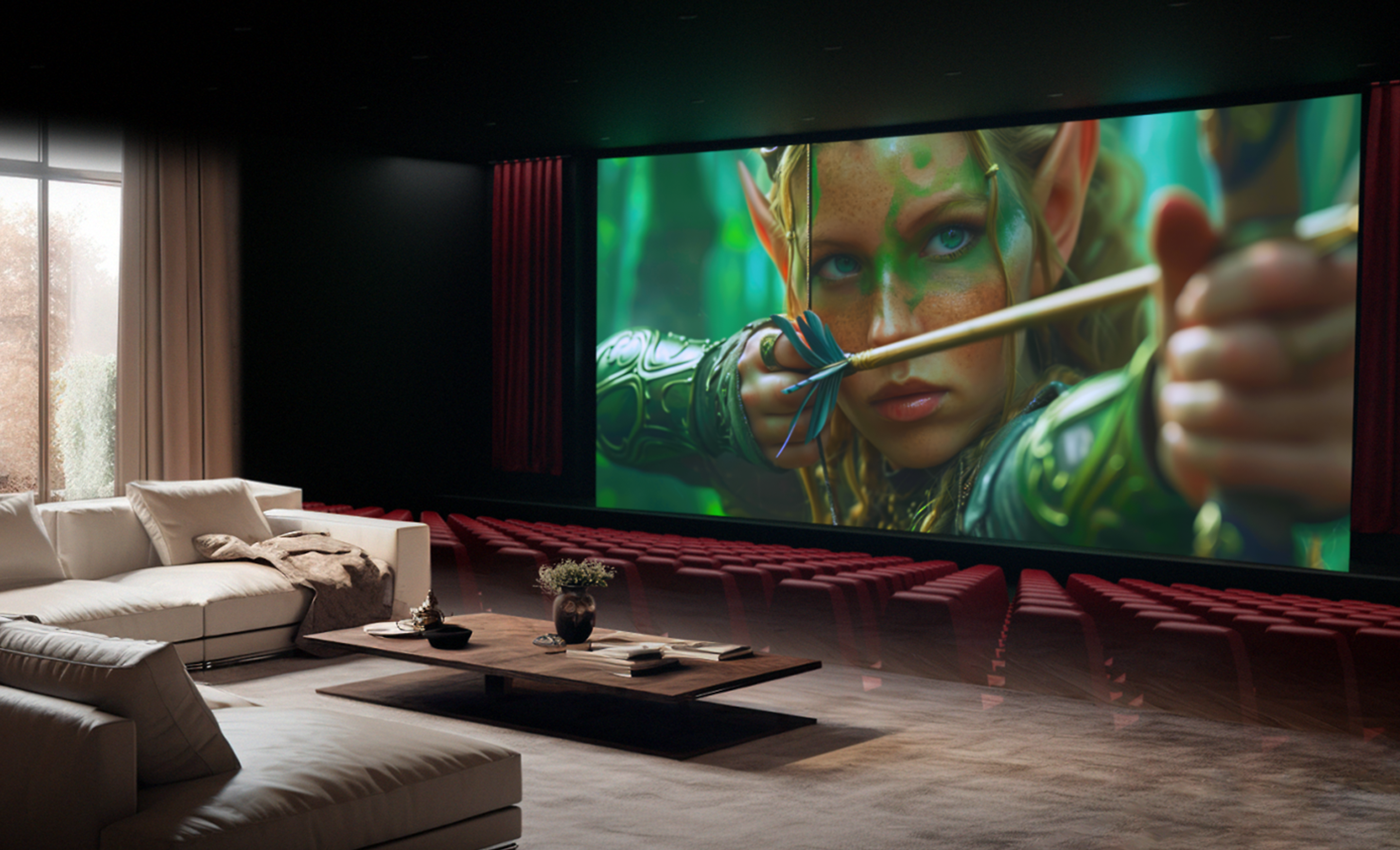
Movies come alive at home
BRAVIA is made for movies. With cinematic sound and stunning visuals, your home transforms into a personal theatre.
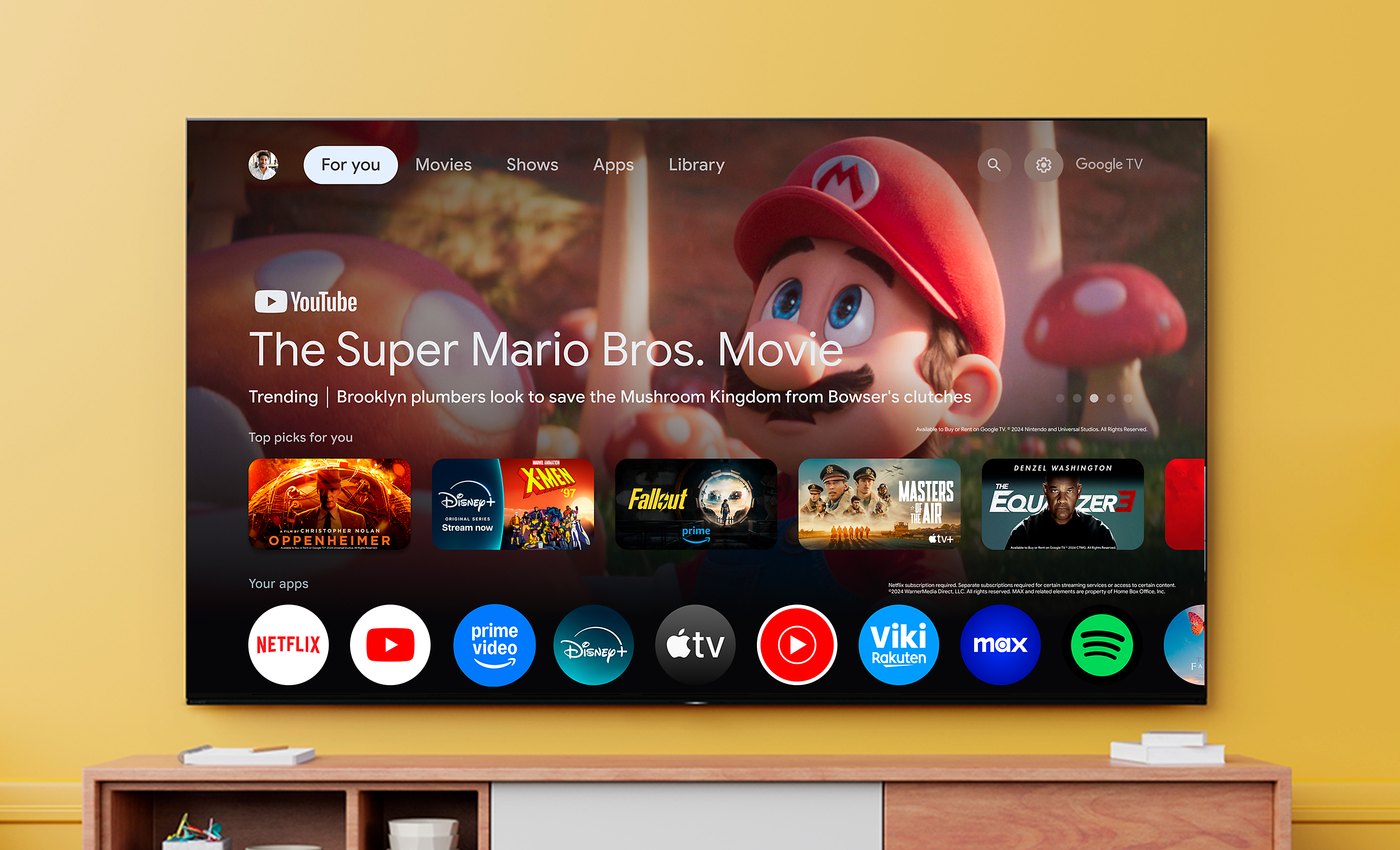
Entertainment you love. With help from Google.
Google TV brings together movies, shows, and more from across your apps and subscriptions and organises them just for you.[1][2][3][4]
1.TV image is simulated. The actual look of the TV may differ, depending on model, size and region.
2. Some apps, contents and/or features may not be available in all countries. Subject to availability.
3. User must connect to a Google Account to use certain advertised features, including voice to activate linked apps, and install certain apps and operating software during setup. Use of TV without connecting to a Google Account allows only basic TV features and certain apps. Wireless connectivity requires 802.11 home network (802.11n recommended). Network services, content, operating system and software of this product may be subject to separate or third-party terms and conditions and changed, interrupted or discontinued at any time and may require fees, registration and credit card information. Apps must be compatible with TV. App availability varies by region and device.
4.Google TV is the name of this device's software experience and a trademark of Google LLC. YouTube and YouTube Music are trademarks of Google LLC.
Everything you stream. All on one screen.
Browse 400,000+ movies and TV episodes from across your streaming services, all in one place and organised into topics and genres based on what interests you.123
1. Some apps, contents and/or features may not be available in all countries. Subject to availability.
2. User must connect to a Google Account to use certain advertised features.
3. Google TV is the name of this device's software experience and a trademark of Google LLC. YouTube and YouTube Music are trademarks of Google LLC.
Over 10,000 apps and games, straight to your TV
Turn on and tune in, all at once. With dedicated buttons for your go-to apps, you can skip the TV warm-up and dive right into the action.[4][5][6][7][8][9][10]
4. Netflix and the Netflix logo are registered trademarks of Netflix Inc.
5. Amazon, Prime Video and all related logos are trademarks of Amazon.com, Inc. or its affiliates. The service availability changes in regions and countries.
6. Apple, the Apple logo, and Apple TV are trademarks of Apple Inc., registered in the U.S. and other countries.
7. Disney+ subscription required. Disney+ and all marks and logos are trademarks of Disney Enterprises, Inc., used with permission.
8. CRUNCHYROLL and the Crunchyroll logo are trademarks of Crunchyroll, LLC and are used with permission.
9. All third party apps, network services, content, the operating system and software may be subject to individual terms and conditions and changed, interrupted or discontinued at any time and may require fees, registration and credit card information. Requires product to be connected to the wireless network.
10. Feature availability depends on regions and countries.
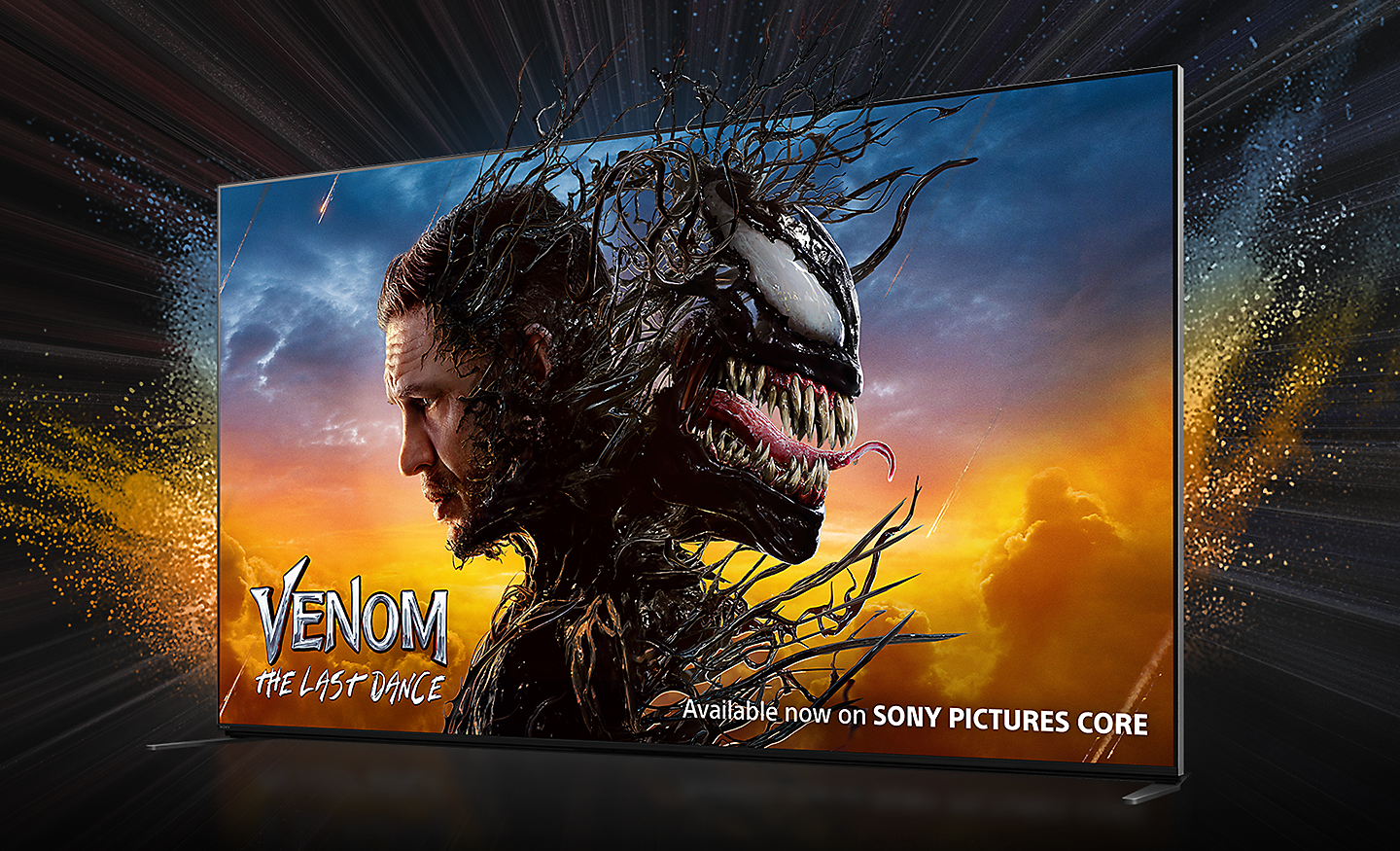
Bring the cinematic experience home, enjoy movies included with BRAVIA
A huge number of movies are waiting for you. With Bravia technology, Pure Stream and IMAX Enhanced, everything you watch is delivered with stunning visuals and expressive sound quality.[11][12][14][10]
10. Feature availability depends on regions and countries.
11. Time period that streaming is available for depends on model.
12. Number of credits differs depending on model.
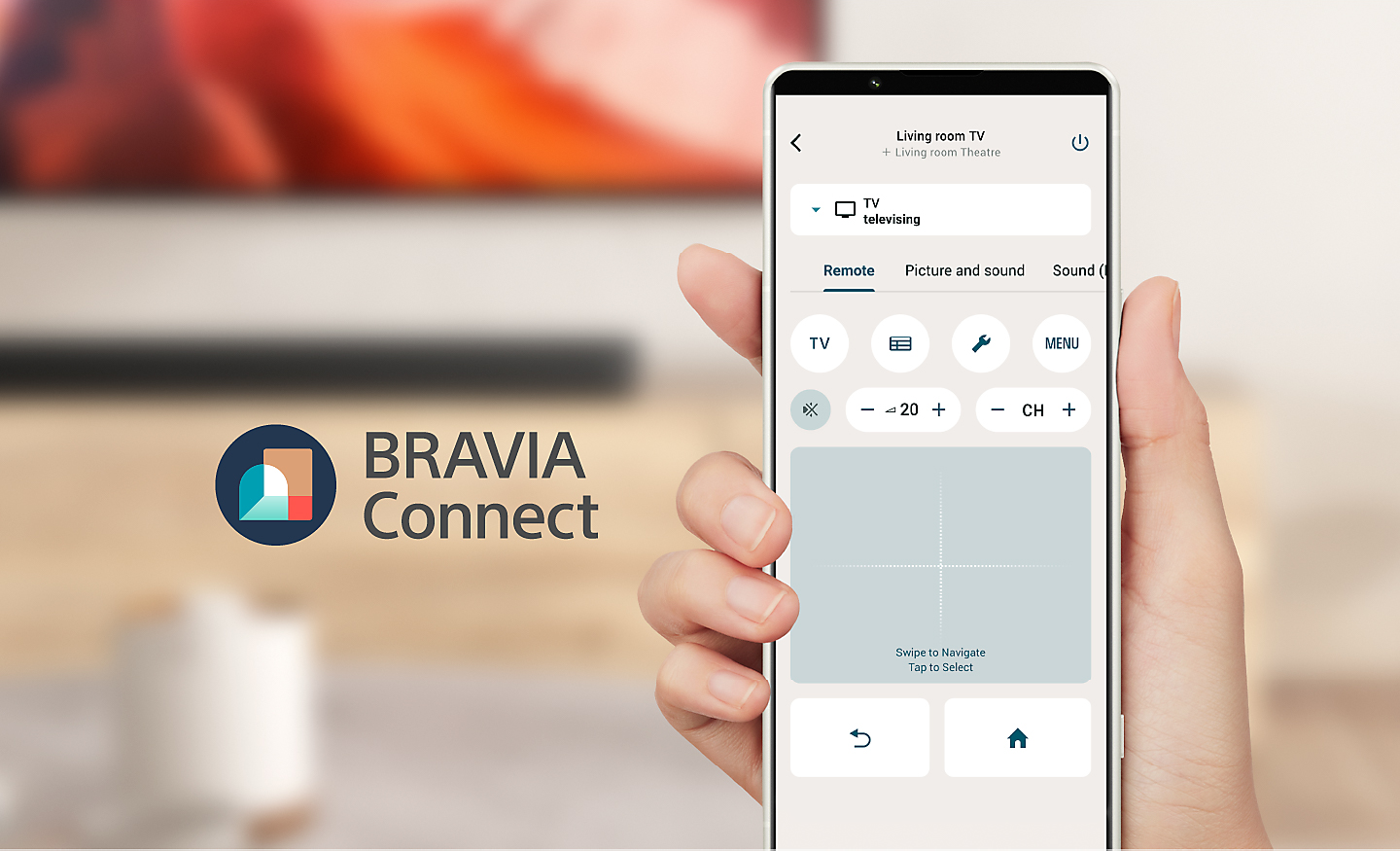
Sony | BRAVIA Connect App
Control Bravia and Bravia Theatre from your smartphone. With the Bravia Connect app, you can adjust volume and settings and even check your set up without using the remote or on screen menu.[15][16][17]
15. Feature will be available via a future firmware update.
16. Updating the mobile app to the latest version is required.
17. Feature availability of the integrated remote with TVs and home theatre products may vary depending on home theatre product.
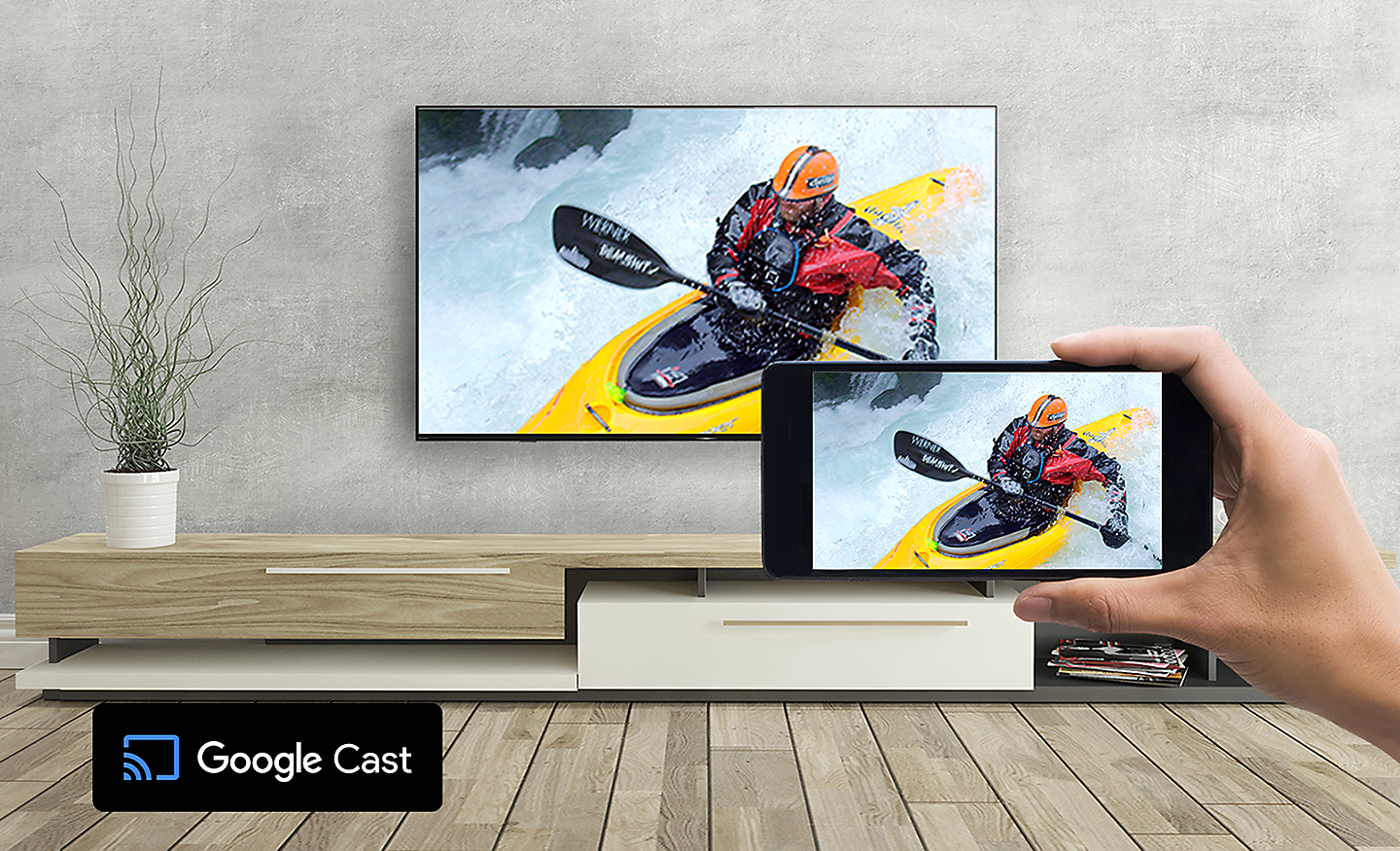
Google Cast
Stream from your device. Easily cast movies, shows, photos, and more from your phone or tablet, right to your TV.[18][19]
18. Casting compatible with select apps and devices.
19. Google Cast is a trademark of Google LLC.
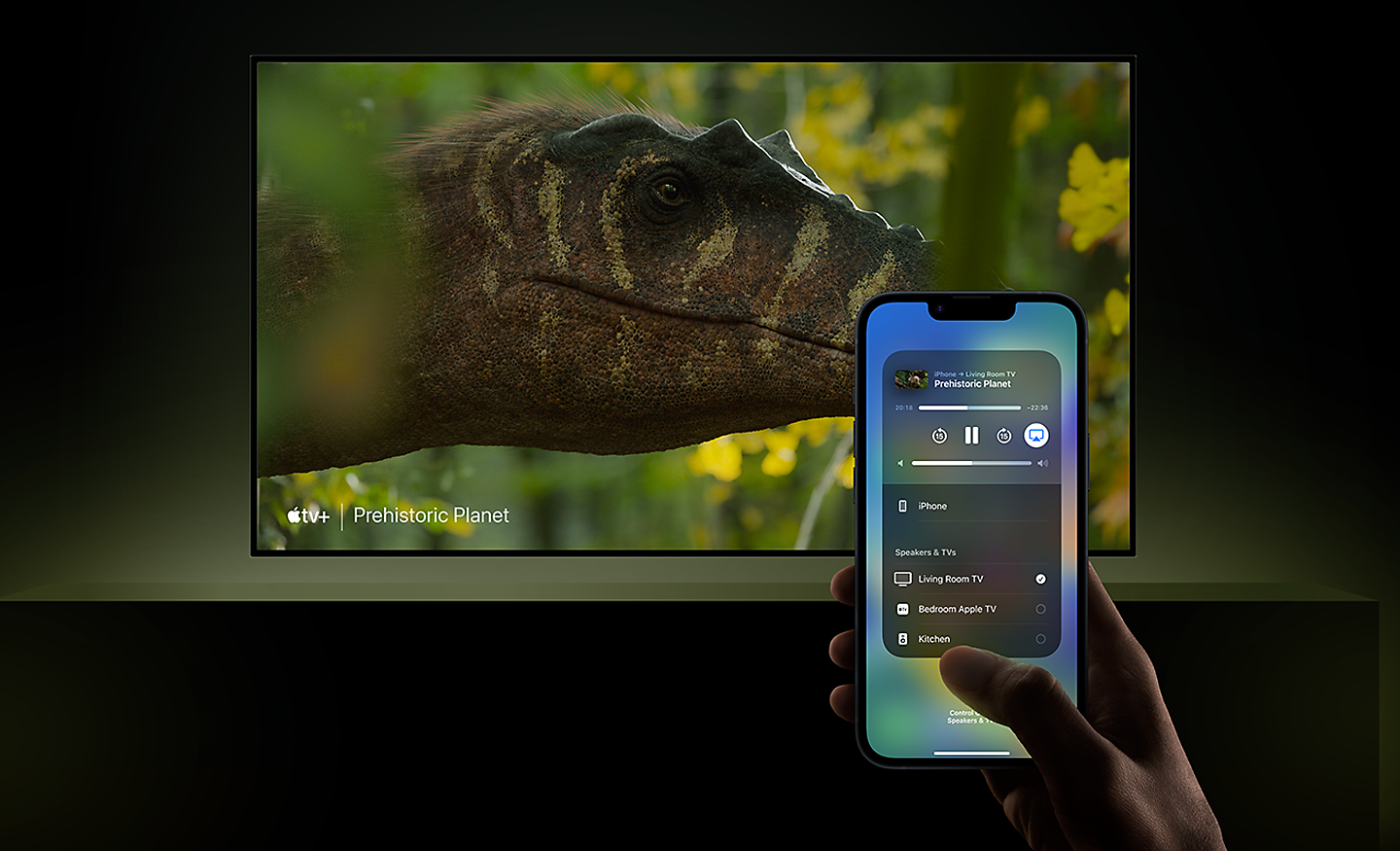
Compatible with Apple AirPlay 2
Stream effortlessly to your TV from your iPhone, iPad or Mac. Watch movies from apps or Safari. Share photos with friends in the room.20
20. Apple, the Apple logo, Apple TV, AirPlay and HomeKit are trademarks of Apple Inc., registered in the U.S. and other countries.
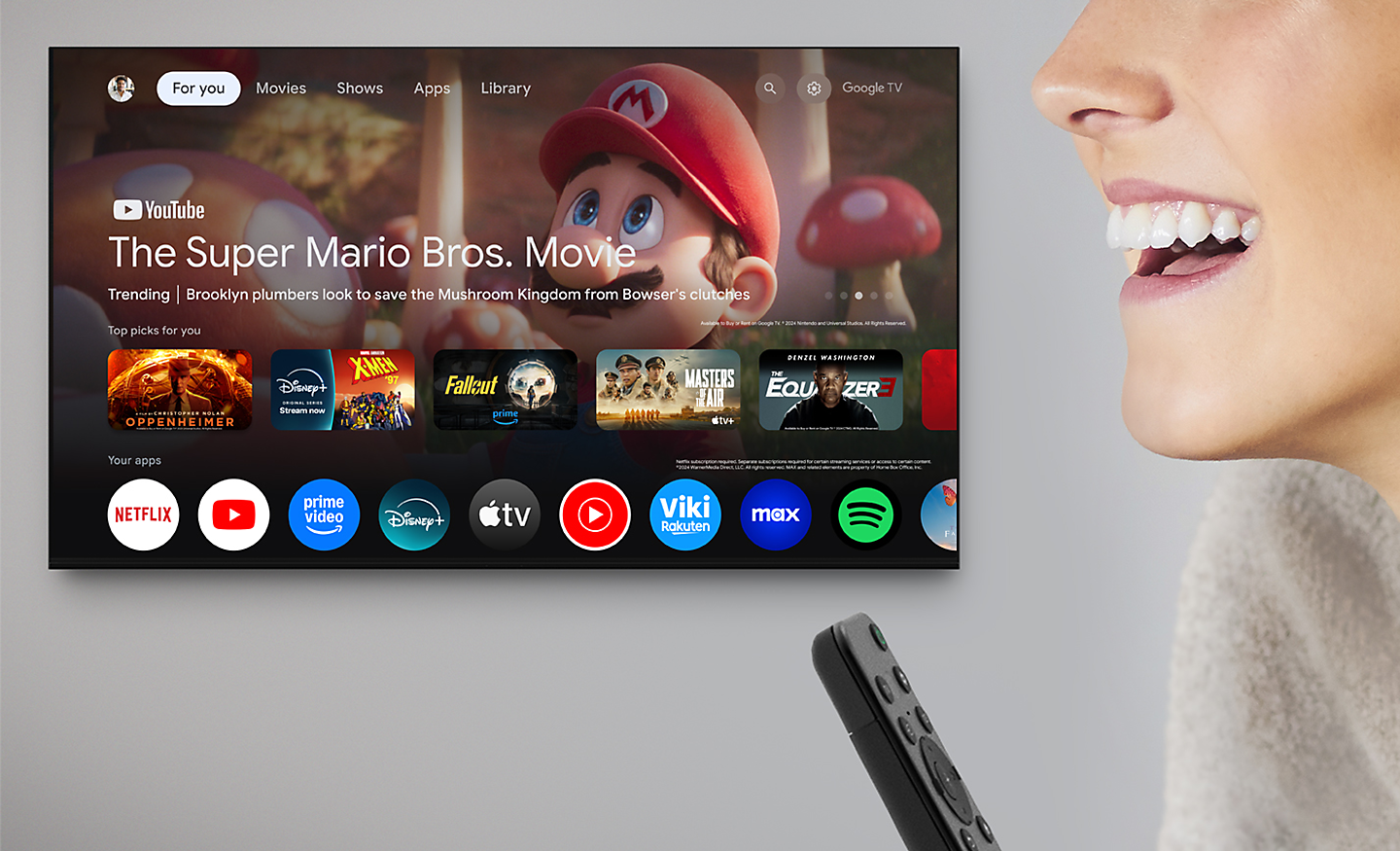
Do more on your TV with your voice with Google Assistant
Your TV is more helpful than ever. Ask Google Assistant to find movies, stream apps, play music and control the TV with your voice. Get answers, adjust room temperature and lighting, even check the front door. Press the Google Assistant button on the remote to get started.[21][22][23][24][25]
21. Google TV is the name of this device's software experience and a trademark of Google LLC. Google, YouTube and YouTube Music are trademarks of Google LLC.
22. User must connect to a Google Account to use certain advertised features, including voice to activate linked apps, and install certain apps and operating software during setup. Use of TV without connecting to a Google Account allows only basic TV features and certain apps. Wireless connectivity requires 802.11 home network (802.11n recommended). Network services, content, operating system and software of this product may be subject to separate or third-party terms and conditions and changed, interrupted or discontinued at any time and may require fees, registration and credit card information. Apps must be compatible with TV. App availability varies by region and device.
23. Google Assistant is not available in certain countries and languages. Availability of services varies by country and language.
24. Feature, searching by genre, will be available via a future firmware update.
25. Remote design and specification differ depending on country.
Remote
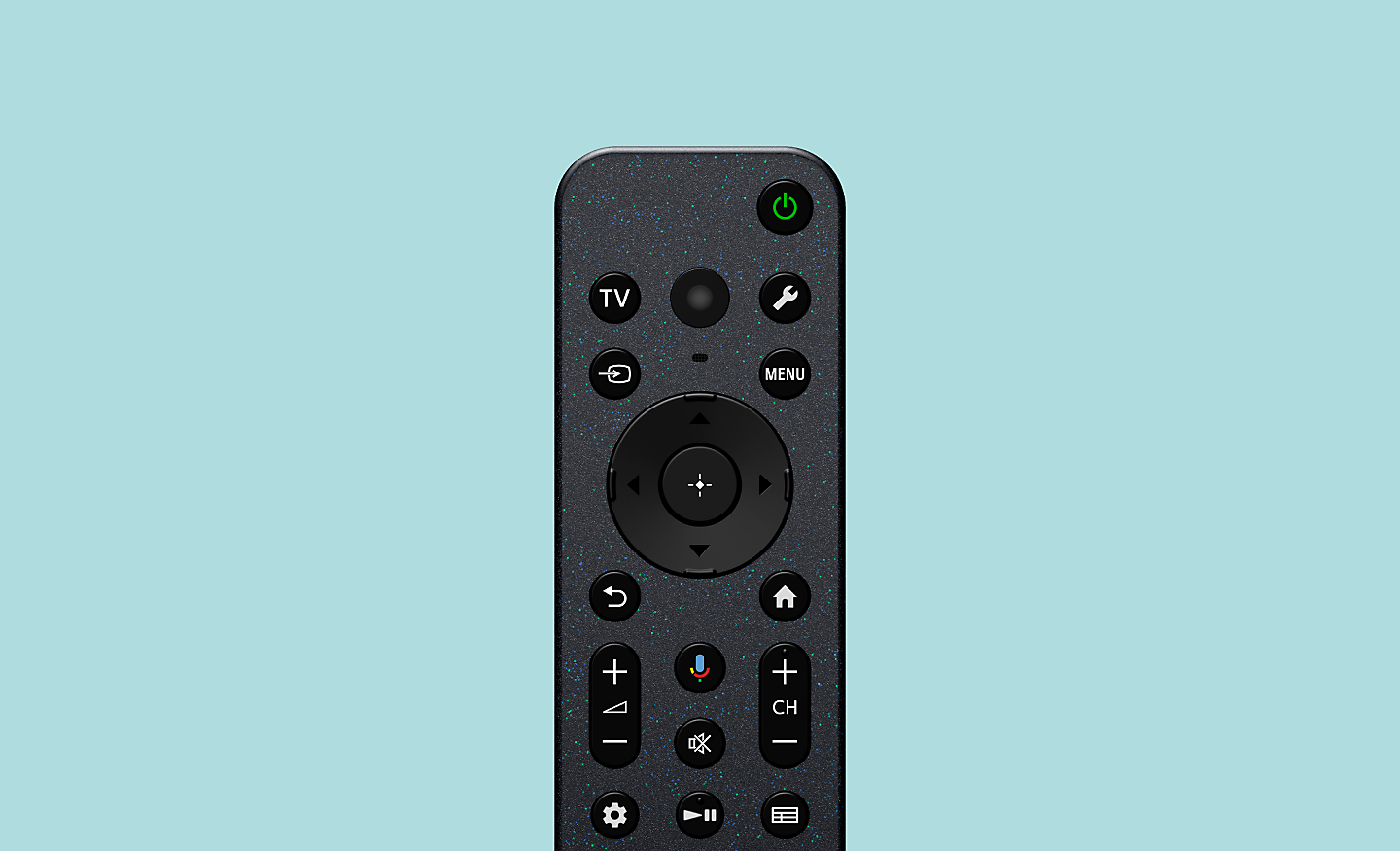
Easy to clean and use. Made with recycled plastic
Controls everything. Bravia compact remote uses approximately 80% recycled plastic. Yet it’s easy to clean with a flush surface and polyurethane coating, and controls your connected devices. [26][27][28][29][30]
26. Made with recycled materials
27. Based on Sony calculation
28. Remote design and specification differ depending on country/region.
29. Clean exterior surfaces gently with a dry, clean cloth or household disinfectant wipe (such as Clorox Disinfecting Wipes). Do not spray disinfectant directly on the remote.
30. Controllable device and feature depend on region, country and device.
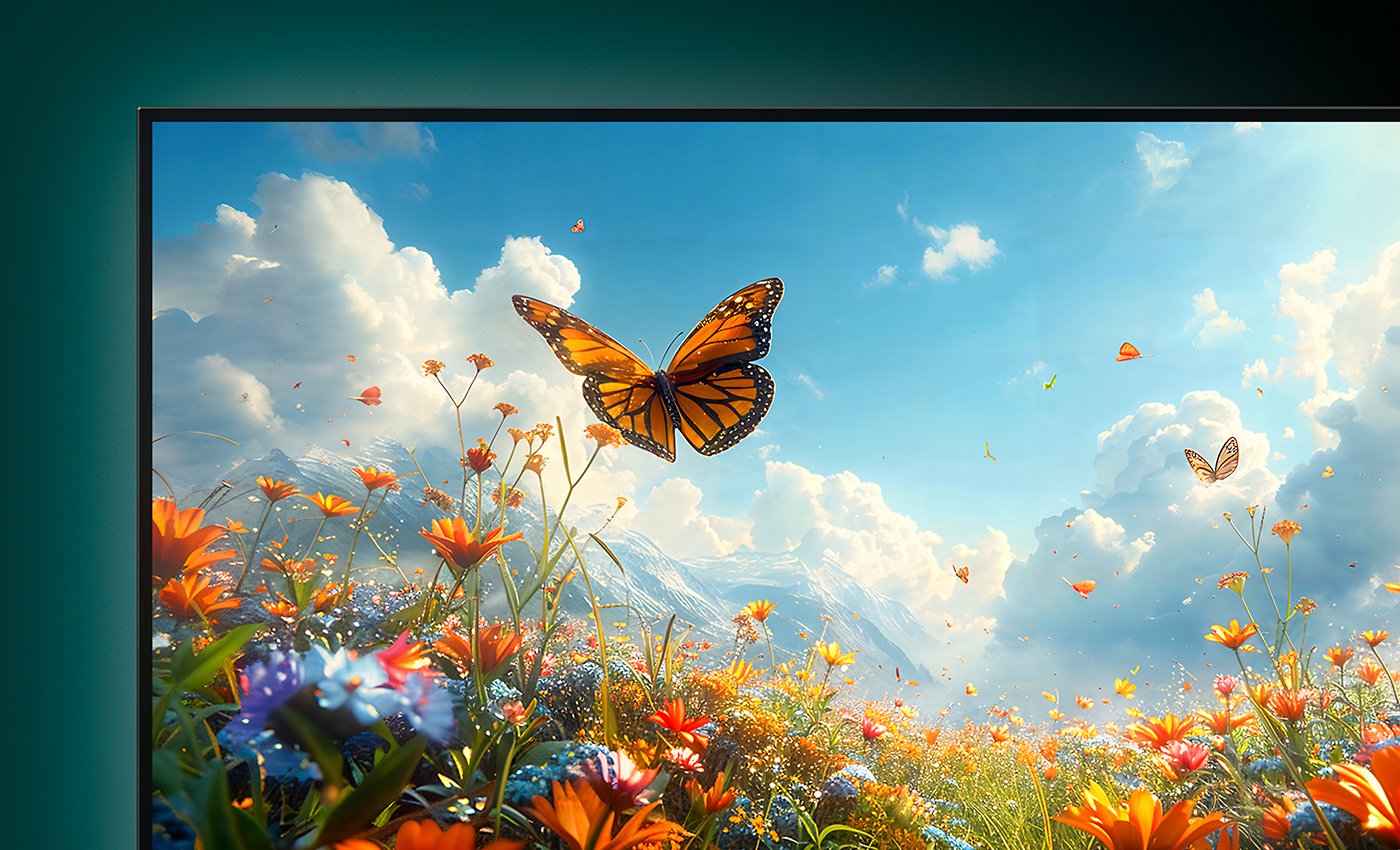
The true beauty of 4K, every time
The beauty of 4K is in the details. With 4K X-Reality PRO, even your favourite HD content is upscaled closer to 4K quality, revealing sharper textures and lifelike clarity, all in real time.

All your favourites, upgraded to clear 4K pictures
Watch old favourites in close to 4K quality. bravia 4K X-Reality PRO analyses, cleans and refines images using sony unique 4K database so you can indulge in stunning pictures from virtually any content.

Every image, alive with vivid colours
See natural shades and hues. Live Colour expands the colours of images to the reproducible colours of the TV so everything you see looks vivid and real.
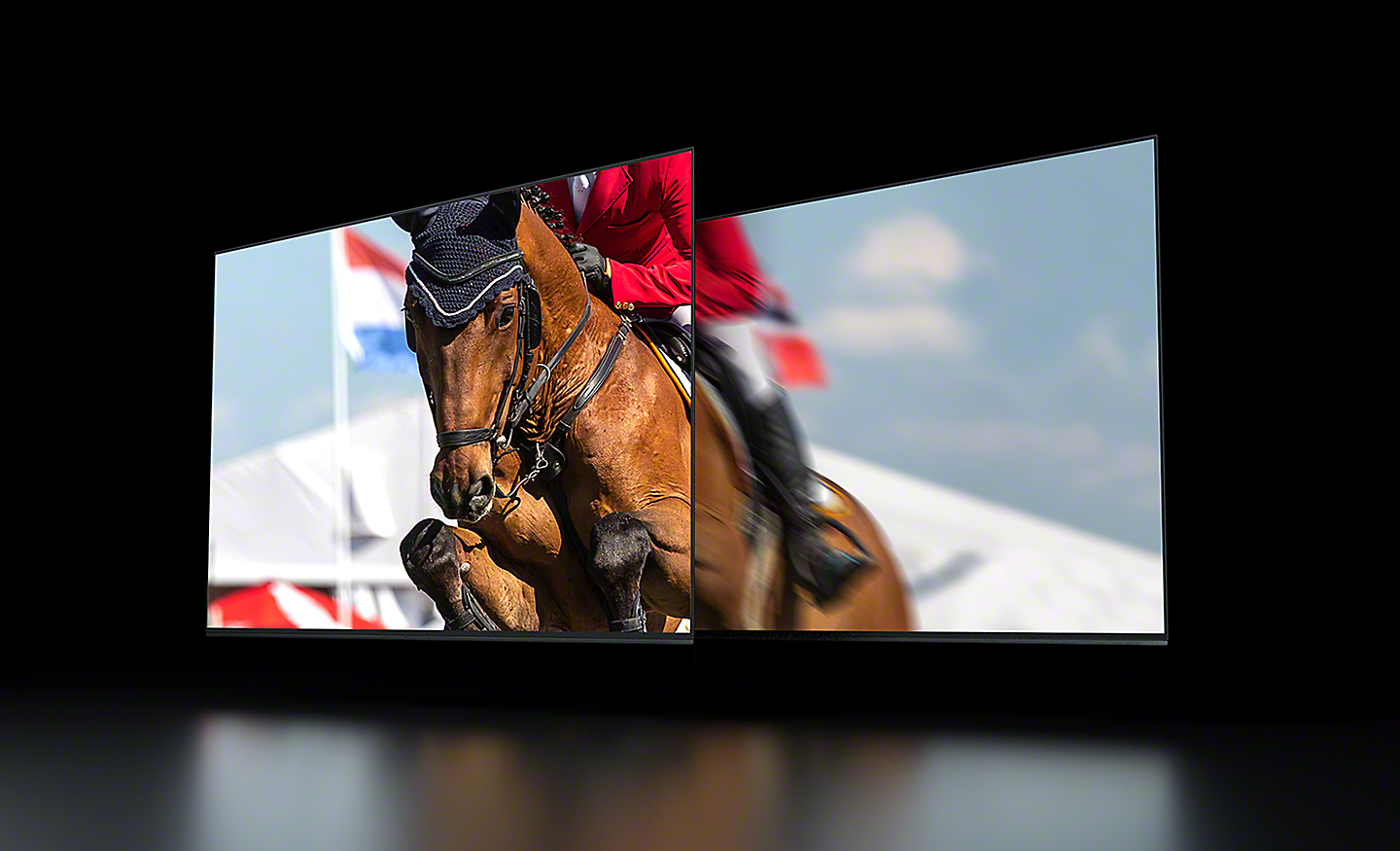
Fast-moving action. Clearer and smoother
Enhanced clearness and smoothness when watching fast-moving action. Motionflow XR increases the number of images seen every second for smoother motion while controlling LED backlighting and reducing image blur for clearer pictures.
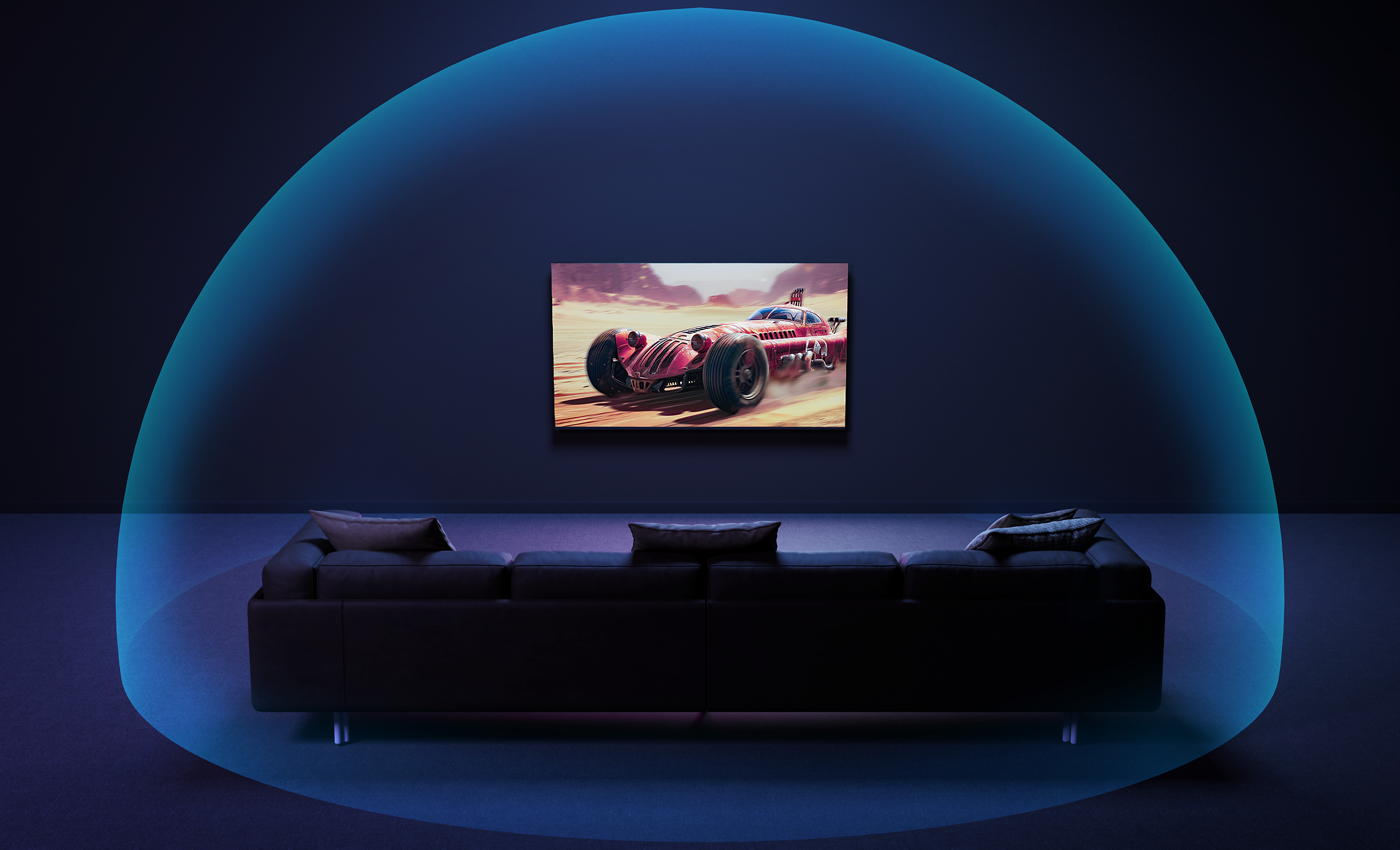
Room-filling, Dolby Atmos and DTS:X sound
Sound from above, the sides, everywhere. Hear sound moving overhead across the screen with more depth and clarity. Dolby Atmos and DTS:X draws you in deeper for truly atmospheric entertainment.[5]
5. Dolby Atmos content compatible with streaming services or compatible content device connected via HDMI input (sold separately).
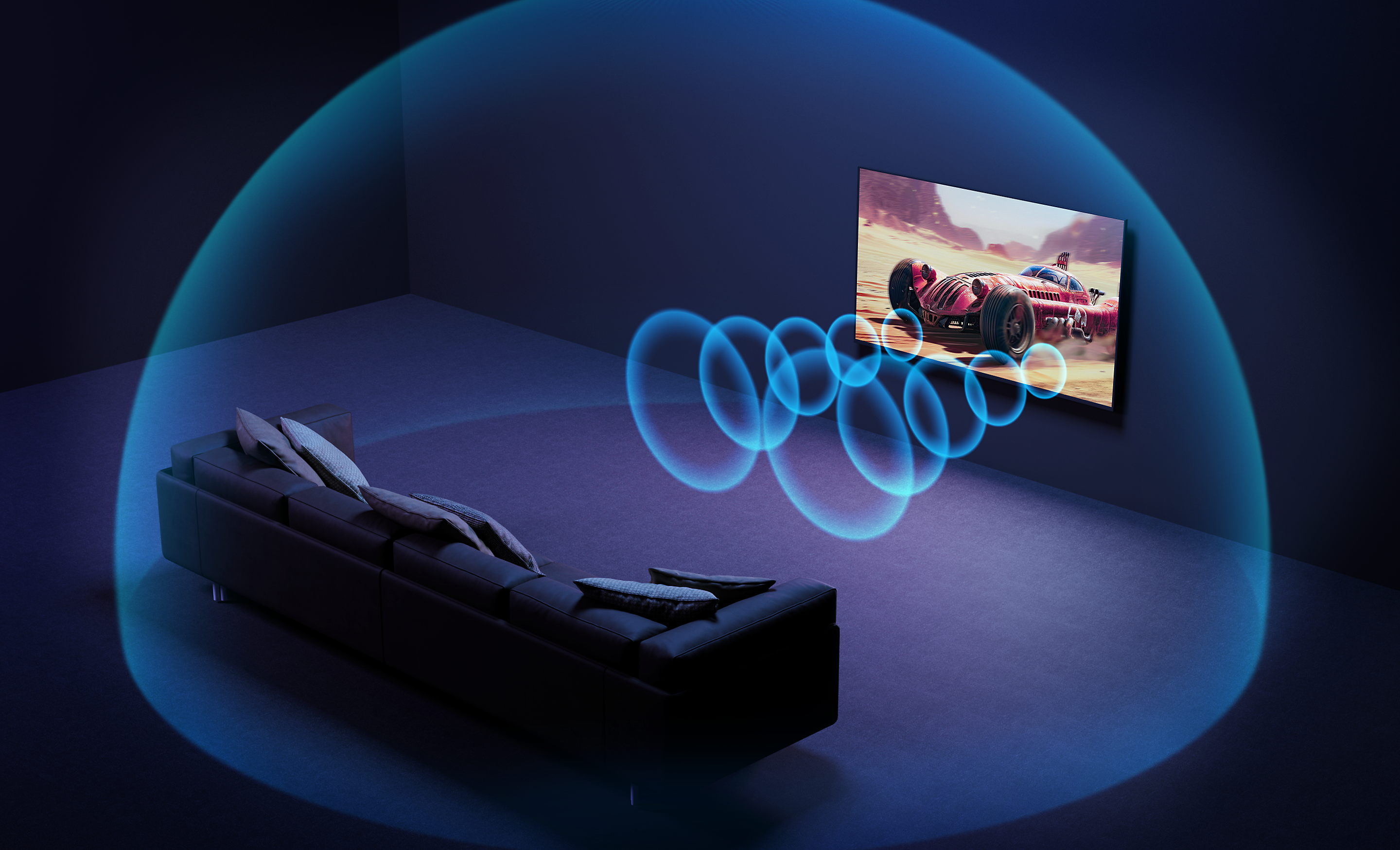
Elevated with Dolby Atmos and DTS:X
Dolby Atmos and DTS:X turn sound into an experience. Hear every whisper, every explosion, as if you’re inside the scene.
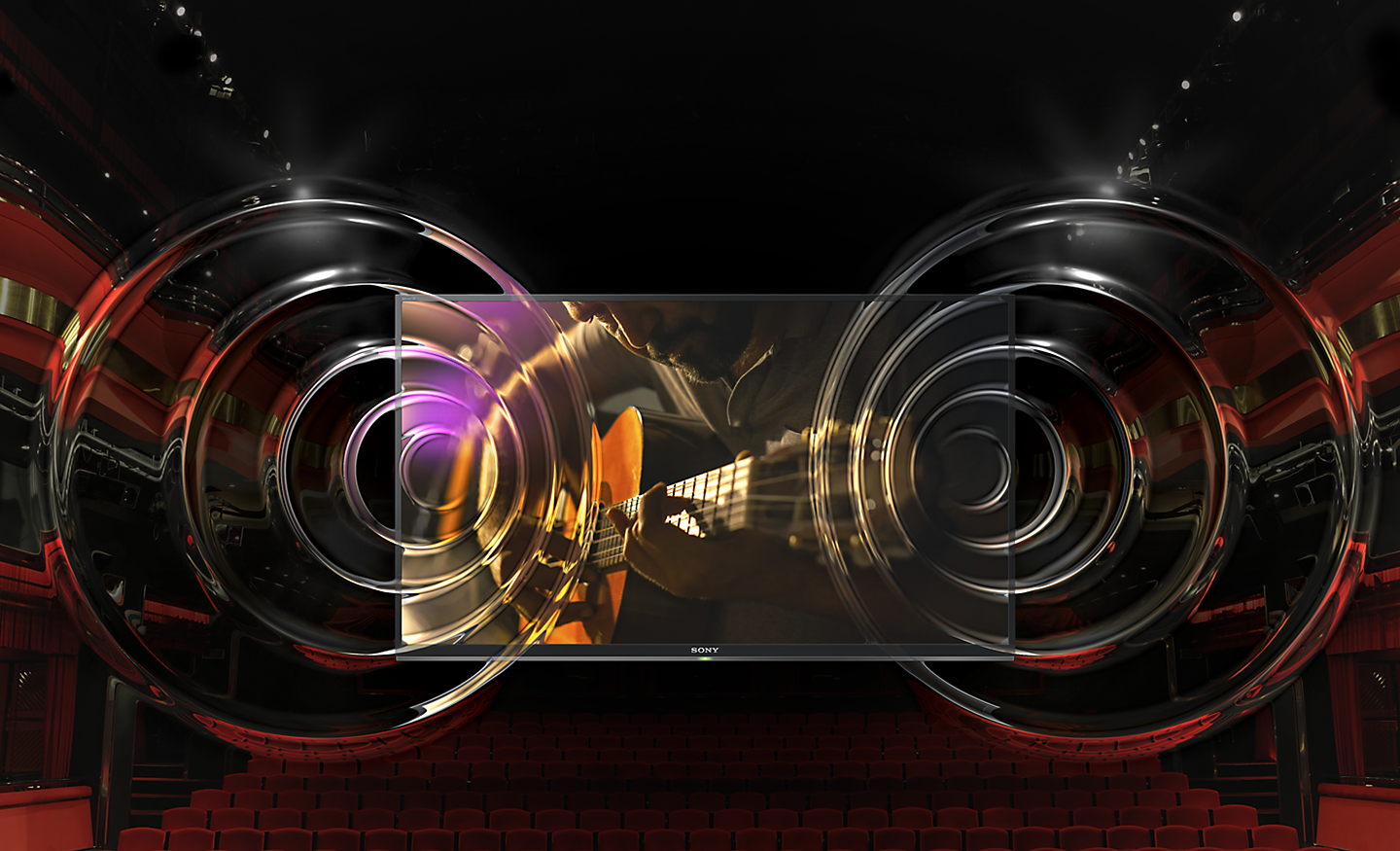
Every sound. Clear and precise
Clear and expansive audio quality. Bravia unique Clear Phase adjusts the time alignment of sounds at certain heights and evens out their volume for acoustic harmony.
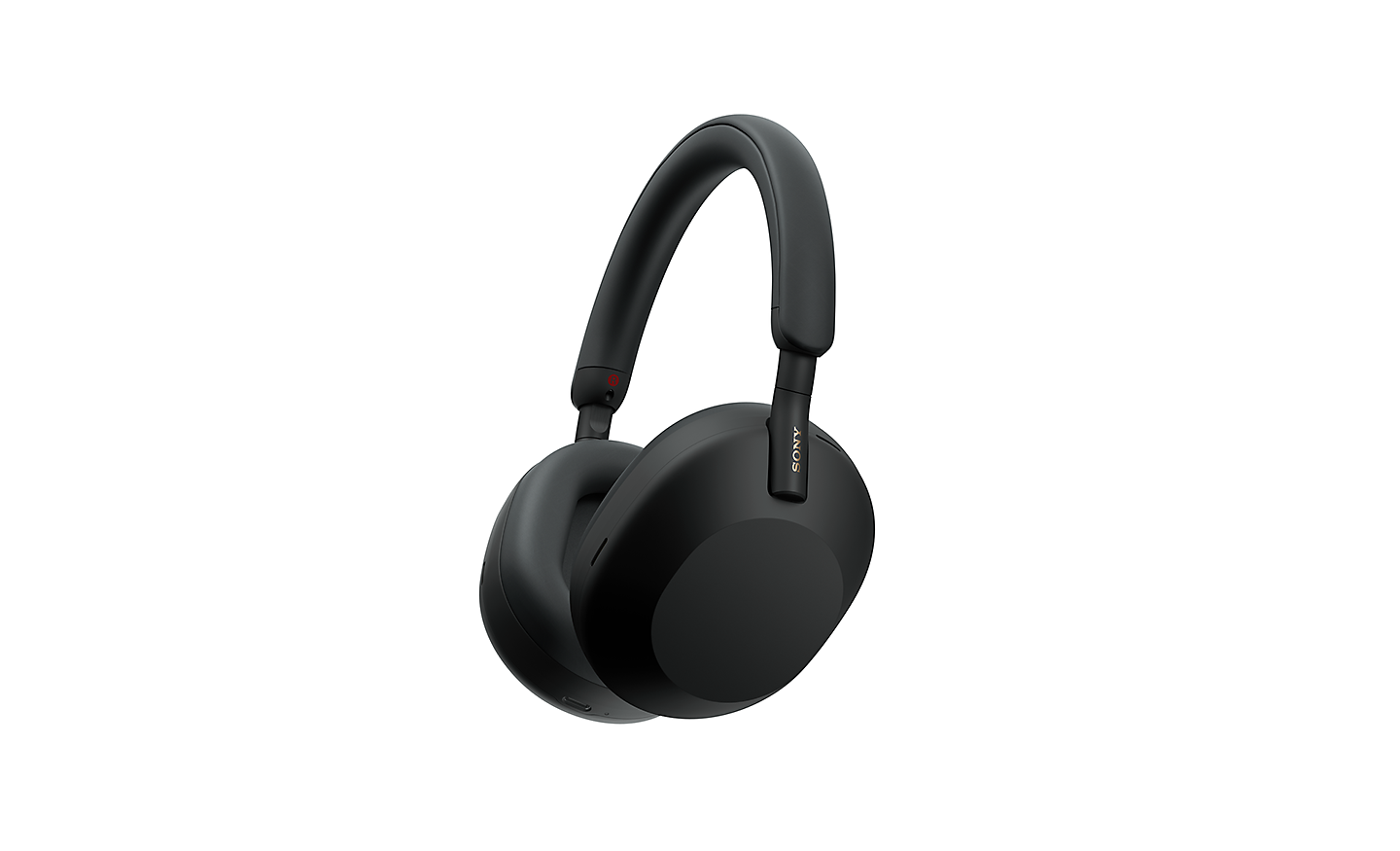
Touch and control from your headphones
Control your BRAVIA with a tap. Play, pause, skip, or adjust the volume directly from your connected Bluetooth headphones, so you can stay immersed in your content without reaching for the remote.[1]
1. Depending on the TV app used, or the Bluetooth audio device connected, some app operations performed from the Bluetooth audio device may not work. In such cases, use the TV remote control to operate the app.
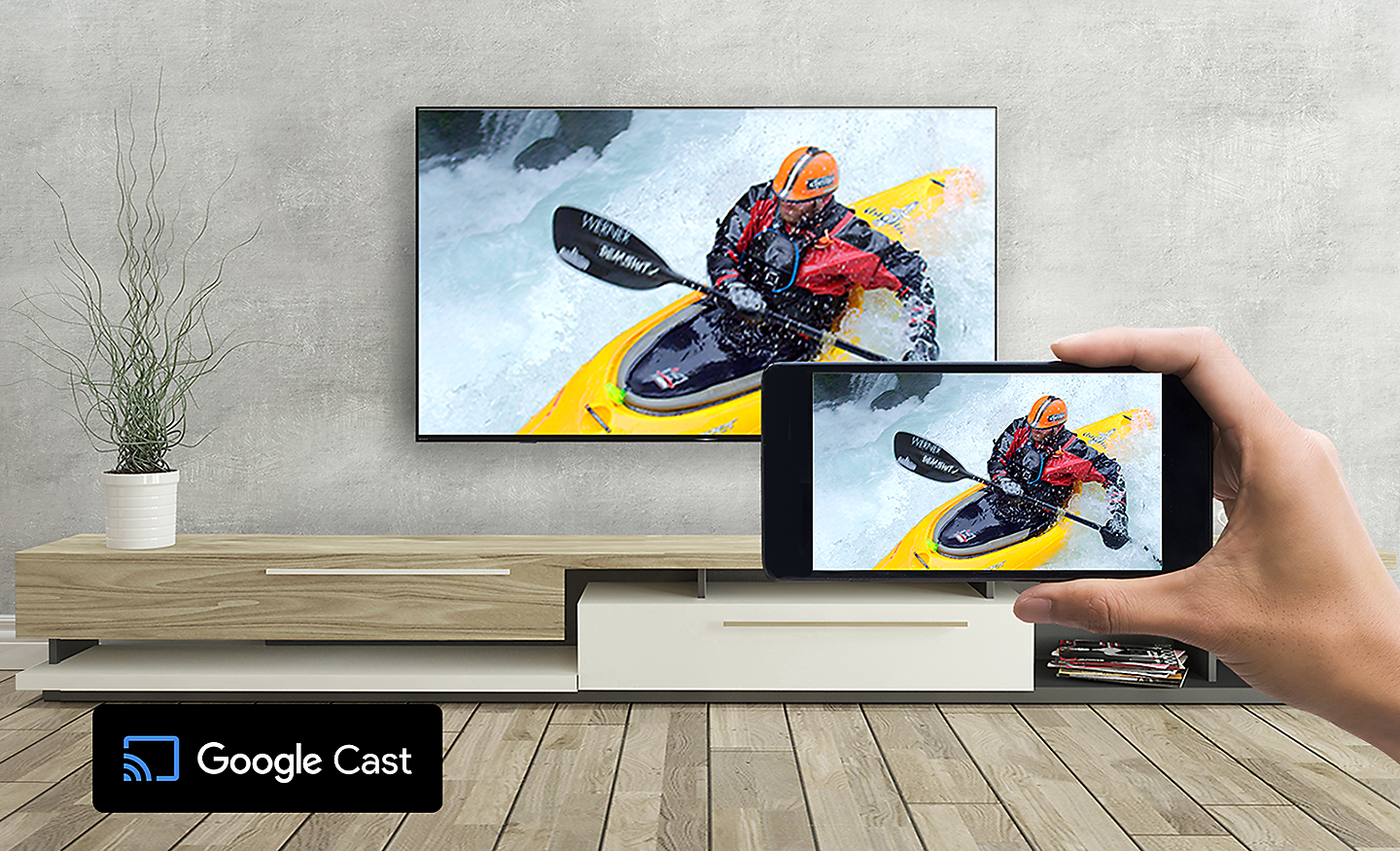
Google Cast
Stream from your device. Easily cast movies, shows, photos, and more from your phone or tablet, right to your TV.[6][7]
6. Casting compatible with select apps and devices.
7. Google Cast is a trademark of Google LLC.
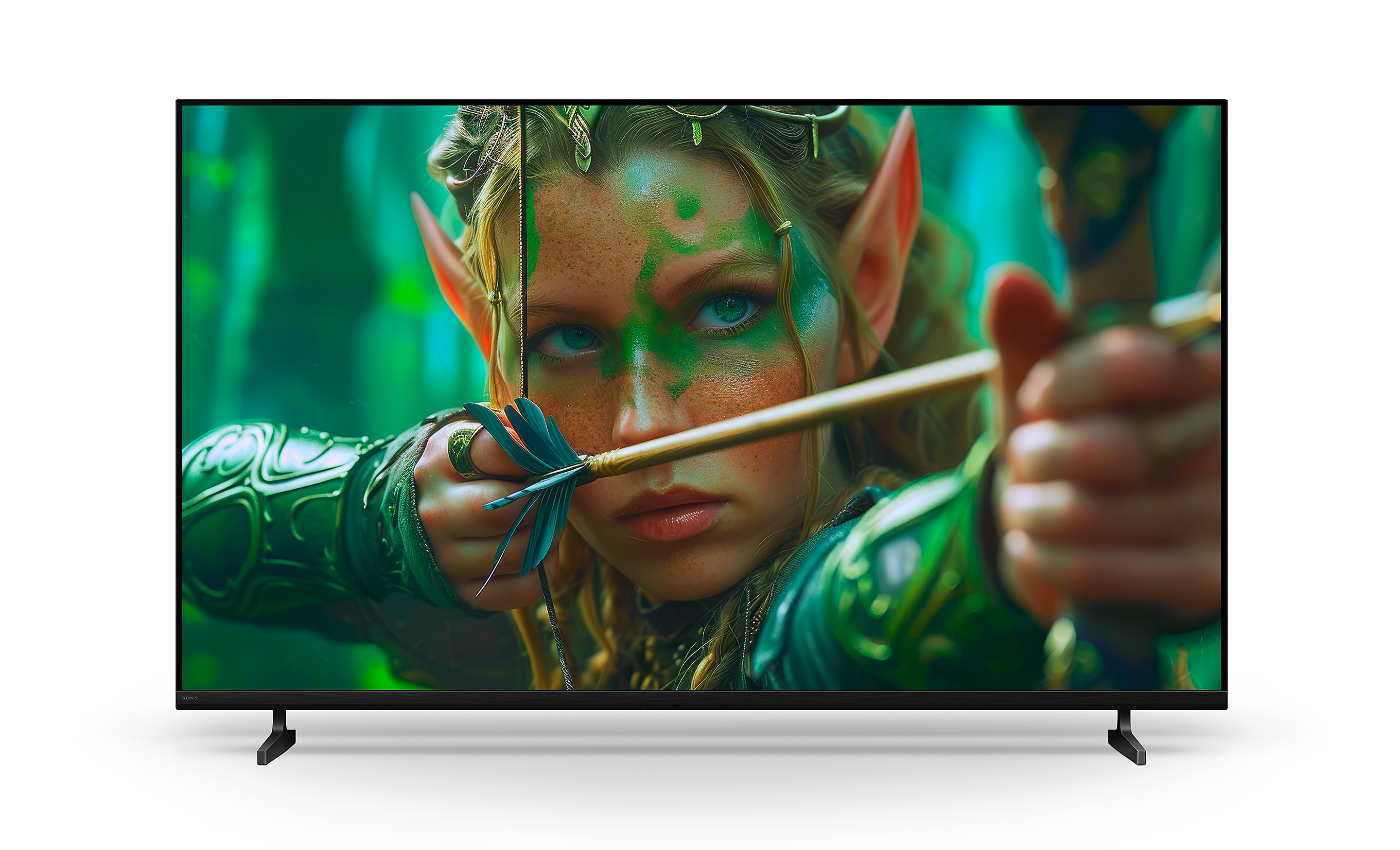
Slim look. Everyday fun
Beautifully designed for fun-filled entertainment. This TV with a Flush Surface design fits harmoniously in your living space and blends with a variety of contemporary décor.

Flush Surface. Enthralling viewing.
Form and function, beautifully combined. Sony unique Flush Surface design gives the TV a clean, contemporary look. This is beauty that doesn’t get in the way of your viewing.
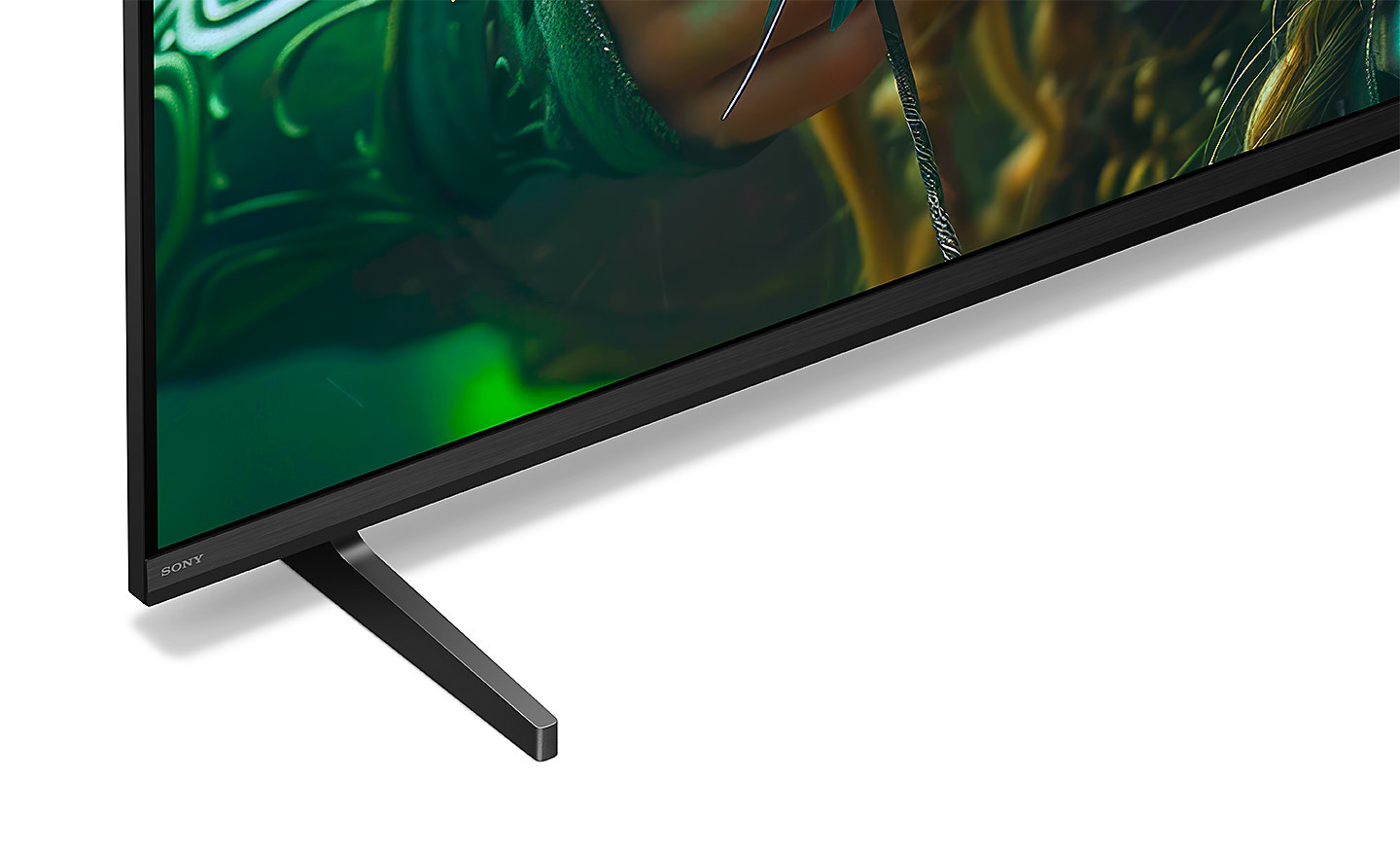
Slim T Shape Blade Stand
Harmonises with your room and décor. Bravia Slim T Shape Blade Stand perfectly matches the TV and your living space.

Love the planet, smart for all
BRAVIA is designed to harmonise with people’s needs while respecting natural resources. Sony accelerating sony accessibility initiatives, enabling people who are blind or deaf to use Sony’s devices, and expanding sony environmental initiatives by incorporating recycled plastic into sony products. Entertainment becomes more inclusive and enjoyable for all.
Environment
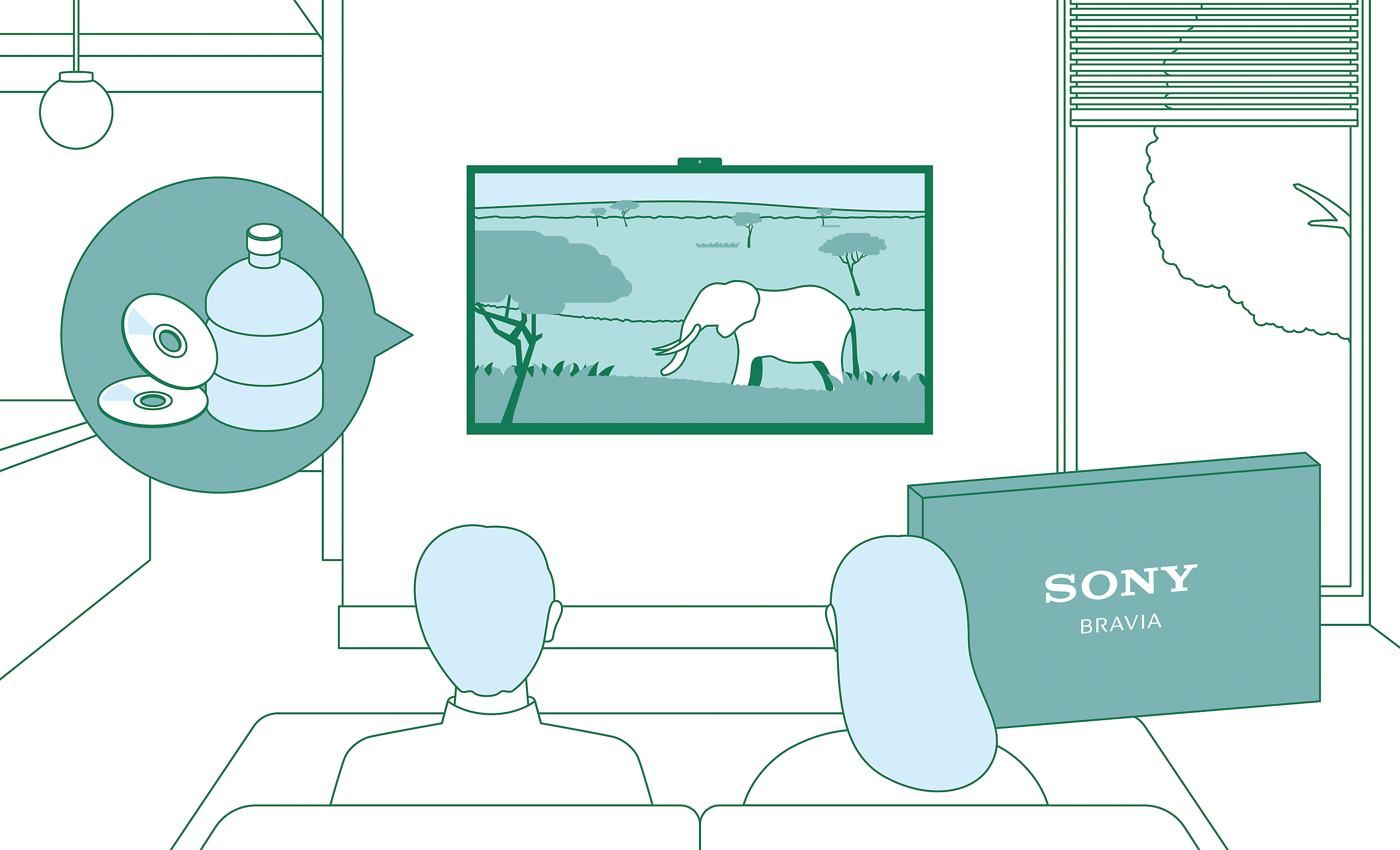
Balancing environment and entertainment
Less environmental impact, more immersive pictures and sound. BRAVIA helps you optimise energy consumption with the Eco Dashboard 2 while reducing CO2 emissions by 12%, cutting packaging size by maximum 15% and total weight by maximum 23%.[1][2]
1. Compared to FY18 model (55X9000F) and BRAVIA 2 II 55”. BRAVIA 2 II reduces packaging size by 15%, total weight by 23%, and CO2 emissions by 12%.
2. The ratio may vary by model and size.
Aiming to achieve a smaller footprint
Bravia Road to Zero initiative aims to reduce environmental impact at every stage of sony business. By 2050, sony striving for zero environmental footprint—driven by innovation and sustainability.
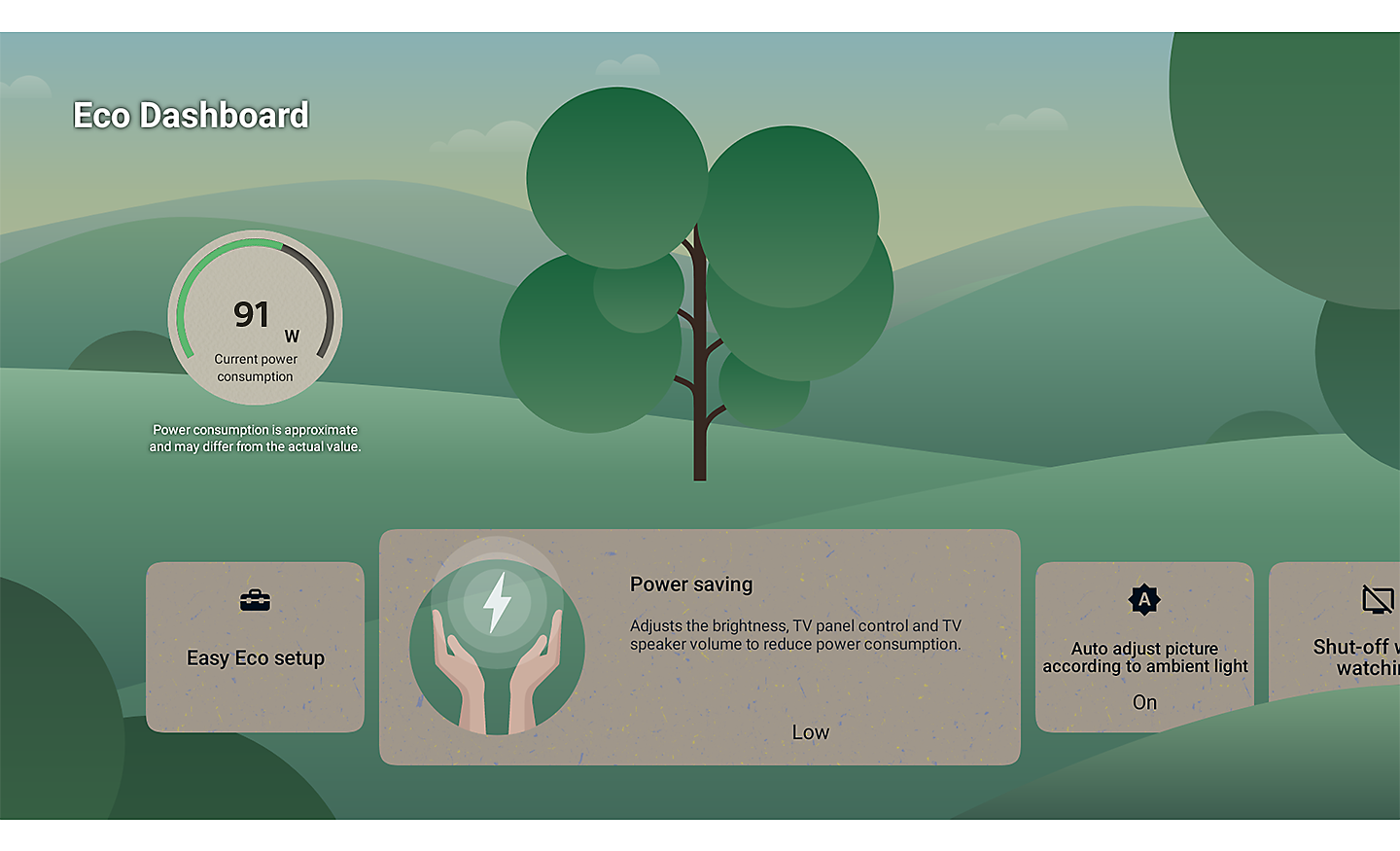
Check your eco settings. See your power usage
Easily change eco settings, individually or in one go. Eco Dashboard 2 puts everything conveniently in one place and can even monitor your power consumption for optimum efficiency.[3]
3. Power consumption is approximate and may differ from the actual value.
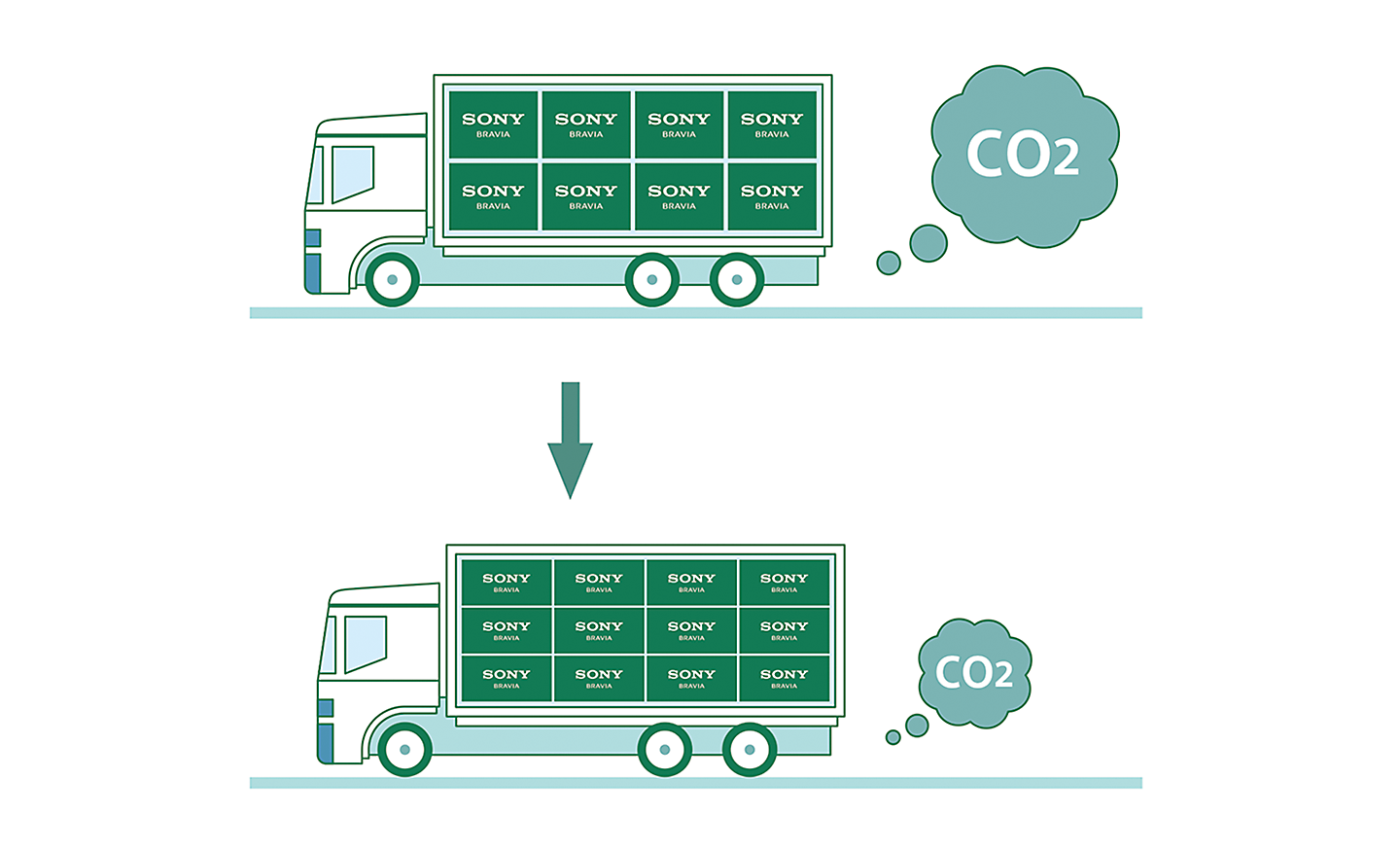
Less packaging. Less CO2
Bravia packaging is maximum 15% smaller and maximum 23% lighter which optimises transport efficiency and reduces CO2 emissions by as much as 12%.[1][2]
1. Compared to FY18 model (55X9000F) and BRAVIA 2 II 55”. BRAVIA 2 II reduces packaging size by 15%, total weight by 23%, and CO2 emissions by 12%.
2. The ratio may vary by model and size.

Accessibility for all, whatever your needs
Technology that adapts to you. No matter your age, ability, or environment, sony make it easier for everyone to see, hear, and enjoy the best of entertainment.

Initiatives at Sony
Sony leverages creativity and technology to enhance the accessibility of bravia products, services, and experiences. Through bravia commitment to an inclusive future, sony aim to create a world where everyone belongs.
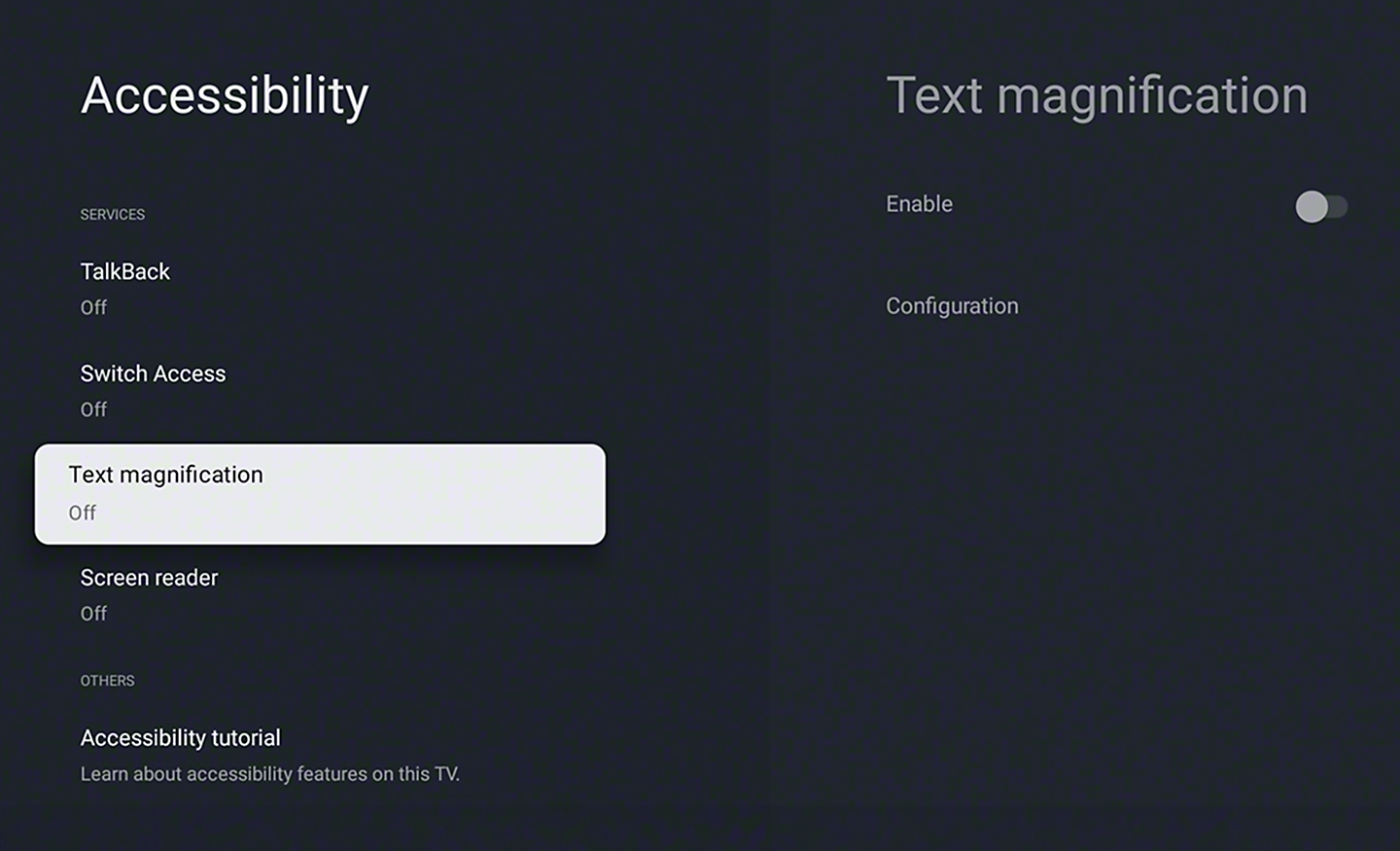
Talkback and text magnification functions
Talkback allows you to check the TV programme guides on screen or to change TV settings without looking at the screen, while the Text Magnification will display an enlarged version of the focused text at the bottom or top of the screen.[9][10][11]
9. "Talkback" and "Text Magnification" functions are in compliance with U.S. Code of Federal Regulations. Screen Reader function is available only for some areas and languages.
10. "Text Magnification" function is available only for some applications.
11. "Talkback" and "Text Magnification" functions are available only for focus points.
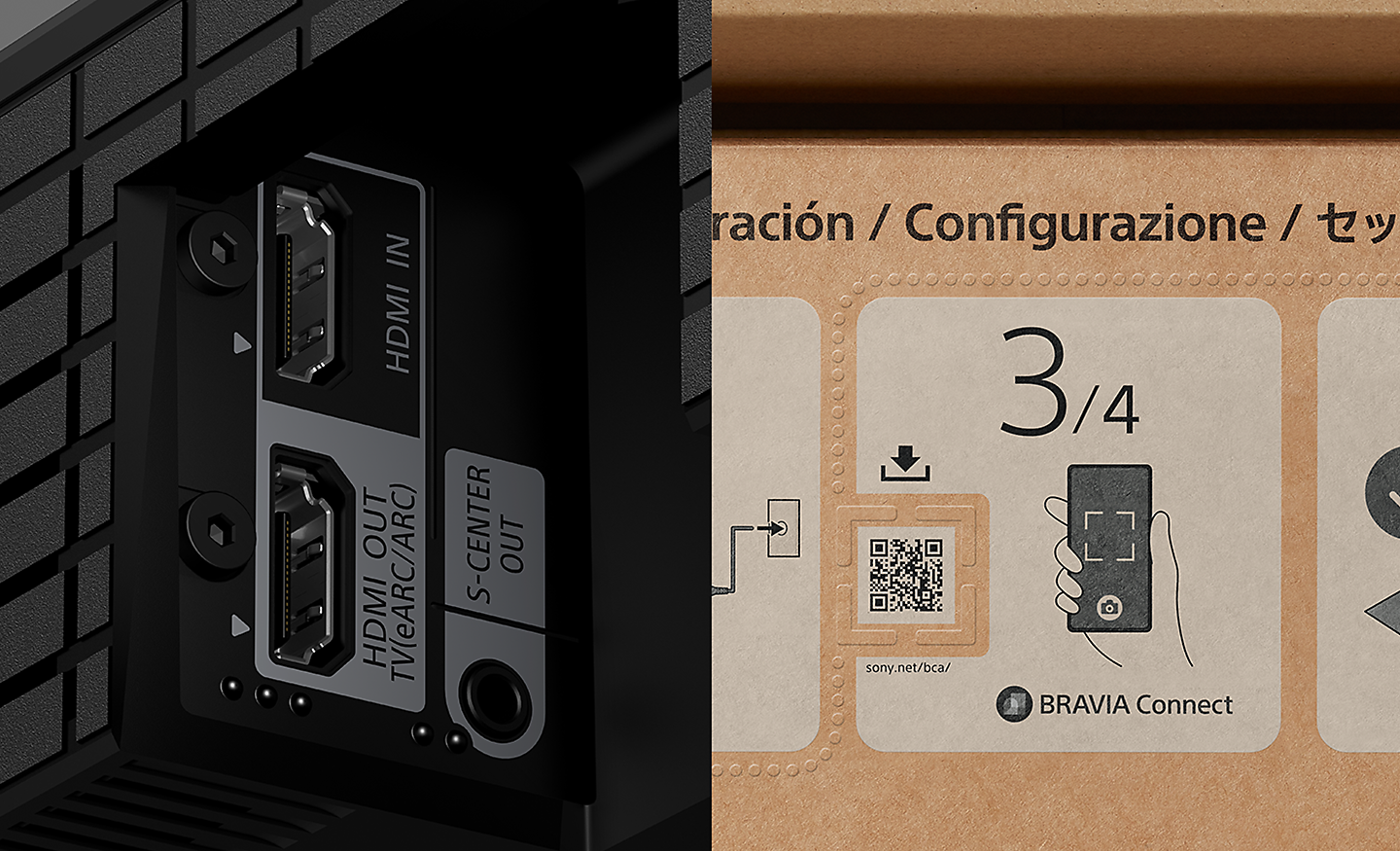
Accessible for all
To help people who are blind or have low vision set up the soundbar, tactile dots indicate a QR code for the BRAVIA Connect app, which offers screen reader support. Tactile dots on the back panel indicate the eARC HDMI terminal for connecting to a TV.[12]
12. QR Code is a registered trademark of DENSO WAVE INCORPORATED in Japan and in other countries/regions.

Colour inversion
Invert the brightness of colours so that bright areas become dark, and dark areas become bright. This feature can be turned on or off as needed. If the text is easier to read with a dark or bright background colour, you can use Colour Inversion to change the background colour.
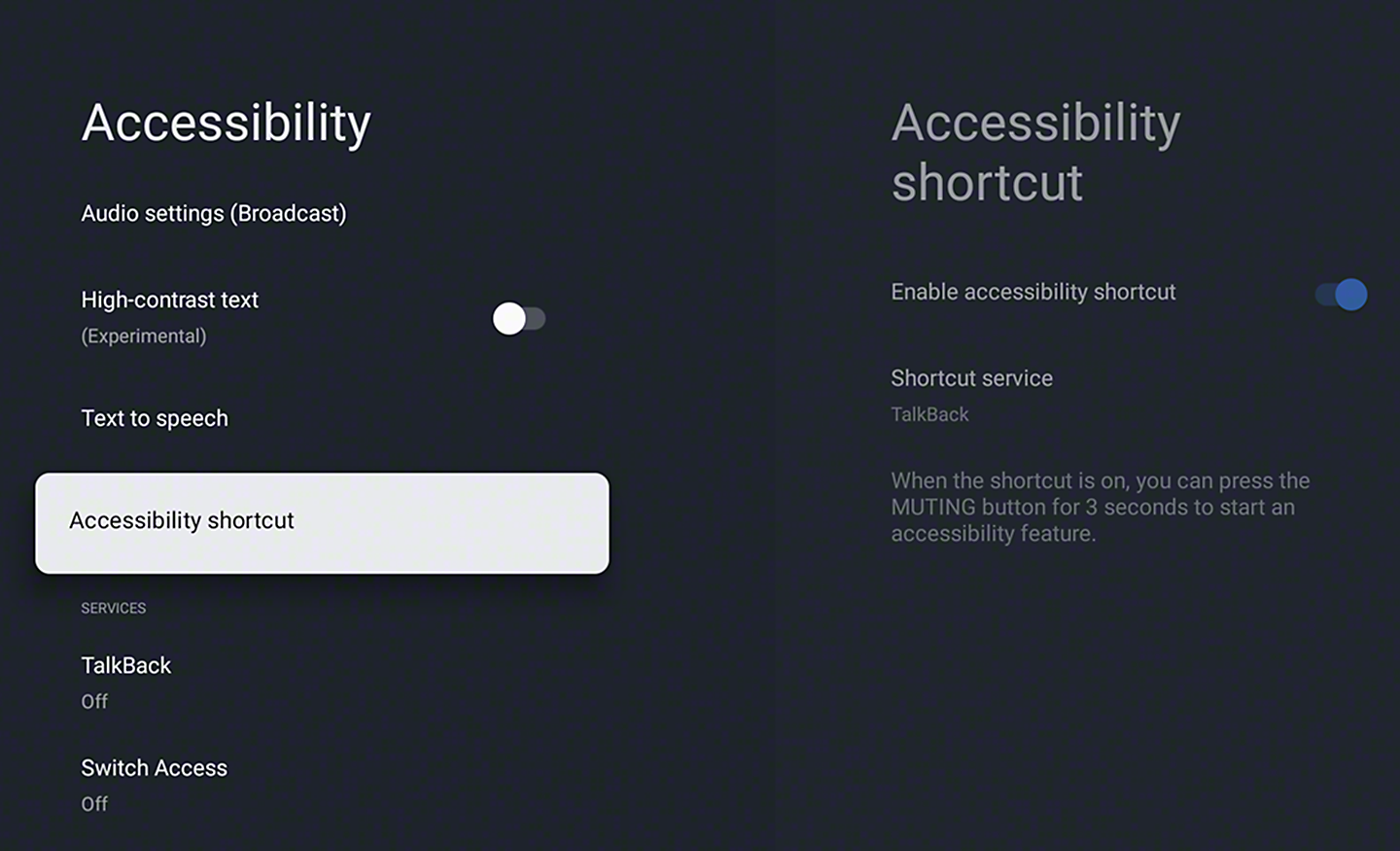
Accessibility shortcut
Accessibility shortcut allows you to quickly and easily turn your accessibility features on or off by long-pressing the mute button on your remote control. You can assign an accessibility feature you use the most to this shortcut.
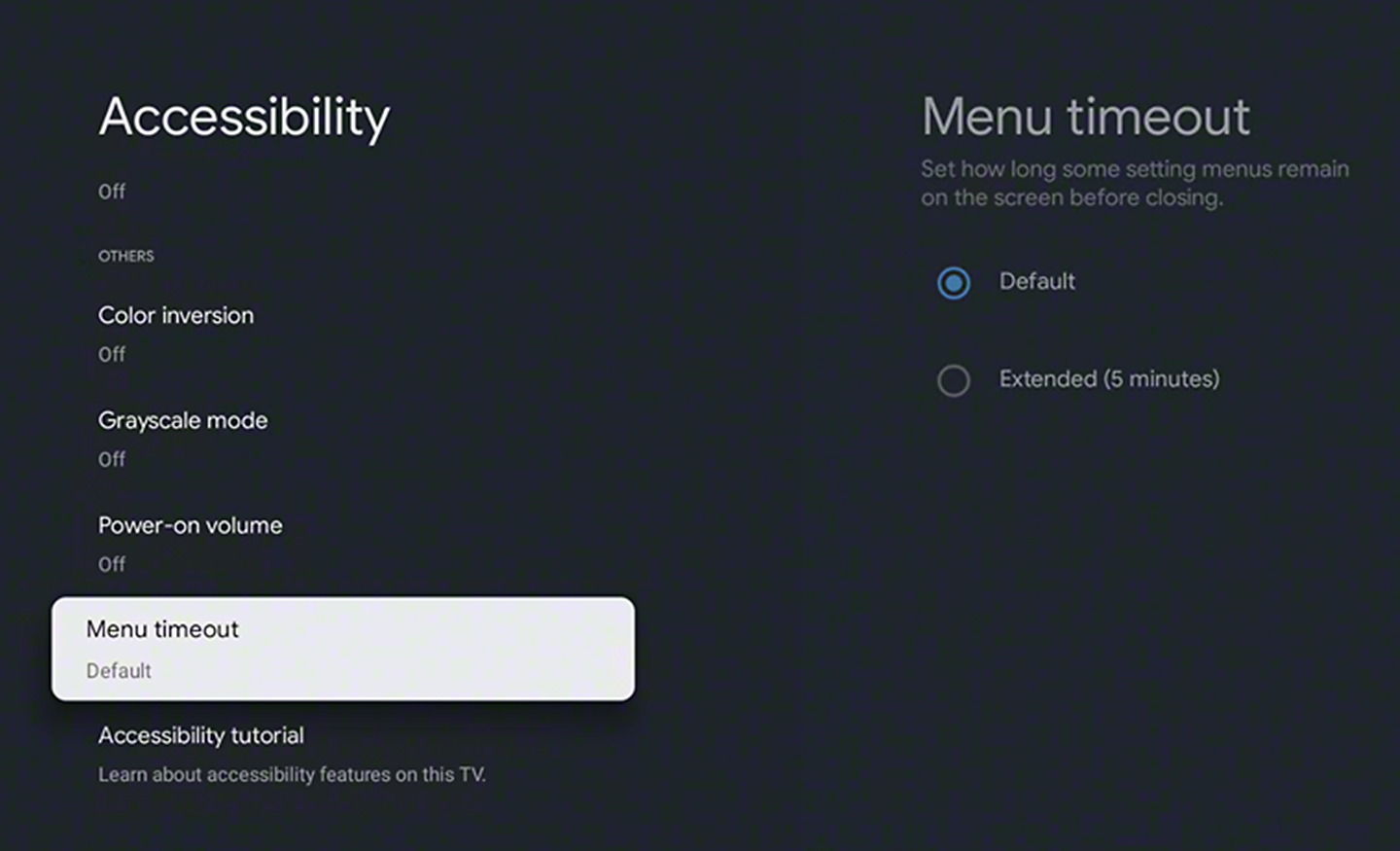
Menu timeout function
Menu timeout can be used to extend the display time of a notification.
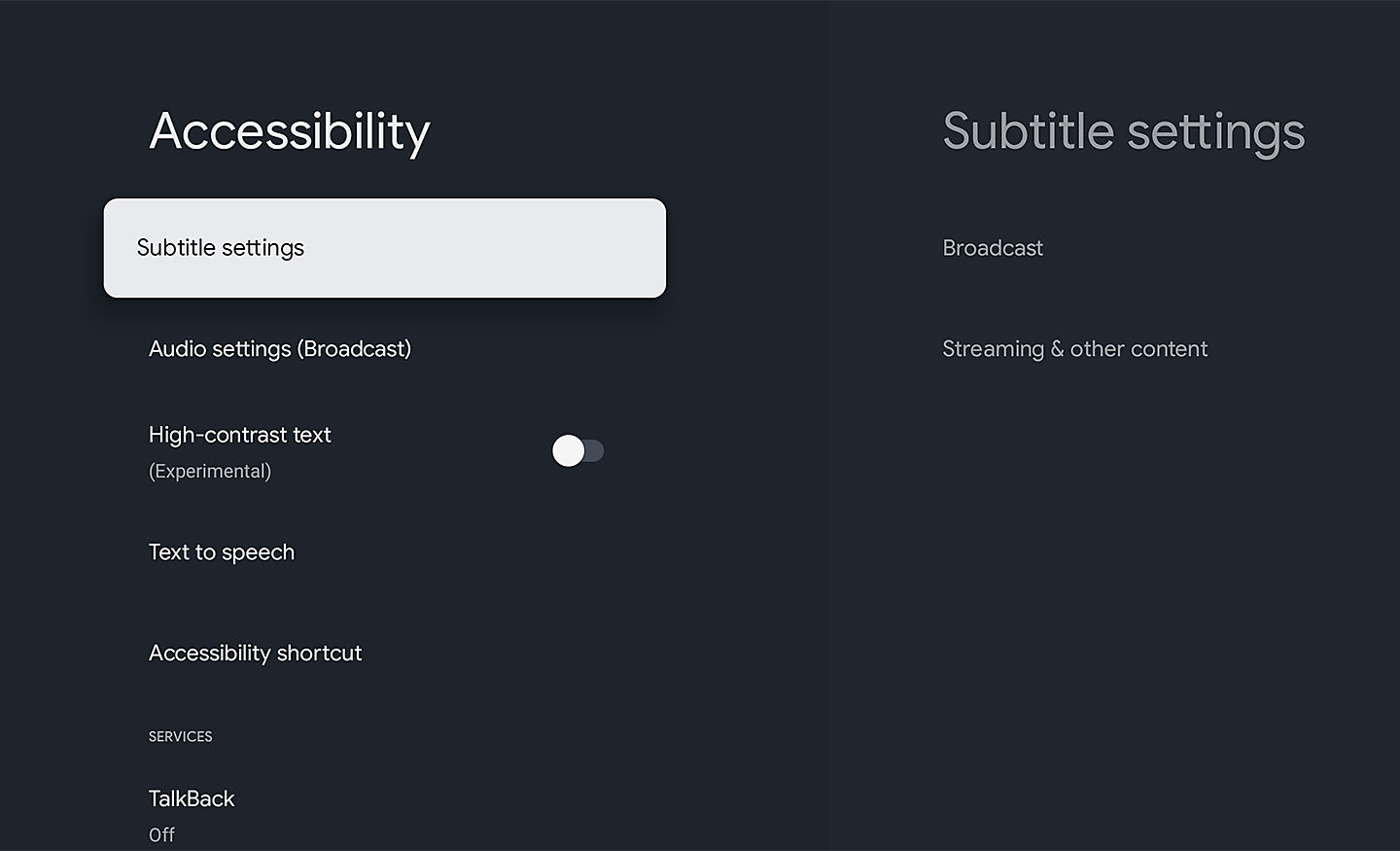
Subtitle
Closed captions provide on-screen transcriptions of spoken words and sound effects in your favourite shows and movies. Use the subtitle settings to capture every detail and make content accessible.
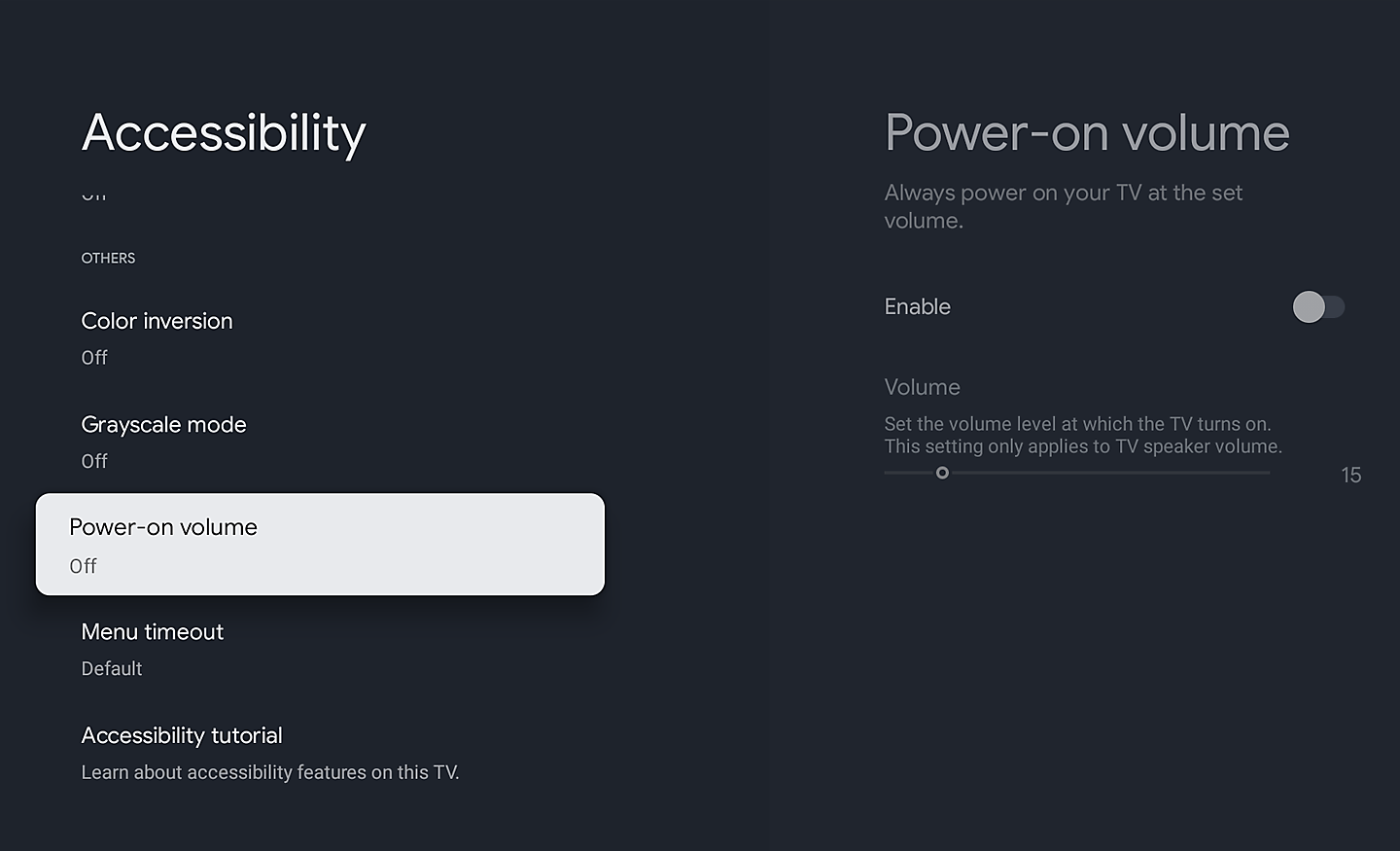
Volume preset. No more loud surprises
The Power-on Volume feature ensures your TV always starts at a pre-set, comfortable level, even after it’s been turned up. Enjoy consistent audio every time you power on.
Designed with the environment in mind
Learn More About Sony and The Environment
Sony is committed not only to offering products, services and content that deliver exciting experiences but also to working towards sony goal of a zero environmental footprint throughout sony business activities.
Environmental Features In This Product
- Dynamic Backlight Control, or pixel-level lighting control, help improve energy efficiency by adjusting display brightness as picture content changes
- Power Saving Mode helps save energy by adjusting the display brightness
- Display Off Mode helps save energy by turning the picture display off without needing to put the TV into full stand-by mode, so audio can still be enjoyed