Description
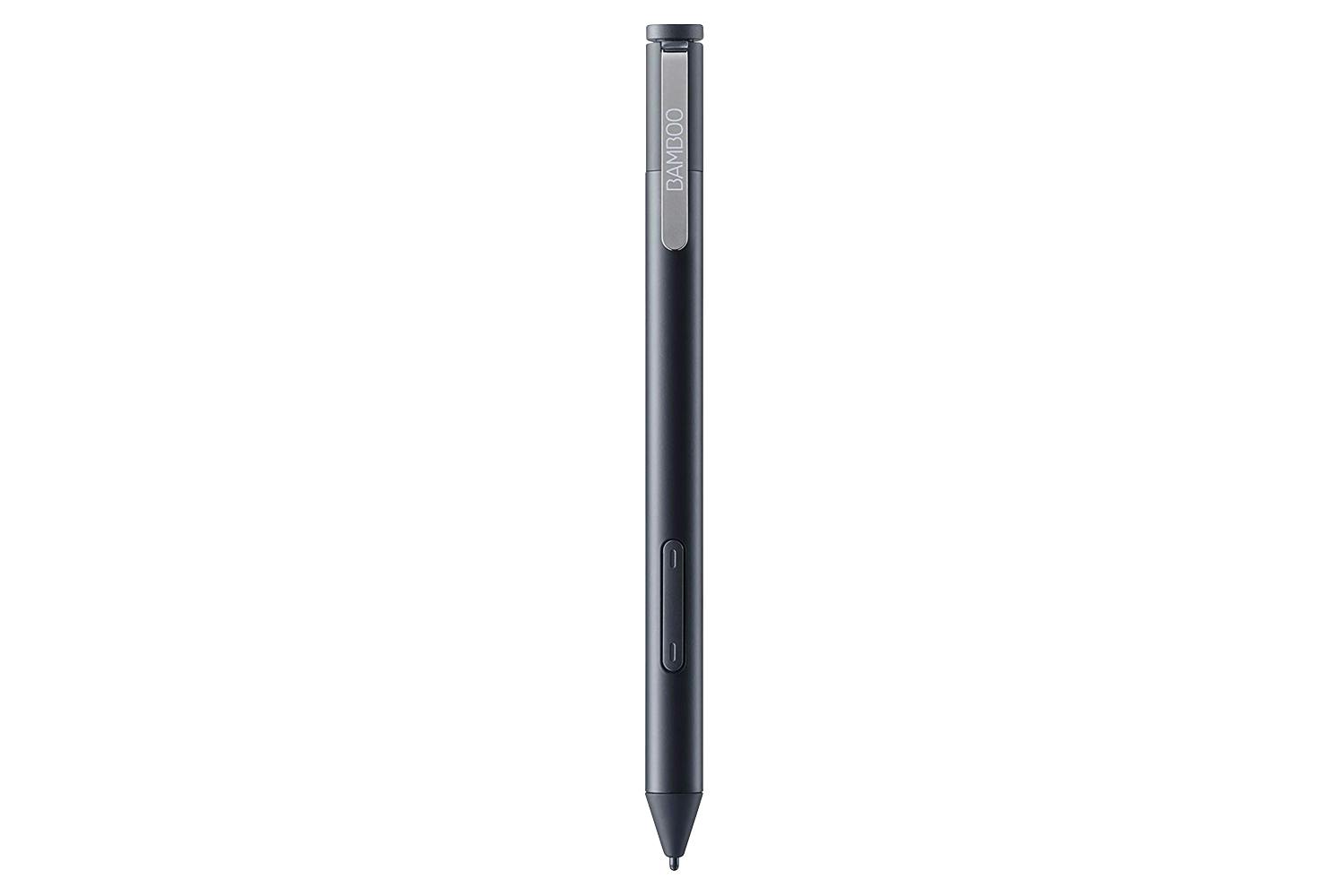
Bamboo Ink Plus lets you take notes or express yourself in a realistic way. Every stroke looks authentic, thanks to its natural tilt support which detects the angle of the pen in relation to the drawing surface.
Check out the video:

Feels Just Right
Scribble or sketch with a comfortable and balanced in-hand feel, thanks to Bamboo Ink Plus’ ergonomic triangular profile and soft-touch surface. Its cone shape also has a familiar pencil-like feel that gives Bamboo Ink Plus a smooth line from body to tip.

Customize Your Pen
With different nibs in the nib kit, it’s easy to change your pen to best suit whatever you’re annotating, drawing or sketching. On certain devices the blue nib from the nib kit can enhance your pen experience. Please check for device compatibility.

Charge and Go
No need to replace batteries, simply recharge your Bamboo Ink Plus with a USB-C connector and keep your ideas flowing.

One Pen for Many Devices
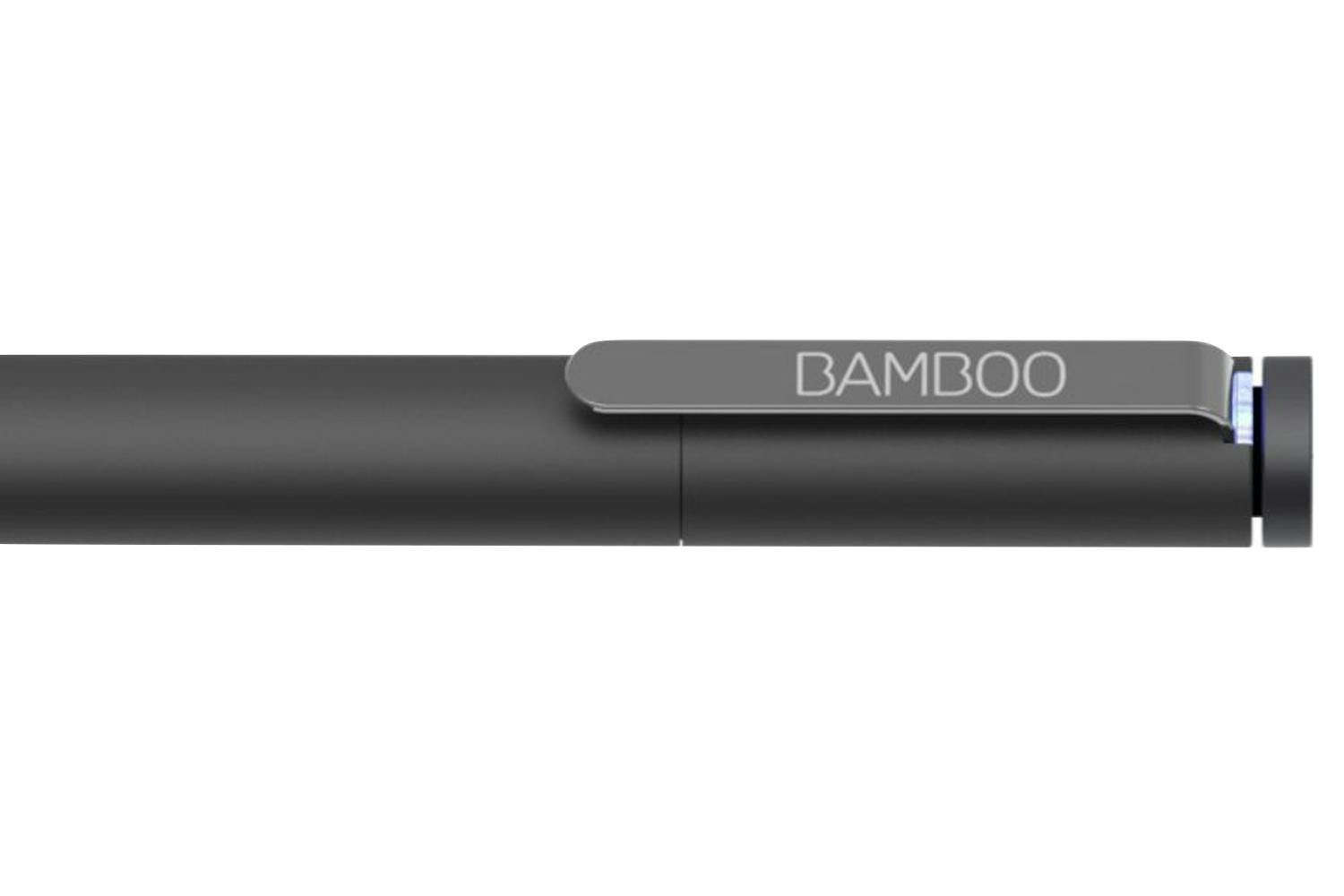
Bamboo Ink Plus works with a broad range of pen-enabled devices, and syncs with both the Wacom Active ES protocol and Microsoft Pen Protocol (MPP). Simply press and hold both side-switches for two seconds till the LED blinks to change the protocol.

Note Taking
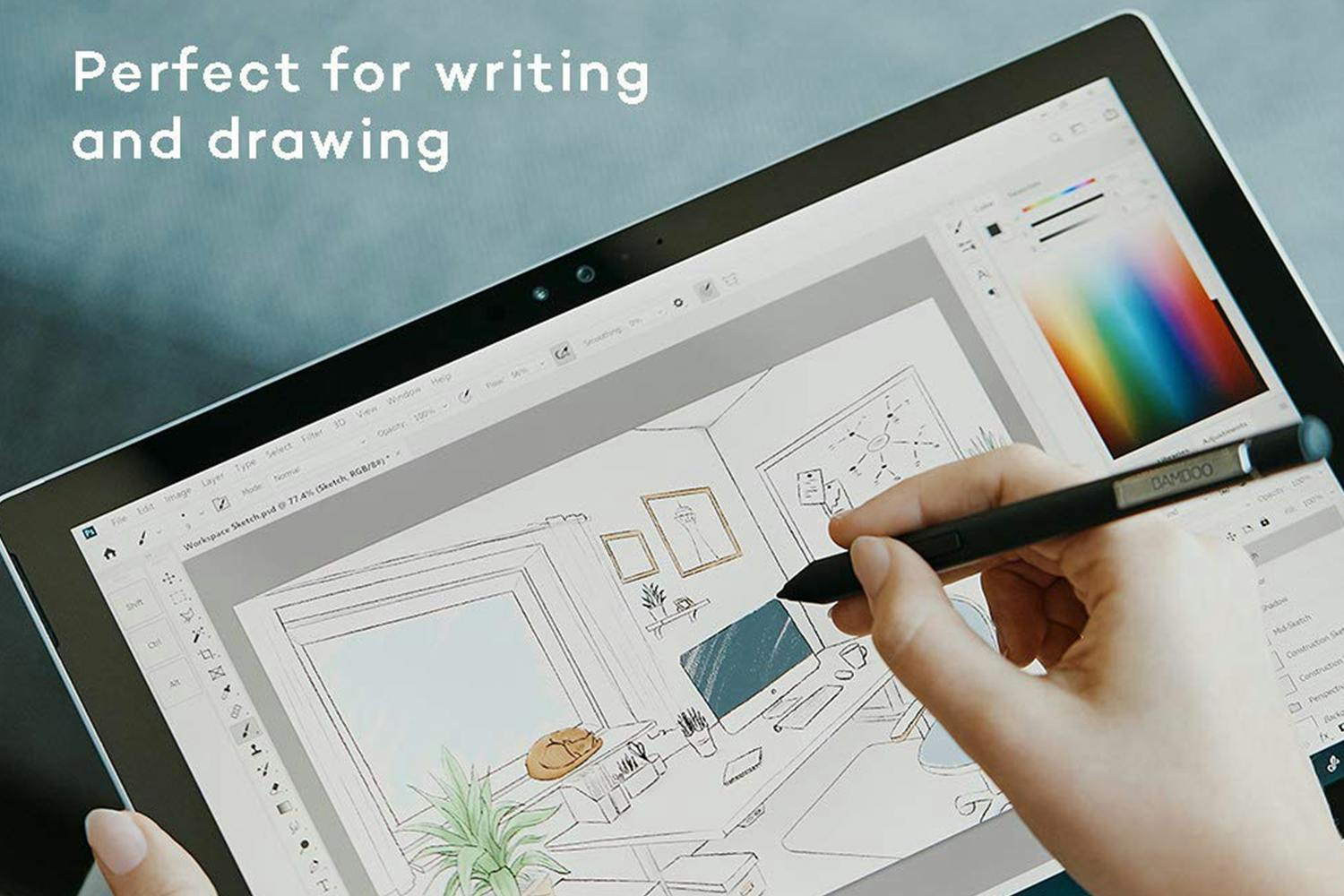
Marking up documents is easy with the comfortable, authentic handwriting experience and pencil-like feel. Simply press Bamboo Ink Plus’ Bluetooth button to launch the Windows Ink Workspace and take your ideas further.
Sketching and Drawing
The fine and sensitive tip is ideal for sketching and drawing. Specifically designed to feel natural, you can hone your artistic skills. Every stroke looks authentic and appears effortlessly, thanks to its natural tilt support and light touch responsiveness.
Visual Thinking
Capture your thoughts with Bamboo Ink Plus. With Windows Ink Workspace you can accurately express your ideas, then develop them further with the pre-installed Sketchpad, Screen Sketch or other pen-optimized apps.
Compatibility:
Product Features:
- Annotate, sketch, draw
- Light touch responsiveness
- Triangular shape and pencil like feel
- Up to 3 hours battery charging time
- Instant access to Windows Ink Workspace
Product Care
Protect your purchase with Product Care™. Get a brand new replacement if your product suffers an eligible fault through our hassle free support process, plus enjoy a range of exclusive benefits like a product health check and free prints each year so you experience your new product even more.
Discover all of the benefits Product Care™ brings you:
Protection
With Product Care™ you can relax knowing your purchase is protected. After an assessment, if your product suffers a fault covered by the terms of your plan, we’ll arrange to have a brand new replacement delivered to your doorstep.
Support
Our range of support options ensure you experience an easy and hassle free process when you need to talk to us about your Product Care™ plan. Whether you are experiencing a fault, or wanting to redeem your entitlements, we will provide you with guidance and support every step of the way.
Advantage
Having Product Care™ with your purchase means you can enjoy a range of special benefits that are exclusive to you and will help you enjoy the experience of your new product even more.