Description
ONLINE ONLY
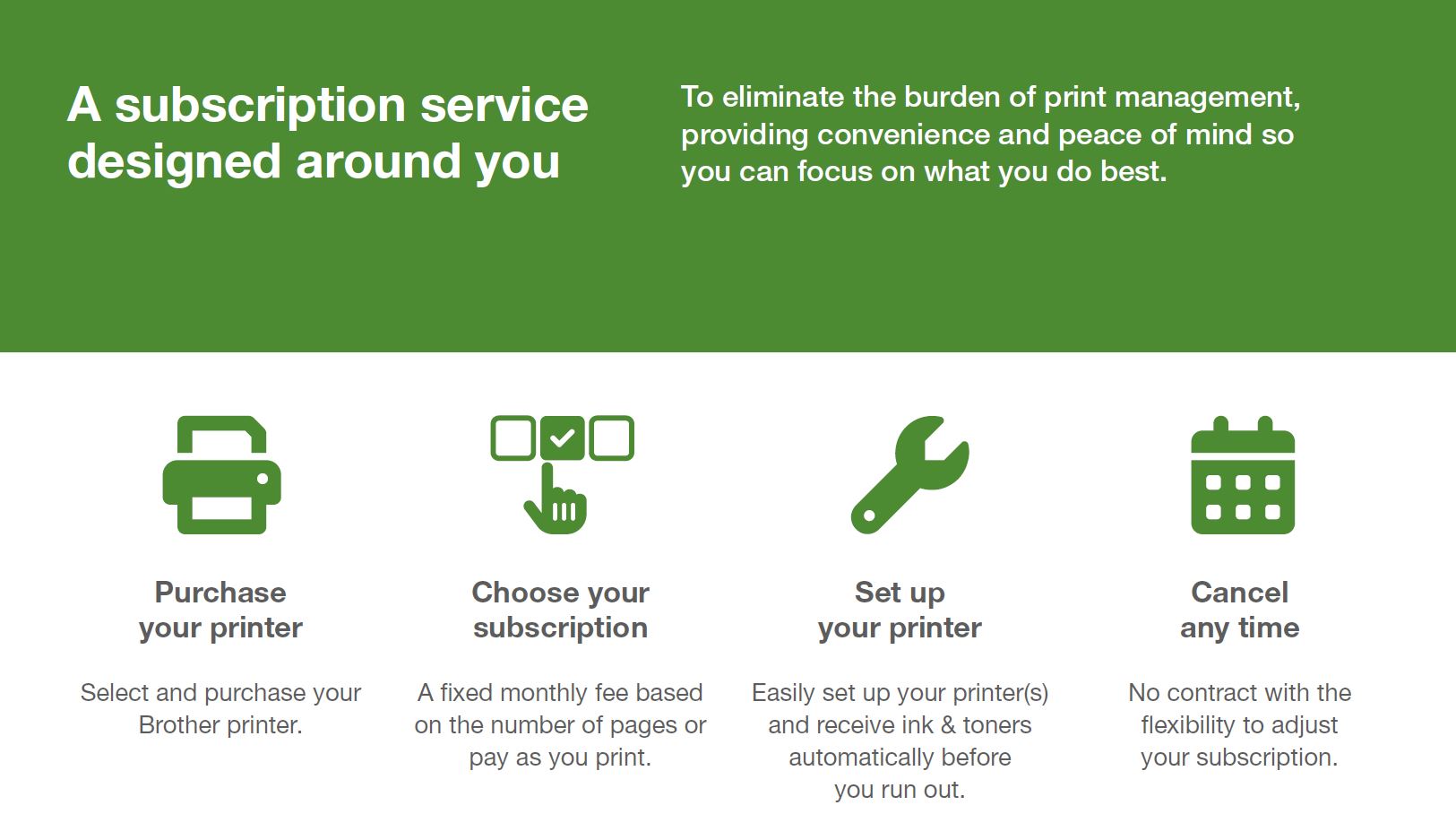
Why Choose Brother MPS:
- Automatic ink and toner delivery - supplies will always arrive before you run out, so there’s one less thing to think about.
- Reduced ongoing costs - It’s the cheapest way to get genuine supplies and get complete cost transparency.
- A fast breakdown service - Remote support within four business hours and next business day repairs for the life of your printer.
- Remanufacturing and recycling of used supplies - We recycle your used printer cartridges, so they won’t end up in landfill and can be used again.
- Flexible services that change with your business - Cancel or amend your service at any time to suit your business.
- Stay in control with the Brother MPS portal - It’s simple to monitor your print usage, request support and change your service in the Brother customer portal.
- The last printer you’ll need to buy - We promise to repair or replace your Brother printer for as long as you’re a Brother MPS customer.
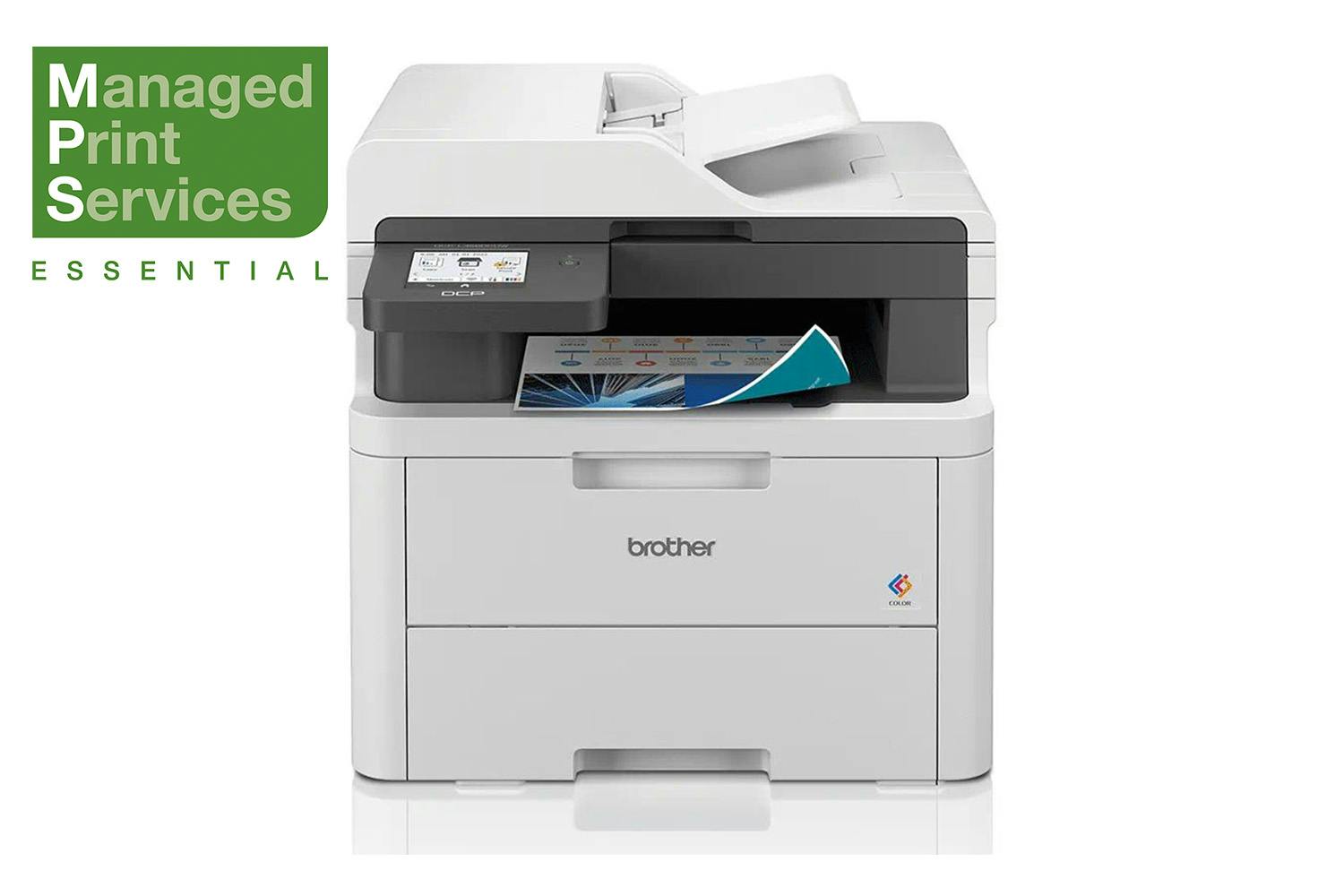
Designed to be colourful and connected, this device is expertly engineered to deliver high-quality documents quickly and quietly. No compromise is made on speed, ensuring that you can enjoy flawless printing without any disturbances.
The office and home environment is continuously changing with the goal of increasing efficiency and productivity. Be confident that you have a reliable device that prints quickly and effortlessly, with:
- 2-Sided print, up to 10 sides per minute
- Scan up to 27 images per minute
- 8.8cm Colour touchscreen
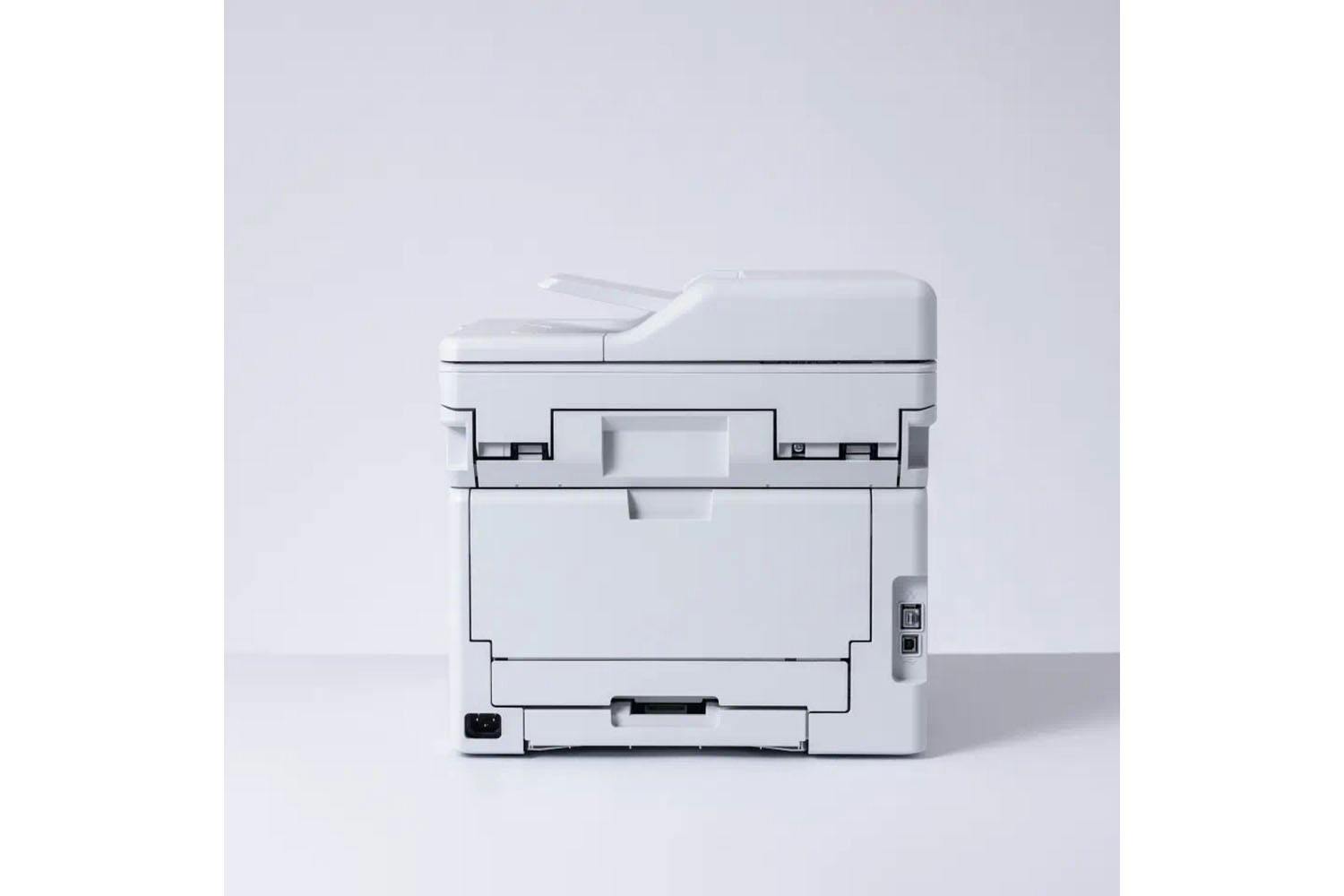
- Gigabit ethernet, 5GHz WiFi and USB
- 512MB Internal memory
- 50 Sheet Automatic Document Feeder (ADF)
- 250 Sheet paper input tray
- Comes with 1,000 black, 1,000 colour page yield toners, 3,000 black, 2,300 colour maximum yield available
What's in the Box:
- Device
- Inbox toners
- Drum units
- Belt unit
- Waste toner box
- Power supply cord
Product Features:
- 802.1x
- Active directory LDAP authentication
- Automatic intrusion detection
- Digitally-signed firmware
- IP filter
- Port based network access control
- Restrict network protocols
- Secure function lock v3
- Secure print
- Setting lock
- Store print log
- SysLog
Brother DCP-L3560CDW LED 3-in-1 Printer is rated
4.1 out of
5 by
16.
Rated 1 out of
5
by
Rowan from
Useless Drivers and software
Every time I have to print I end up wasting 3 hours because the printer simply stops responding to the print command.
Usually I end up having to uninstall all the software and drivers and reinstalling regardless of if there has been an update. I attempted to print 2 separate documents after the normal 3 hour struggle on the first document I assumed I'd be ok to print a second. I was wrong. The second document the iPrint&Scan told me it was missing the print driver. Another 2 hours of battling (uninstalling & reinstalling drivers, connecting up to the lan instead of WiFi, etc.) I gave up and wrote this review. Do not get. Or if you do turn off software and hardware updates. Give your printer and its software no means of connecting to the internet otherwise it will it will break its self.
Date published: 2025-09-19
Rated 5 out of
5
by
Maricoty from
Quick installation
[This review was collected as part of a promotion.] The first impression was that it is too big when I saw the box, when I opened the box it was still big,I would rather use it in an office. I set up the wireless function, it was very easy, without any headache. It works well with an app called mobile connect, the colours are lovely, was very easy to insert the ink. I love that it is coloured. The printing function it works well and quick. I love the paper compartment, it has a good space so you can put a good amount of paper without worrying that you have to add other paper. I would definitely recommend to everyone this printer.
Date published: 2023-12-11
Rated 5 out of
5
by
Mrs Moz from
Great value printer
Having had a couple of inkjet printers that had become highly unreliable, it was suggested that I look at a laser printer for our small office as we need high quality prints. I also tend to scan items for speed of circulation, so a multifunction machine was a must. This one fitted the bill - relatively compact and prints, scans and copies and also does duplex.
I'm not particularly tech minded but found the set up to be relatively straightforward and was able to use the printer in a short period of time. The print quality is good, black print is clear and crisp and the colour prints so far meet our needs.
Date published: 2025-12-22
Rated 5 out of
5
by
Hampers from
Ideal home printer
After studying online reviews I decided that this printer suited my needs.
When it arrived the set up instructions were very easy to follow and within a short space of time it was up and running. While it is not used everyday, when it is required, it performs without issue.
Delighted to have copy and scan functions available at home, as well as printing (double sided) and at such a great price
Date published: 2025-11-25
Rated 1 out of
5
by
Jorgan from
Not easy
Not easy or straight forward to use. Trying to capture a scan is a pain. Brother think that Outlook is the only email protocol available, so can't even send a scan unless you use outlook. Lack of clarity when trying to scan to a PC, ie, it will list 8 option available to scan to but the description is identical, so you don't actually know which folder its going to!
Date published: 2026-01-02
Rated 5 out of
5
by
Sadiej91 from
Excellent, quick and professional printer
[This review was collected as part of a promotion.] This printer is brilliant! It host a list of possibilities for your office or home. It’s very quick to print and the quality of the prints or copies is very good. I would highly recommend this product. It I quite bulky so you need the room but a great size for a high turnover. Fits a whole ream of paper in too
Date published: 2023-12-19
Rated 5 out of
5
by
Brian Daly from
Brother DCP-L3560CDW Review
The Brother Laser printer I purchased from Harvey Norman has proved to be a very good quality purchase. The scan and print option is excellent and the connection options are brilliant with USB, Network and WiFi available it means all my devices can access it to print without difficulties. I highly recommend it for SME's and domestic use.
Date published: 2024-05-17
Rated 2 out of
5
by
Binky from
Poor quality and limited use.
Really disappointed with the quality of the print. Not nearly as good as the previous brother printer (DCP-L8410CDW). Some of the print is so faint it is barely legible. To make matters worse, the app required to print doesn't work with my iPad (iOS v.17 or higher is required). Overall, a poor buy.
Date published: 2025-11-15
Product Care
Protect your purchase with Product Care™. Get a brand new replacement if your product suffers an eligible fault through our hassle free support process, plus enjoy a range of exclusive benefits like a product health check and free prints each year so you experience your new product even more.
Discover all of the benefits Product Care™ brings you:
Protection
With Product Care™ you can relax knowing your purchase is protected. After an assessment, if your product suffers a fault covered by the terms of your plan, we’ll arrange to have a brand new replacement delivered to your doorstep.
Support
Our range of support options ensure you experience an easy and hassle free process when you need to talk to us about your Product Care™ plan. Whether you are experiencing a fault, or wanting to redeem your entitlements, we will provide you with guidance and support every step of the way.
Advantage
Having Product Care™ with your purchase means you can enjoy a range of special benefits that are exclusive to you and will help you enjoy the experience of your new product even more.