


Description
Check out the video:
Groove Circuit: Freely Manipulate Drum Parts and Create New Remixes
With the Groove Circuit function, you can easily create remixes by simply pressing the dedicated buttons. This enables you to replace the drum parts of a track – even while it’s playing – with different drum loops, changing them into different genres and performing unique remixes effortlessly. And, by applying effects to the drum parts, you can easily create fills, build-ups, and breakdowns. By freely manipulating the drum parts,you can perform innovative and creative live remixes.
Drum Swap
You can replace the drum parts of the track loaded on the deck, even when it's playing, with different drum loops at the push of a button. To help you enjoy this feature as soon as you unbox the DDJ-GRV6, you can download a free pack of 40 loops in a variety of genres.
Check out the video:
Drum Roll / Trans
Easily create impromptu drum rolls, add fills to transitions, and build up tracks by applying the Roll or Trans effect to drum parts.
Check out the video:
Drum Release
Apply Release FX to drum parts to easily create breakdowns.
Check out the video:
Capture
Extract only the drum parts of the track loaded on the deck and capture them so you can drop them into another track later.
Check out the video:
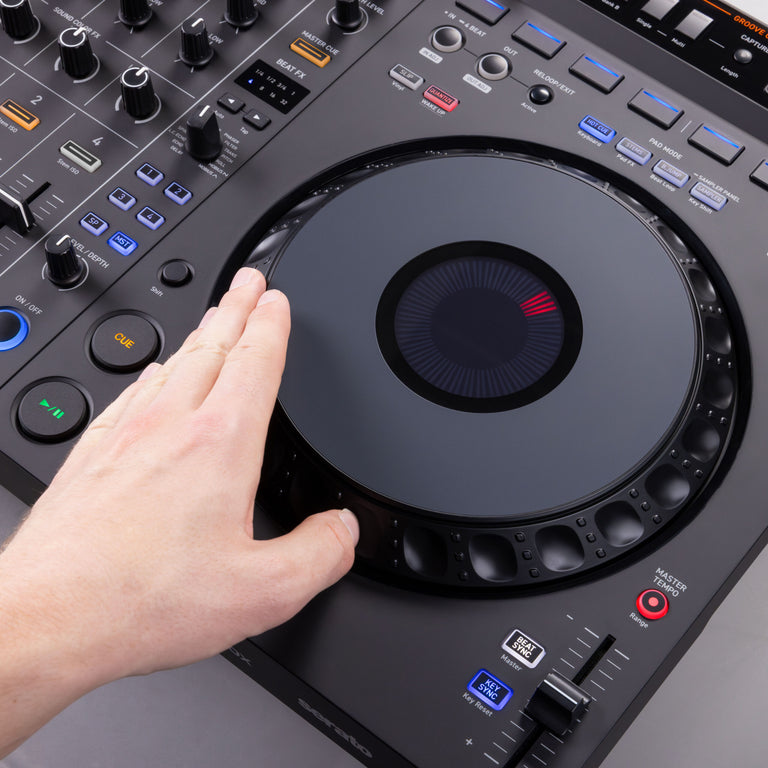
Layout Based on the Latest Club-standard DJ Gear
The DDJ-GRV6 features large jog wheels that are ideal for scratching, 8 Performance Pads which are positioned above the jogs – just as they are on the flagship CDJ-3000 multi player – and Beat FX from the DJM-A9 in the mixer section. All this means you can play with a feeling similar to using club-standard equipment, and perform dynamically by combining expressive scratching with pad and effect techniques that are perfect for club sets.
Smart Rotary Selector
The new Smart Rotary Selector on the DDJ-GRV6 allows for up/down and left/right tilting as well as conventional rotation and push operations when using rekordbox for Mac/Windows ver. 7. The left/right tilt enables intuitive navigation through the media browser, tree view, and track list, while the up/down tilt allows fast navigation through playlists and collections, so you can quickly find the track you want, no matter how big your music library is.
Check out the video:
Discover Function
By pressing the Discover button, you can quickly access the Track Suggestion feature, which helps you rediscover old favorites or encounter new songs.
*The Discover function is only available in rekordbox for Mac/Windows.
Check out the video:
Remix Performances with Stems Fx in Serato DJ Pro
The DDJ-GRV6 is compatible with Serato DJ Pro, which includes a Stems FX feature. Express yourself musically by applying effects such as Roll, Trans, Echo Out, and Delay to the separate Stems of a track – drums, bass, vocal, or melody. Apply the overlay sheet included with the DDJ-GRV6 to change the button labels to Stems FX for ease of use.
Check out the video:
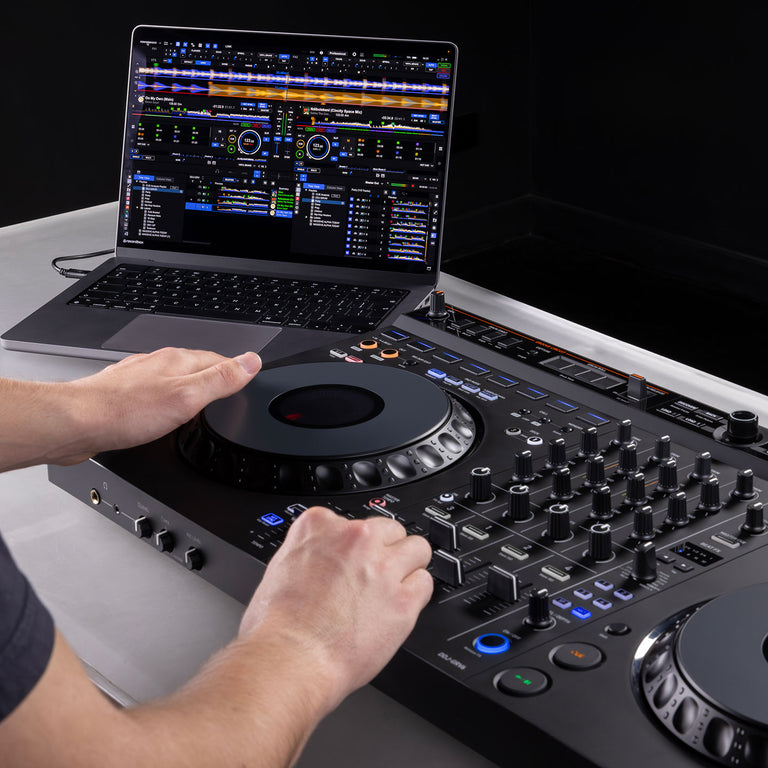
Multi-device Compatibility: DJ with Your PC/Mac, Mobile Device, and More
You can choose to use the DDJ-GRV6 with not only rekordbox for Mac/Windows but also rekordbox for iOS/Android. With the option of playing via a mobile device, you have freedom to DJ in your preferred style and in a variety of different settings.
*The DDJ-GRV6 does not support Bluetooth connections.
*Only channels 1 and 2 are available for playback in rekordbox for iOS/Android.

Intuitive User Experience and Sophisticated Design
While it includes many advanced features, the matte black finish and ergonomic design mean you can easily find your way around the DDJ-GRV6. Despite the variety of functions, the minimalistic display and indicators offer intuitive access to the functions you need. And the Groove Circuit, one of the unit’s key features, is cleanly laid out above the Performance Pads with a “step up” in between, ensuring you won’t accidentally touch a jog wheel when you’re using it. This sleek design allows you to get creative in performances that can be as simple or intricate as you like.
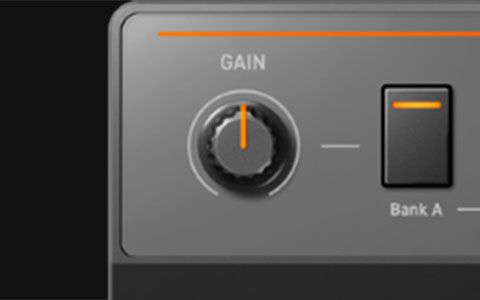
Gain Knob
Adjusts the volume of the drum loop assigned to Drum Swap.
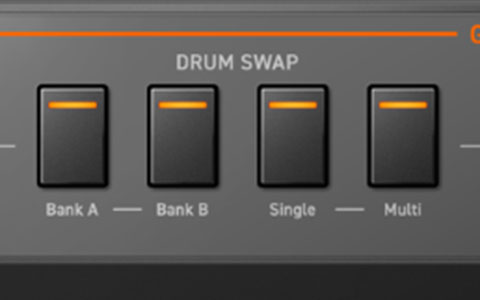
Drum Swap Button
Plays/pauses the drum loop set to this button.
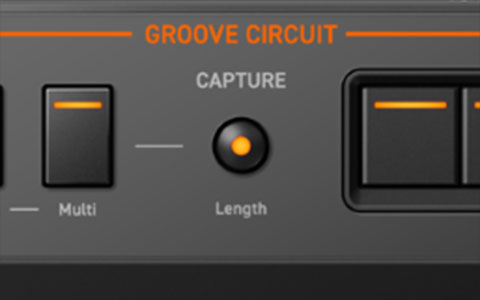
Capture Button
Selects a section of the drum loop with a specific number of beats from the position where the button is pressed.
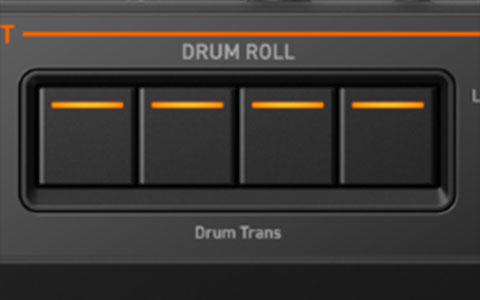
Drum Roll Buttons
Applies Roll/Trans effect to the selected drum loop.
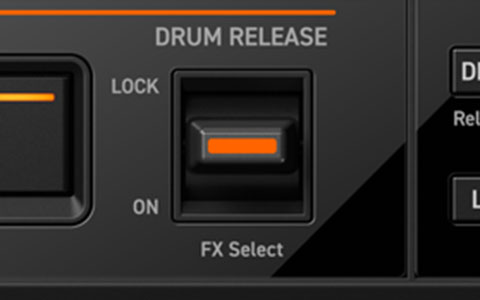
Drum Release Lever
Applies Release FX to the drum loop. When you return the lever to the center position, the effect is cancelled.
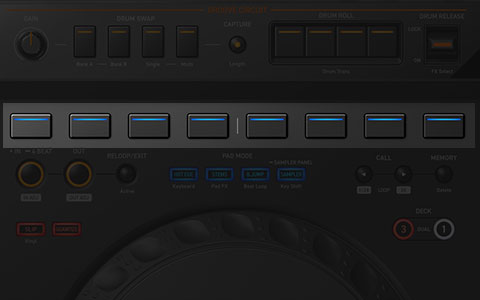
Performance Pads
Call up and control the Hot Cues, Stems, Beat Jump, and Sampler.
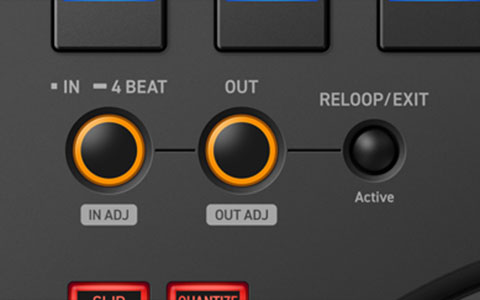
Loop Section
Sets the IN / OUT point of the loop on the fly.
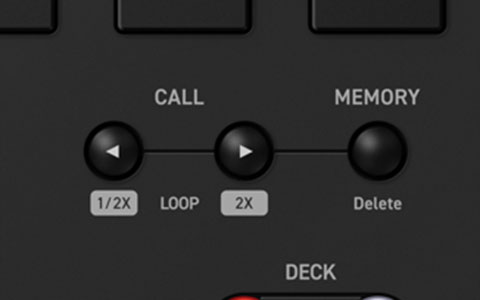
Call Cue/Loop Section
Calls up the Cues and Loop already set for the track.
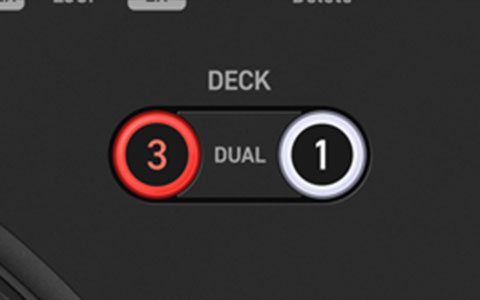
Deck Button
Switches the deck to be used.
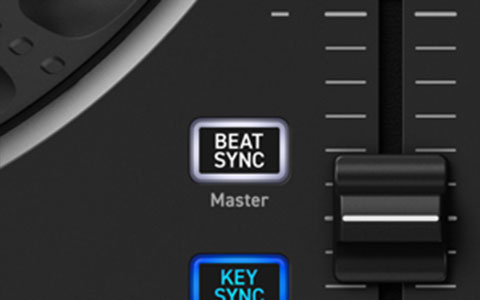
BEAT SYNC Button
Automatically synchronizes the tempo (BPM) and beatgrid with the deck set as the master.
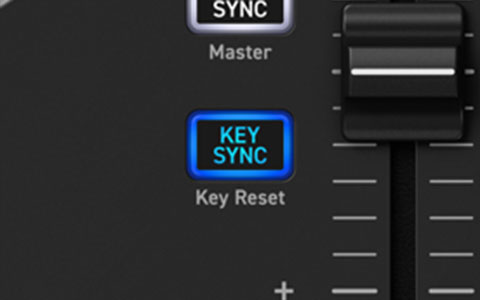
Key Sync Button
Automatically adjusts the key of the incoming track to match the one playing on the master deck, helping you craft a smooth and harmonic mix.
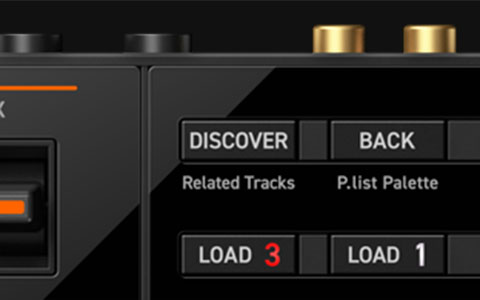
Discover Button
Moves cursor into [Track Suggestion].
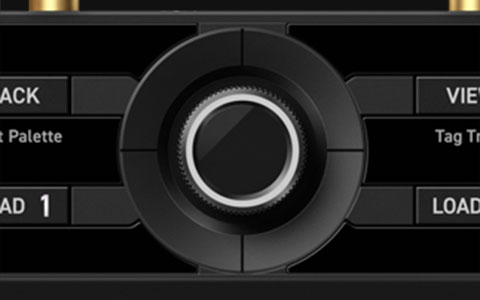
Smart Rotary Selector
As well as the traditional browse operations, left/right and up/down push actions are now available to help you quickly reach your next track.
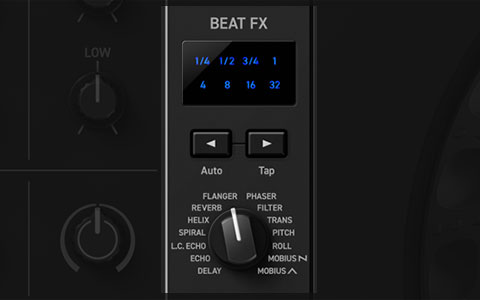
BEAT FX
BEAT FX section with the similar feel as the DJM-A9.
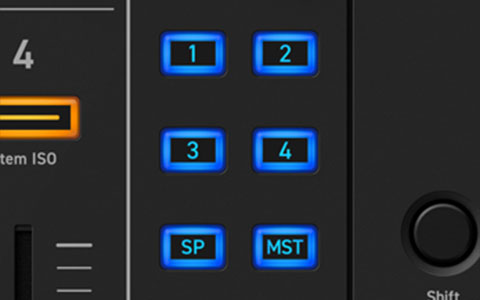
BEAT FX CH Select Button
The channel selector is now a dedicated button, enabling you to quickly apply effects to your chosen channel.
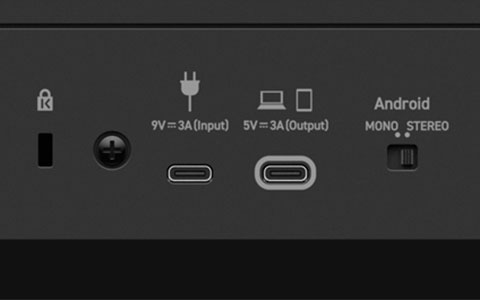
USB Port (Type-C)
Connection for a PC/Mac or iOS/Android.
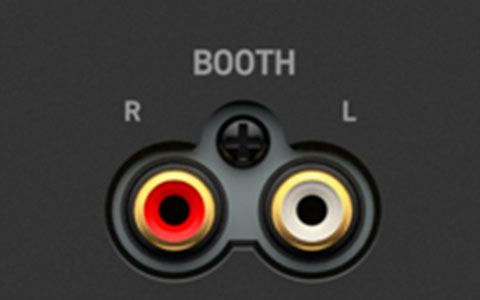
BOOTH Output Terminals (RCA)
Connection for a powered speaker or power amplifier, etc.
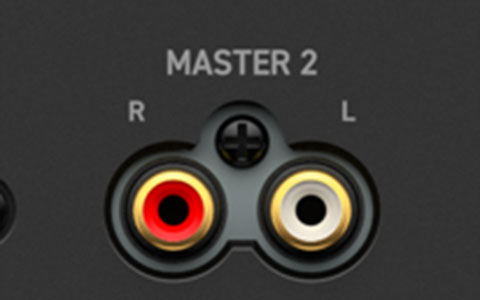
MASTER 2 Output Terminals (RCA)
Connection for a powered speaker or a power amplifier, etc.
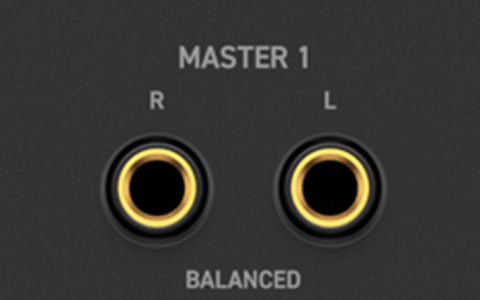
MASTER 1 Output Terminals (1/4" TRS jack)
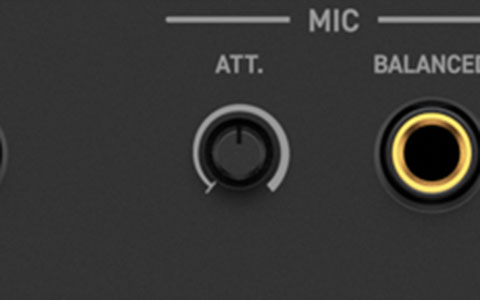
MIC ATT. (Attenuator) Knob
Adjusts the volume of input sound from the [MIC] input terminal.
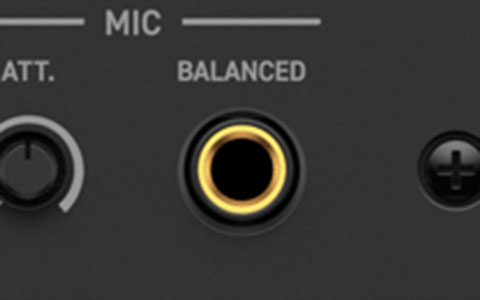
MIC Input Terminal (1/4" TRS jack)
Connection for a microphone. A phone plug can be used.
4-channel Mixer
The mixer section has 4 channels, so you can create mashups freely, or scratch on the fly.
USB Type-C
Connect your PC/Mac or mobile device directly to the controller’s USB Type-C terminal with a single cable. For PC/Mac, power is supplied via USB. For mobile devices, power must be supplied to the DDJ-GRV6 from an outlet or mobile battery.
Built-in Sound Card (Audio Interface)
Thanks to a built-in sound card, the DJ controller connects straight to your speakers or amplifier with a single TRS/RCA cable.
Class Compliant
Plug your DJ controller into your PC/Mac and start DJing – there’s no need to install an audio driver.
Firmware Update Manager
You’ll be automatically notified when firmware updates become available.
AlphaTheta Care
Pioneer DJ extended product warranty service ensures longer and more reliable use of your products
What's in the Box:
- USB cable (C to C)
Product Features:
- Frequency response : 20 Hz - 20 kHz (USB)
- S/N ratio: 104 dB (USB)
- Total harmonic distortion: 0.003% (USB)
- Power supply: DC 9 V, 3.0 A (USB power adapter), DC 5 V, 1.5 A (USB bus power)
- Compatible software: rekordbox for Mac/Windows, rekordbox for iOS/Android, Serato DJ Pro
- Channels: 4
- Deck Control: 4 / Dual
- Jog Wheel: 206 mm
- Sampler: (rekordbox) 16 slot × 4 bank, (Serato DJ Pro) 8 slot × 4 bank
- Hot Cues: 8
- Pad Modes: (rekordbox) Hot Cue, Stems, Beat Jump, Sampler, Keyboard, Pad FX, Beat Loop, Key Shift (Serato DJ Pro) Hot Cue, Stems, Beat Jump, Sampler, Pitch Play, Pad FX, Auto Loop, Key Shift
- Inputs: MIC × 1 (1/4″ TRS jack × 1)
- Outputs: MASTER × 2 (1/4″ TRS jack × 1, RCA × 1), BOOTH × 1 (RCA × 1), PHONES × 2 (1/4″ stereo jack × 1, 3.5 mm stereo mini jack × 1)
- USB: USB Type-C × 2
Specifications
-
Brand
- Pioneer DJ
Warranty
-
Warranty
- 24 months
Dimensions
-
Weight
- 4.6 kg
-
Width
- 711 mm
-
Depth
- 376 mm
-
Height
- 76 mm
General
-
Product Type
- DJ Controller
-
Product Category
- TV & Audio
Power
-
Power Source
- Main
Delivery & Returns
Delivery
We offer a comprehensive nationwide (Republic of Ireland only) delivery service; we aim to deliver all orders as quickly as possible.
| Item Type | Delivered In | Delivered By |
|---|---|---|
| Small Items | 3 - 5 Working days | DPD |
| Large Electrical Items | 3 - 5 Working days | Independent transport company |
| Furniture & Bedding | 3 - 5 Working days | Independent transport company |
| Clearance Items | 5 - 7 Working days | Independent transport company |
| Harvey Norman Customer Direct | Please refer to each individual product description page for accurate lead times. | |
Please note: Delivery times for rural areas may vary depending on routes and availability. If you have ordered any products that involve a lead time, are customised, or made to measure, we will contact you to discuss delivery. For more information regarding delivery and associated costs, please click here.
Free Click & Collect In Store
Can’t wait for delivery or don’t want to pay additional delivery charges? It’s incredibly simple to collect your online order in store and get your hands on your product quickly and easily. Simply select the Click & Collect option and head to your nearest Harvey Norman store to collect your order.
During checkout, select “Click & Collect” and select your preferred store.
After your order is placed, you will receive an order acknowledgement email with your order number.
Once the store has confirmed your order and reserved the stock, you will receive an email to inform you that your order is “Ready for collection”. If you want to use "Contactless Click & Collect" select this option on this email.
Bring your order number to the store you selected for Click & Collect, along with photo ID and the credit card you used to make the order.
Speak to one of our staff and your order should be processed in minutes.
If availing of Contactless Click & Collect, please click the link in your email “ready to pick up” to let the store know you are on your way. When you have parked in the designated parking bay, open your email, and choose the “I’m here” option and a member of staff will bring your purchase out to your car.
Easy returns
Store Purchases: For all items purchased from a physical store, please return to your local Harvey Norman Store. Please see Terms & Conditions here.
Online Purchases: For all items purchased via our Online Store (website), please contact our Online Customer Service Team at [email protected] where a dedicated Customer Service Agent will guide you through the process.
Reviews
Ask a question

In Stock - Ready to Ship
Online Only | Unavailable In-Store
Available services
You may also like
You may also like
Recently viewed
Compare
 Secure Online Shopping