
Description
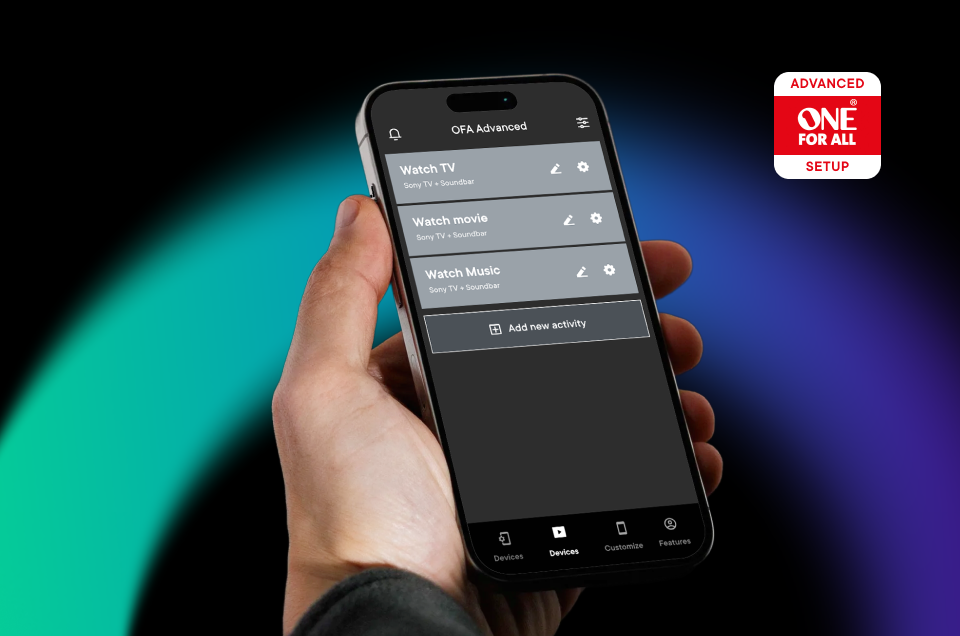
Powered by: One For All Advanced App
Seamless setup of your remote with the One For All Advanced App. Customize the remote to fulfill al your desires, adjust devices, re-organize your setup or simply create an activity for your favorite streaming service.
The One For All Advanced App is the perfect solution for a simple and comfortable customization of your home entertainment.
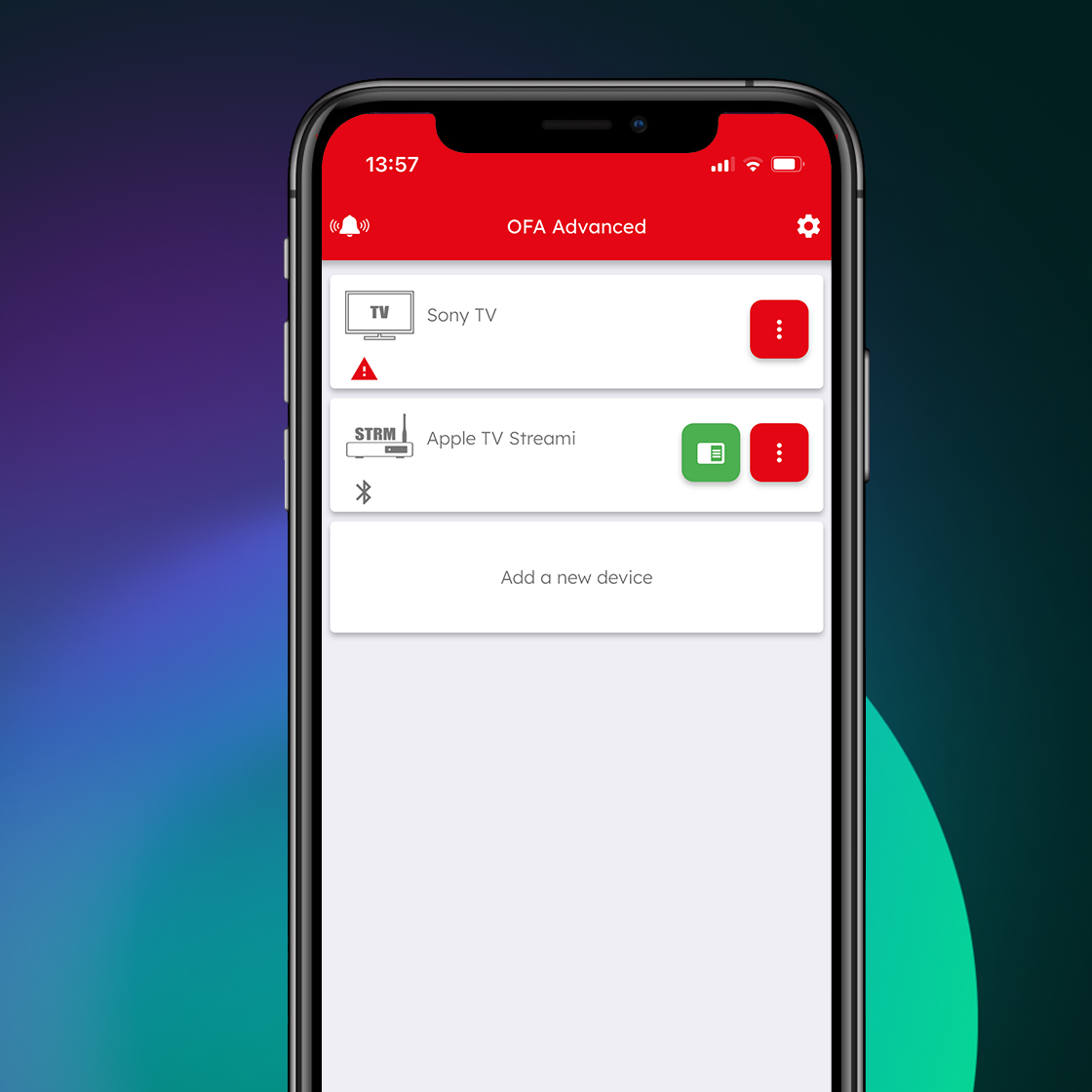
Devices
Your One For All remote can control up to 12 Audio Video devices. Setting up these devices should be your first step. The app will help you easily set up the remote to control your devices, all you need is the brand of your device.
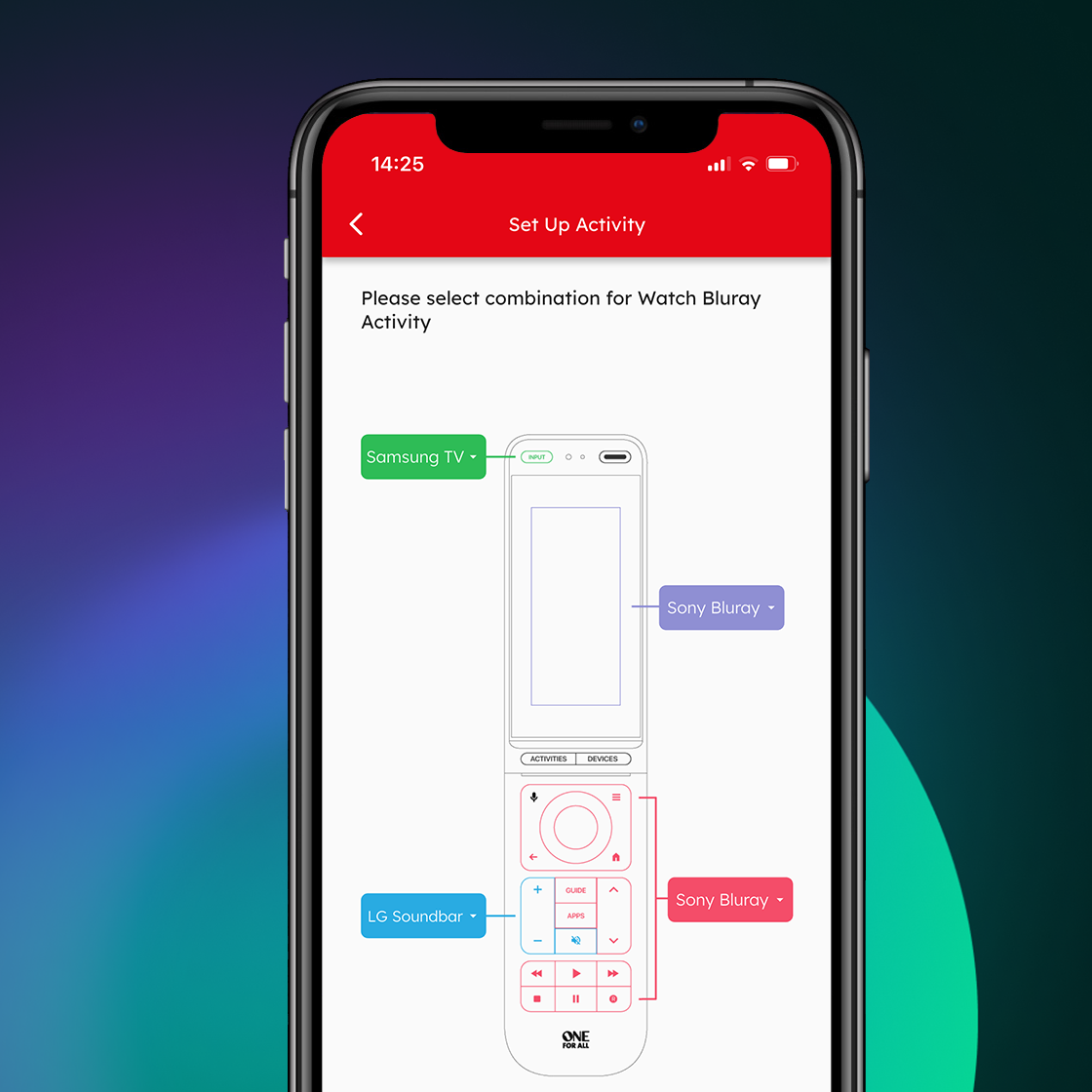
Activities
The Activity setup will allow you to make any combination of the devices you have set up, and explain which key will control each device in the Activity mode such as Watch TV, Watch Movie or Listen to Music
If you use a combination of your TV, Set Top Box and Sound Bar to watch live TV, you can combine this into the Watch TV activity, and the remote will control the appropriate devices when the keys are pressed.
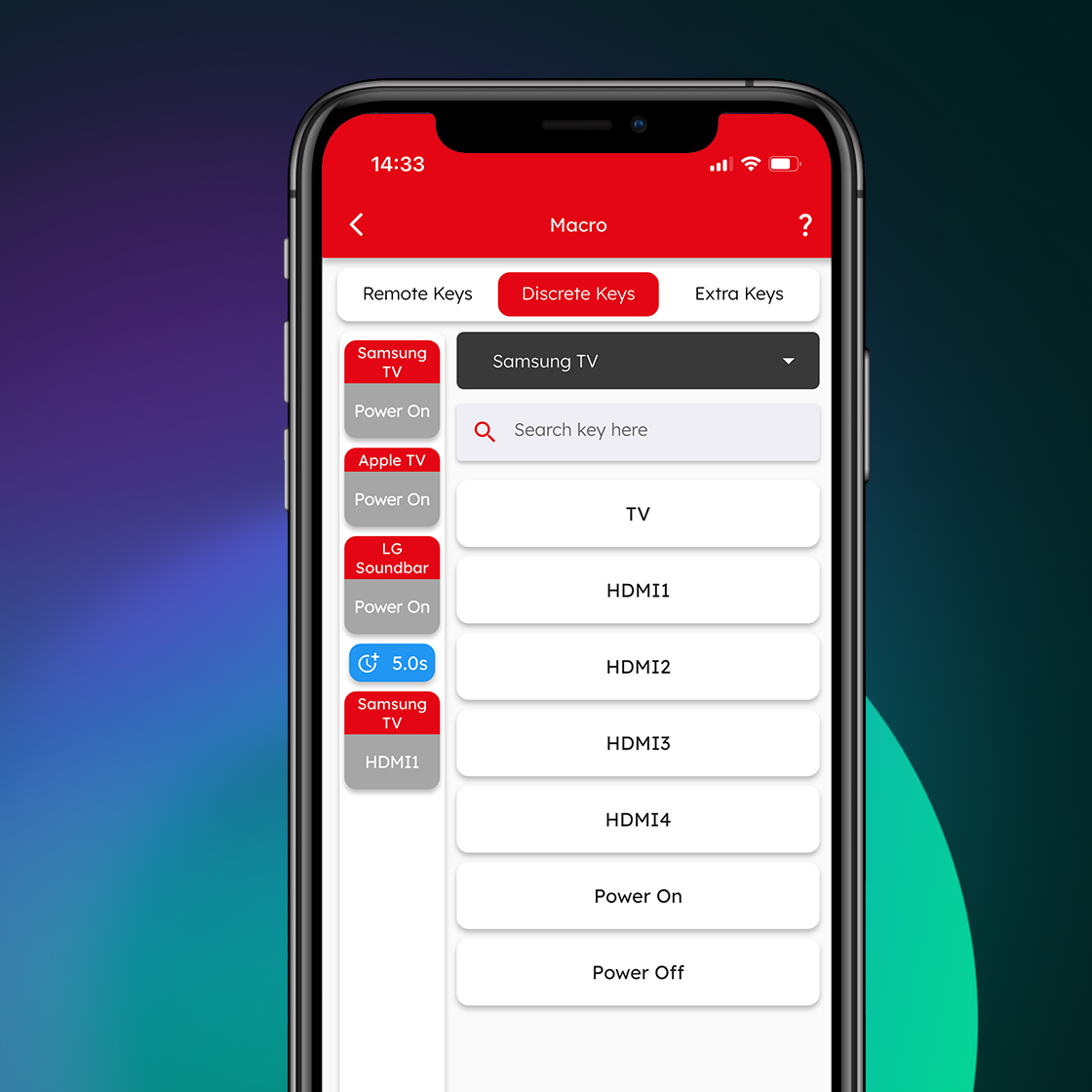
Macros
A macro is a series of commands sent with a single button press. For example you could turn on your TV, Sound Bar and Set Top Box and then select the correct HDMI input of your TV, all with one key press. You can even assign the macro to an Activity, ensuring your devices are all on the right settings to control the Activity.
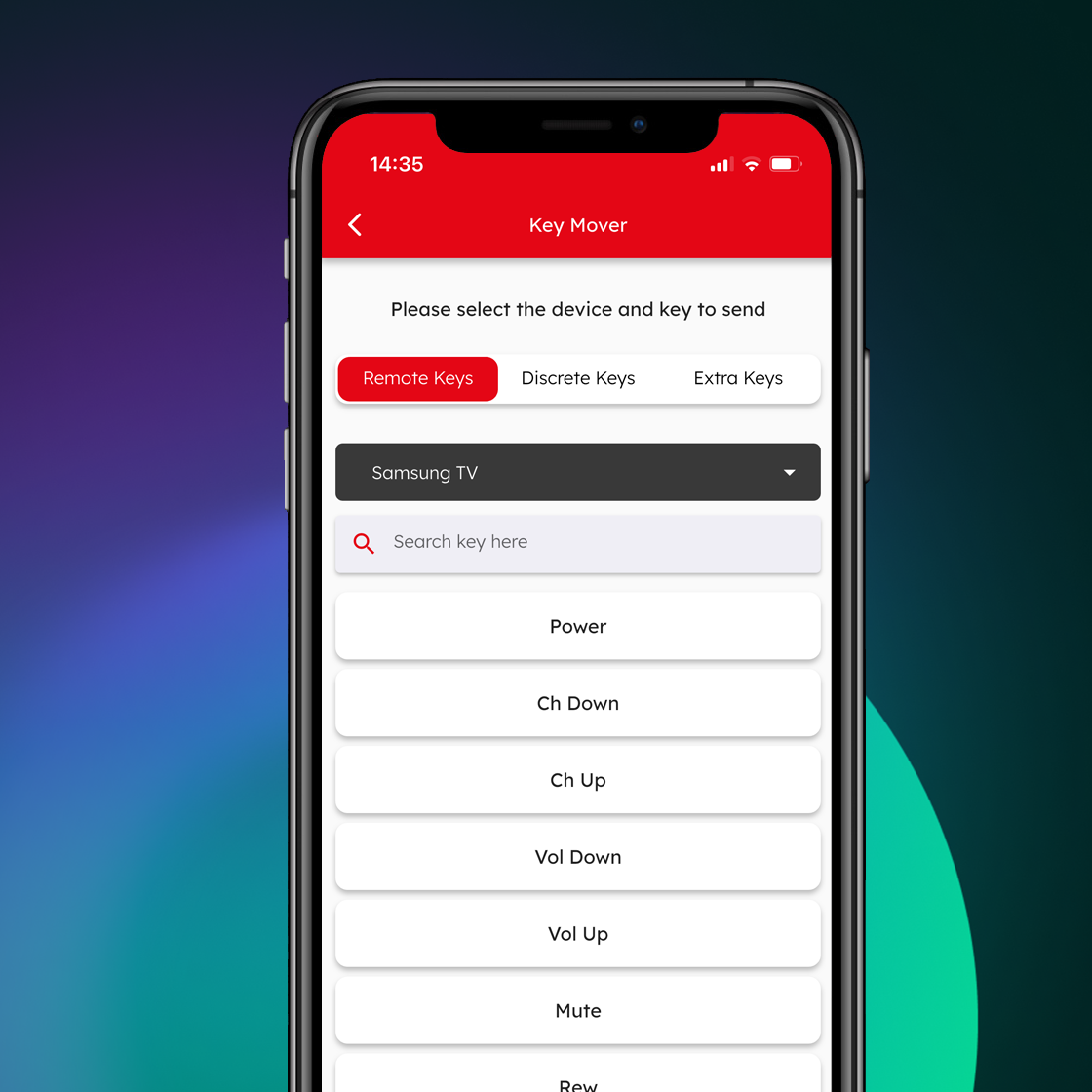
Key Mover
Using the Key Mover feature you can change the functionality of one or more of the keys on the remote, changing its position or even duplicating it in a different device.
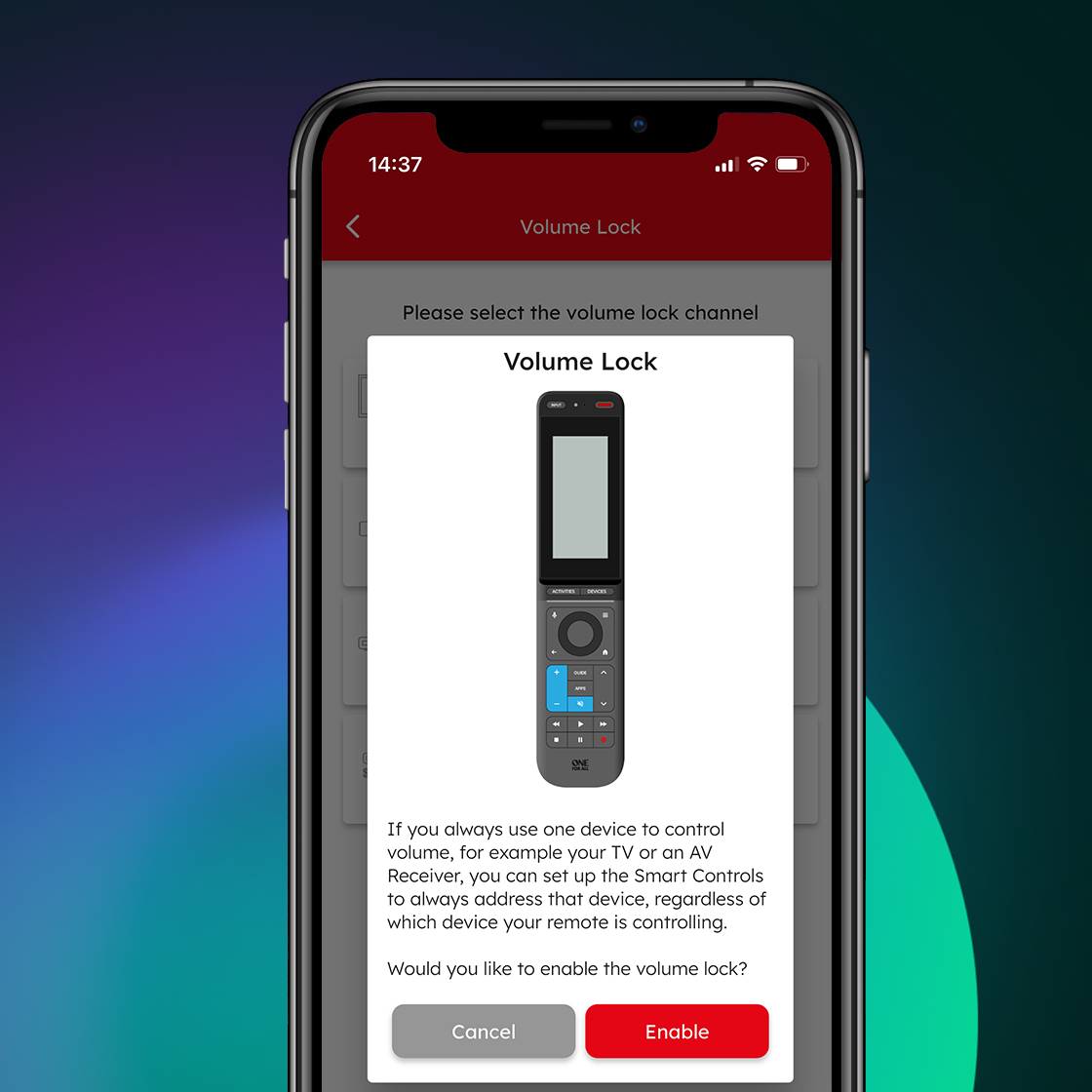
Volume Lock
Do you use only one device to control the volume of your devices? For example you may want to always control the volume of your sound bar even when controlling another device like TV or Blu-ray. The Volume Lock feature allows you to lock the volume up, down and mute keys so they always control the same device.
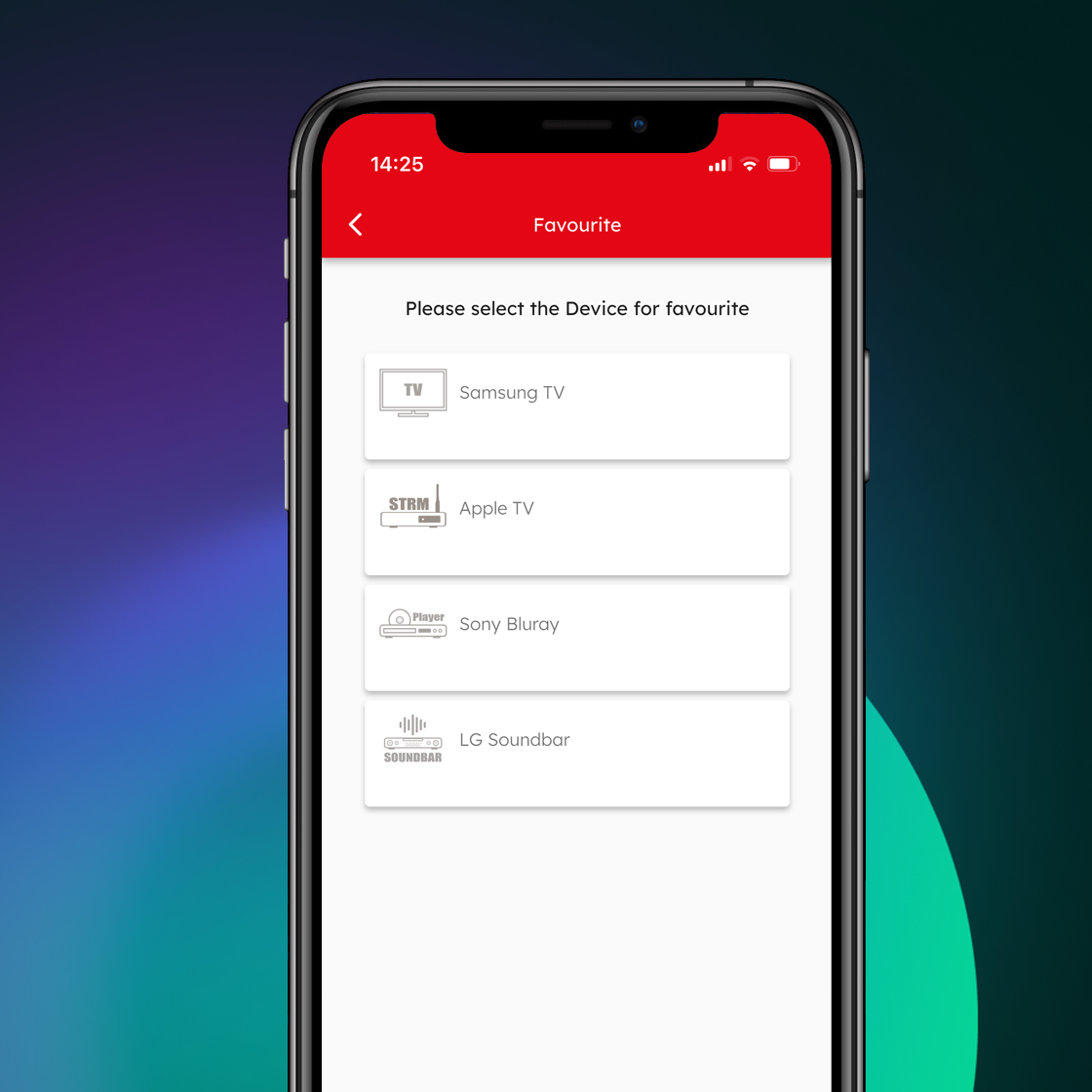
Favorites
Combine Devices, Activities, Macros and even individual keys onto a single screen, always just a key press away.
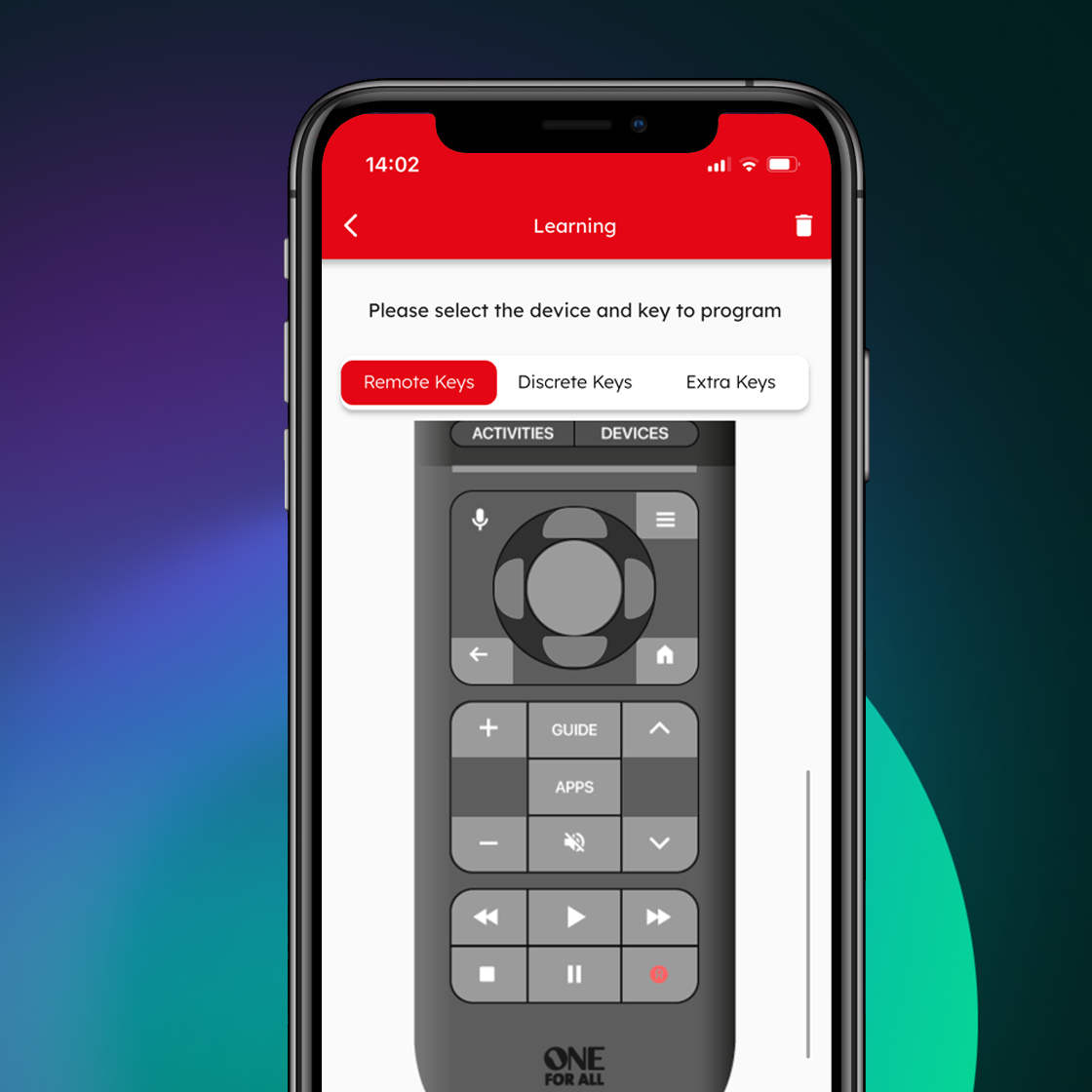
Learning Feature
Easily customize this remote to suit your needs using the learning feature, ensuring you won’t miss a single key!
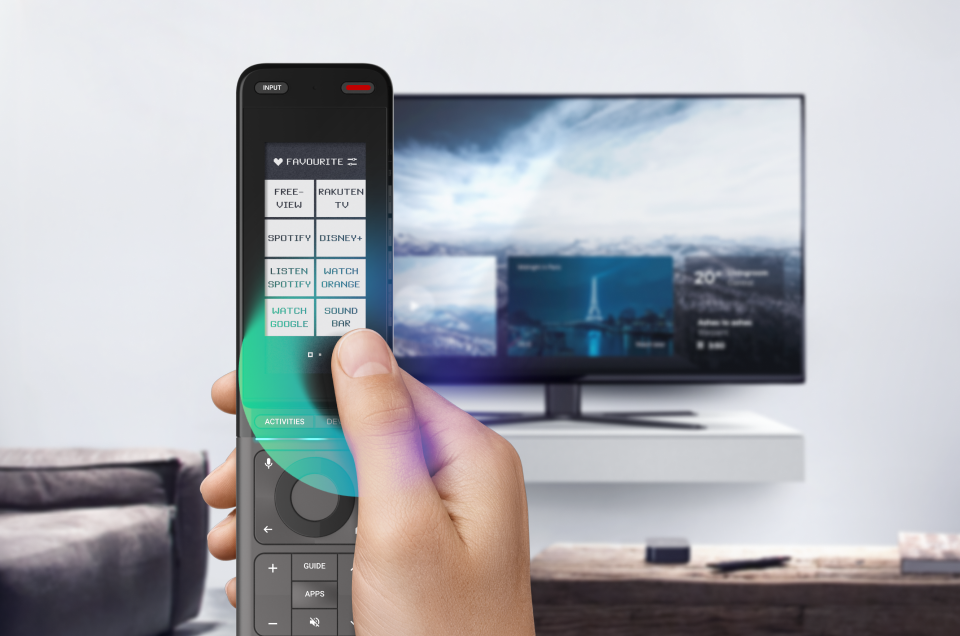
The Touchscreen You’ve Always Wanted
Navigate your entertainment devices with a single tap using One For All touch screen. Everything you need, right at your fingertips, making controlling your setup simpler than ever.
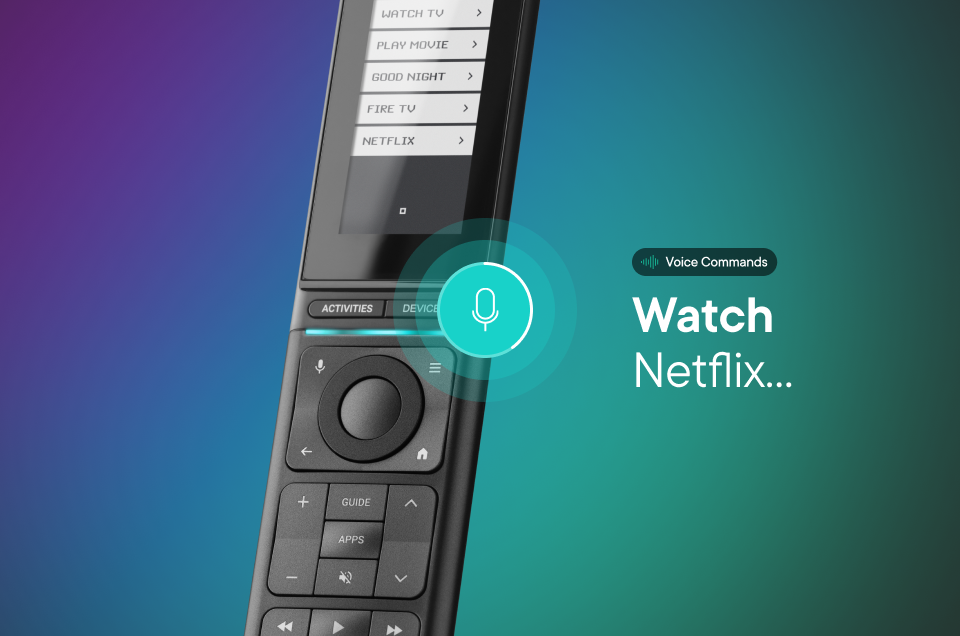
Effortless Control with Voice Commands
The perfect hands free experience, with the built-in voice control for Google. Simply speak your commands and the Smart Control Pro Touch will do the rest for you.
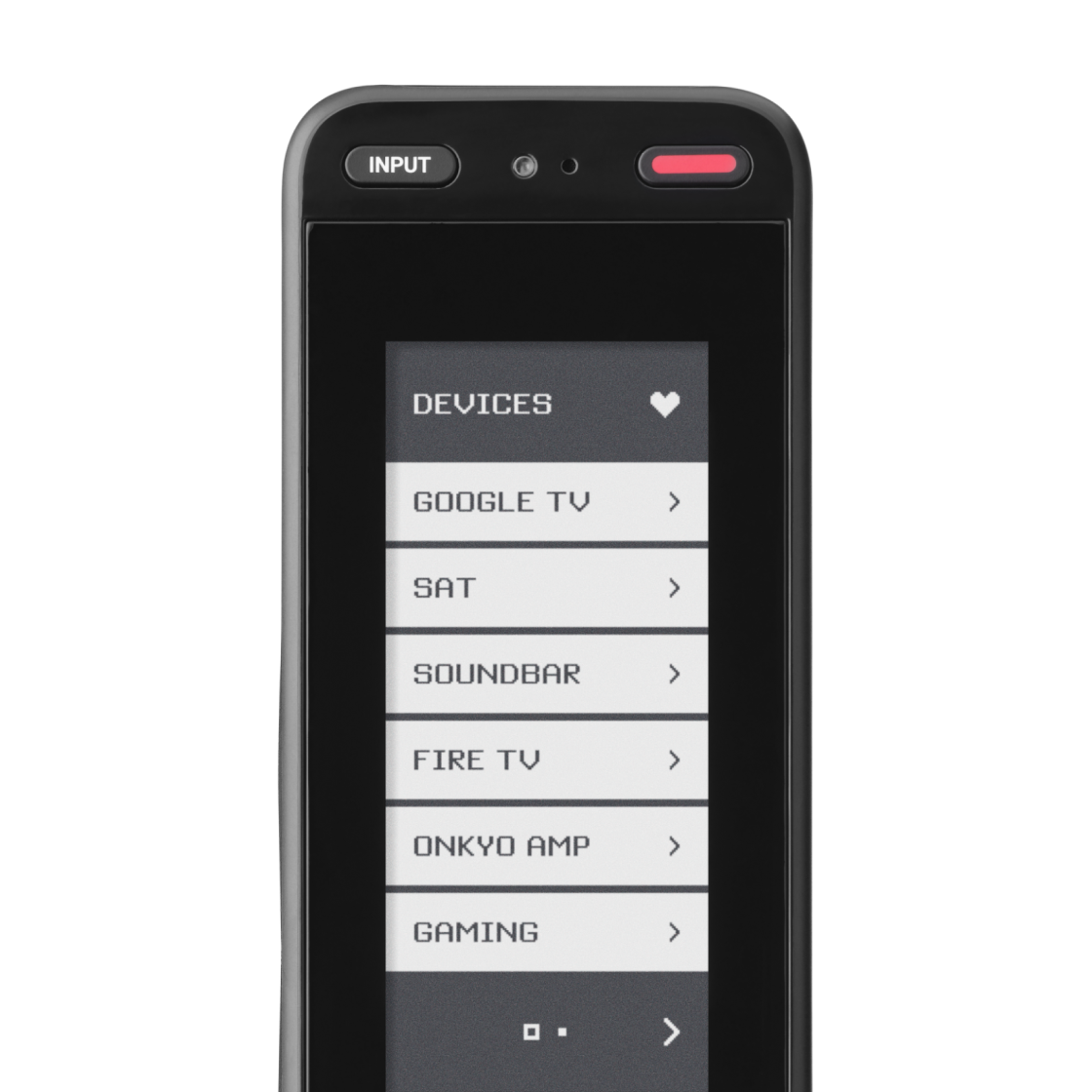
Devices Screen
Quickly access and control your TVs, sound systems, and streaming players with a single tap.
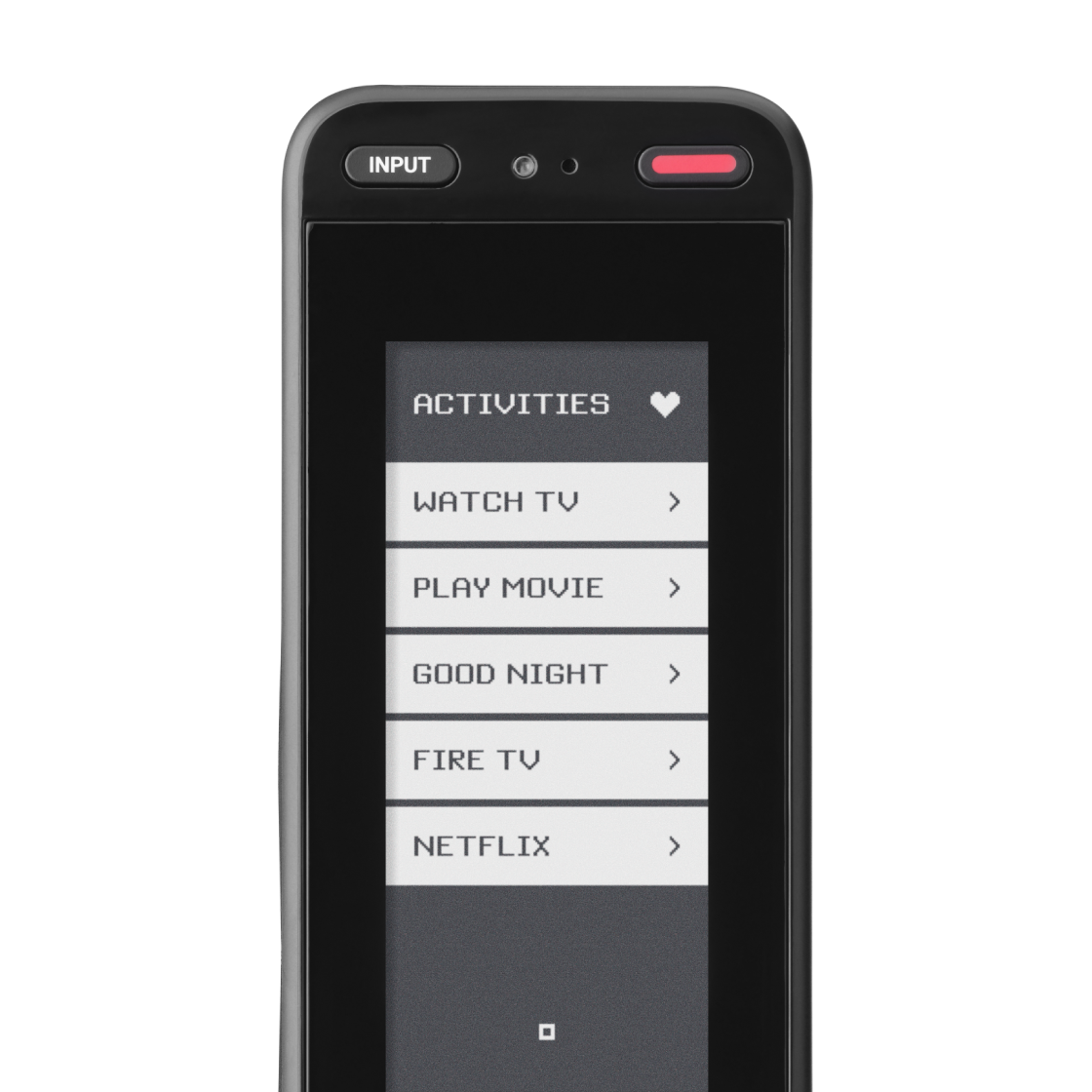
Activities Screen
Start entire entertainment routines—like powering on your TV, AV receiver, and streaming device—all at once with one touch.
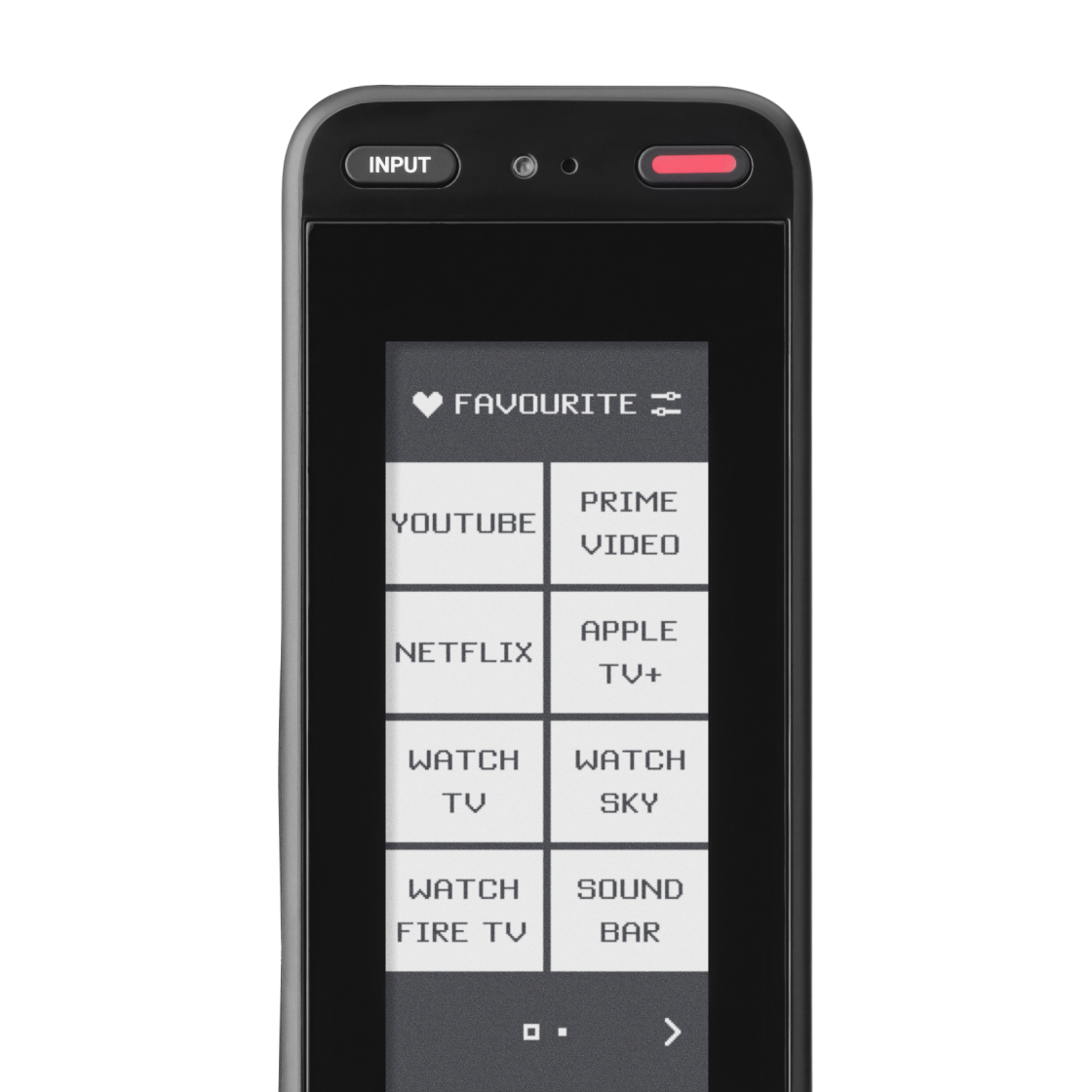
Favorites
Combine Devices, Activities, Macros and even individual keys onto a single screen, always just a key press away.
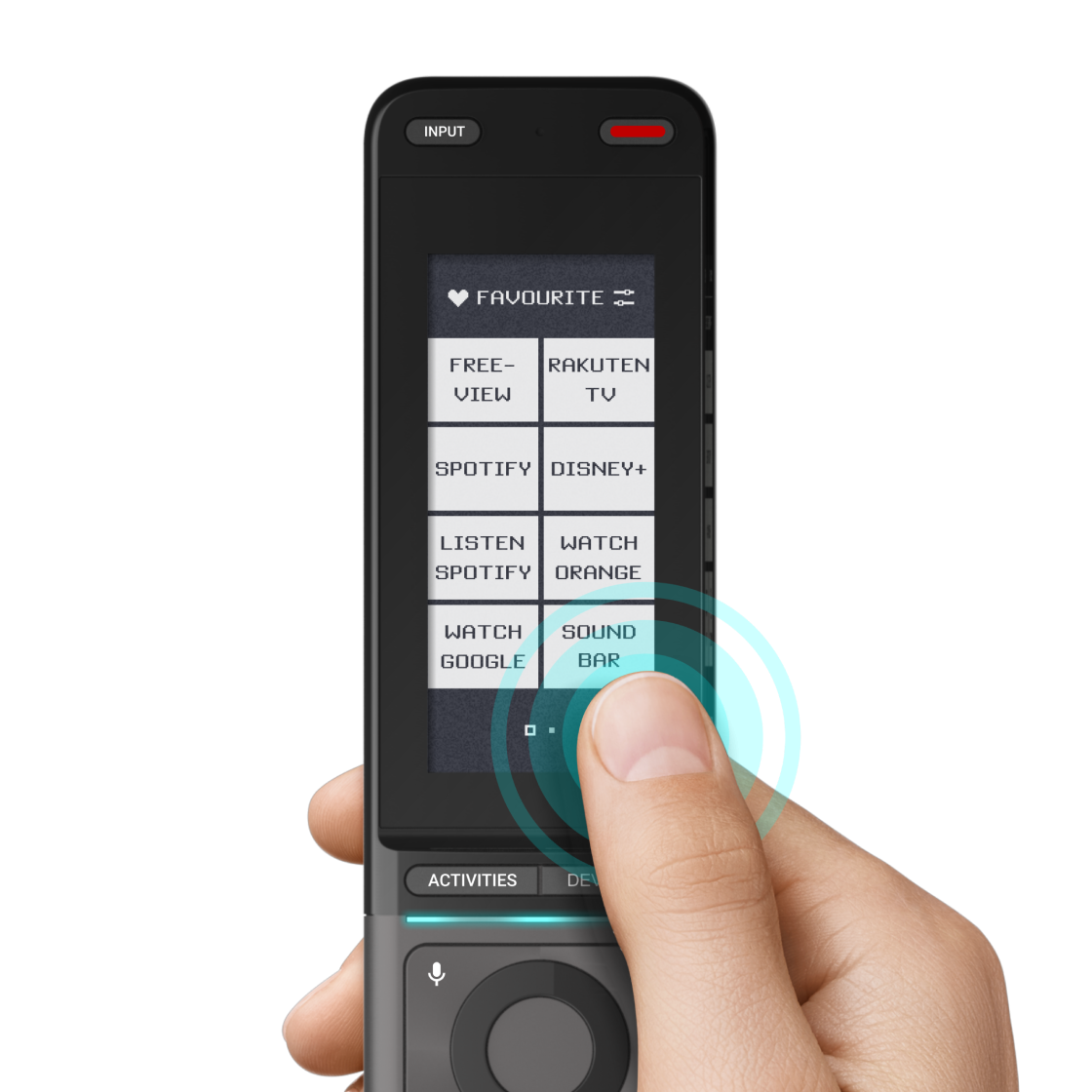
Touch Screen
Tap and scroll through your audio and video controls on a sleek, easy-to-use touchscreen interface.
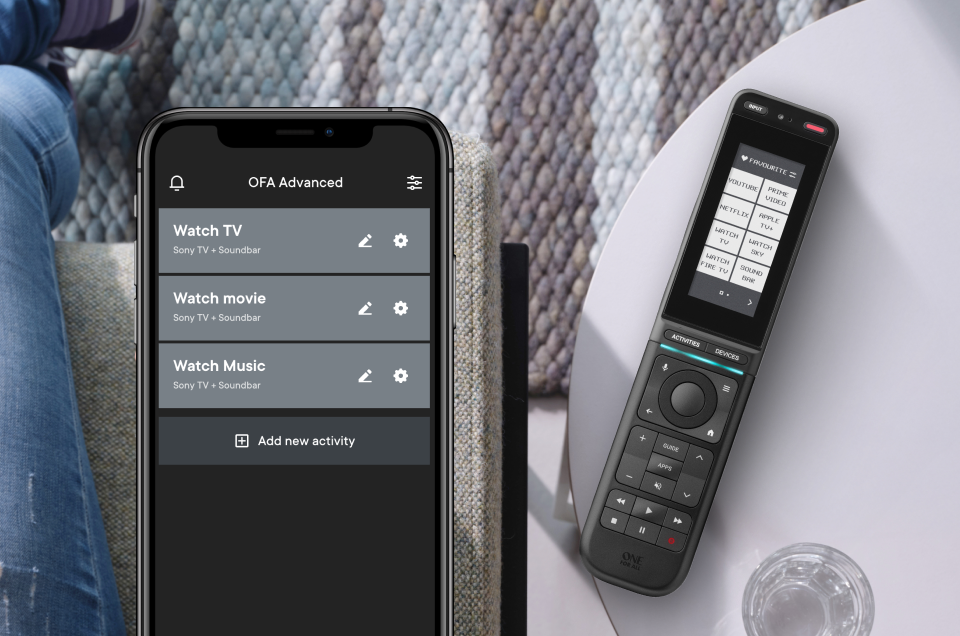
Configure Smart Activities
Customize your viewing experience with Smart Activities, combine devices with your favorite apps, macros and more to achieve the ideal simple setup.
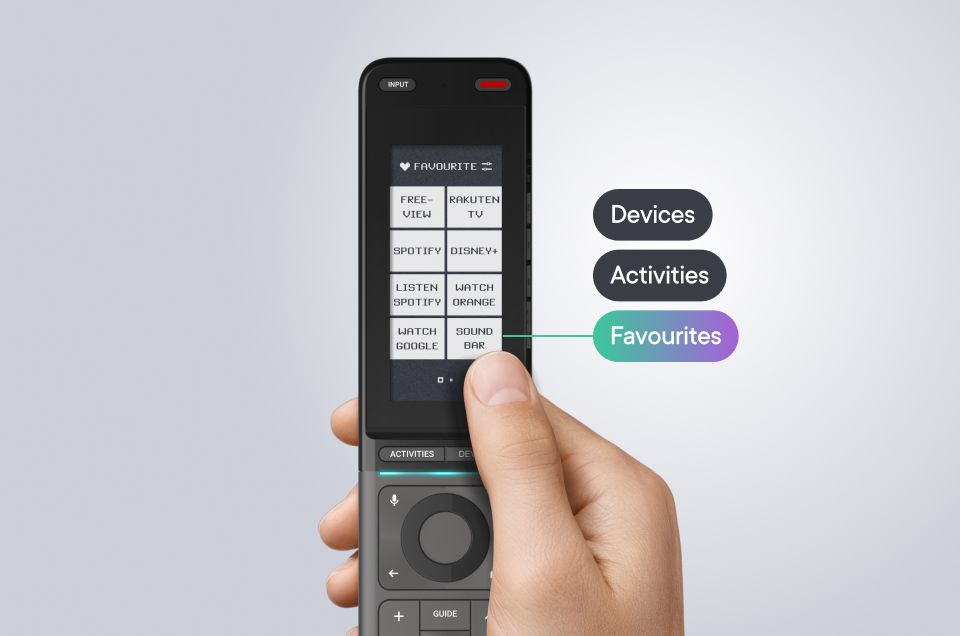
Fully Customizable Screens
Make Smart Control Pro Touch truly yours, personalize and adjust layouts, shortcuts and functions to fully satisfy your needs and provide the ideal ease of use solution for your home entertainment.
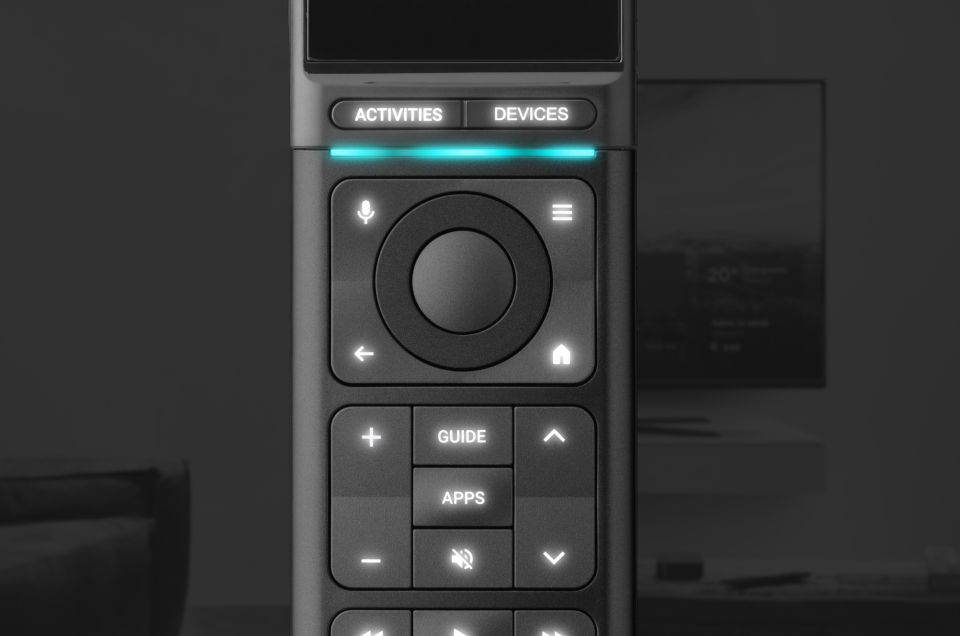
Backlight Feature
Never lose control in the dark, the soft backlight feature ensures you will always see every button clearly day or night.
Enjoy a fully customizable experience with the Smart Control Touch, set up your remote to control up to 12 devices and personalize your favorite apps for quick, easy access.
Product Features:
- TV/LCD/LED/Plasma/OLED/QLED
- Satellite/Cable/DVB-T2
- DVD/Blu-ray player
- Audio/Amplifier/Soundbar/Hi-Fi
- Backlight
- Macros
- Smart activities
- Combines up to 12 remotes into 1
- Voice control (Google TV)
- Fully customisable screens
Specifications
-
Brand
- One For All
Warranty
-
Warranty
- 12 months
Battery & Power
-
Battery Type
- AAA
-
Power Source
- Battery
General
-
Product Type
- Remote Control
-
Product Category
- TV & Audio
Display
-
Touch Screen
- Yes
Remote Control Features
-
Additional Features
- Scroll
Remote Control Compatibility Spec
-
Brand Compatibility
- One For All
Delivery & Returns
Delivery
We offer a comprehensive nationwide (Republic of Ireland only) delivery service; we aim to deliver all orders as quickly as possible.
| Item Type | Delivered In | Delivered By |
|---|---|---|
| Small Items | 3 - 5 Working days | DPD |
| Large Electrical Items | 3 - 5 Working days | Independent transport company |
| Furniture & Bedding | 3 - 5 Working days | Independent transport company |
| Clearance Items | 5 - 7 Working days | Independent transport company |
| Harvey Norman Customer Direct | Please refer to each individual product description page for accurate lead times. | |
Please note: Delivery times for rural areas may vary depending on routes and availability. If you have ordered any products that involve a lead time, are customised, or made to measure, we will contact you to discuss delivery. For more information regarding delivery and associated costs, please click here.
Free Click & Collect In Store
Can’t wait for delivery or don’t want to pay additional delivery charges? It’s incredibly simple to collect your online order in store and get your hands on your product quickly and easily. Simply select the Click & Collect option and head to your nearest Harvey Norman store to collect your order.
During checkout, select “Click & Collect” and select your preferred store.
After your order is placed, you will receive an order acknowledgement email with your order number.
Once the store has confirmed your order and reserved the stock, you will receive an email to inform you that your order is “Ready for collection”. If you want to use "Contactless Click & Collect" select this option on this email.
Bring your order number to the store you selected for Click & Collect, along with photo ID and the credit card you used to make the order.
Speak to one of our staff and your order should be processed in minutes.
If availing of Contactless Click & Collect, please click the link in your email “ready to pick up” to let the store know you are on your way. When you have parked in the designated parking bay, open your email, and choose the “I’m here” option and a member of staff will bring your purchase out to your car.
Easy returns
Store Purchases: For all items purchased from a physical store, please return to your local Harvey Norman Store. Please see Terms & Conditions here.
Online Purchases: For all items purchased via our Online Store (website), please contact our Online Customer Service Team at [email protected] where a dedicated Customer Service Agent will guide you through the process.
Reviews
Ask a question

Delivery to
Delivery
Collect from
Click & Collect
Collect in store
Nearest store with stock
Nearest store with stock
Your legal guarantee rights

Available services
You may also like
You may also like
Recently viewed
Compare
 Secure Online Shopping