
Description
Now Available
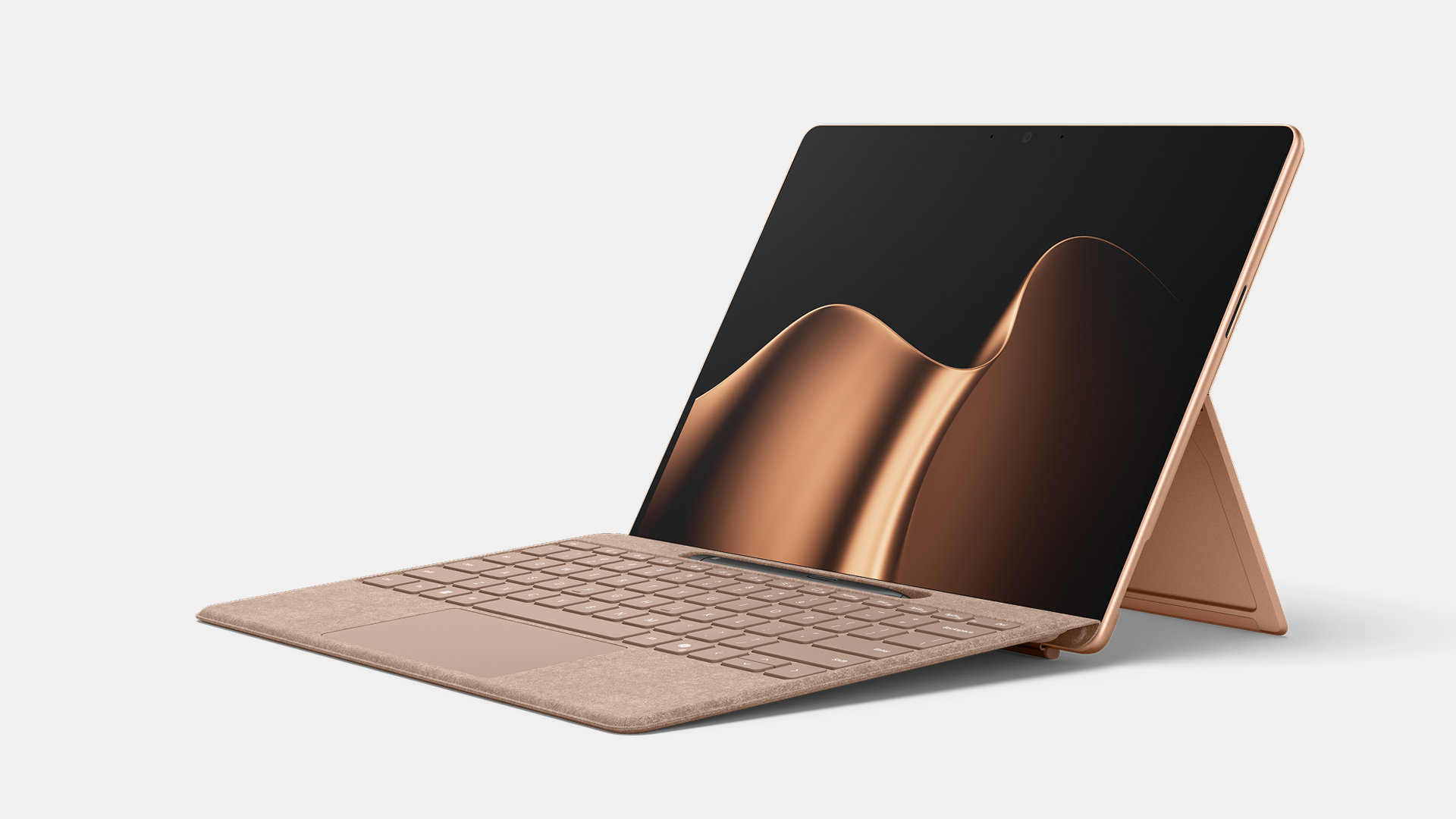
Effortless Pairing
Transition seamlessly between attached and detached[2] use with effortless pairing ready to go the first time you use it.
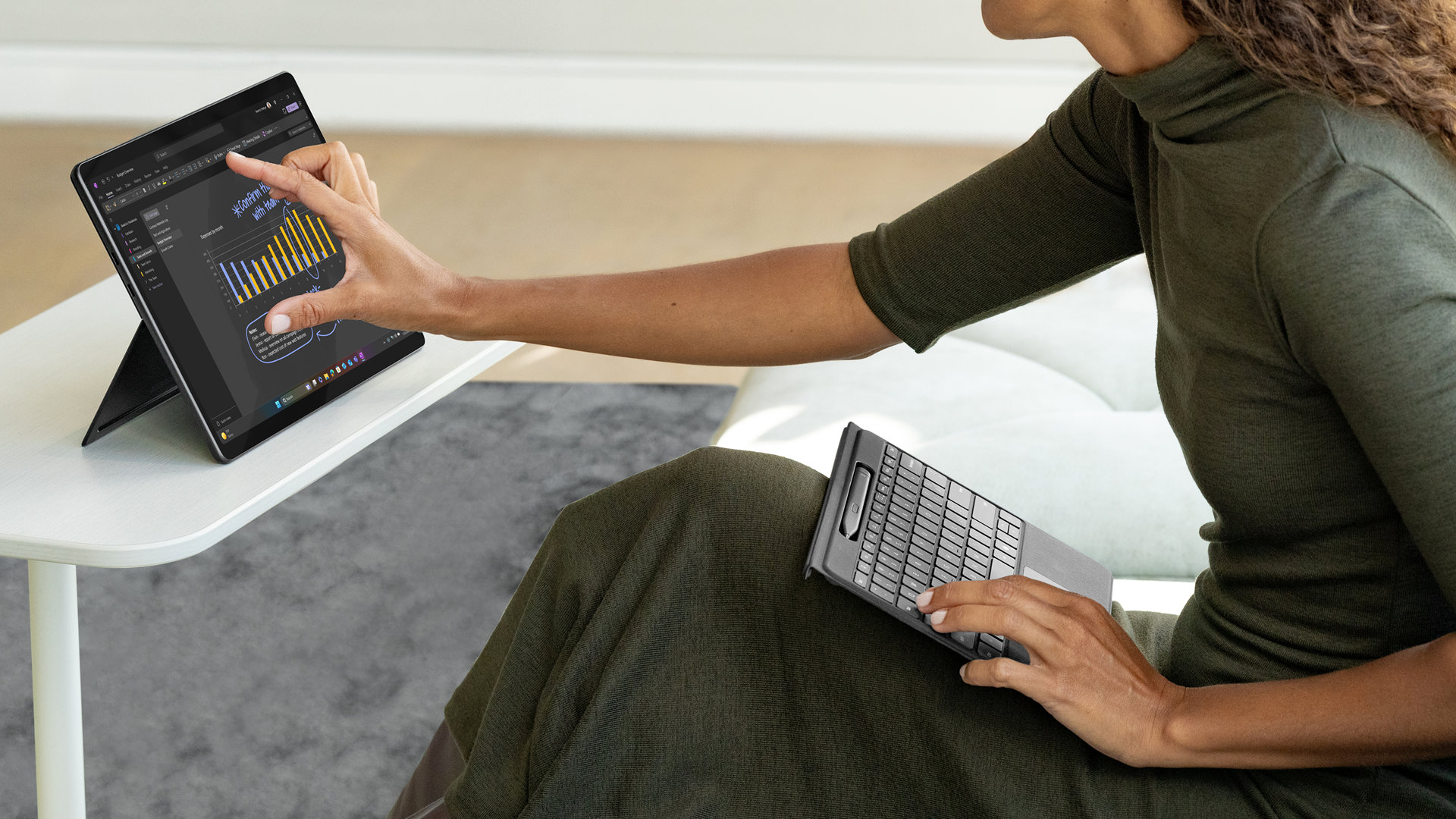
Adapt to Any Location
Whether you’re working from a cramped aeroplane seat or need to type with your keyboard in your lap, detach Surface Pro Flex Keyboard with Slim Pen and stay in your flow.
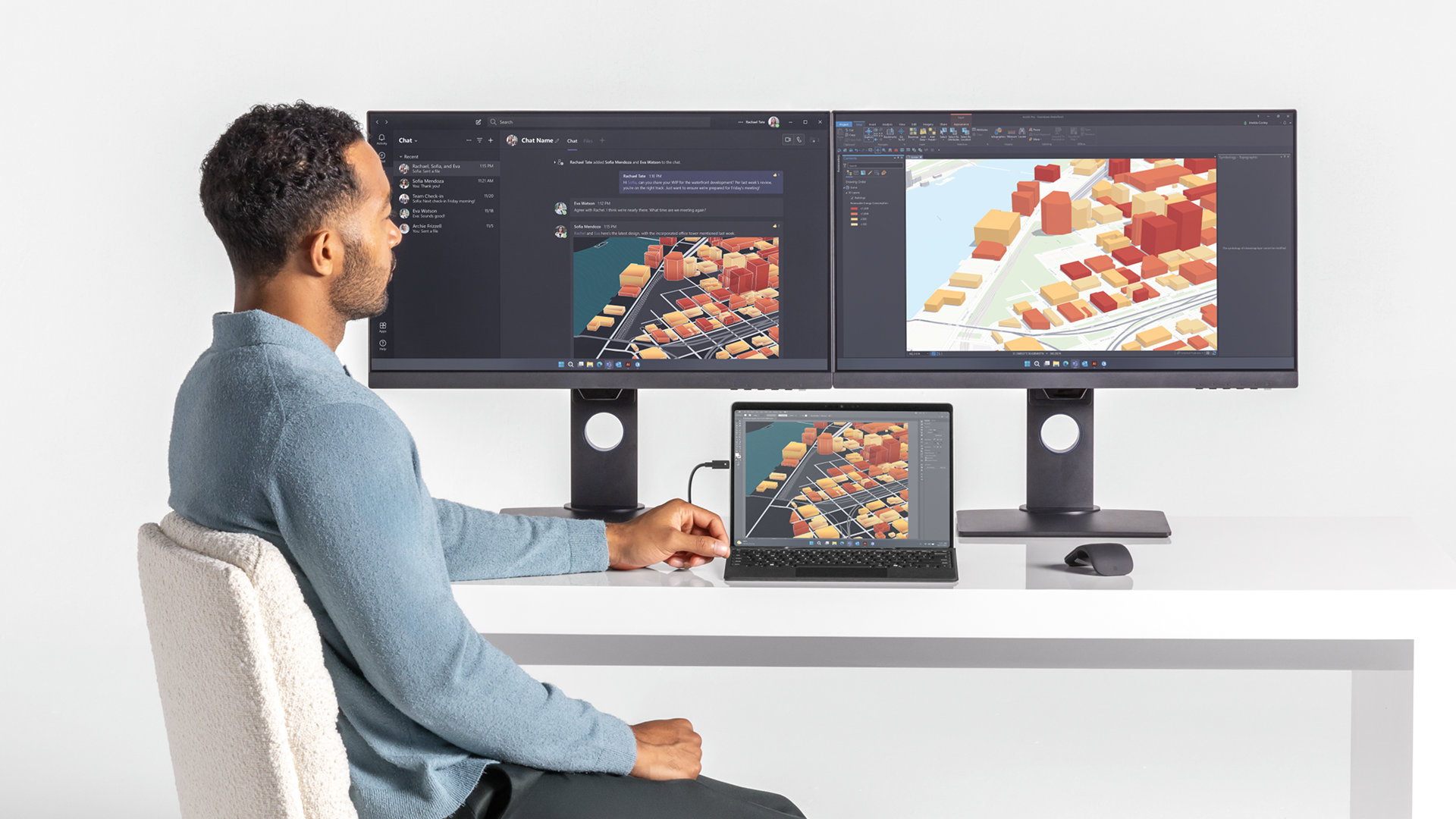
Create the Ultimate Productivity Set-up
Attach this keyboard to your Pro[1] to type as you would on a laptop, and dock Surface Pro (11th Edition)[1] to a monitor to create a more ergonomic workspace.
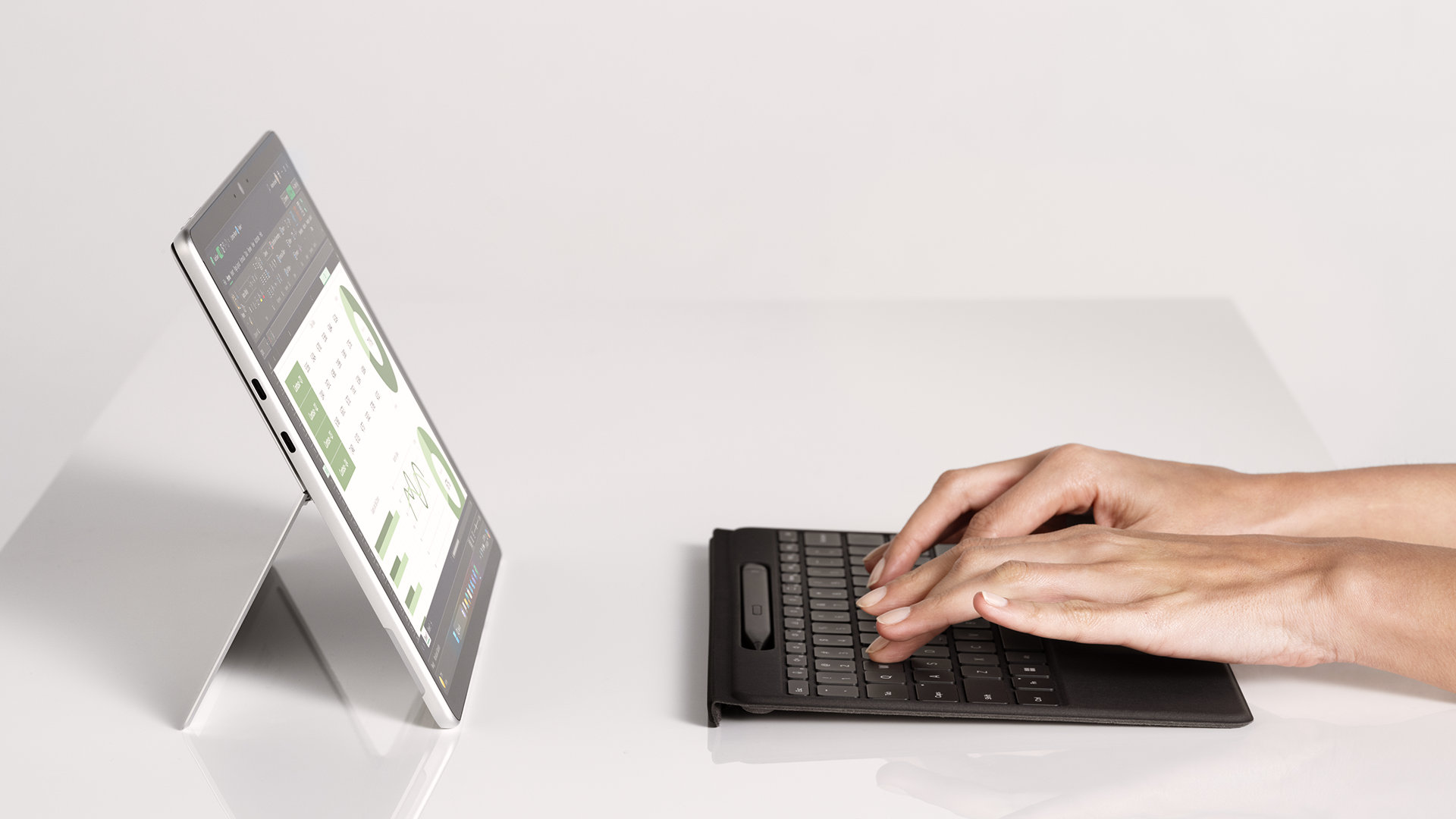
Battery Life that Lasts
Enjoy peace of mind when you use this keyboard detached with 41 hours of continuous typing.[4] When you need to recharge, simply attach back to your device.[5]
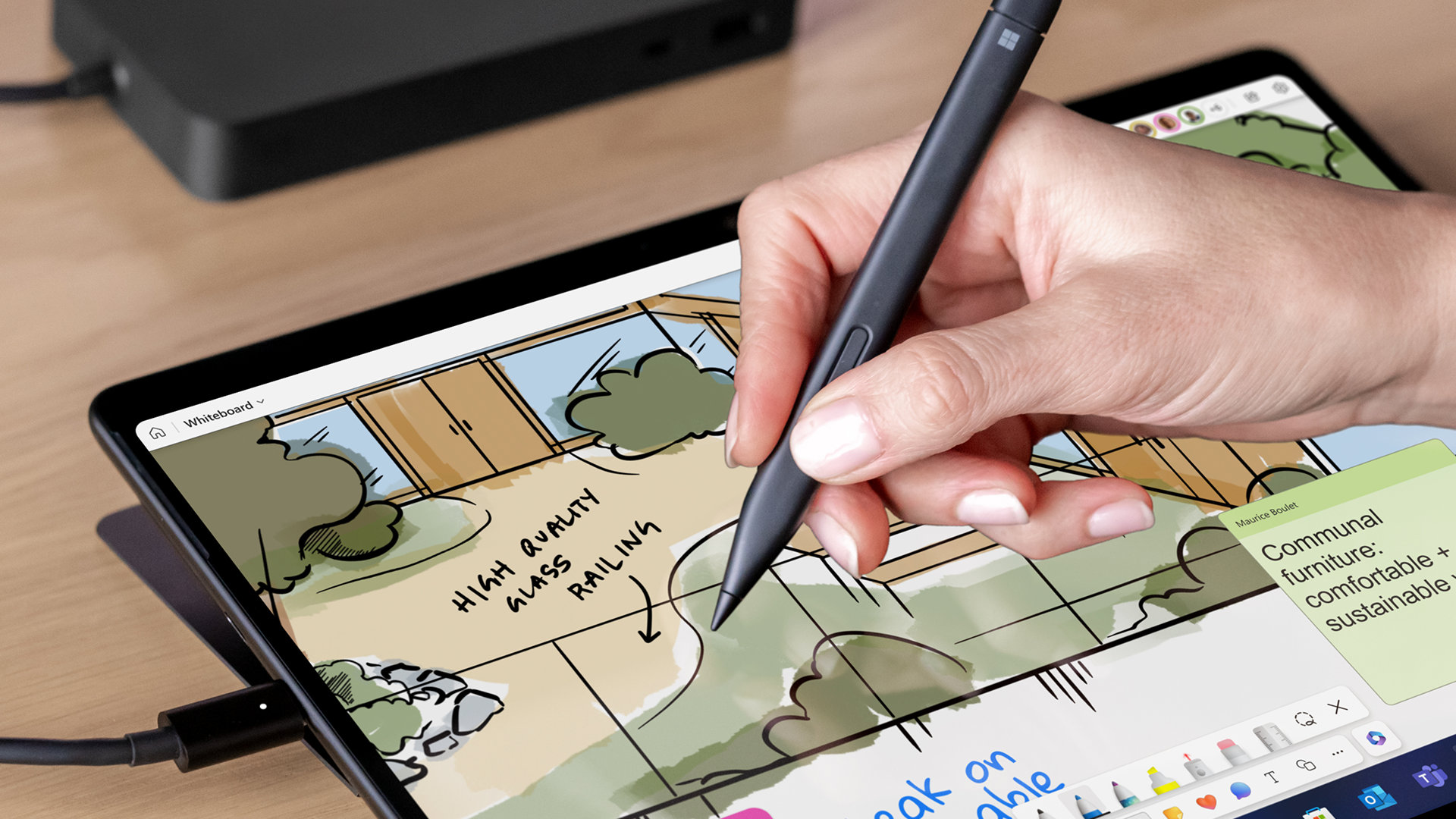
Natural Inking at your Fingertips
Sketch and write naturally on the screen with Surface Slim Pen, always ready and charged in the keyboard’s storage tray.
Unrivaled flexibility comes in the perfect pair – Surface Slim Pen stores and recharges in the premium keyboard designed to be used either attached to your Surface Pro[1] for the ultimate laptop set-up or detached[2]as a standalone keyboard for a new level of flexibility. The new Copilot key[3]brings the power of AI to your fingertips. Add a splash of colour to your typing with Microsoft's newest colour, Dune.
Spacious and Responsive
Enjoy increased precision and comfort with a touchpad that is 14.3% larger than previous generations.
Type in Peace and Quiet
Concentrate better and reduce audio distractions with a sleek and silent keyboard.
Customisable Haptic Touchpad
Tap and create using intuitive gestures and enjoy precise control with adjustable pressure sensitivity.
Sleek, Stylish Design
Available in Microsoft newest colour Dune or classic Black, both covered with durable Alcantara material for a rich texture.[6]
Inclusive by Design
Surface Pro Flex Keyboard with Slim Pen is designed with inclusivity in mind, featuring a precision haptic touchpad that allows you to use it with different parts of your limbs, including your palm or residual limbs. Surface Pro Flex Keyboard with Slim Pen also empowers you to work more comfortably by placing your device and keyboard where it feels most natural to you.
Customise your Keyboard
Surface Pro Flex Keyboard with Slim Pen works with Surface Adaptive Kit[1] to make it easier to use, open and navigate your device.
Instant Copilot
Open Copilot with a single key to help improve productivity and simplify daily tasks.[3]
Mute Quickly
Simply tap the key to quickly unmute or mute your microphone.
Snip in a Snap
Effortlessly grab a screenshot with a key that gives you quick access to the snipping tool.
Essential Accessories
Get more from your Surface with additional accessories designed to enhance your productivity and streamline your workflow.
Product Features:
- Interface: Magnetic
- Sensors: Accelerometer
- Battery capacities: Minimum: 495 mAh (Min. Energy: 1.862 Wh), Typical: 513 mAh (Typ. Energy: 1.929 Wh)
- Surface Pro 13-inch Flex Keyboard dimensions: Length: 289 mm (11.38 inch), Width: 221 mm (8.71 inch), Height: 5.25 mm (0.21 inch), Weight: 340 g (0.75 lbs)
- Surface Slim Pen dimensions, Length: 136.8 mm (5.38 inch), Width: 11.3 mm (0.44 inch), Height: 6.3 mm (0.25 inch), Weight: 13 g (0.03 lbs)
- Surface Pro 13-inch Flex Keyboard: Up to 41 hours of continuous typing while detached
- Surface Slim Pen: Rechargeable Lithium Ion, All-day battery life, Battery Capacity Nominal (Wh) 0.171, Battery Capacity Min (Wh) 0.164
Notes:
[1] Sold separately.
[2] Detached use requires Windows 11.
[3] Copilot key feature availability varies by market.
[4] Requires Windows 11. Battery life varies significantly based on usage, network and feature configuration, signal strength, settings and other factors. See Surface Battery Performance for details.
[5] Surface Pro Flex Keyboard with Slim Pen can be attached to Surface Pro, 13-inch (12th Edition), Surface Pro, 13-inch (11th Edition), Surface Pro 9 and Surface Pro 8.
[6] Available colours may vary by market.
Specifications
General
-
Brand
- Microsoft
-
Product Category
- Keyboards
-
Product Type
- Keyboard with Slim Pen
-
Product Colour
- Beige
-
Product Specific Colour
- Dune
Delivery & Returns
Delivery
We offer a comprehensive nationwide (Republic of Ireland only) delivery service; we aim to deliver all orders as quickly as possible.
| Item Type | Delivered In | Delivered By |
|---|---|---|
| Small Items | 3 - 5 Working days | DPD |
| Large Electrical Items | 3 - 5 Working days | Independent transport company |
| Furniture & Bedding | 3 - 5 Working days | Independent transport company |
| Clearance Items | 5 - 7 Working days | Independent transport company |
| Harvey Norman Customer Direct | Please refer to each individual product description page for accurate lead times. | |
Please note: Delivery times for rural areas may vary depending on routes and availability. If you have ordered any products that involve a lead time, are customised, or made to measure, we will contact you to discuss delivery. For more information regarding delivery and associated costs, please click here.
Free Click & Collect In Store
Can’t wait for delivery or don’t want to pay additional delivery charges? It’s incredibly simple to collect your online order in store and get your hands on your product quickly and easily. Simply select the Click & Collect option and head to your nearest Harvey Norman store to collect your order.
During checkout, select “Click & Collect” and select your preferred store.
After your order is placed, you will receive an order acknowledgement email with your order number.
Once the store has confirmed your order and reserved the stock, you will receive an email to inform you that your order is “Ready for collection”. If you want to use "Contactless Click & Collect" select this option on this email.
Bring your order number to the store you selected for Click & Collect, along with photo ID and the credit card you used to make the order.
Speak to one of our staff and your order should be processed in minutes.
If availing of Contactless Click & Collect, please click the link in your email “ready to pick up” to let the store know you are on your way. When you have parked in the designated parking bay, open your email, and choose the “I’m here” option and a member of staff will bring your purchase out to your car.
Easy returns
Store Purchases: For all items purchased from a physical store, please return to your local Harvey Norman Store. Please see Terms & Conditions here.
Online Purchases: For all items purchased via our Online Store (website), please contact our Online Customer Service Team at [email protected] where a dedicated Customer Service Agent will guide you through the process.
Reviews
Ask a question
Now Available

Delivery to
Delivery
Collect from
Click & Collect
Collect in store
Nearest store with stock
Nearest store with stock
Your legal guarantee rights

Available services
You may also like
You may also like
Recently viewed
Compare
 Secure Online Shopping