


Description
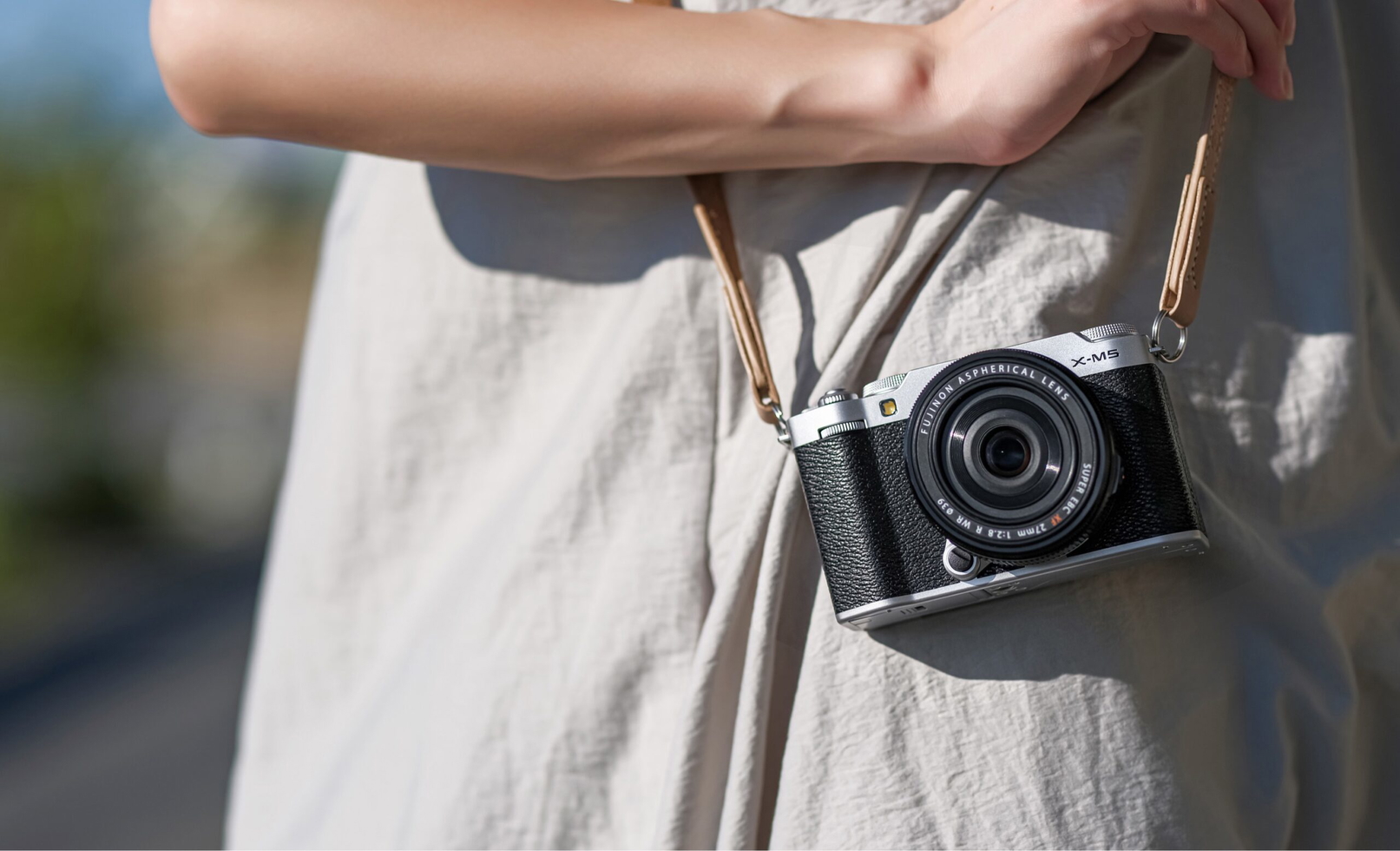
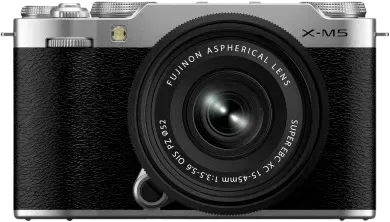
X-M5
Color Your Moment
Every day is different. The weather, the light, the way you feel – each offers a chance to view the world in a new way. FUJIFILM X-M5 mirrorless digital camera has everything you need to bring that vision to life. Compact, lightweight, and with powerful photo and video functions, it’s the perfect companion to record everyday life.
Check out the video:
Ready for Everything
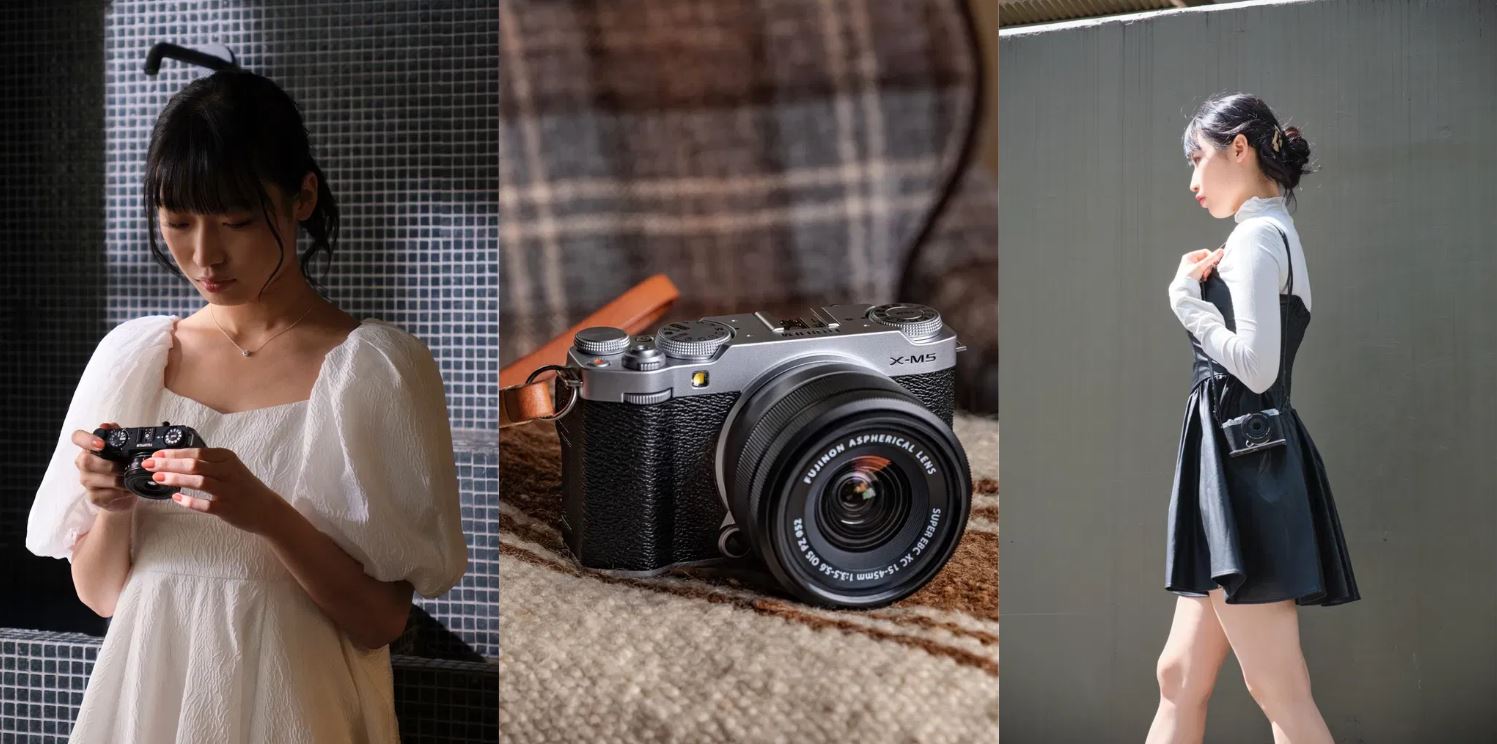
At 355g (0.78lb), FUJIFILM X-M5 is currently the lightest model in the X Series line-up of digital cameras and so small it fits in a jacket pocket. This makes it perfect to carry everywhere you go, ready to create high-quality content on a moment’s notice.
Form and Function
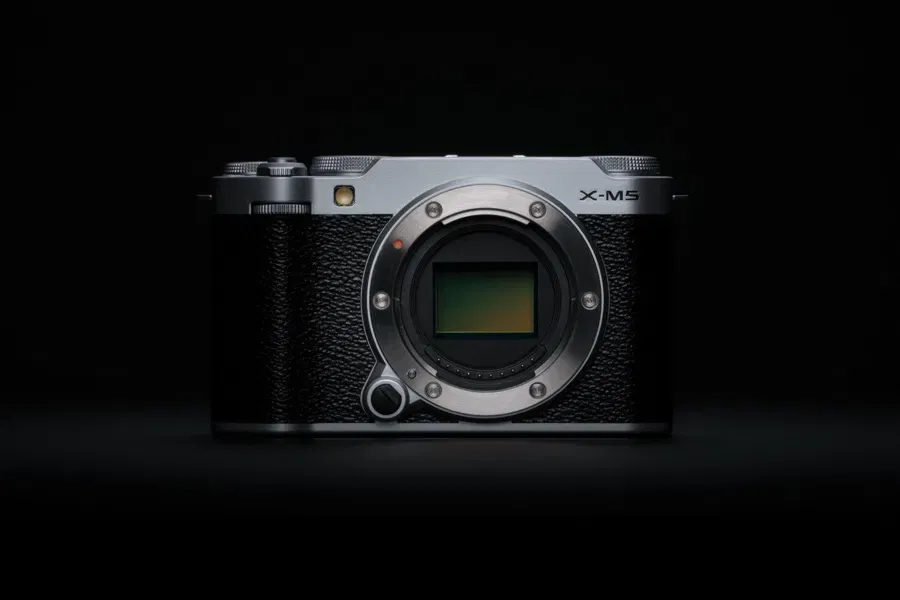
The compact size of FUJIFILM X-M5 hasn’t compromised its elegant styling. The symmetrically placed dials on the top plate enhance its beauty. It’s unmistakably an X Series camera in both looks and performance.
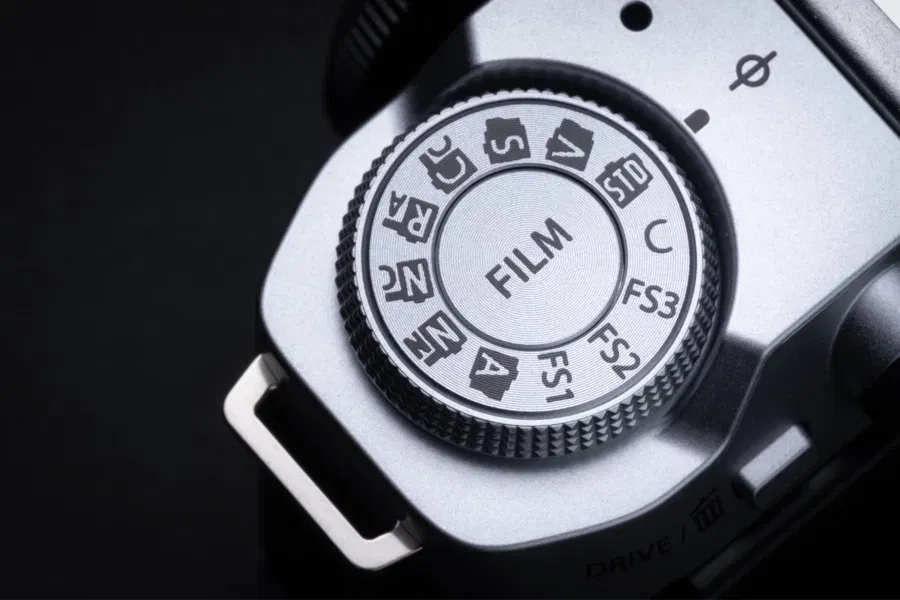
Film Simulation Mode Dial
Instantly access your own creative looks thanks to FUJIFILM X-M5 digital cameras unique Film Simulation mode dial. Offering up to 20 looks, X-M5’s Film Simulation modes can be applied to photos and videos, giving you incredible flexibility for your output.
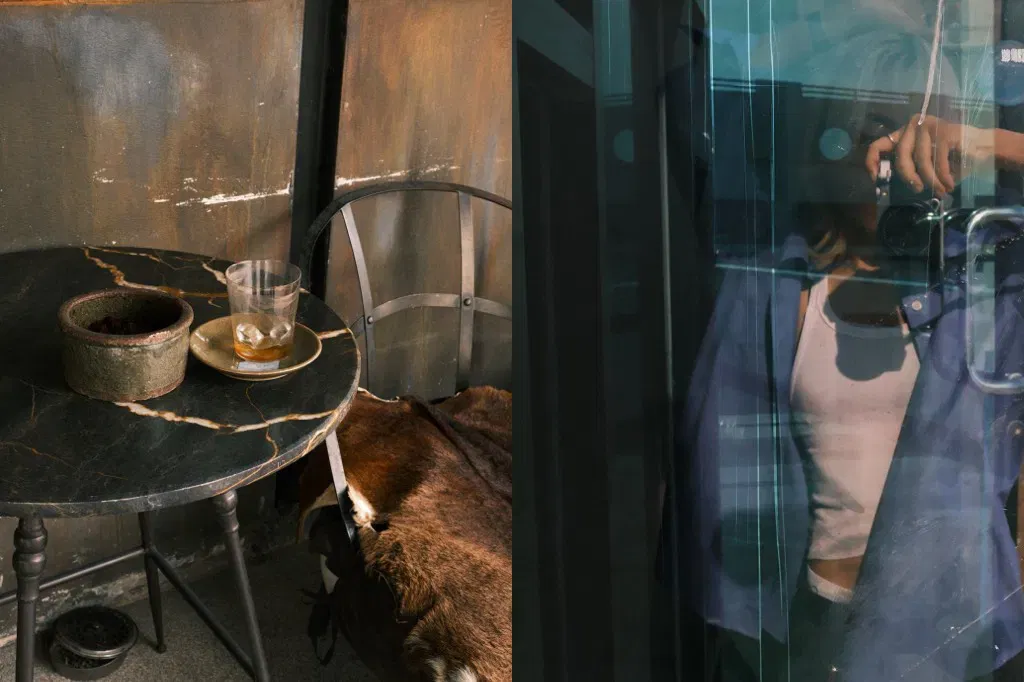
An Eye for Detail
Create content with depth, texture, and true-to-life color thanks to FUJIFILM X-M5’s X-Trans CMOS 4 sensor and X-Processor 5 imaging engine. Experience detail and quality that far exceeds the results from your Smartphone.
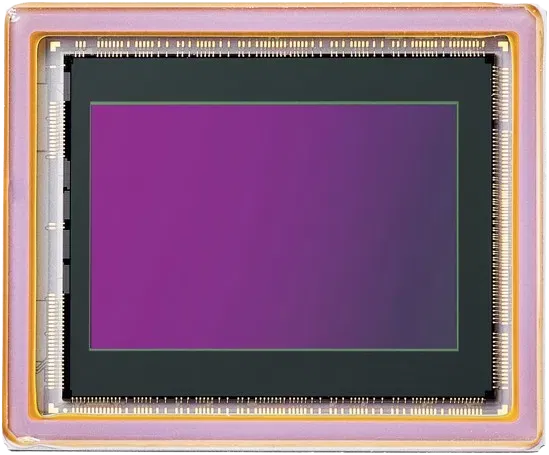
X-Trans CMOS 4 Sensor: Back-Side Illuminated 26.1MP
X-M5 features a back-illuminated “X-Trans CMOS 4” sensor. Boasting a 26.1 MP resolution, X-M5 can chronicle your most extraordinary adventures and everyday moments with a unique filter array that controls moiré and false colors for an image that will help you share your true creative vision. The back-illuminated design works to enhance image quality while minimizing noise.
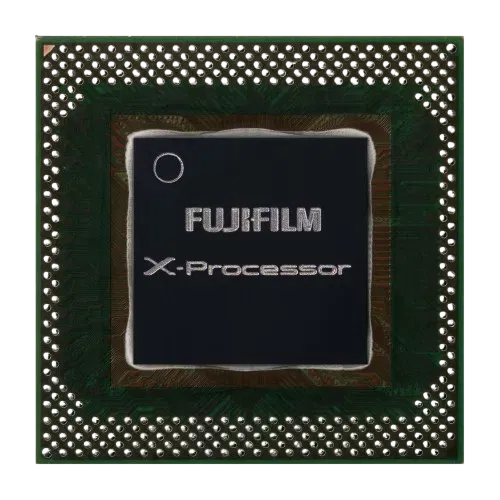
X-Processor 5: Latest High-Speed Image Processing Engine
- AI processing technology
- HEIF image file format
- Optimizes Processing Efficiency

Never Miss a Moment
FUJIFILM X-M5 features the same built-in AI-driven subject detection autofocus as FUJIFILM X100VI and X-T50 mirrorless digital cameras. Along with Fujifilm’s latest-generation image processor, this delivers incredible focus accuracy in nearly all lighting conditions, even if your subject is moving.
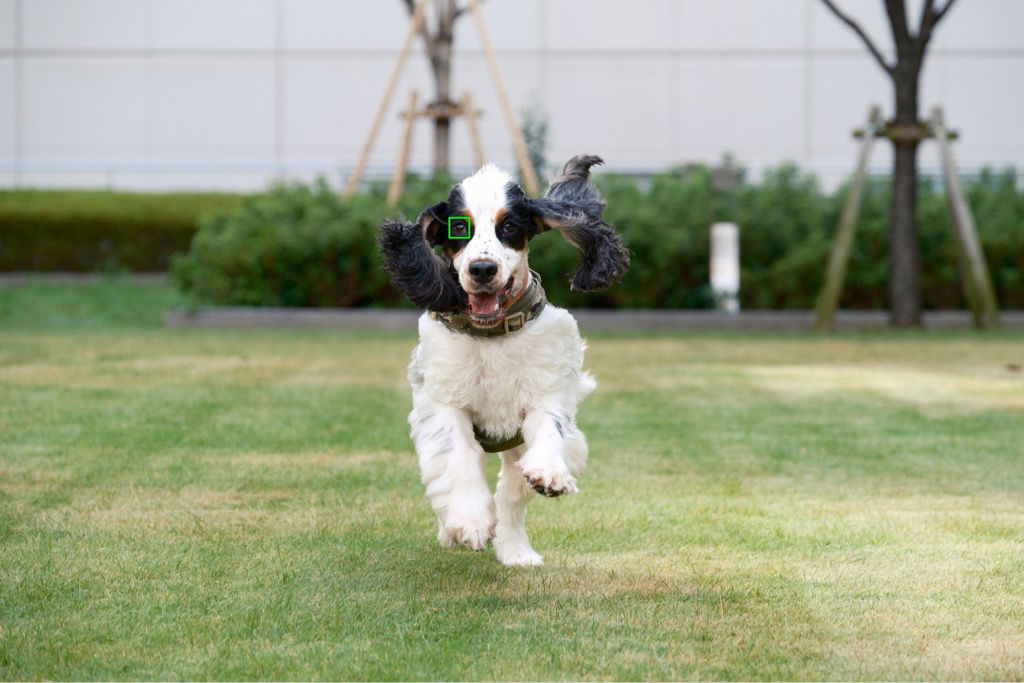
Subject Detection AutoFocus
X-Processor 5 features subject detection autofocus that is built with deep-learning AI technology. In addition to providing incredible AF tracking and detection for human faces and eyes, FUJIFILM X-M5 can also automatically detect and track a broad range of subjects, including animals, birds, cars, motorcycles, bicycles, airplanes, trains, insects, and drones.
*This allows photographers to concentrate on composition and creativity..

Latest AF Technology
FUJIFILM X-M5 is equipped with Fujifilm’s latest predictive algorithm, recording subjects with highly accurate AF even in scenes requiring tracking of moving objects or in low-contrast environments. It tracks a wide range of subjects, including sports and animals, and subjects in motion.

Provia/Standard

Reala Ace
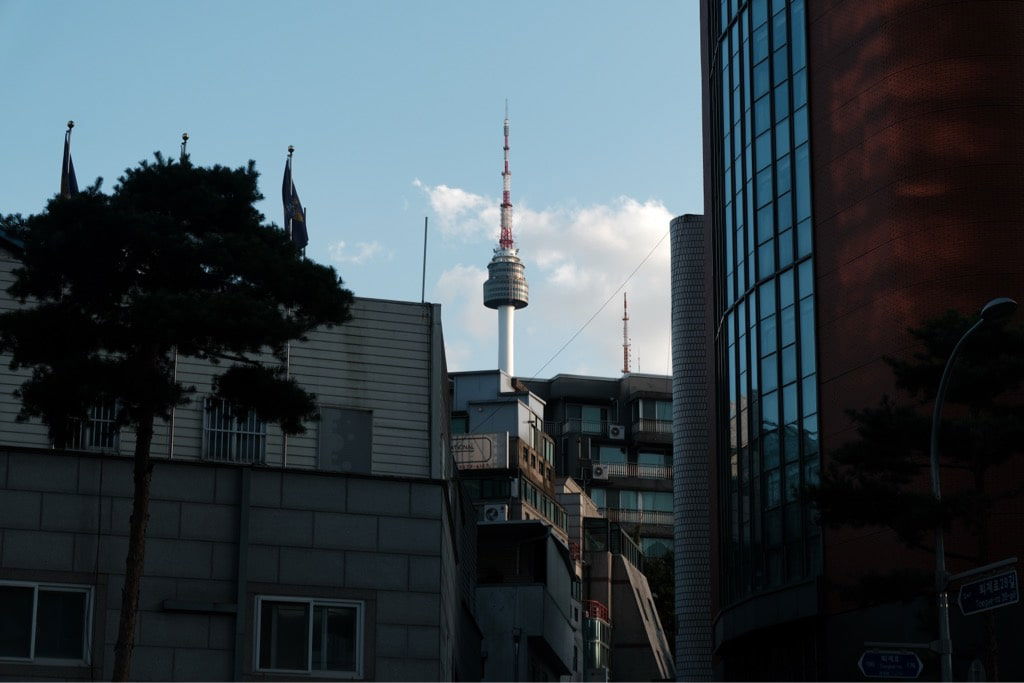
Classic Chrome

Classic Neg.

Velvia/Vivid
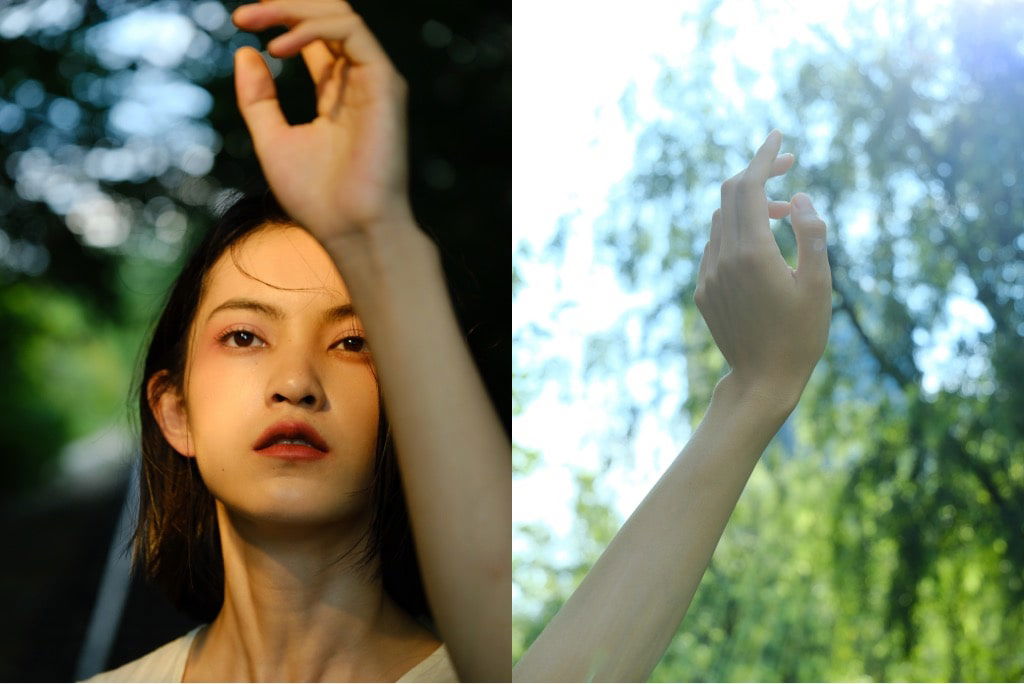
Astia/Soft

Pro Neg. Std

Nostalgic Neg.
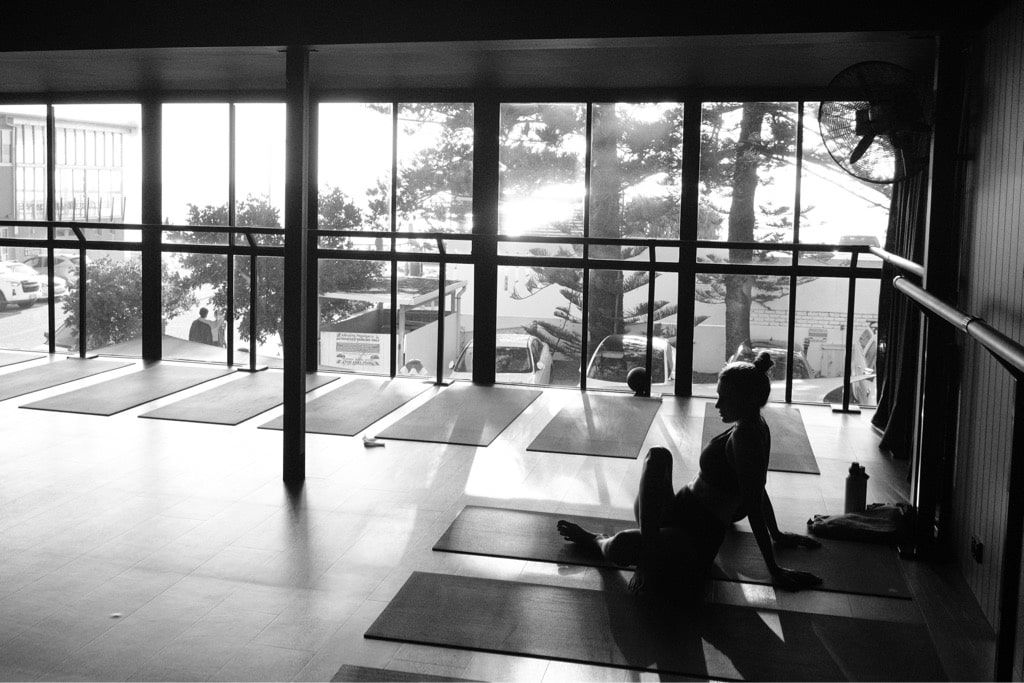
Acros

Provia/Standard
Based on FUJICHROME PROVIA, a reversal film designed for professional use, this Film Simulation mode caters for all subject types, offering a neutral color reproduction.
See It Your Way
Great images are all about the details. With the 20 available Film Simulation modes and a host of creative controls, FUJIFILM X-M5 empowers you to make content just the way you want it.
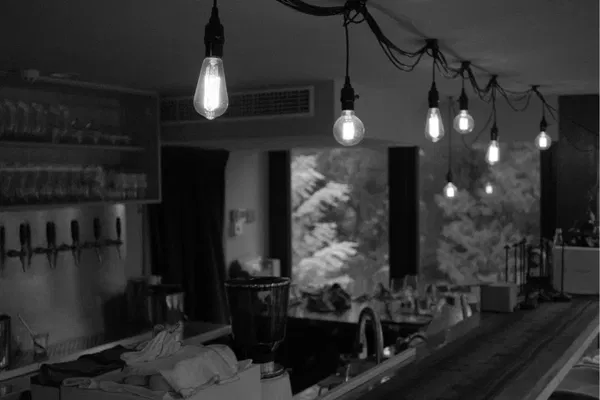
Grain Effect
From subtle textures to the gritty look of traditional high-ISO film stocks, with FUJIFILM X-M5 you can easily add natural-looking grain to your photos. Control the level of grain for just the right amount of texture on any image.

Color Chrome Effect
For highly saturated subjects, Color Chrome Effect adds depth, detail, and vibrancy in three strengths to red, green, or yellow tones where detail may otherwise be lost. Or use Color Chrome FX Blue to boost the blue tones in an image.
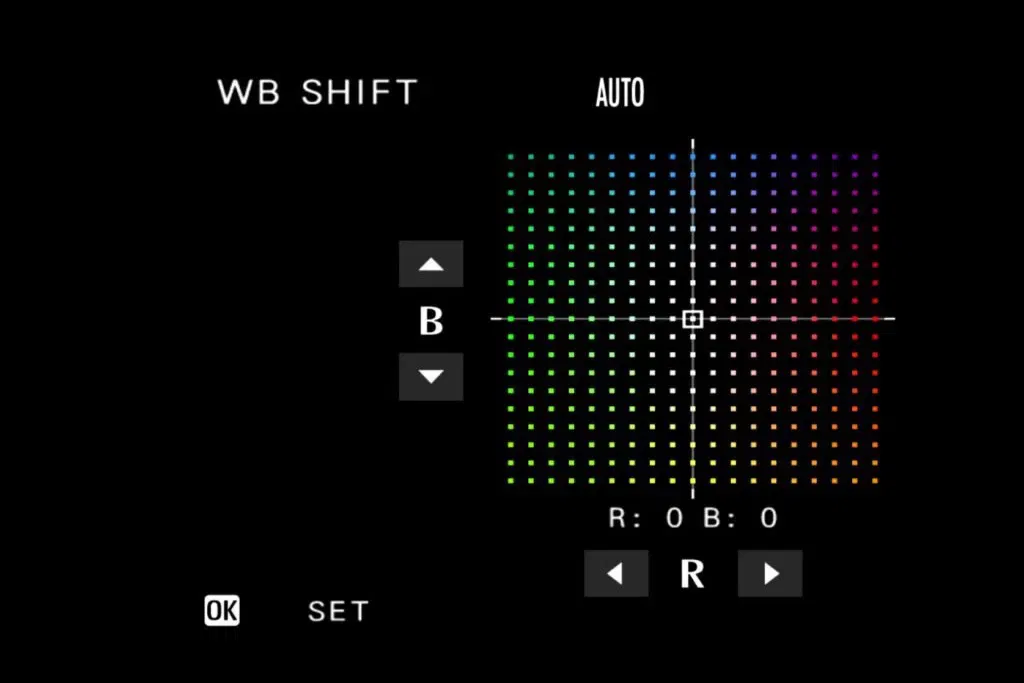
White Balance Shift
For white balance, choose Auto, Custom, Color Temperature, or a series of preset options. White balance can be fine-tuned in the WB Shift feature with red (R) and blue (B) color coordinates.
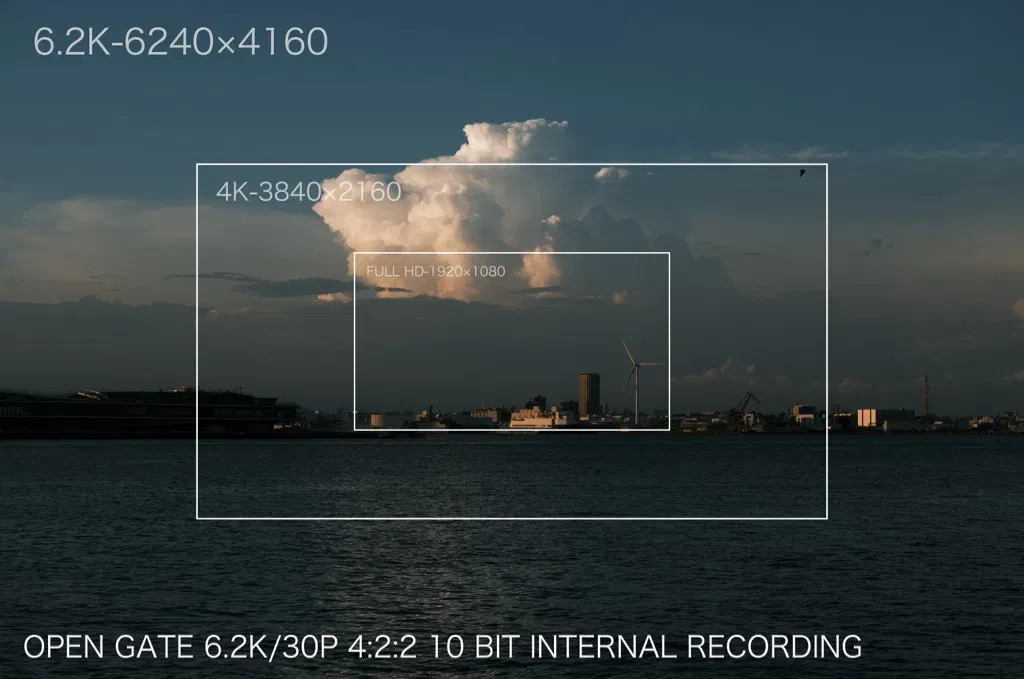
High-Quality Recording
FUJIFILM X-M5 supports in-camera card recording to your SD card at 6.2K/30p 4:2:2 10-bit, as well as high-quality, 4K/60p and 1080/240p video recording in a compact and lightweight body.

Digital Image Stabilization
FUJIFILM X-M5 uses a powerful digital image stabilizer that combats camera shake for smooth, professional footage. It’s effective whether you’re standing still or moving to keep up with a subject.
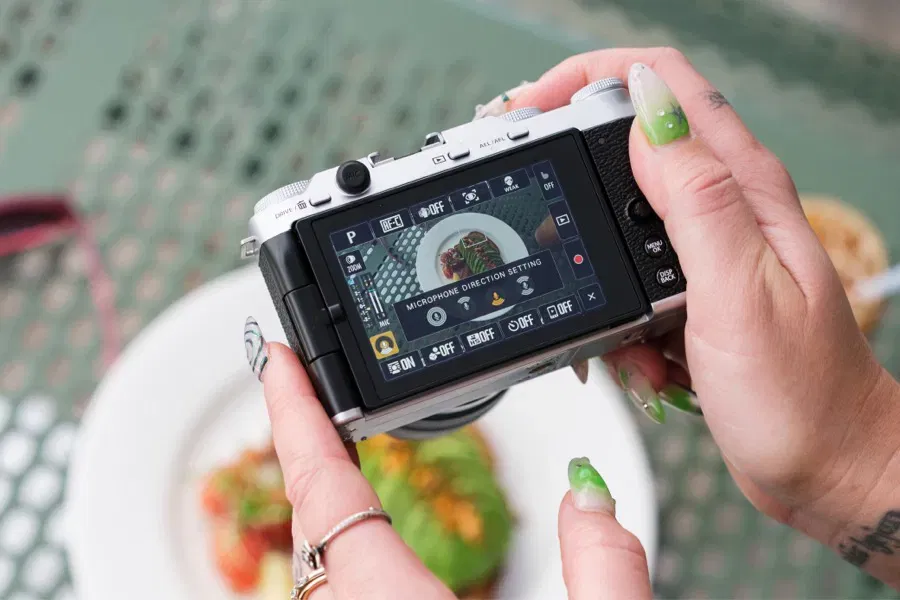
Microphone Direction Setting
FUJIFILM X-M5 is the first X Series model to feature three built-in microphones for the highest-quality audio. Four different audio modes are available: Surround, Front Priority, Back Priority, or Front & Back Priority, giving the flexibility to get crystal-clear sound from any direction.
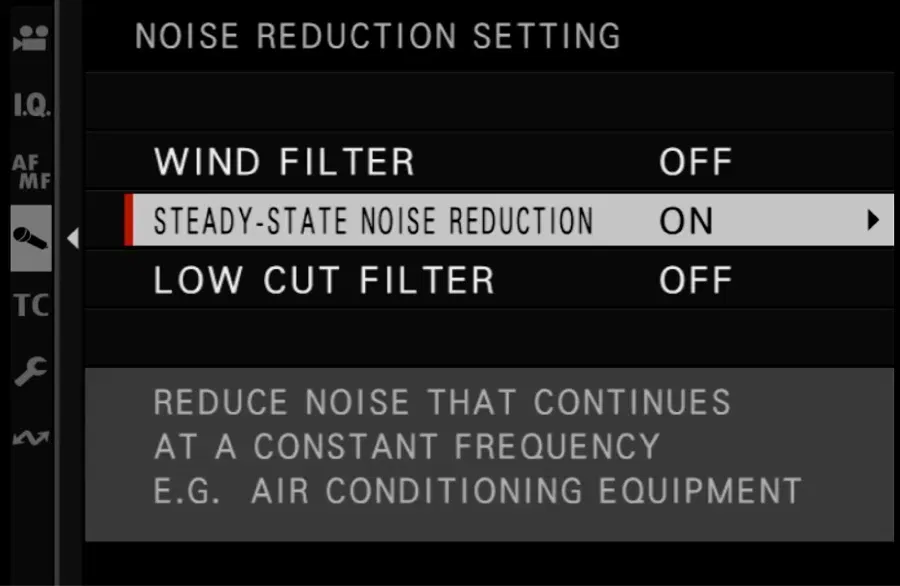
Noise Reduction Setting
The new microphones offer more than just directional control – a versatile noise reduction feature has also been added. Now, it’s possible to reduce noise that continues at a constant frequency; for example, the sound of air conditioning or wind noise.
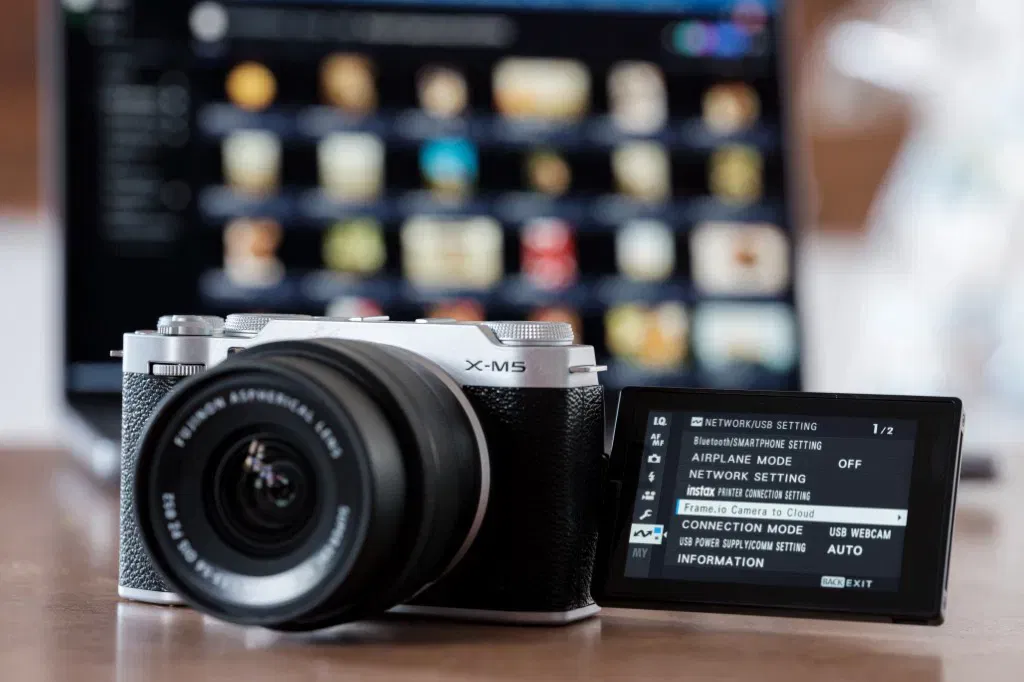
Compatible with Frame.io Camera to Cloud
Create, share and collaborate online in an instant with FUJIFILM X-M5's native Frame.io Camera to Cloud technology. Wirelessly connect to an active internet connection, authenticate to Frame.io, and start uploading photos and videos from the moment of creation.
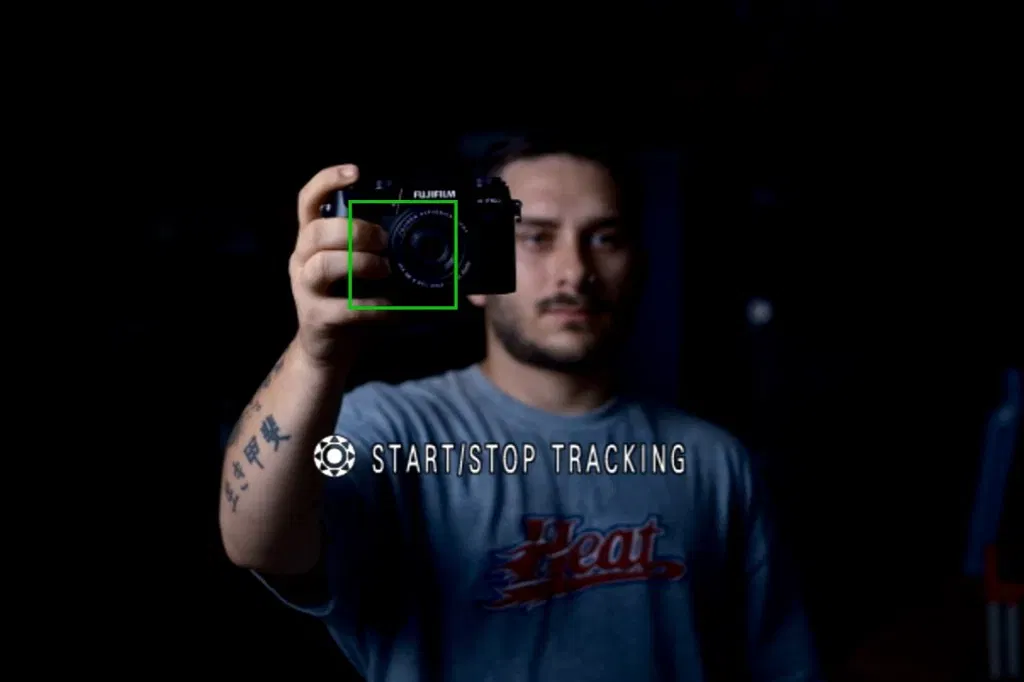
Subject Tracking
Track subjects in your videos with ease. Select AF-C mode with Wide/Tracking AF, then simply touch the subject on the rear LCD. FUJIFILM X-M5 will track the object, even in situations where multiple subjects appear in the frame.

F-Log2 Support
In addition to F-Log, FUJIFILM X-M5 also supports F-Log2, which records an impressive dynamic range of 13+ stops.* This range is wider than Fujifilm's original F-Log, broadening post-production potential.
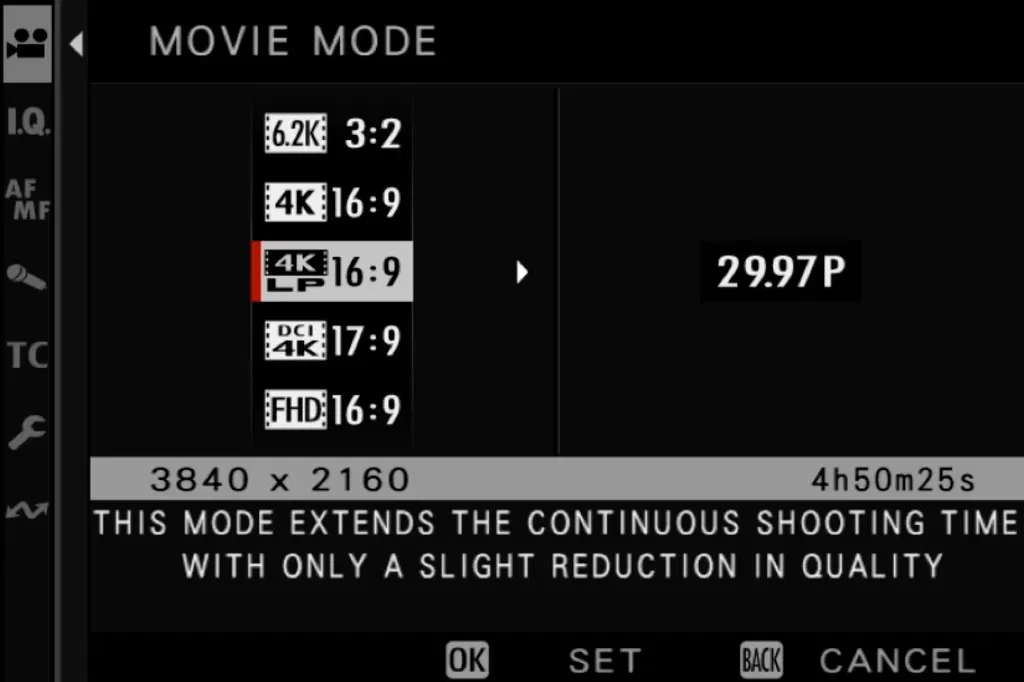
LP Mode
The camera features LP mode for extended recording time.

9:16 Short Movie Mode
FUJIFILM X-M5 features a new Short Movie mode to create social-ready content that’s easy to share on various social media. Clips of 15, 30 or 60 seconds can be recorded in 9:16 vertical format without having to turn the camera on its side. An on-screen timer makes it easy to see how long you have left while recording.
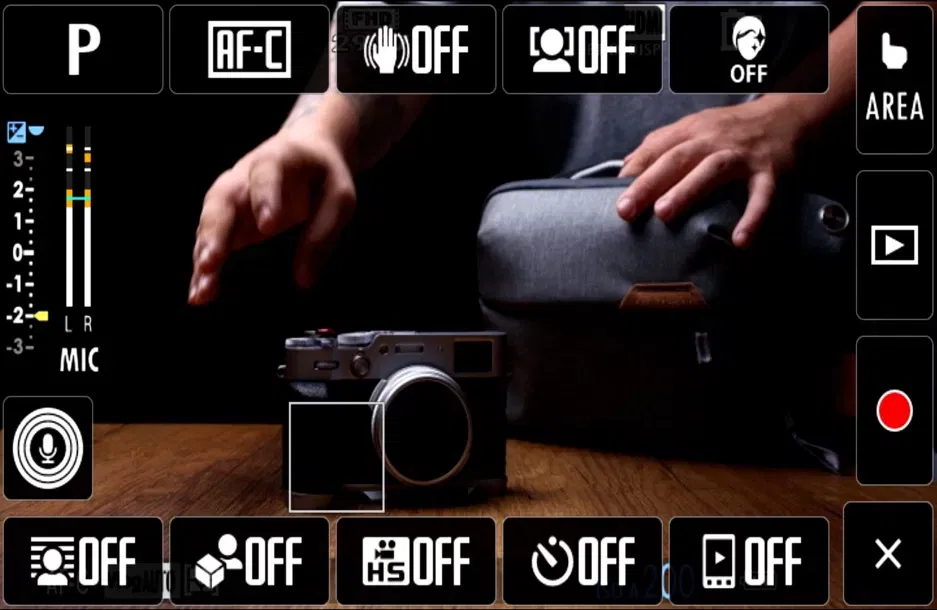
Easy-to-Use Interface
The layout of the Vlog mode interface has been designed to make video recording intuitive and enjoyable, even if you are new to content creation.
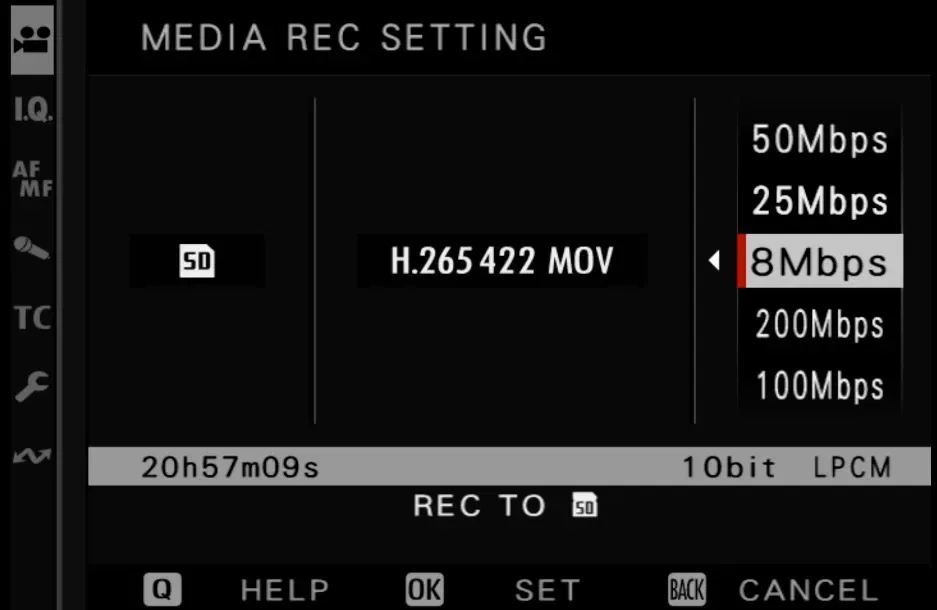
Share Content Quickly
FUJIFILM X-M5 allows low bit rates of 8Mbps and 25Mbps to be selected. Choosing these rates minimizes the time it takes to transfer files to smartphones and other devices, so you can get content online quickly. Additionally, a USB-C connection enables high-speed transfer of video files of 4GB or more to both Android and iOS devices.
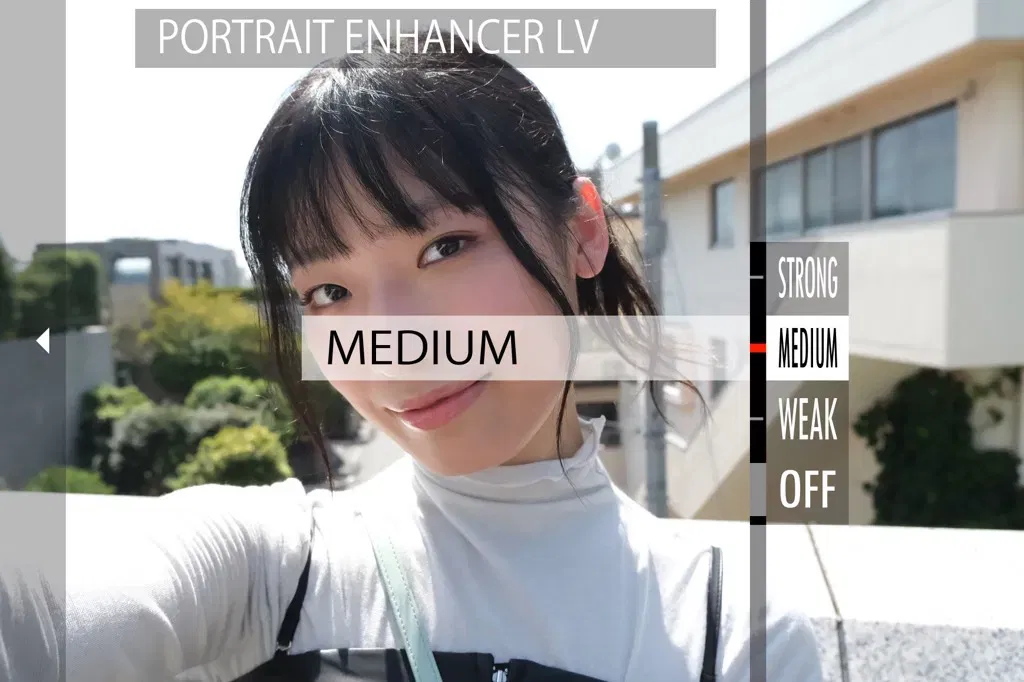
Portrait Enhancer
FUJIFILM X-M5's Portrait Enhancer smooths and brightens skin for more flattering movies and stills. Three settings are available - Weak, Medium, and Strong - so you can get the look you want.

Product Priority Mode
Are you recording a product video or unboxing? In Product Priority mode, the focus naturally transitions from your face to the subject in front of you - it's like having your own camera assistant.

Background Defocus Mode
Don't sweat the technical details. Enable Background Defocus mode to blur out your background naturally. Get that cinema look in seconds.
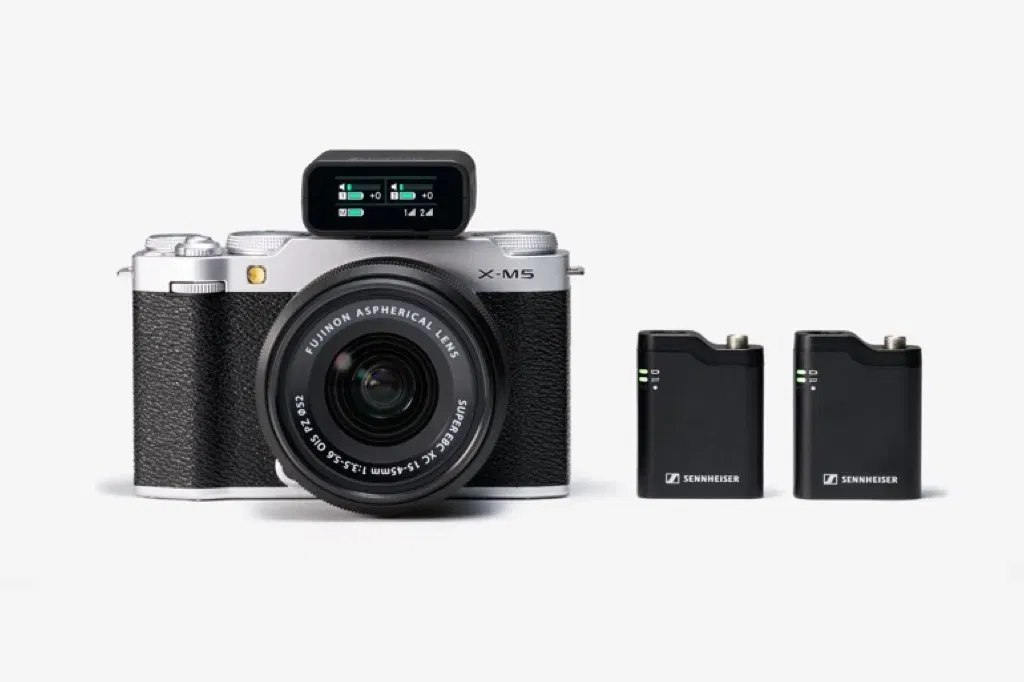
Rich System Expandability
FUJIFILM X-M5 is compatible with a range of Fujifilm accessories that boost your creative options.
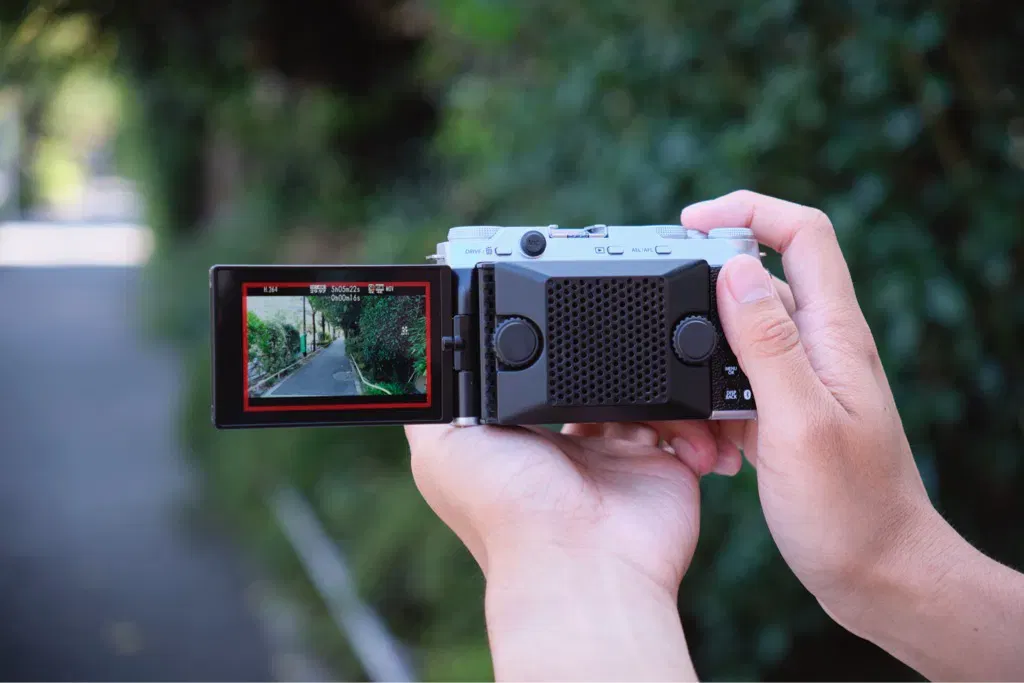
Cooling Fan FAN-001
FUJIFILM X-M5 is compatible with Fujifilm’s Cooling Fan FAN-001, which attaches to the back of the camera and extends continuous video recording times. No additional cables are needed.
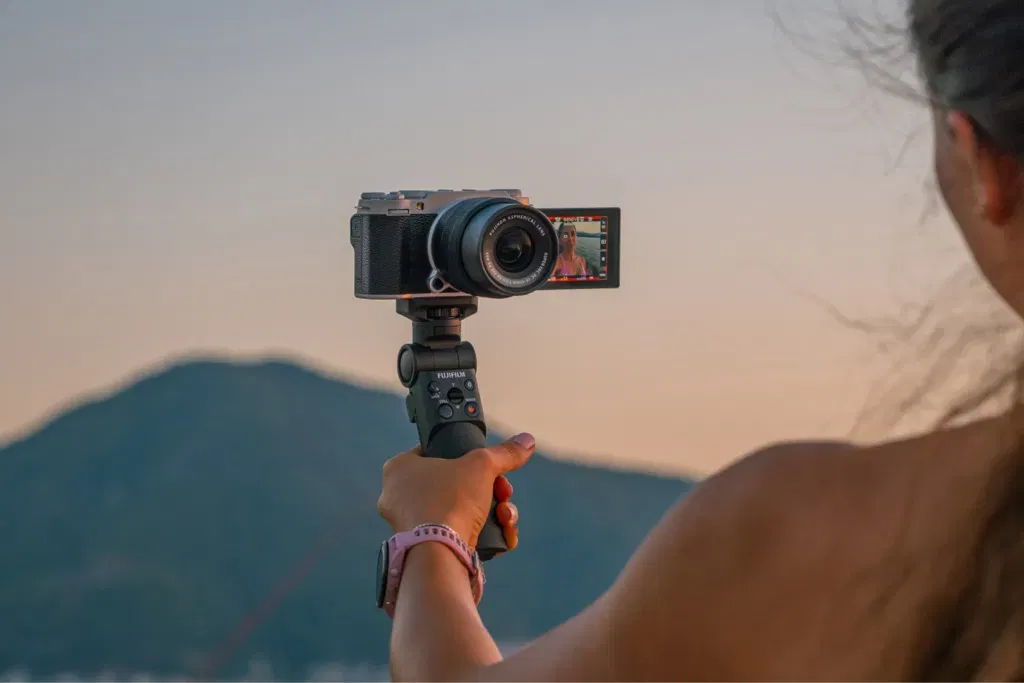
Tripod Grip TG-BT1
Need help with video selfies and low-angle shots? FUJIFILM Tripod Grip TG-BT1 maximizes the handling comfort of X-M5, plus it features built-in controls to start or stop recording and zoom the lens*.
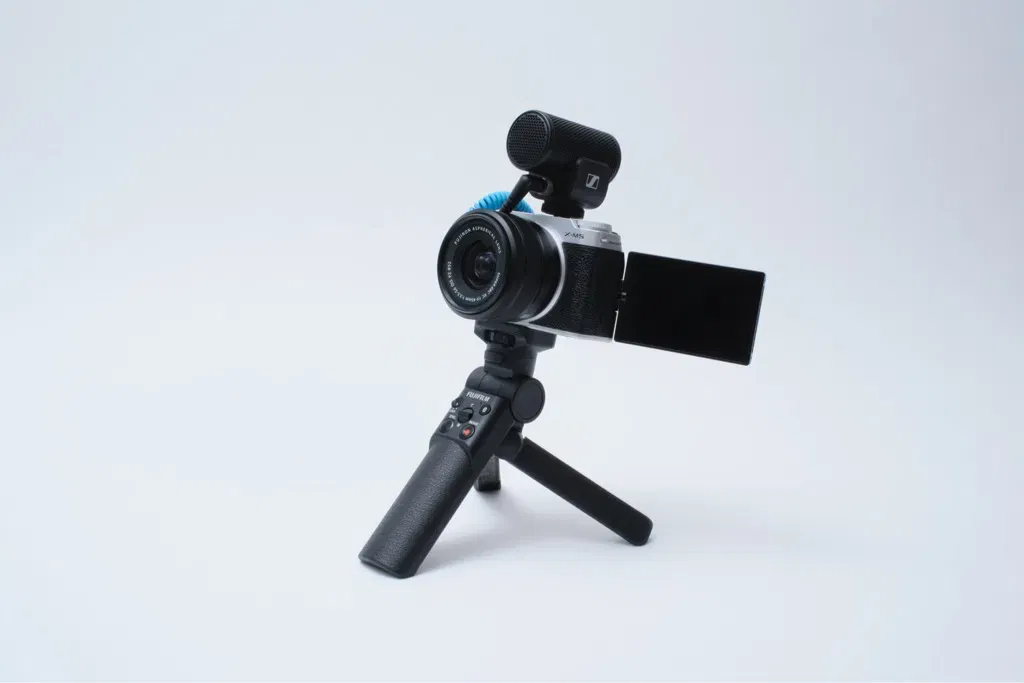
φ3.5mm Microphone & Headphone Jack
FUJIFILM X-M5 features a 3.5mm microphone and headphone jack. Conveniently located on the back of the body and designed not interfere with the movement of the vari-angle LCD.
XApp
FUJIFILM X-M5 is compatible with FUJIFILM XApp, which offers additional functionality and simple image transfer to your Smartphone. Files can be shared between X-M5 and your Smartphone quickly, while the free, downloaded App also allows the camera to be operated remotely.
What's in the Box:
- Li-ion battery NP-W126S
- Shoulder strap
- Body cap
- Cooling fan connector cover
Product Features:
- Lens mount: FUJIFILM X mount
- Image sensor: 23.5mm x 15.6mm
- Digital image stabilization
- Focal plane shutter
- Monochromatic color
- Clarity setting: ±5 steps
- Interval timer shooting
Specifications
General
-
Brand
- Fujifilm
-
Product Category
- Digital SLR Cameras
-
Product Type
- Camera
-
Product Colour
- Black
-
Specific Product Colour
- Black
Camera Features
-
Special Features
- Full HD
- 4K
- AUTO
- Portrait
- Portrait Enhancer
- Landscape
-
Compatibility
- SD Card
-
Built in Flash
- Yes
-
Camera Resolution
- FHD
-
Camera Type
- Digital Camera
-
Exposure Compensation
- Still: -5.0EV~+5.0EV 1/3EV step Movie: -2.0EV~+2.0EV 1/3EV step
-
Sensor Size
- 23.5mm x 15.6mm
-
Flash Modes
- TTL (TTL AUTO / STANDARD / SLOW SYNC. )
- MANUAL
- MULTI *When EF-X500 is set
- OFF
-
Shooting Modes
- Shooting
- AF
- Focus Area
- OFF
- Double Tap Setting (ON/OFF)
- Touch Function Setting (ON/OFF)
- Touch Zoom (ON/OFF)
-
Memory Card Type
- SD Card
Display
-
Screen Type
- LCD
-
Aspect Ratio
- 3:2
-
Touch Screen
- Yes
Lens Features
-
Image Stabilisation
- Digital Image Stabilization: Yes (movie mode only)
- IS MODE BOOST: Yes (movie mode only)
Camera Functions
-
ISO Sensitivity
- ±1/3EV
- ±2/3EV
- ±1EV
-
Self-Timer
- Still: 10sec
- 2sec
- Movie: 10sec
- 5sec
- 3sec
-
Type of Modes
- Exposure Mode
- Drive Mode
- HDR Mode
- Focus Mode
- Flash Mode
- Shooting Mode
- Playback Mode
- Vlog Mode
- Auto Mode
- FlimSimulation Mode
- Access Mode
- Economy Mode
- Normal Mode
-
White Balance
- ±1
- ±2
- ±3
Photo Features
-
Image Processor
- X-Processor 5
-
Image Sensor
- X-Trans CMOS 4 with primary color filter
-
Photo File Formats
- DCF
- JPEG
- HEIF
- RAW
- TIFF
Video Features
-
Max Video Bitrate
- 200Mbps
-
Video File Formats
- MOV
- MP4
Battery & Power
-
Power Source
- Battery
-
Battery Type
- Li-ion
Dimensions
-
Weight
- 0.355 kg
Delivery & Returns
Delivery
We offer a comprehensive nationwide (Republic of Ireland only) delivery service; we aim to deliver all orders as quickly as possible.
| Item Type | Delivered In | Delivered By |
|---|---|---|
| Small Items | 3 - 5 Working days | DPD |
| Large Electrical Items | 3 - 5 Working days | Independent transport company |
| Furniture & Bedding | 3 - 5 Working days | Independent transport company |
| Clearance Items | 5 - 7 Working days | Independent transport company |
| Harvey Norman Customer Direct | Please refer to each individual product description page for accurate lead times. | |
Please note: Delivery times for rural areas may vary depending on routes and availability. If you have ordered any products that involve a lead time, are customised, or made to measure, we will contact you to discuss delivery. For more information regarding delivery and associated costs, please click here.
Free Click & Collect In Store
Can’t wait for delivery or don’t want to pay additional delivery charges? It’s incredibly simple to collect your online order in store and get your hands on your product quickly and easily. Simply select the Click & Collect option and head to your nearest Harvey Norman store to collect your order.
During checkout, select “Click & Collect” and select your preferred store.
After your order is placed, you will receive an order acknowledgement email with your order number.
Once the store has confirmed your order and reserved the stock, you will receive an email to inform you that your order is “Ready for collection”. If you want to use "Contactless Click & Collect" select this option on this email.
Bring your order number to the store you selected for Click & Collect, along with photo ID and the credit card you used to make the order.
Speak to one of our staff and your order should be processed in minutes.
If availing of Contactless Click & Collect, please click the link in your email “ready to pick up” to let the store know you are on your way. When you have parked in the designated parking bay, open your email, and choose the “I’m here” option and a member of staff will bring your purchase out to your car.
Easy returns
Store Purchases: For all items purchased from a physical store, please return to your local Harvey Norman Store. Please see Terms & Conditions here.
Online Purchases: For all items purchased via our Online Store (website), please contact our Online Customer Service Team at [email protected] where a dedicated Customer Service Agent will guide you through the process.
Reviews
Ask a question
Register Now & Extend Your Warranty - 5 Years for lenses & 3 Years on Camera Bodies with Fujifilm

Delivery to
Delivery
Collect from
Click & Collect
Collect in store
Nearest store with stock
Nearest store with stock
Your legal guarantee rights

Available services
You may also like
You may also like
Recently viewed
Compare
 Secure Online Shopping