


Description
Check out the video:
True Sound, Secured
Pro-Level Internal Recording
Skip the stress of unpredictable acoustics. 32-bit float [1] keeps your audio secure, eliminating tedious level monitoring. Coupled with up to 28 hours of 24-bit storage [2], it helps creators reliably capture once-in-a-lifetime moments in a single, confident take.
32-bit Float Internal Recording [1]
32-bit float internal recording [1] captures vast dynamic ranges, reducing the need for constant gain adjustments. Even during chaotic shoots, tracks can be recovered in post without clipping or loss, keeping your files highly usable. For added flexibility, choose to save internal recordings as the original track or an algorithm-enhanced version to suit your workflow [34].
28-Hours Internal Storage [2]
The transmitter's approximately 14.5GB storage offers up to 28 hours of loop internal recording [2], surviving wireless drops. Internal recording can be set to auto-start upon transmitter power-on, or it can sync with the receiver [35], automatically starting when the receiver reconnects and stopping when it powers off. Additionally, internal recording auto-triggers if the receiver battery runs low.
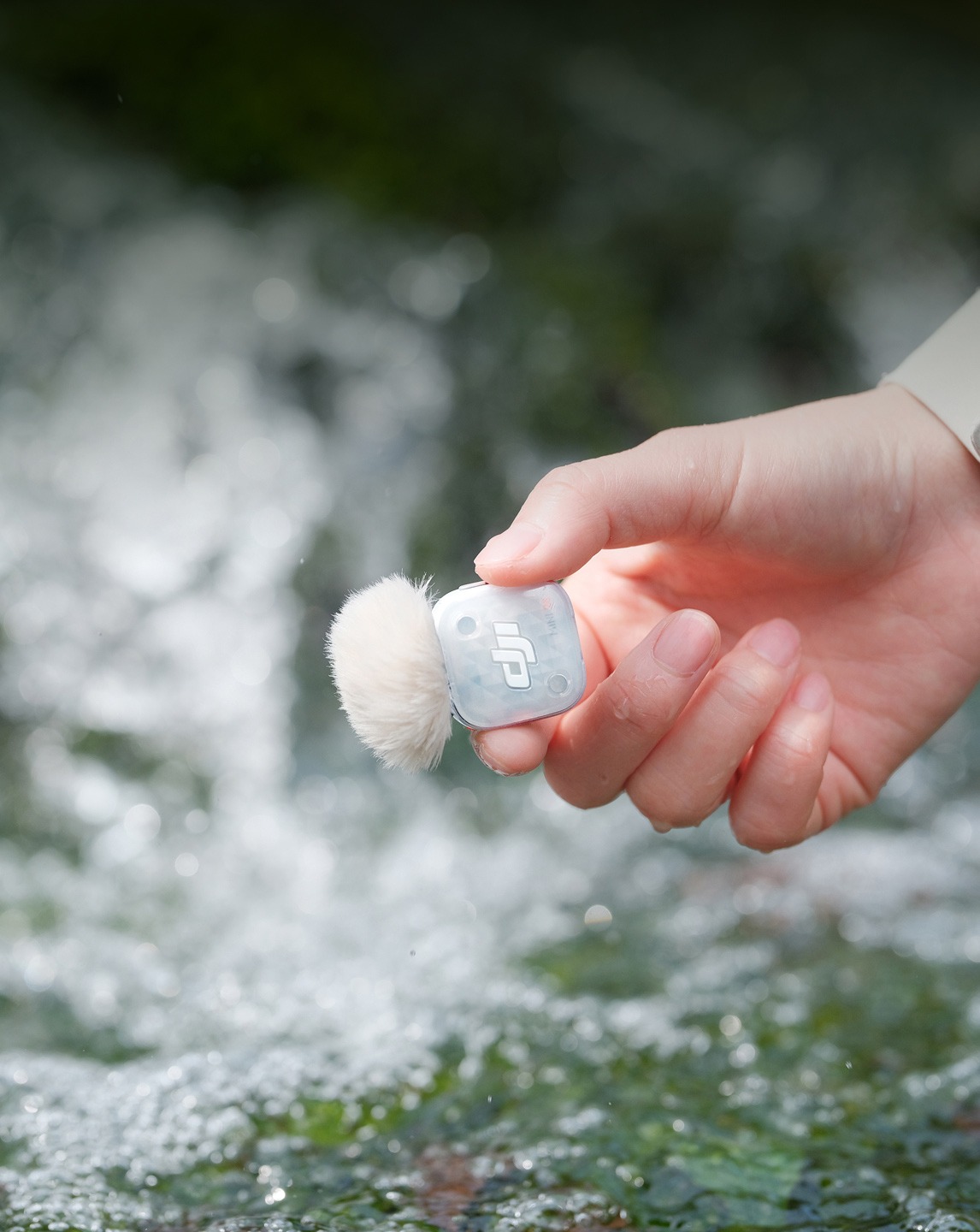
Standalone Voice Recorder
This two-in-one transmitter streamlines wireless audio recording and doubles as a standalone voice recorder for interviews or class notes.
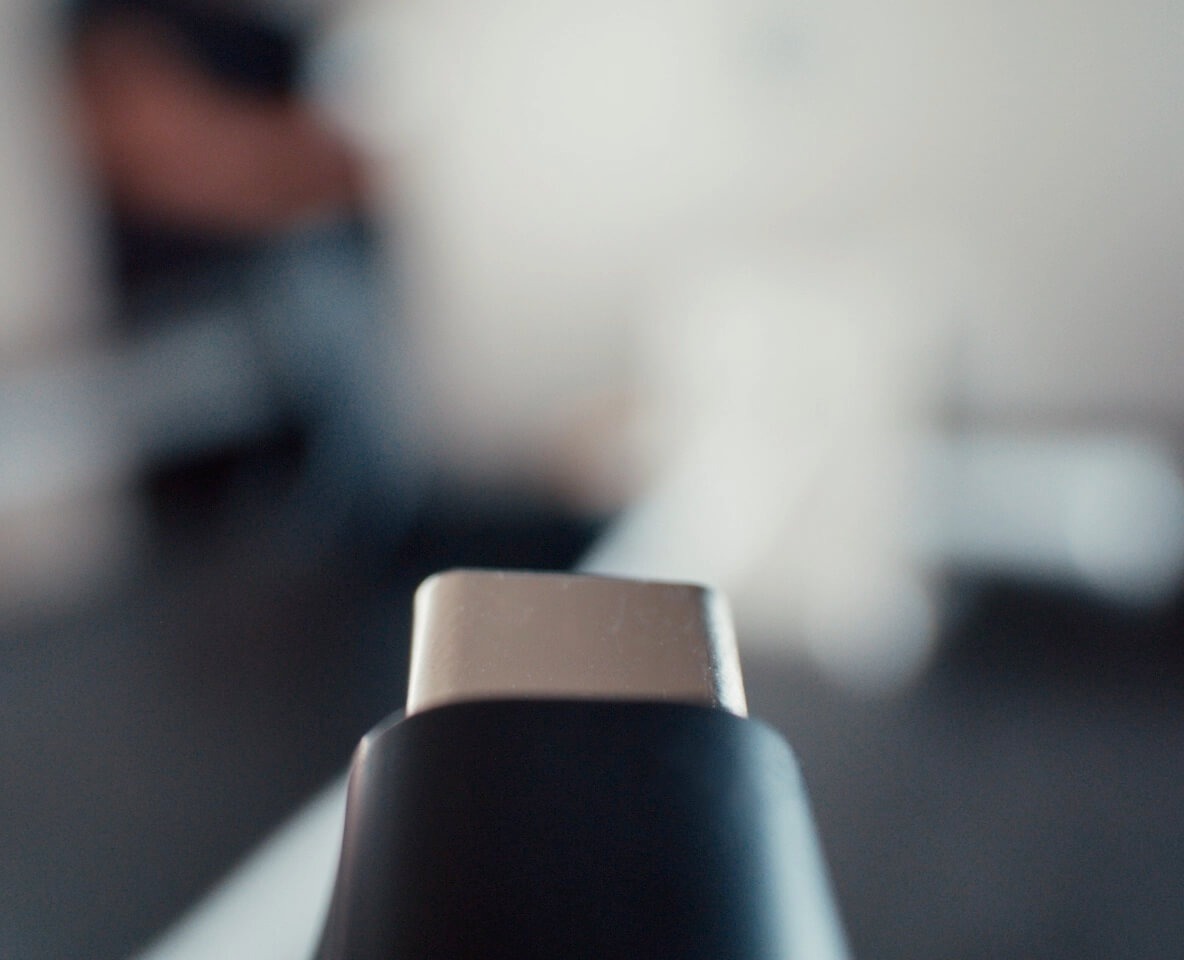
High-Speed File Transfer
Connect the charging case directly to a computer or smartphone [10] to transfer internal recordings at speeds up to 34 MB/s. At that rate, 30 minutes of 24-bit audio transfers in approximately eight seconds, accelerating your post-production workflow.
Two-Level AI Noise Canceling [3]
Powered by DJI's new proprietary noise-canceling AI model, DJI Mic Mini 2S precisely isolates and suppresses ambient noise. This helps your vocals stand out with crystal-clear transparency and rich detail.
Strong
The Strong level excels in noisy environments, significantly cutting ambient noise for clearer vocals.
Basic
The Basic level is ideal for quiet indoor settings, reducing fan, air conditioning, and reverb noises while preserving vocal clarity.
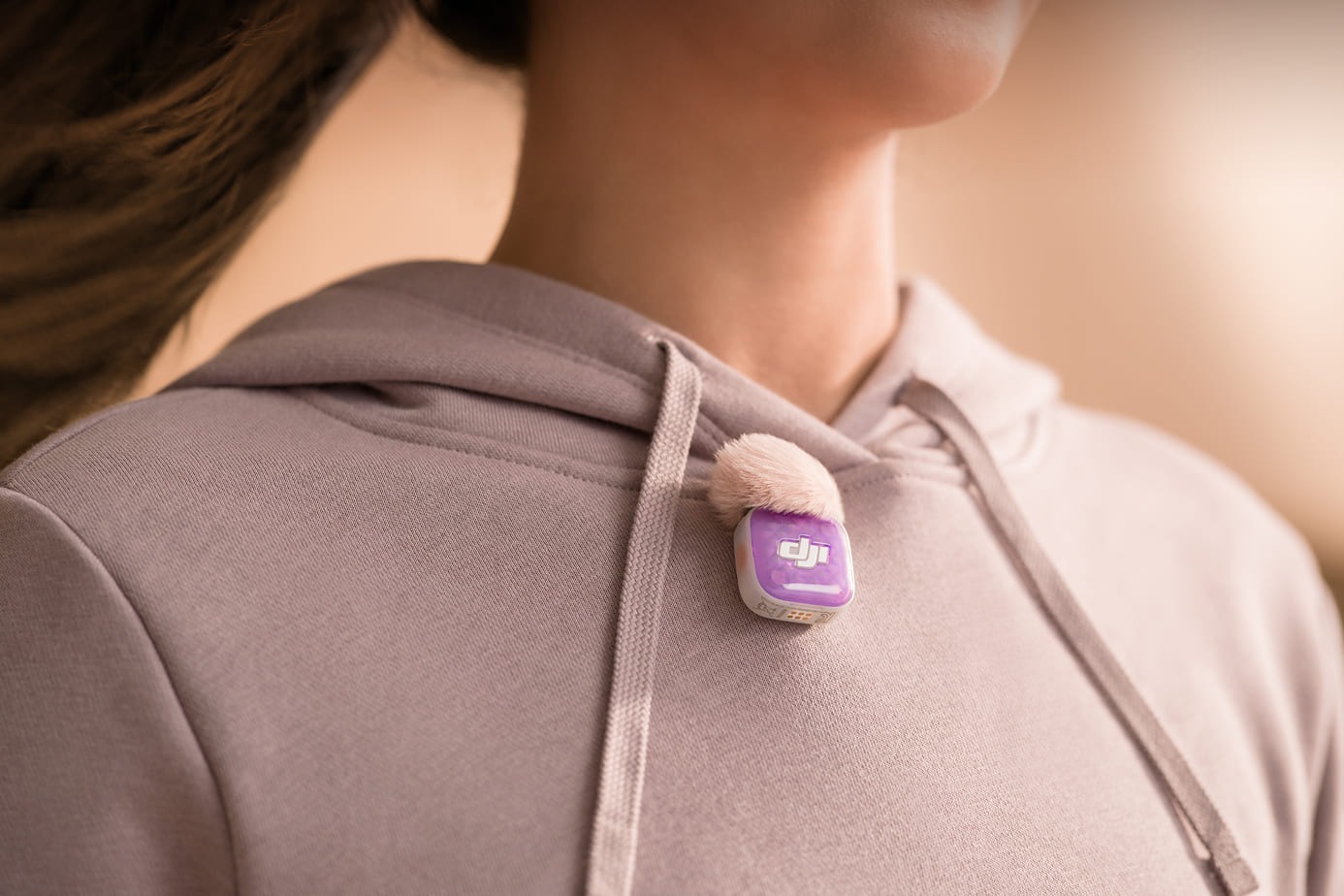
Windscreens for Outdoor Audio
With the windscreen attached, the transmitter effectively reduces wind noise and other unwanted noise, delivering crisp, clear audio even in windy conditions or noisy environments—ideal for live streaming, vlogging, and more.
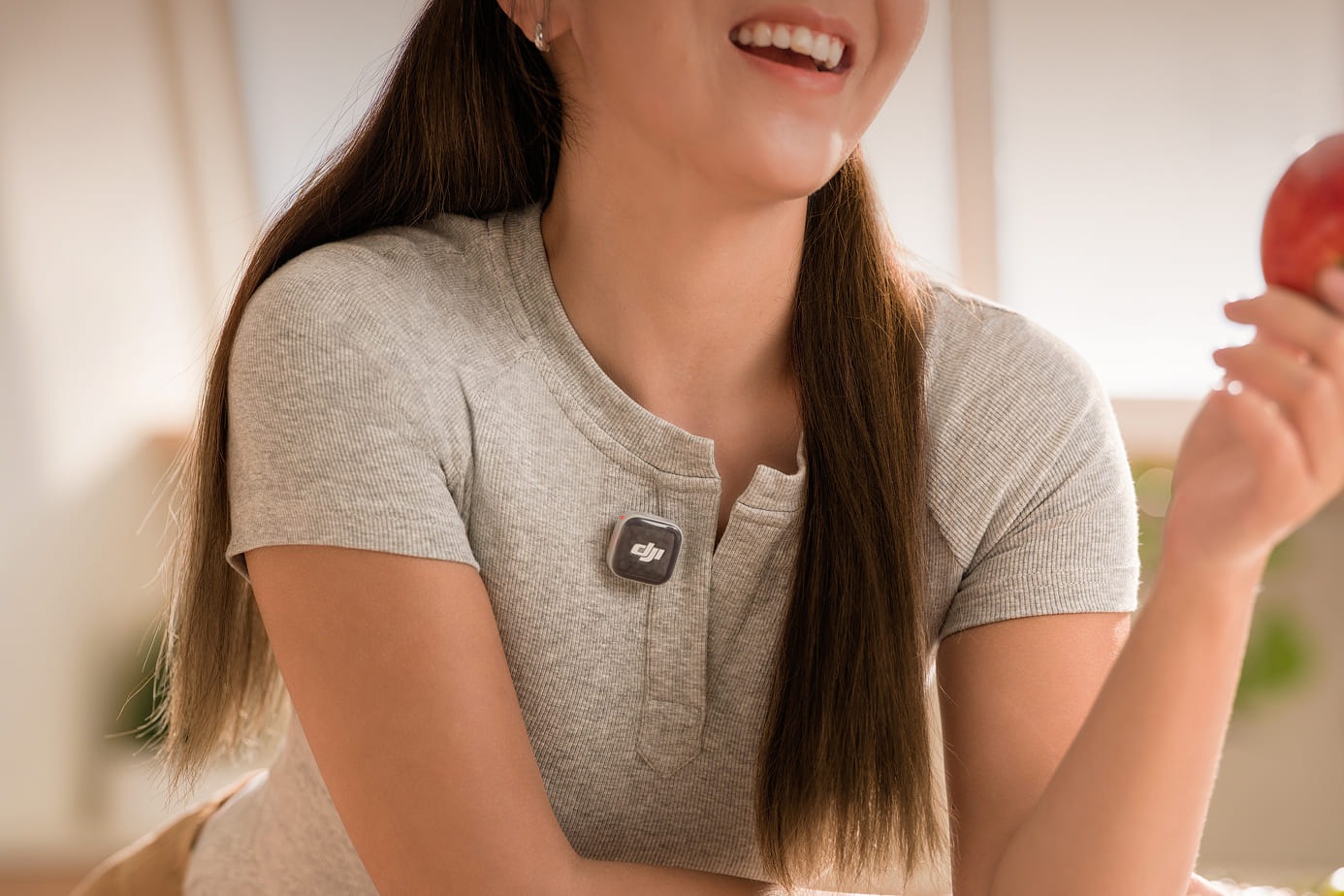
Adaptive Gain Control for Balanced Volume [11]
This professional wireless mic system offers two modes. Clipping Control attenuates sudden spikes, protecting audio in volatile environments like racetracks. Loudness Balance dynamically adjusts gain, stabilizing volume for interviews and live streams.
Three Voice Tone Presets To Match Your Style [8]
The default Regular mode delivers clean, natural, and balanced audio; Rich mode puts extra emphasis on the lows for a fuller, more powerful sound; while Bright mode highlights the highs, giving your voice extra clarity and sparkle.
Ultra-Compact, Ultra-Capable
Multi-Color Covers, Wear Your Audio
Beyond classic black and white, eight optional magnetic front covers [12] in vibrant colors let you personalize your transmitter. Blend the microphone into the shot or turn everyday moments into extraordinary creative visuals.
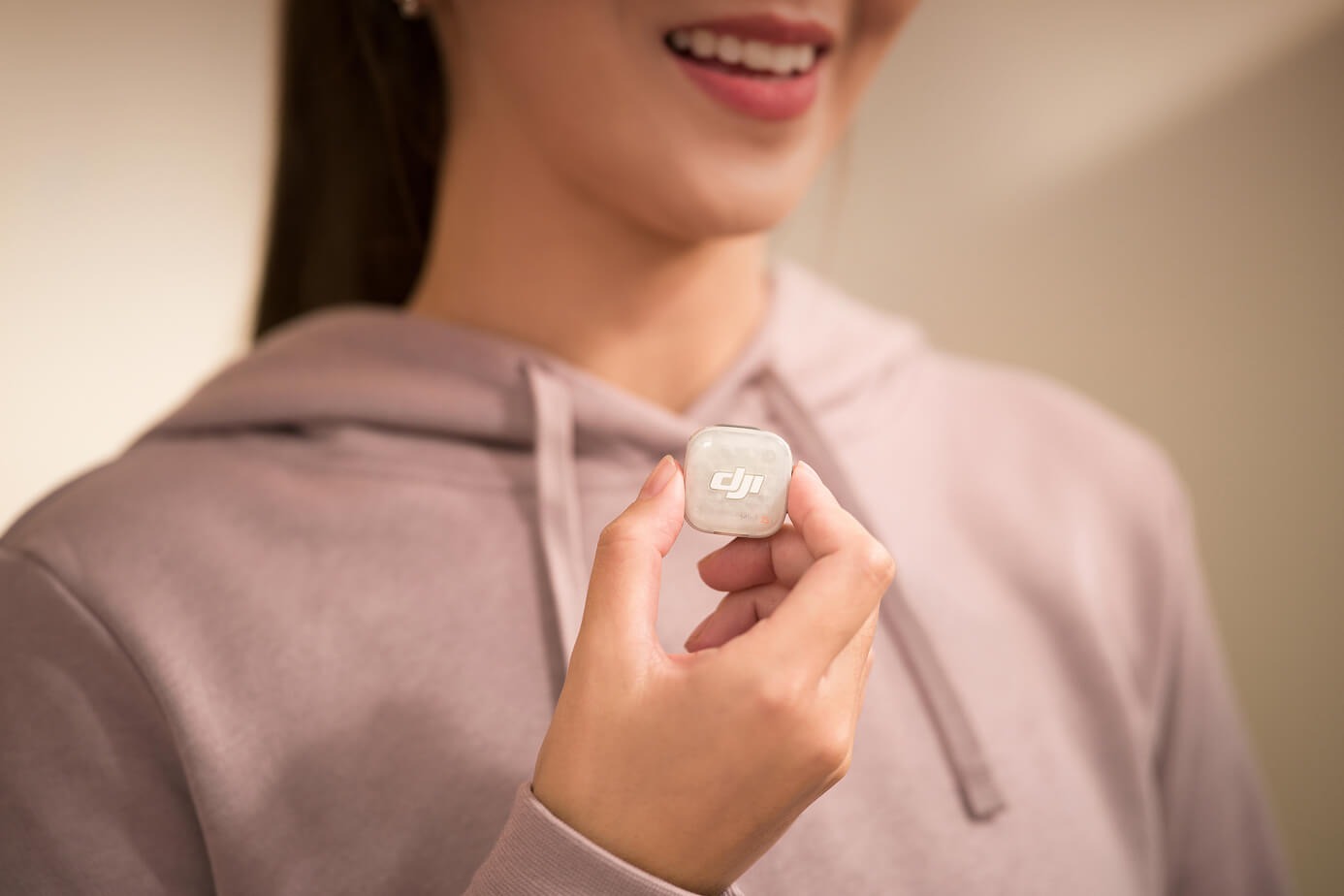
Versatile Mini Wireless Mic
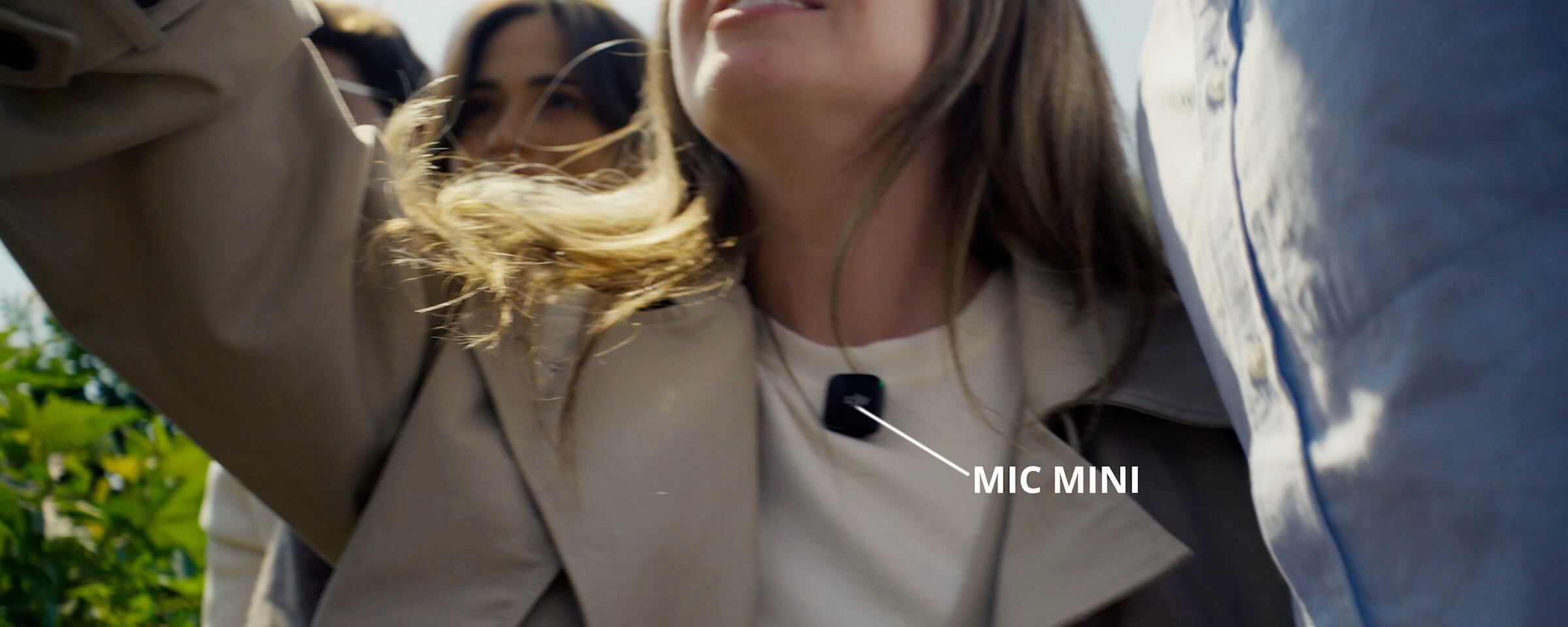
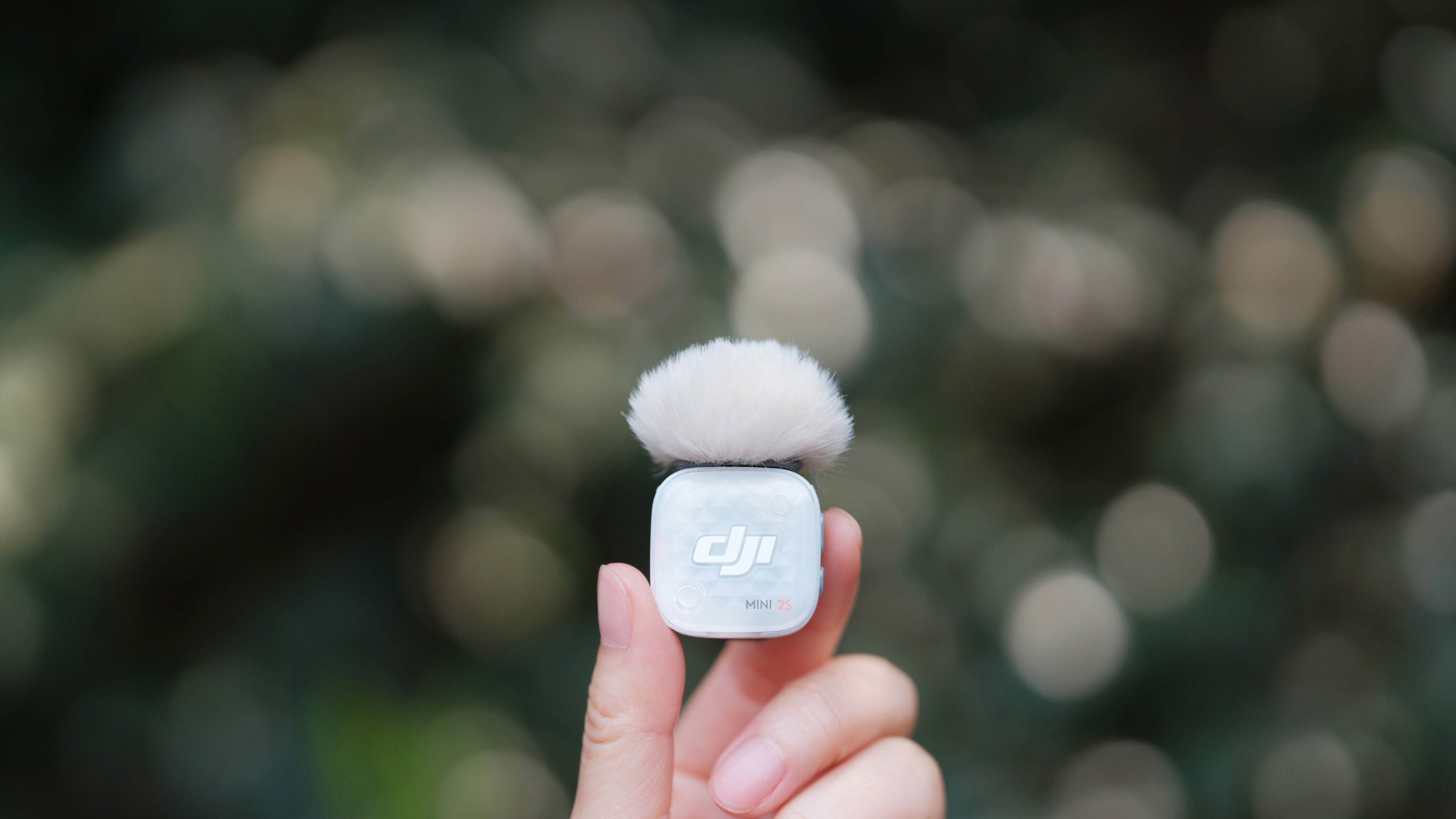
At just about 12 g [13], the transmitter mounts via magnet or clip, functioning like an unobtrusive lavalier microphone, but smarter. The detachable clip rotates fully, allowing users to mount the unit sideways or upside down to maintain optimal audio alignment.
Artist Editions, Inspiring Design
DJI has collaborated with internationally renowned illustrator Victo Ngai to create the DJI Mic Mini 2S Time Series Magnetic Front Cover [14]. These four designs capture life's stages, elevating the on-camera presence and personal expression for YouTube creators.
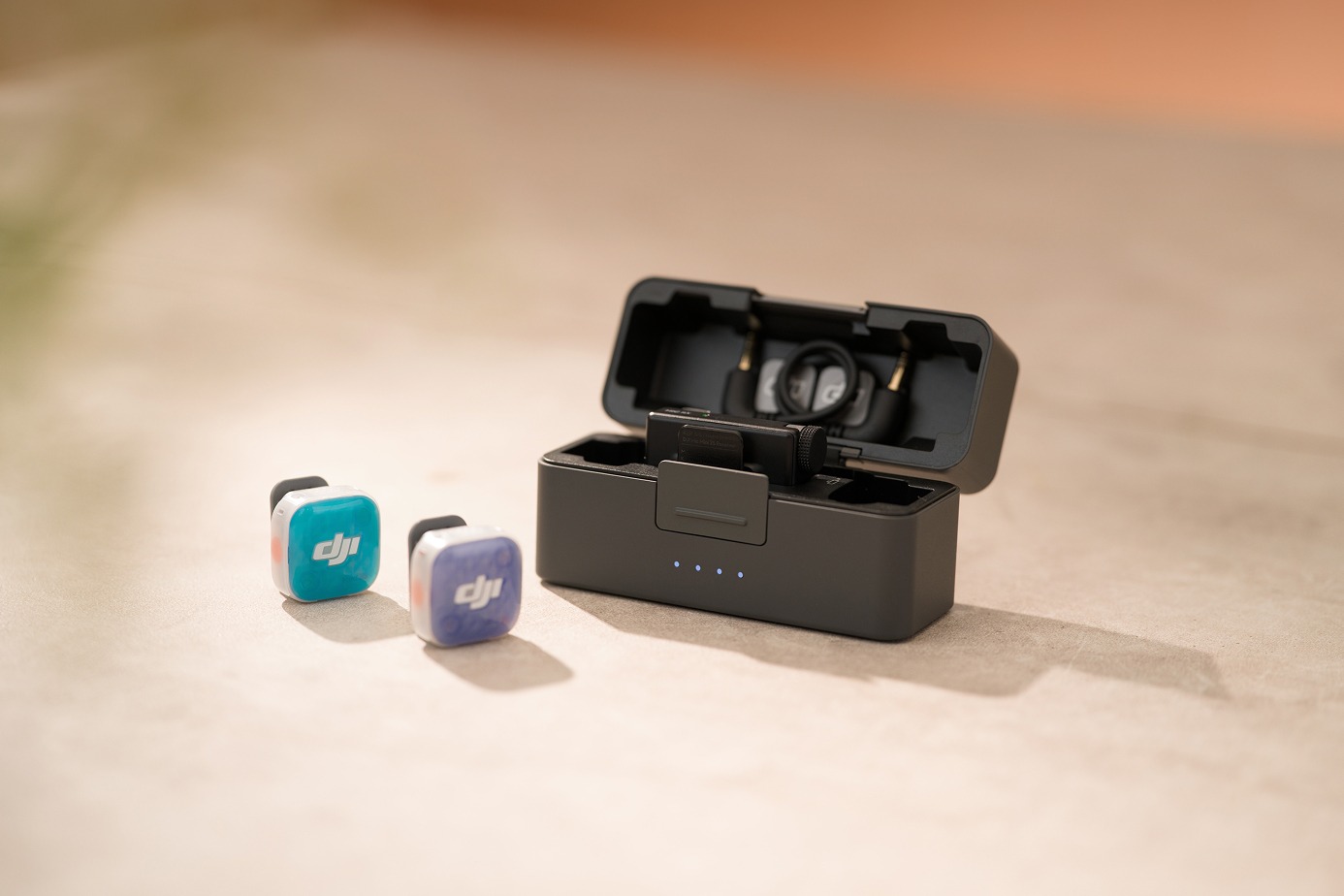
Optimized Storage, Pocket-Sized Studio [6]
The new DJI Mic Mini 2S Charging Case houses two transmitters, one receiver, a Mic Series Mobile Receiver, and core accessories [6] together, consolidating your audio kit. For more agile mobile workflows, an alternative Charging Case (1 TX + 1 Mobile RX) is also available.
4TX + 1RX Cross-Gen Connectivity [4]
A single receiver pairs up to four transmitters simultaneously [4], making it ideal for podcasts and commercial shoots. For a cost-effective setup, Mic Mini, Mic Mini 2, and Mic Mini 2S transmitters and receivers support mix and match. Mic Mini 2S transmitters also connect directly to the Mic Series Mobile Receiver [4].
Flexible, Versatile Channel Settings
The system features Mono, Stereo, and Quadraphonic modes [7] for diverse audio-routing. You can also enable Safety Track in the DJI Mimo app to record a backup track at -6 dB, helping prevent issues like clipping and distortion.
Four-Channel Output [7], Effortless Editing
The receiver connects to Sony cameras via the DJI Mic Series Camera Adapter [7]. In Quadraphonic mode, it supports independent output of four audio tracks [7]. This enables precise track separation and flexible mixing, giving you greater creative freedom in post-production.
Native Connectivity, Sustained Operation
DJI OsmoAudio Direct Connection [5]
Multiple Osmo devices [5] connect natively to up to two DJI Mic Mini 2S transmitters, delivering 48kHz 24-bit premium audio.

Osmo Pocket 4
While Osmo Pocket 4 captures nuanced lighting with a 14-stop dynamic range [15], Mic Mini 2S uses 32-bit float internal recording [1] to preserve equally rich audio details.
Osmo 360
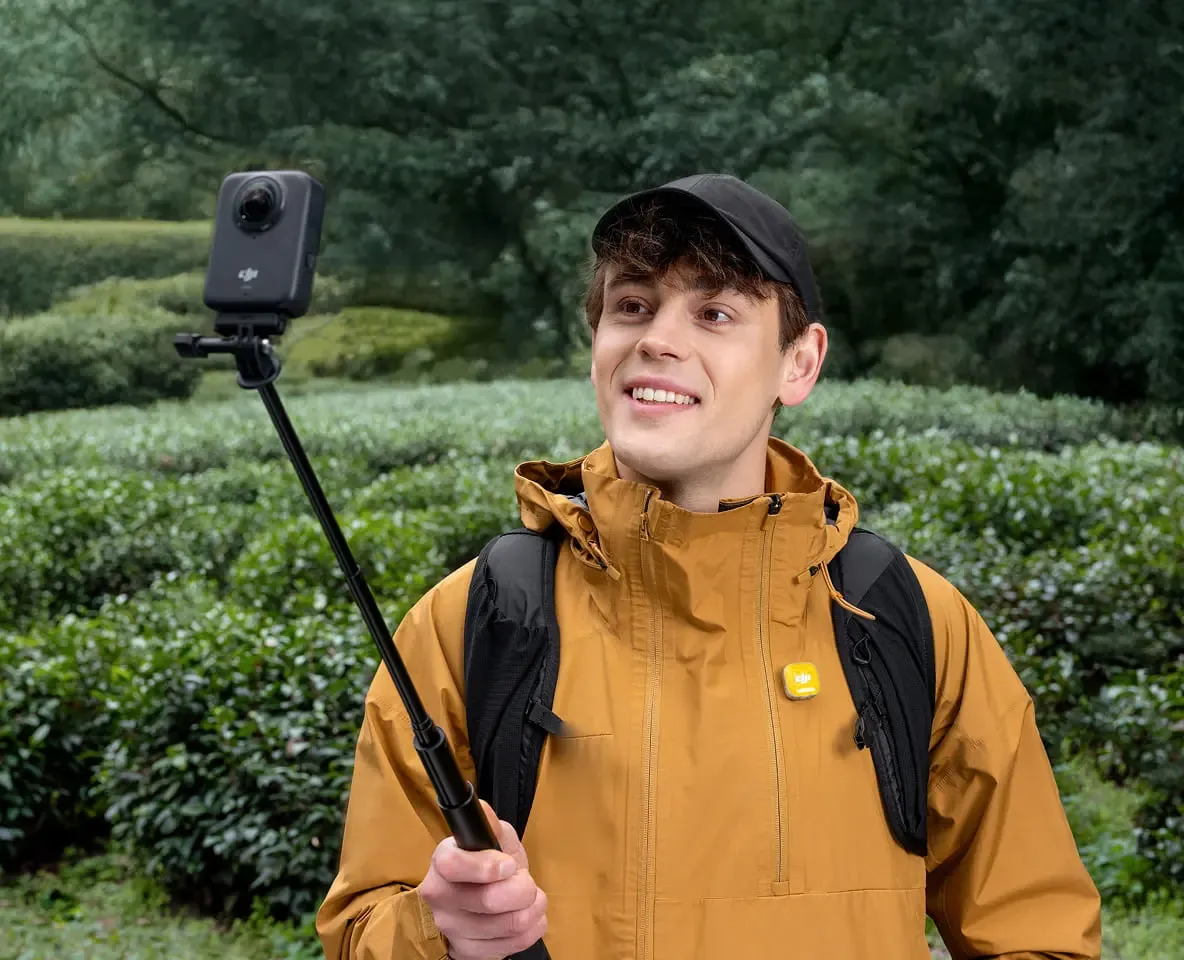
Total immersion requires both visual and acoustic presence. As you capture 4K/100fps high-frame-rate 360° video, Mic Mini 2S simultaneously records authentic ambient audio.
Osmo Nano
A wearable camera calls for an equally compact, clip-on microphone. Mic Mini 2S enhances dynamic POV footage with clear sound, serving as a reliable mic for vlogging.
Osmo Action 6
The flagship action camera connects natively to Mic Mini 2S without a receiver, streamlining your outdoor setup. Two-level AI noise canceling precisely filters noises, pairing high-intensity visuals with striking audio.
Connect Instantly [10], Create Freely
Wide Device Compatibility [10]
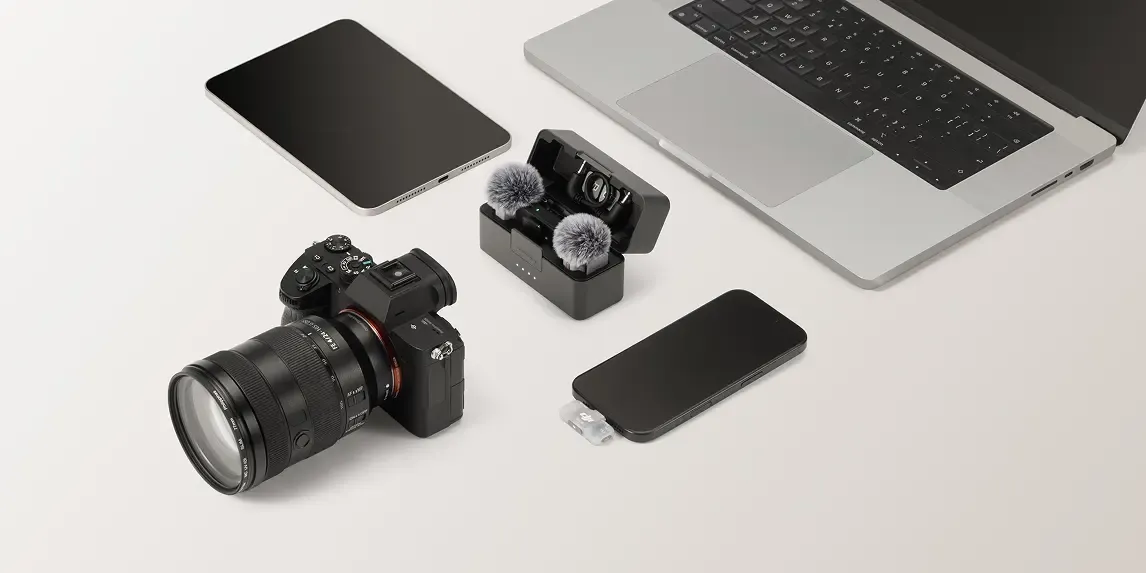
The receiver offers a 3.5mm TRS port and is compatible with cameras, phones, tablets, and computers [10].

Bluetooth Direct-To-Phone [16]
The transmitter works as a Bluetooth microphone, connecting directly to your smartphone for recording or live streaming apps [17]. Adjust settings and update firmware via DJI Mimo.
Instant Reconnection
The transmitter stores pairing data for two receivers and one compatible Osmo camera. After the initial pairing, devices reconnect automatically, allowing creators to rapidly swap devices without interrupting production.
400m Transmission [18]
When the DJI Mic Mini 2S Transmitter is paired with the Mic Mini 2S Receiver, the transmission distance can reach up to 400 meters [18]. When paired with the mobile receiver, you'll still enjoy stable transmission up to 300 meters [18].
40-Hour Battery Life [19]
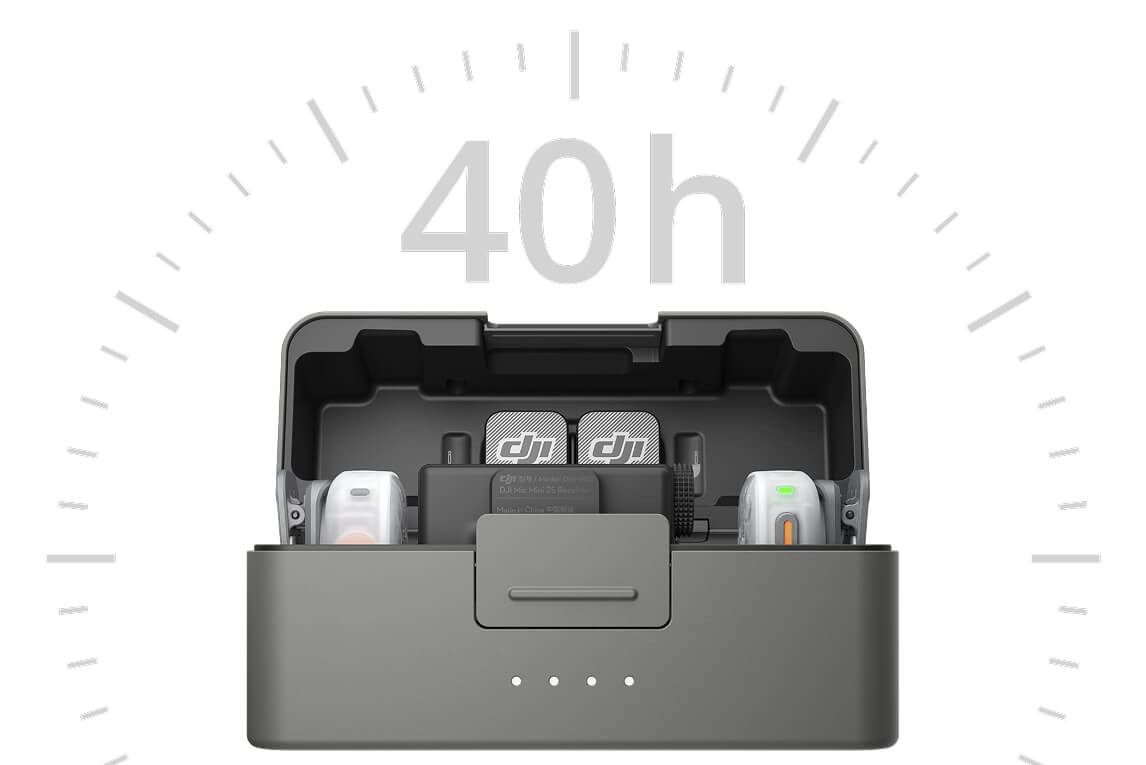
A transmitter lasts up to 11 hours [19], and a receiver lasts up to 10 hours [19]. A fully charged charging case provides about 3.2 full charges, for a total of up to 40 hours of extended use [19]. This power is vital for a wireless podcast or interview mic.
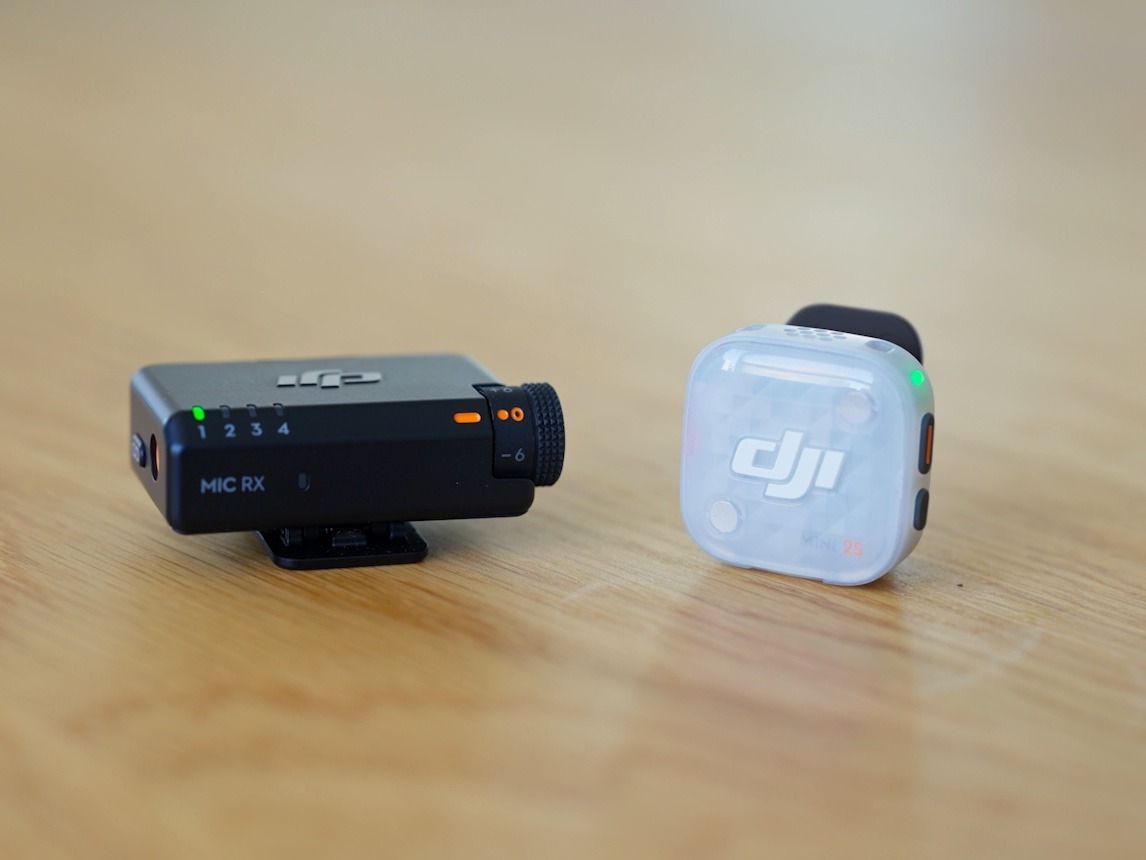
Multiple Intelligent Power-Saving Features
Maximize battery efficiency for both camera and smartphone workflows.
Fast Charging [9]
A 5-minute charge yields up to 1 hour of operating time for both the transmitter and receiver, actively minimizing production downtime.
Auto Power-Saving [20]
The transmitter automatically enters sleep mode when it doesn't detect a signal from the receiver. It will wake up and reconnect to the receiver once the signal is detected again.
Auto Power-Off
When auto power-off is enabled for both the transmitter and receiver in the DJI Mimo app [21], they shut down automatically if disconnected for over 15 minutes.
Receiver On/Off with Camera [22]
When enabled in the DJI Mimo app, a receiver connected to a camera will automatically power on and off in sync with the camera's physical power state.
Use While Charging [23]
When the receiver is connected to your phone, it draws power directly from the phone. If it is connected to an external power source, both will be charged at the same time.
Practical Accessories, Reliable Support
DJI Mic Mini 2S offers eight multi-color magnetic front covers [12] and five multi-color windscreens [14] to match different outfits. The DJI Mic Series Mobile Receiver [24] and the DJI Mic Series Camera Adapter [14] are also available for a smooth creative experience.
DJI Mic Mini 2S Charging Case
- Weight: Approx. 160 g (charging case only)
- Battery type: Li-ion
- Battery capacity: 1950 mAh
- Battery energy: 7.55 Wh
- Battery voltage: 3.87 V
- Charging specification: Max 5 V, 3 A
- Charging temperature: 5° to 40° C (41° to 104° F)
- Operating temperature: -10° to 45° C (14° to 113° F)
- Charging time: Approx. 2 hours
- Charging cycles for TX and RX: When charging two transmitters and one receiver simultaneously, a fully charged charging case can fully charge them for approx. 3.2 times.
What's in the Box:
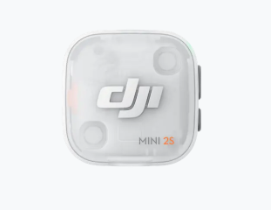
1 × DJI Mic Mini 2S Transmitter
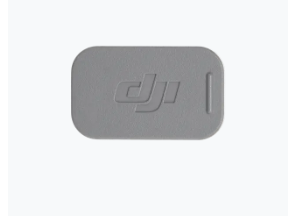
2 × DJI Mic Mini 2S Magnetic Clip
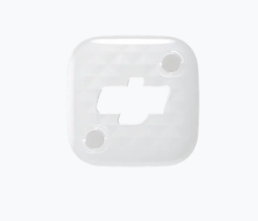
2 × DJI Mic Mini 2S Magnetic Front Cover (Glaze White)
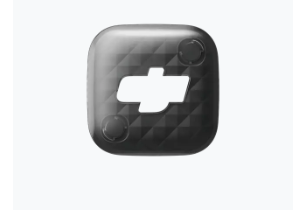
2 × DJI Mic Mini 2S Magnetic Front Cover (Obsidian Black)

2 × DJI Mic Mini 2 Windscreen (Black/Gray)
2 × DJI Mic 3 Magnet
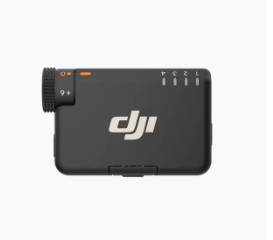
1 × DJI Mic Mini 2S Receiver
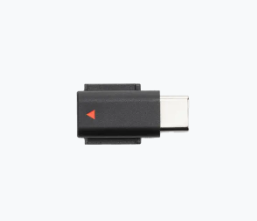
1 × DJI Mic Mini Mobile Phone Adapter (USB-C)
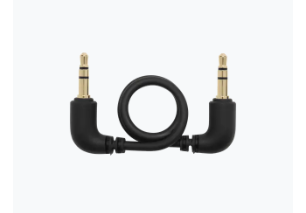
1 × DJI Mic Mini 2S Camera Audio Cable (3.5mm TRS)
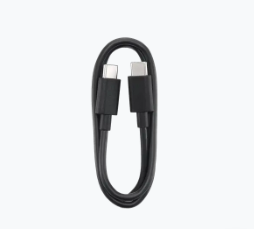
1 × DJI Mic USB-C Charging Cable
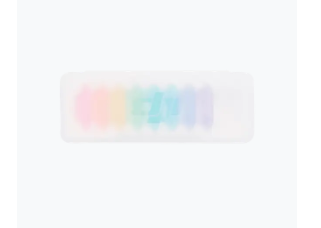
1 × DJI Mic Mini 2S Multi-Color Magnetic Front Cover Set
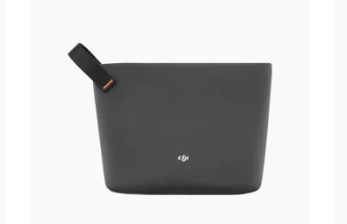
1 × DJI Mic Mini Carrying Pouch
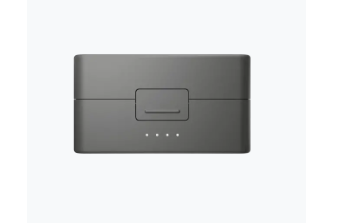
1 × DJI Mic Mini 2S Charging Case
Product Features:
- Polar pattern: Omnidirectional
- Frequency response: Low cut off: 20 Hz-20 kHz / Low cut on: 100 Hz-20 kHz
- Maximum sound pressure level (SPL): 126 dB SPL@1% THD / 130 dB SPL@10% THD
- Equivalent noise: 22 dBA
- Monitor interface output power: 20 mW@1 kHz, 32 Ω (DJI mic series mobile receiver)
- Max transmission distance: 400 m: DJI mic mini 2S receiver connected to DJI mic mini 2S/mic mini 2/mic mini transmitters. 300 m: DJI mic series mobile receiver connected to DJI mic mini 2S/mic mini 2/Mic mini transmitters (Green light mode). 200 m: DJI mic series mobile receiver simultaneously connected to one DJI mic mini 2S/mic mini 2/mic mini transmitter and one DJI mic 3/mic 2 transmitter (Blue light mode).
Notes:
1. 32-bit Float Internal Recording is disabled by default and can be enabled via the DJI Mimo app. While 32-bit float recording significantly improves dynamic range, the effective range depends on the microphone's physical characteristics. For detailed specifications, refer to the Specs page on the official DJI Mic Mini 2S website.
2. The DJI Mic Mini 2S Transmitter features approximately 14.5GB built-in storage and can record up to 28 hours of audio in the default 24-bit internal recording mode. In the 32-bit internal recording mode, it can record up to 22 hours of audio.
3. The Noise Canceling feature is disabled by default. It can be enabled via the transmitter button or DJI Mimo app, while the noise canceling level (Strong or Basic) can be set via the app. When using the receiver with multiple transmitters, noise canceling can be enabled/disabled for all transmitters simultaneously. When the transmitter is connected to ecosystem devices such as Osmo Pocket 4P, Osmo 360, Osmo Nano, and Osmo Action 6 via DJI OsmoAudio Direct Connection, the Noise Canceling feature can be set directly on the product interface. The noise cancelation switch on the DJI Mic Series Mobile Receiver allows quick adjustment of noise cancelation levels (Off = O, Low = L, High = H). Note that if the internal recording file type is set to Original File, noise canceling will not apply to the internally recorded file but will still affect the audio signal transmitted to the receiver.
4. For the 4TX + 1RX setup, transmitters not included in the combo are sold separately. DJI Mic Mini 2S supports mixed connection with DJI Mic Mini and Mic Mini 2. The DJI Mic Mini 2S Receiver can connect to Mic Mini, Mic Mini 2, and Mic Mini 2S transmitters (supporting up to four transmitters). The DJI Mic Mini 2S Transmitter can connect to Mic Mini and Mic Mini 2S receivers, or the DJI Mic Series Mobile Receiver. For details, visit the Downloads page of the DJI Mic Mini 2S website for the DJI Mic Series Mobile Receiver Cross-Model Compatibility List.
5. The DJI Mic Mini 2S Transmitter can directly connect to select DJI products (up to two TX for Osmo Pocket 4P, Osmo 360, Osmo Nano, and Osmo Action 6). Additional DJI products will be supported in the future. For details, please visit the Downloads page of the DJI Mic Mini 2S website for the OsmoAudio Compatibility List.
6. The DJI Mic Mini 2S Charging Case can store up to: 2 transmitters, 2 magnetic clips, 2 magnetic front covers, 2 magnets, 2 windscreens, 1 DJI Mic Mini 2S Receiver, 1 DJI Mic Series Mobile Receiver, 1 Mic Mini 2S Camera Audio Cable (3.5mm TRS), and 1 Mic Mini Mobile Phone Adapter. To prevent product damage, avoid stacking items in the charging case. Note: The DJI Mic Series Mobile Receiver is not included in the DJI Mic Mini 2S (2 TX + 1 RX + Charging Case) combo and is sold separately.
7. To enable four-channel output, additional accessories must be purchased separately. The four-channel output feature is only supported by certain Sony camera models (requiring the DJI Mic Series Camera Adapter) and certain computer software (via USB output). For details, refer to the compatibility list on the Downloads page of the official DJI Mic Mini 2S website.
8. The Voice Tone Preset modes can be selected via the DJI Mimo app, with the default set to Regular. Note that if the internal recording file type is set to Original File, voice tone presets will not apply to the internally recorded file but will still affect the audio signal transmitted to the receiver.
9. Both the transmitter and receiver can provide up to 1 hour of operating time with just a 5-minute charge. This 5-minute charge was measured with the transmitters and receiver battery levels below 25%, using a charger of 5V output. The operating time was measured with noise cancelation off, during close-range audio recording under interference-free conditions, with both transmitters connected to the receiver, and the receiver connected to a camera via the 3.5mm audio cable. Data was collected in a controlled environment and should be taken as reference only.
10. For a list of compatible devices, refer to the Downloads page on the official DJI Mic Mini 2S website.
11. The Adaptive Gain Control feature can be configured via the DJI Mimo app, and it is turned off by default.
12. The DJI Mic Mini 2S Multi-Color Magnetic Front Cover Set is not included in certain combos and is sold separately. Obsidian Black and Glaze White magnetic front covers are standard accessories included with the DJI Mic Mini 2S (2 TX + 1 RX + Charging Case) combo, so users do not need to purchase them separately.
13. The weight of a single transmitter includes the magnetic front cover, but excludes the magnetic clip and magnet.
14. Sold separately.
15. In both Normal and D-Log color profiles, the maximum dynamic range reaches 14 stops. In Slow Motion mode, the actual dynamic range may be lower than 14 stops.
16. Only one transmitter can be directly connected and used as the audio input source at a time.
17. When connected directly to a smartphone via Bluetooth, the transmitter does not support audio recording with the phone's native camera app; it only works with third-party apps. For a list of compatible apps, refer to the Downloads page on the DJI Mic Mini 2S official website.
18. The maximum transmission range is 400 m when the DJI Mic Mini 2S Receiver is connected to DJI Mic Mini 2S/Mic Mini 2/Mic Mini transmitters, 300 m when the DJI Mic Series Mobile Receiver is connected to DJI Mic Mini 2S/Mic Mini 2/Mic Mini transmitters (Green Light mode); and 200 m when the DJI Mic Series Mobile Receiver is simultaneously connected to one DJI Mic Mini 2S/Mic Mini 2/Mic Mini Transmitter and one DJI Mic 3/Mic 2 Transmitter (Blue Light mode). Data was measured in an open, unobstructed environment free of interference, and is for reference only.
19. This feature is only effective when the device is powered on. If the auto power-off feature for the transmitter and receiver is enabled in the DJI Mimo app, both devices will automatically shut down if no pairing signal is detected after 15 minutes.
20. When both the transmitter and receiver are set to auto power off and the transmitter's internal recording feature is disabled, they will automatically shut down if disconnected for over 15 minutes.
21. When the receiver is connected to a camera via the DJI Mic Series Camera Adapter and the camera is not in video recording mode, or when it enters playback mode, the receiver may automatically power off and will not automatically power back on with the camera. This is determined by camera specifications, and it may vary between different camera brands and models. Please refer to your actual usage experience for details.
22. If your phone uses a Lightning port, the receiver cannot be powered by the phone's battery without an external power source. To enable simultaneous charging and use, you need to purchase the DJI Mic Series Mobile Receiver Adapter (USB-C to Lightning) separately.
23. Not included in certain combos and is sold separately.
24. Strong and Basic noise cancelation levels can be set via the DJI Mimo app, or directly on the product interface when using a compatible DJI OsmoAudio ecosystem device.
25. The Noise Canceling feature is turned off by default but can be activated and set to either Strong or Basic level through the receiver, DJI Mimo app, or device directly connected via the OsmoAudio ecosystem.
26. The Voice Tone Preset modes can be selected via the DJI Mimo app, with the default set to Regular. This function is not supported when the transmitter is directly connected to a phone via Bluetooth.
27. The Voice Tone Preset modes can be selected via the receiver or the DJI Mimo app, with the default set to Regular.
28. For details on supported timecode modes, frame rates, and timecode output formats, refer to the FAQ page on the official DJI Mic 3 website.
29. The DJI Mic Mini Receiver supports mixed connection with the DJI Mic Mini/DJI Mic Mini 2/DJI Mic Mini 2S Transmitters, with up to two transmitters connected at once. The DJI Mic Series Mobile Receiver supports mixed connection with the DJI Mic 2, DJI Mic 3, DJI Mic Mini, DJI Mic Mini 2, or DJI Mic Mini 2S Transmitters, with up to two transmitters connected at once.
30. To achieve the 4TX + 8RX setup, additional accessories must be purchased separately.
31. The transmitter and receiver's operating time was measured in a controlled test environment. Actual experience may vary depending on the environment, usage, and firmware version. The 48-hour operating time was measured using DJI Mic Mini 2 (2 TX + 1 RX + Charging Case) paired with a fully charged charging case, with noise cancelation off, during close-range audio recording under open, interference-free, unobstructed conditions, with both transmitters connected to the receiver and the receiver connected to a camera via the Camera Audio Cable (3.5mm TRS).
32. The transmitter and receiver's operating time was measured using DJI Mic 3 (2 TX + 1 RX + Charging Case), with features such as noise cancelation and internal recording off, during close-range audio recording under interference-free conditions, with both transmitters connected to the receiver and the receiver connected to a camera via the 3.5mm audio cable. The 28-hour operating time was measured using DJI Mic 3 (2 TX + 1 RX + Charging Case) paired with a fully charged charging case, with features such as noise cancelation and internal recording off, during close-range audio recording under interference-free conditions, with both transmitters connected to the receiver and the receiver connected to a camera via the 3.5mm audio cable.
33. Internal recordings can be saved as either Original File or an algorithm-enhanced Edited File. The default setting is the Edited File. To change this format: when the transmitter is directly connected to a compatible smartphone or a DJI OsmoAudio ecosystem device, make the selection via the phone or device interface; when the receiver is connected to a smartphone, configure it via the DJI Mimo app. Algorithm-based enhancements include voice tone presets, low cut, noise cancellation, and adaptive gain control.
34. The Auto Recording with Receiver feature is supported only by the DJI Mic Mini 2S Receiver.
Specifications
General
-
Brand
- DJI
-
Product Category
- Camera Accessories
-
Product Type
- Wireless Microphone Kit
Camera Accessories
-
Accessory Type
- Camera Microphone
-
Transmitter Quantity
- 2
-
Receiver Quantity
- 1
Battery & Power
-
Battery Type
- Li-ion
-
Power Source
- Battery
Compatibility
-
Compatible With
- Osmo Nano
- Osmo Action 6
- Osmo 360
- Osmo Pocket 4
Dimensions
-
Width
- 106.30 mm
-
Depth
- 42.50 mm
-
Height
- 59.20 mm
Delivery & Returns
Delivery
We offer a comprehensive nationwide (Republic of Ireland only) delivery service; we aim to deliver all orders as quickly as possible.
| Item Type | Delivered In | Delivered By |
|---|---|---|
| Small Items | 3 - 5 Working days | DPD |
| Large Electrical Items | 3 - 5 Working days | Independent transport company |
| Furniture & Bedding | 3 - 5 Working days | Independent transport company |
| Clearance Items | 5 - 7 Working days | Independent transport company |
| Harvey Norman Customer Direct | Please refer to each individual product description page for accurate lead times. | |
Please note: Delivery times for rural areas may vary depending on routes and availability. If you have ordered any products that involve a lead time, are customised, or made to measure, we will contact you to discuss delivery. For more information regarding delivery and associated costs, please click here.
Free Click & Collect In Store
Can’t wait for delivery or don’t want to pay additional delivery charges? It’s incredibly simple to collect your online order in store and get your hands on your product quickly and easily. Simply select the Click & Collect option and head to your nearest Harvey Norman store to collect your order.
During checkout, select “Click & Collect” and select your preferred store.
After your order is placed, you will receive an order acknowledgement email with your order number.
Once the store has confirmed your order and reserved the stock, you will receive an email to inform you that your order is “Ready for collection”. If you want to use "Contactless Click & Collect" select this option on this email.
Bring your order number to the store you selected for Click & Collect, along with photo ID and the credit card you used to make the order.
Speak to one of our staff and your order should be processed in minutes.
If availing of Contactless Click & Collect, please click the link in your email “ready to pick up” to let the store know you are on your way. When you have parked in the designated parking bay, open your email, and choose the “I’m here” option and a member of staff will bring your purchase out to your car.
Easy returns
Store Purchases: For all items purchased from a physical store, please return to your local Harvey Norman Store. Please see Terms & Conditions here.
Online Purchases: For all items purchased via our Online Store (website), please contact our Online Customer Service Team at [email protected] where a dedicated Customer Service Agent will guide you through the process.
Reviews
Ask a question

Delivery to
Delivery
Collect from
Click & Collect
Collect in store
Nearest store with stock
Nearest store with stock
Your legal guarantee rights

Available services
You may also like
You may also like
Recently viewed
Compare
 Secure Online Shopping