


Description
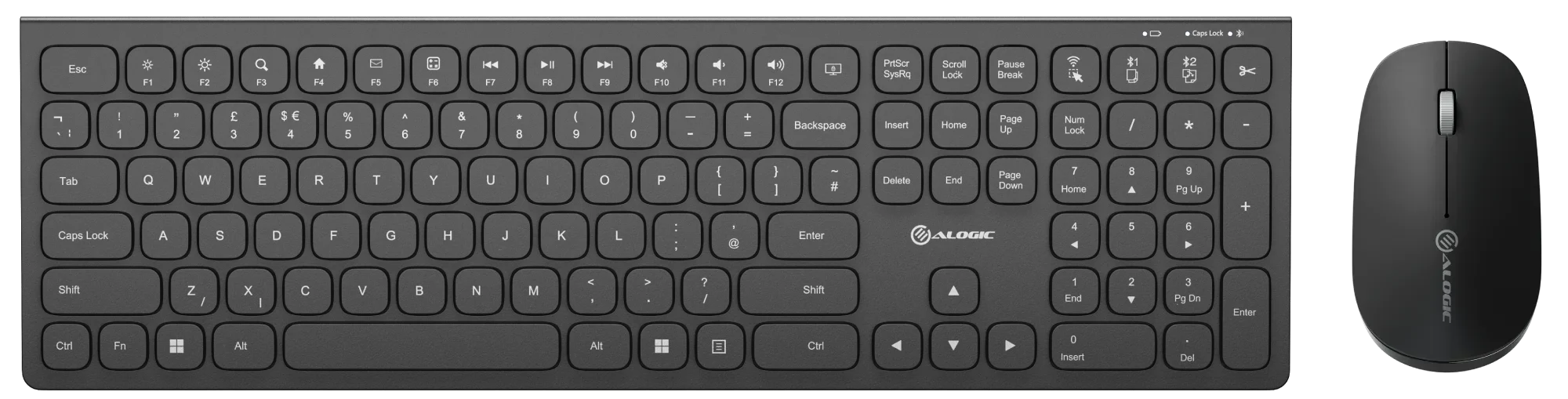
Echelon: USB-C Rechargeable Wireless Mouse and Keyboard
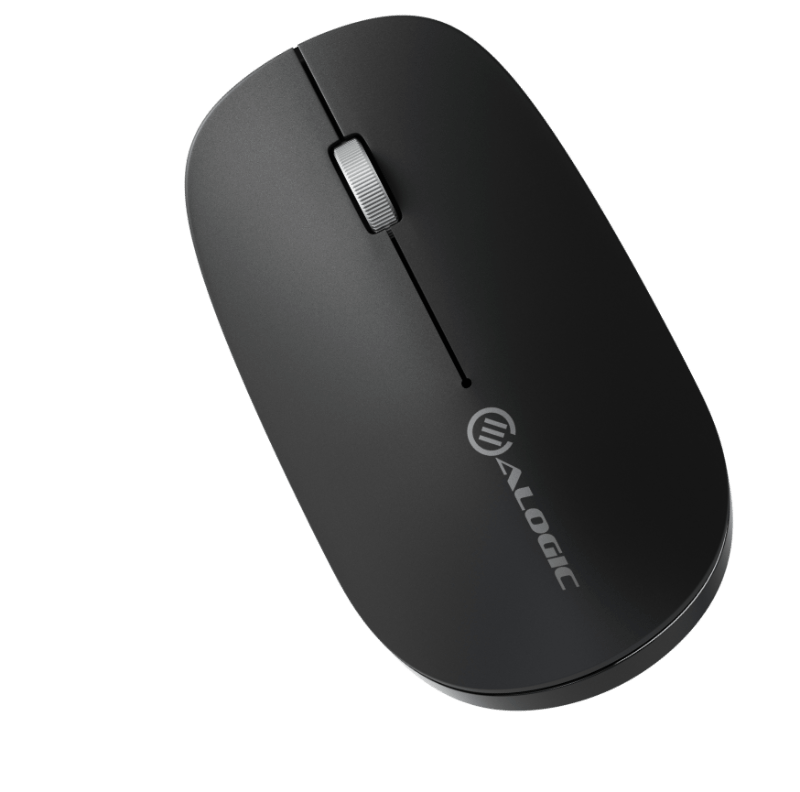
Designed for Professionals
Despite its slim, lightweight design, we haven't compromised on the Echelon Keyboard's typing experienced, with full-size, comfortably spaced keys that make composing long documents quick and accurate.Meanwhile, the compact Echelon Mouse's ergonomic chassis helps keep your hand cramp-free after a long day.
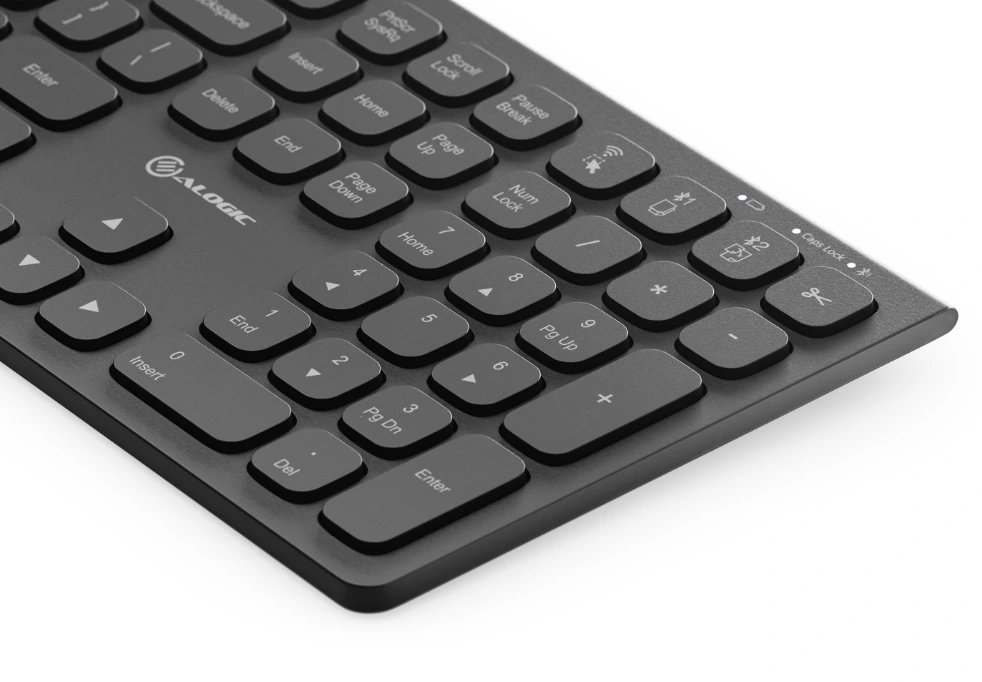
Designed for Windows Productivity
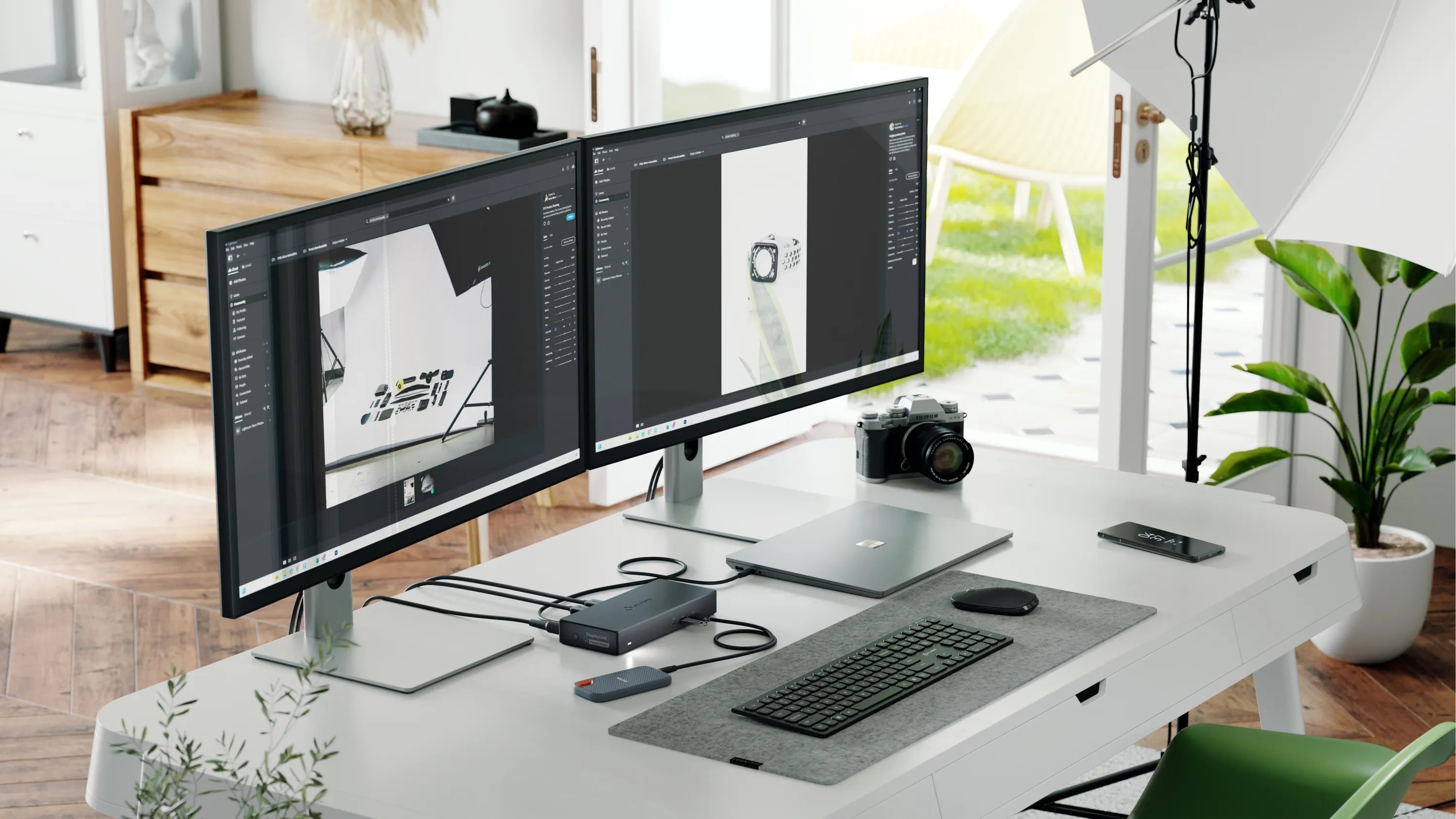
The Echelon keyboard features a number of custom shortcuts, such as single-key Cut, Copy and Paste keys above the Numpad for use when number crunching and OS shortcuts like Emails, Calculator and Search.
Windows Shortcuts
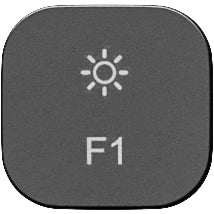
Decrease Brightness
Decreases the brightness of compatible displays.
Increase Brightness
Increases the brightness of compatible displays.
Search
Opens the Windows Search menu.
Home Shortcut
Opens web browser's home page.
Mail Shortcut
Opens system's default email application.
Calculator Shortcut
Opens the Windows Calculator app.
Previous Track
Restarts, or switches to the previously played media.
Play/Pause
Starts or stops the currently playing media
Next Track
Skips to the next piece of media in your playlist.
Mute
Mutes the currently playing media.
Lower Volume
Lowers the system volume. Not supported by all audio devices.
Raise Volume
Increases the system volume. Not supported by all audio devices.
Lock Computer
Tap to lock your computer. Hold to power off.
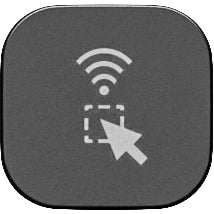
2.4GHz & Select All
Press to select all items in the current application. Hold Fn and press to switch to Echelon's 2.4GHz connection.
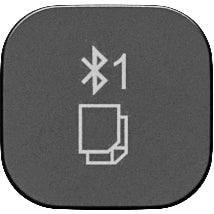
Bluetooth 1 & Copy
Press to copy selected items. Hold Fn and press to switch to saved Bluetooth device #1. Hold Fn and this key to pair a new device in Echelon's Bluetooth #1 profile.
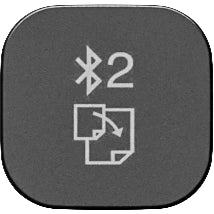
Bluetooth 2 & Paste
Press to copy selected items. Hold Fn and press to switch to saved Bluetooth device #2. Hold Fn and this key to pair a new device in Echelon's Bluetooth #2 profile.
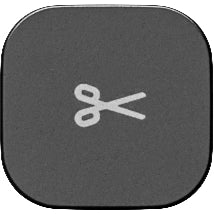
Cut
Press to cut (copy then delete) the current items.
Designed for the Modern Office
Perfect for hybrid work, the home office and hot desking, the Echelon Mouse and Keyboard can quickly switch between three connected devices at the touch of the button, including laptops, phones and tablets.
No Batteries Needed
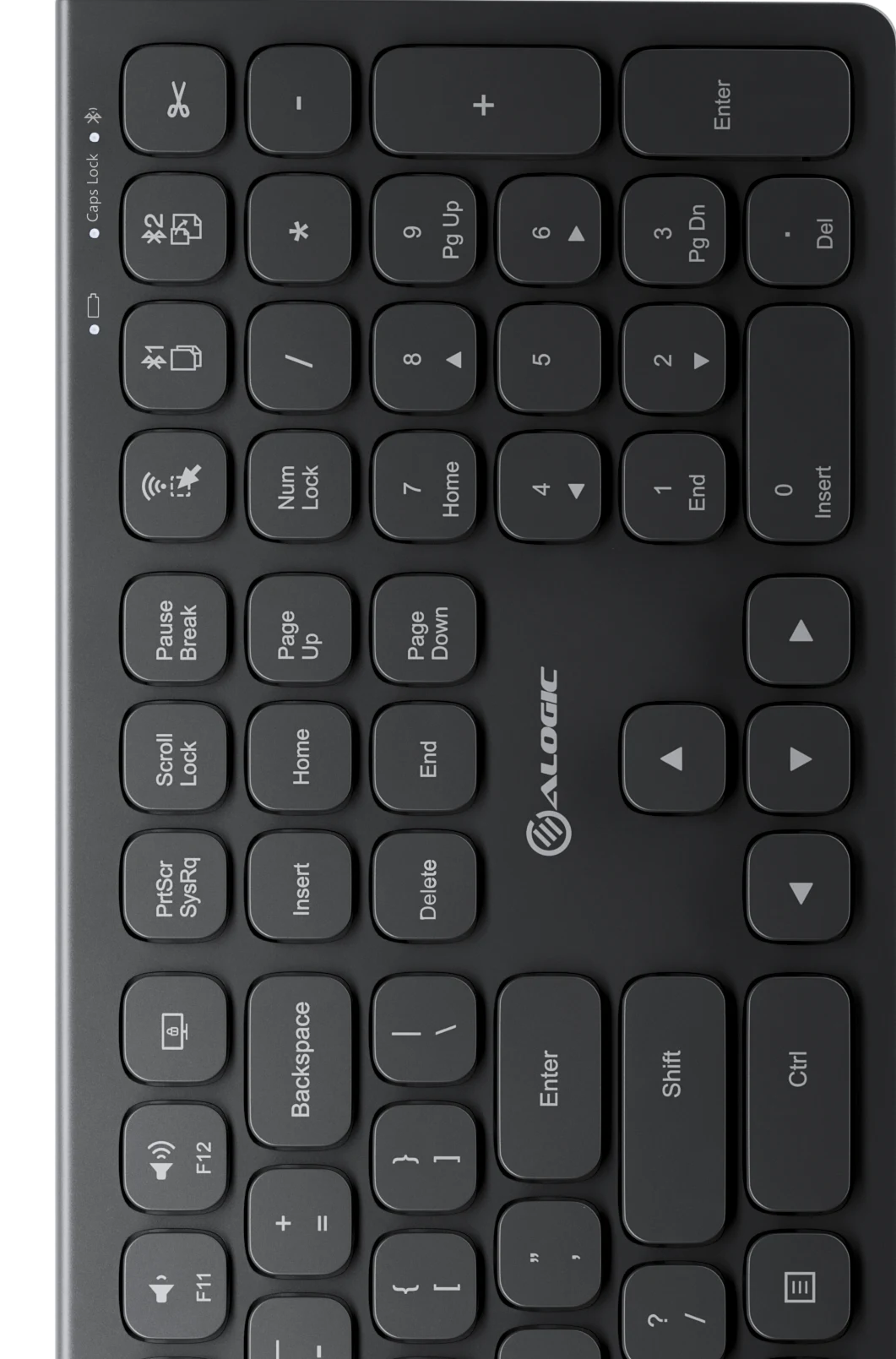
Echelon features an integrated USB-C charging battery, which lasts weeks between charges, saving you the expense and hassle of swapping batteries in and out.
- USB-C Charging
- Battery lasts weeks
What's in the Box:
- 2.4Ghz Dongle (USB-A)
- USB-C Cable Quick Start Guide
Product Features:
- Product dimensions: Mouse: 110mm (L) x 63mm (D) x 29mm (H), Keyboard: 427mm (L) x 126mm (D) x 14mm (H)
- Weight: Mouse 70g , Keyboard 500g
- Max wireless range: 10m
Specifications
-
Brand
- Alogic
General
-
Product Type
- Keyboard and Mouse
-
Product Colour
- Black
-
Product Category
- Computing
Keyboard Features
-
Numeric keys
- Yes
Keyboard, Mouse & Webcams Features
-
Compatability
- Windows
- macOS
- Android
- iOS
- Chromebook
-
Type of Connectivity
- Bluetooth
- Wireless
- USB
-
Material Type
- ABS
-
Power Source
- Battery
Computer Accessories
-
Accessory Type
- Keyboards & Mice
Promotional
-
Samsung New Era of AI
- N
Delivery & Returns
Delivery
We offer a comprehensive nationwide (Republic of Ireland only) delivery service; we aim to deliver all orders as quickly as possible.
| Item Type | Delivered In | Delivered By |
|---|---|---|
| Small Items | 3 - 5 Working days | DPD |
| Large Electrical Items | 3 - 5 Working days | Independent transport company |
| Furniture & Bedding | 3 - 5 Working days | Independent transport company |
| Clearance Items | 5 - 7 Working days | Independent transport company |
| Harvey Norman Customer Direct | Please refer to each individual product description page for accurate lead times. | |
Please note: Delivery times for rural areas may vary depending on routes and availability. If you have ordered any products that involve a lead time, are customised, or made to measure, we will contact you to discuss delivery. For more information regarding delivery and associated costs, please click here.
Free Click & Collect In Store
Can’t wait for delivery or don’t want to pay additional delivery charges? It’s incredibly simple to collect your online order in store and get your hands on your product quickly and easily. Simply select the Click & Collect option and head to your nearest Harvey Norman store to collect your order.
During checkout, select “Click & Collect” and select your preferred store.
After your order is placed, you will receive an order acknowledgement email with your order number.
Once the store has confirmed your order and reserved the stock, you will receive an email to inform you that your order is “Ready for collection”. If you want to use "Contactless Click & Collect" select this option on this email.
Bring your order number to the store you selected for Click & Collect, along with photo ID and the credit card you used to make the order.
Speak to one of our staff and your order should be processed in minutes.
If availing of Contactless Click & Collect, please click the link in your email “ready to pick up” to let the store know you are on your way. When you have parked in the designated parking bay, open your email, and choose the “I’m here” option and a member of staff will bring your purchase out to your car.
Easy returns
Store Purchases: For all items purchased from a physical store, please return to your local Harvey Norman Store. Please see Terms & Conditions here.
Online Purchases: For all items purchased via our Online Store (website), please contact our Online Customer Service Team at [email protected] where a dedicated Customer Service Agent will guide you through the process.
Reviews
Ask a question

Delivery to
Delivery
Collect from
Click & Collect
Collect in store
Nearest store with stock
Nearest store with stock
Your legal guarantee rights

Available services
You may also like
You may also like
Recently viewed
Compare
 Secure Online Shopping