
Description
Check out the video:
Creativity in Action
With the power of AI, Guided Edits and templates, it’s never been easier to create amazing photos and videos. 3-year term licence.
Check out the video:
Edit and Create in Fun New Ways
It's never been easier to remove objects, create depth, change colours, combine multiple photos and more.
Check out the video:
Get Your Colours Just Right
Ensure that clouds, snow and other white details look truly white using the new White Balance tool and make precise colour and brightness adjustments to your whole scene or specific areas using new colour correction Curves.
Check out the video:
Adjust Footage Colour with LUTs
Create a new mood or aesthetic by automatically transforming your colour scheme with these presets or import and apply your own.
Check out the video:
Create Dynamic Titles with More Text Controls
Choose from new eye-catching templates and style your text to match your story with new controls for alignment, size, direction, colour, spacing and more.
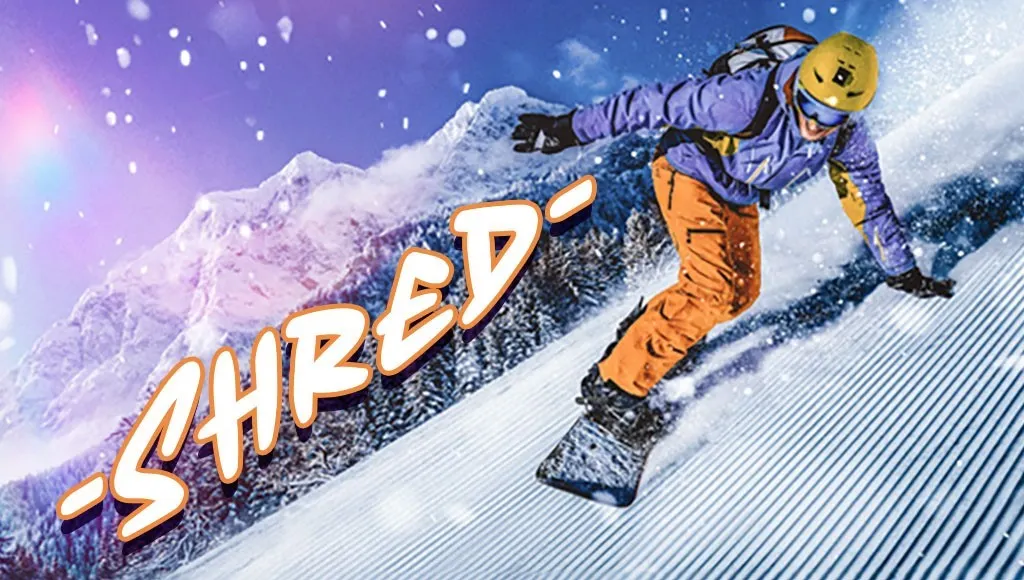
Access Free Adobe Stock Title Templates
Choose from lots of free, professionally designed templates right inside Premiere Elements.
Check out the video:
Easily Build Your Skills with Guided Edits
Choose a Guided Edit and then just follow along to make quick fixes or add creative effects, smooth transitions, or eye-catching animations. And enjoy a whole new experience that makes Guided Edits even easier.
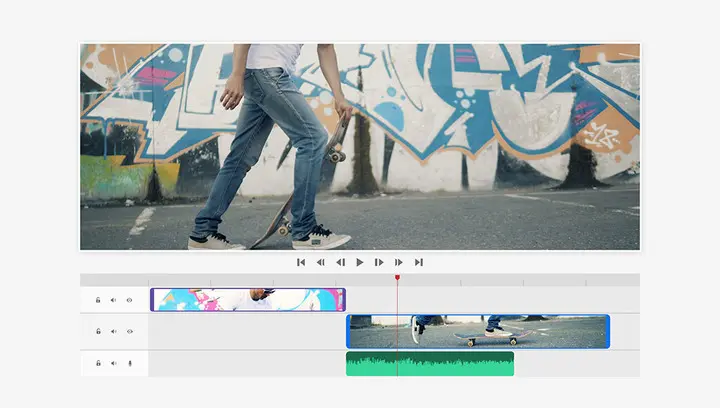
Edit Faster with a Simplified Timeline
See video tracks grouped together and audio tracks grouped together for easier navigation, find the editing options you use most in the new Quick Tools menu, lock individual tracks to prevent accidental changes and more.
Most Popular
Check out the video:
Try Adobe Best-Loved Features
From removing blemishes to replacing backgrounds, these popular edits are a great place to start.
Check out the video:
New Simply Brush to Remove Objects
Make anything disappear in seconds with the new AI-powered Remove tool and the Object Removal Guided Edit.
Check out the video:
New Change the Colour of Any Object
Just use the automatic selection tools to choose what you want to change, pick your new colour and refine to suit your style.
Check out the video:
Update Seamlessly Combine Multiple Pics
Blend the subject from one, the background from another and elements from many more to create a never-before-seen image.
Check out the video:
Create Stylised Text
Align text horizontally, vertically or on a path or a shape with Add Text Guided Edit. Warp it and style it with gradients, textures and patterns.
Check out the video:
Add Cinematic Motion to Your Photos
Bring a touch of film magic to any photo by making select elements move, adding animated overlays or creating 3D camera motion.
Check out the video:
One-Click Subject Selection
Automatically select the subject of your photo with a single click. Then, easily make isolated edits to the subject or the background.
Check out the video:
Quickly Touch Up Facial Features
Get the perfect shot every time by automatically opening closed eyes, turning frowns upside down, fine-tuning face tilt, automatically smoothing skin and more.
Check out the video:
Beautiful Photo Collage Templates
Create collages with just a few clicks. Choose from modern templates and add text for a personal touch.
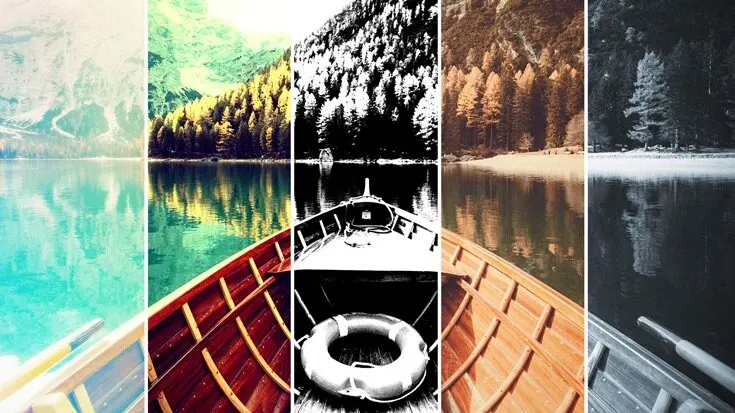
Add Fun Filters and Effects
Transform your photos with dozens of filters and effects that let you create blurs, painterly looks, distortions, textures, stlylised text and more.
Check out the video:
Step-By-Step Editing
Make simple adjustments, customised creations or eye-catching effects with 59 Guided Edits.
Check out the video:
Extend Photo Backgrounds
Create a stunning landscape or reposition your subject for the perfect social post by easily extending your photo’s background. The magic of Content-Aware Fill technology makes it all possible.
Check out the video:
Move, Scale and Duplicate Objects
With step-by-step help, it’s easier than ever to select an object and change its position, size and more - meaning you can make your creation look exactly how you want.
AI & Automation
Check out the video:
Edit with the Magic of AI
Quickly fix, fine-tune or turn any photo into your creative canvas with AI and automated options.
Check out the video:
New Add Realistic Depth of Field with Precise Control
Choose your focal point and Depth Blur filter automatically adds blur just where it’s needed. Adjust details like blur strength plus focal distance and range.
Check out the video:
Update Discover One-Click Quick Actions in One Place
Popular one-click edits are at your fingertips. Add four types of motion effects, instantly blur or remove a background, smooth skin, dehaze or colourise a photo and more.
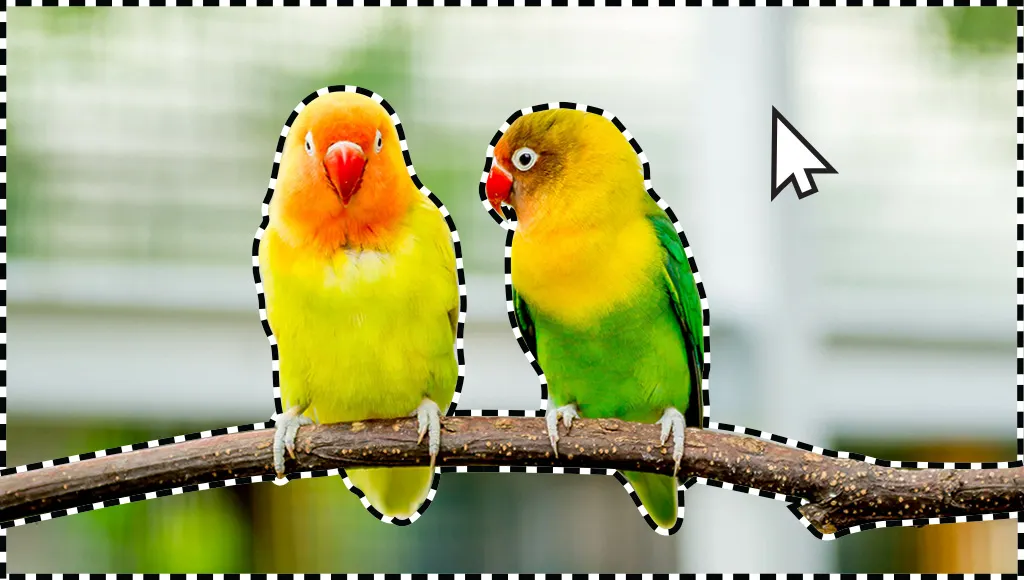
Select a Sky or Background with One Click
Automatic selections make it simple to enhance or replace just one area.
Check out the video:
Access Free Adobe Stock
Try a new background, make a collage or create an inspiring Quote Graphic with access to thousands of beautiful stock photos from right inside the app.
Check out the video:
Turn Photos into Art
With Artistic effects, just click to add effects inspired by famous works of art or popular art styles.
Check out the video:
Select an Area and Make It Move
Add film magic to any photo by selecting an area and adding motion. Choose the direction, adjust the speed and then save as an MP4 or GIF to share on social.
Check out the video:
Layer on Some Animation
Add moving overlays like snowflakes and sparkles and create fun animated frames. Then save your photos as MP4s to share on social and more.
Check out the video:
Add a Sense of Camera Motion
With one click, transform your favourite shots into moving photos—fun animated MP4s and GIFs with 2D and 3D camera motion.
Check out the video:
Warp Photos to Fit Any Shape
Place one photo inside another by wrapping it around an object like a coffee mug or fitting it inside shapes like the lenses of your subject’s sunglasses.
Check out the video:
Automatically Colourise Photos
Give black-and-whites new life or change up the colours in your pics with automatic colorisation.
Check out the video:
Easily do everything from trimming and resizing to adding music and animation with the power of AI and automation.
Check out the video:
Automatic Highlight Reels
AI and automation quickly turn your clips into videos that draw people in by focusing on motion, close-ups and your highest-quality footage.
Check out the video:
Match Colour and Tone
Choose a video or photo with colours you love, click once and then fine-tune hue, saturation and brightness with sliders.
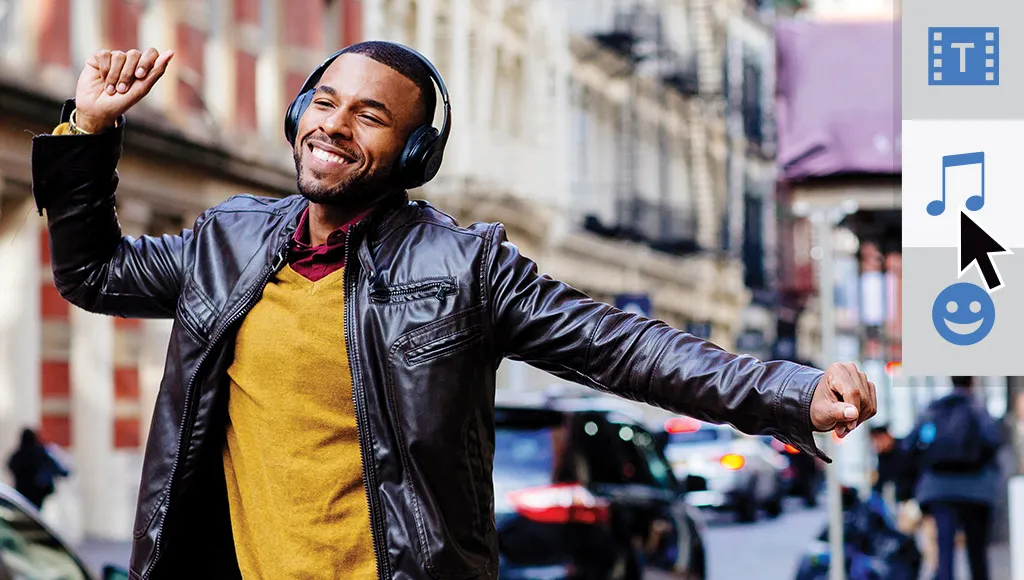
Audio Effects
Try effects like Reverb, Vocal enhancer and DeHummer to improve your listening experience.
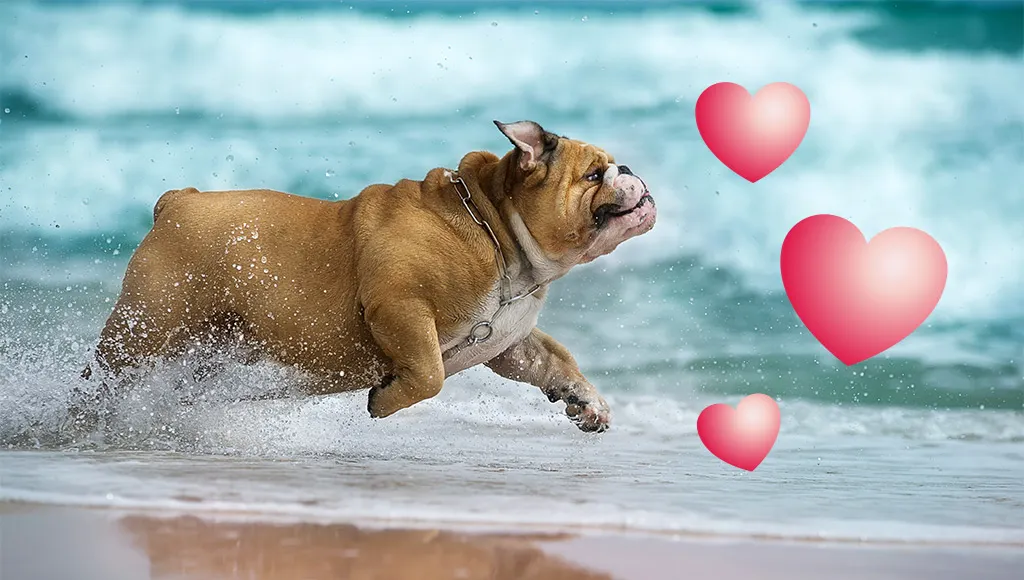
Punch up Your Videos with Fun Graphics
Emphasise key moments or just add some eye-candy with modern new graphics.
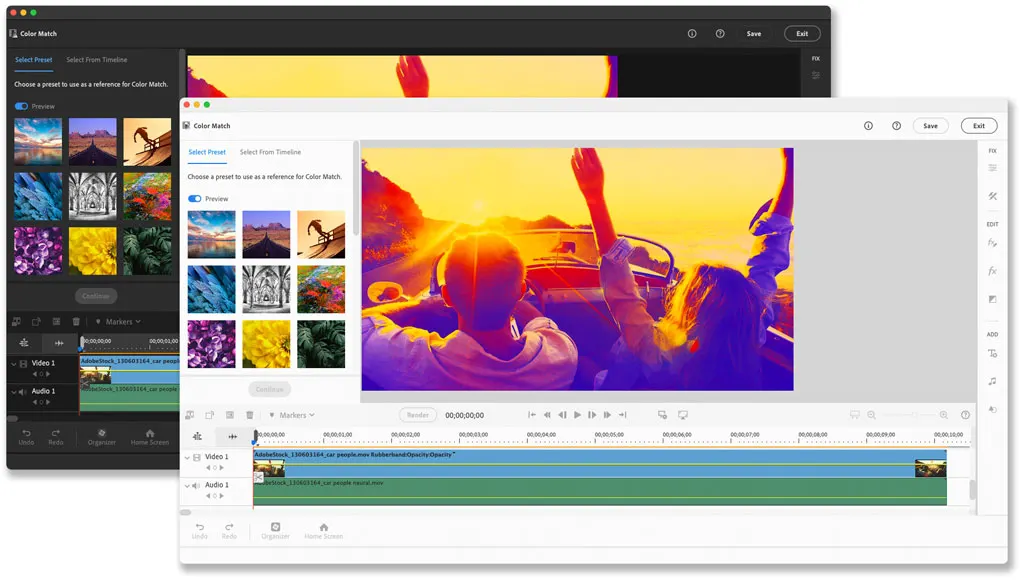
Enhance Your Storytelling with Audio Effects
Discover modern fonts, icons, buttons and colours that are easier on the eye. Plus, choose from light and dark mode options.
Check out the video:
Turn Your Videos into Art
In one click, transform your clips with effects inspired by famous works or art or popular art styles.
Check out the video:
Auto-Reframe Your Subject
Easily resize your videos for social media and more while keeping the most important part of the action in the frame.
Check out the video:
Make Precise Selections
Select a specific object — or area — of your video and easily apply an effect that tracks throughout the video.
Check out the video:
See Effects in Real Time
See high-quality playback of many effects without rendering first — and crop videos faster — with GPU-accelerated performance boosts.
Check out the video:
Improve Grainy Videos
Shot your video in low light? Make it look crisper with a simple drag and drop of the Reduce Noise effect.
Check out the video:
Instantly Trim All the Good Stuff
Smart trim finds and brings together the best scenes based on the style of your video.
Check out the video:
Auto-Extract Photos From Your Videos
Wish you’d been able to capture the moment with photos? Automatically extract great photos from your raw video footage.
Templates
Check out the video:
Kick-Start Your Projects with Templates
Present your best pics in automated photo reels, collages, slideshows, quote graphics and more.
Check out the video:
Fast-Moving Photo Reels
Reels zip through favourite shots, each with its own text, effects and graphics. Save them as MP4s or GIFs for easy sharing.
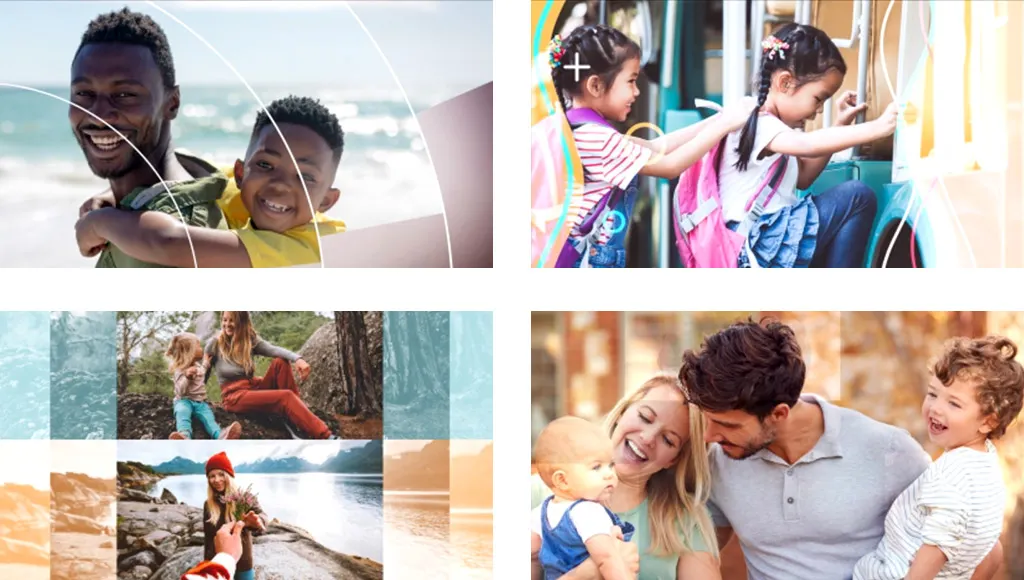
Amazing Slideshow Templates
With one click, your best photos are chosen and brought together with short video clips to create an animated, customisable slideshow.
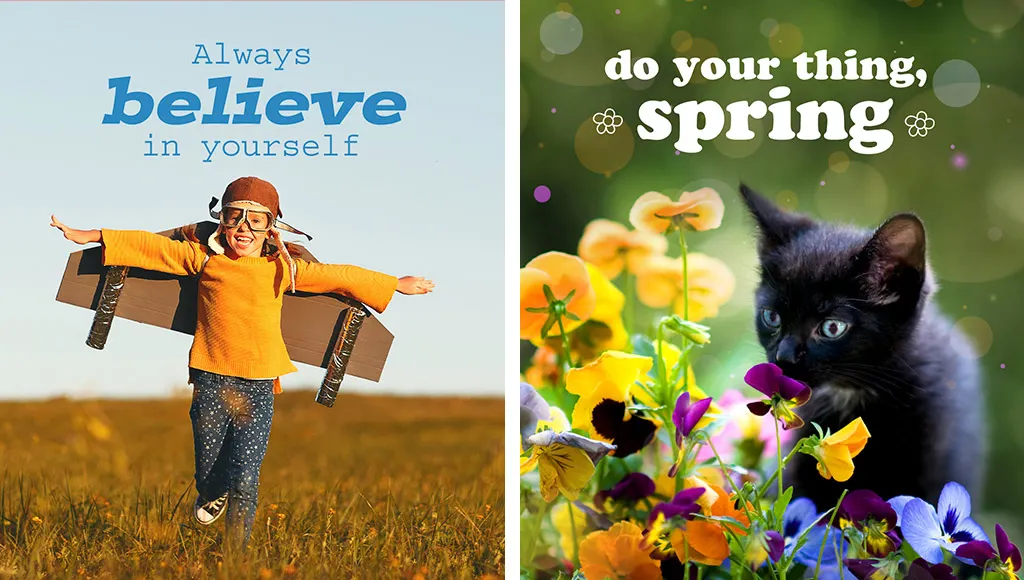
Add Text with Easy-To-Use Templates
Make shareable quote graphics for social by adding inspiring or personalised messages to your pics with templates, animation and easy ways to customise.
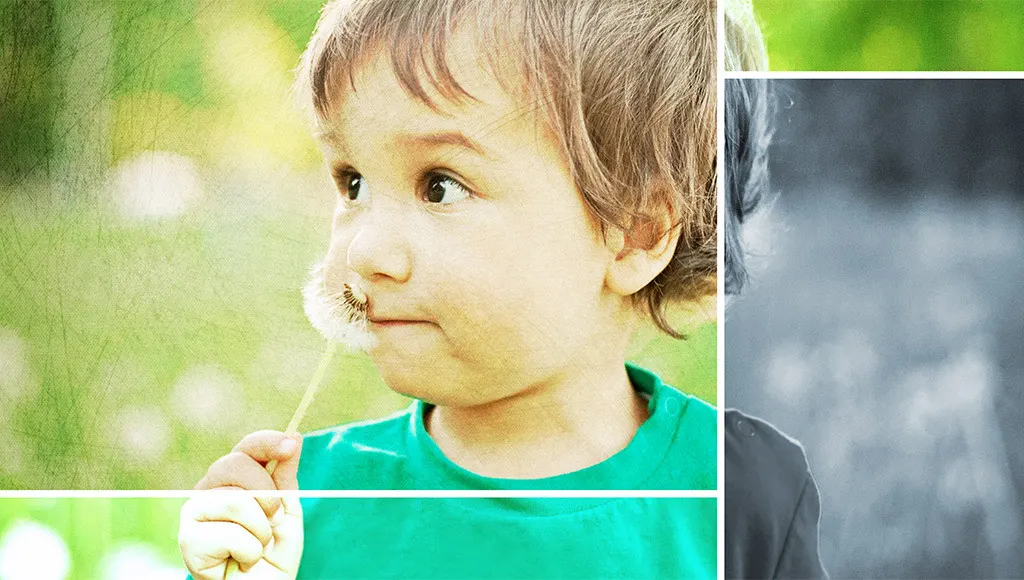
Create a Collage of Effects
Get artistic by adding multiple effects to a single photo. Photoshop elements walks you through it and gives you templates and themes to choose from.
Check out the video:
Get a Head Start with Creative Templates
Get creative and show off your videos using customisable templates for titles, highlight reels, slideshows, collages and animated social posts.
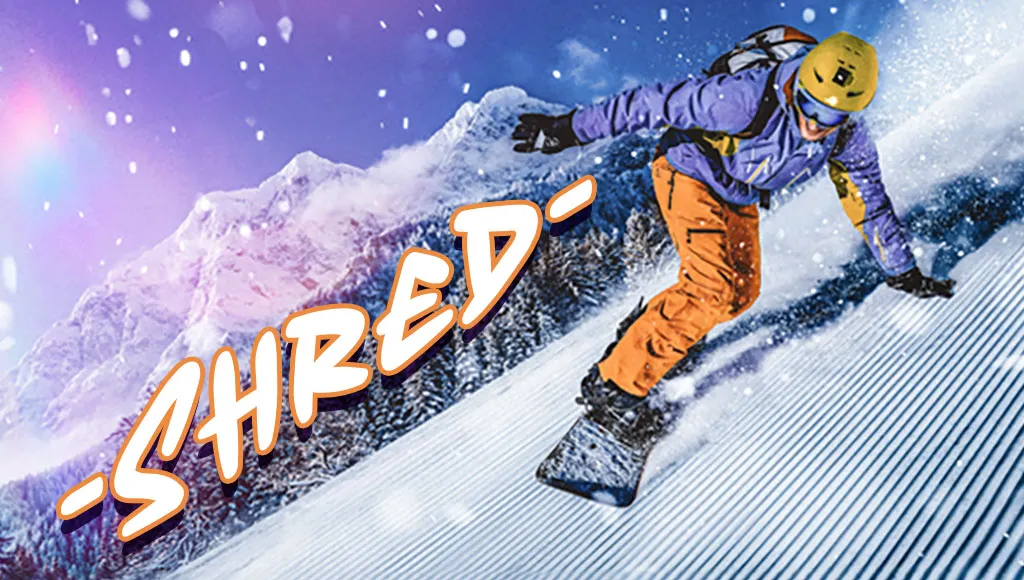
New Create Dynamic Titles with More Text Controls
Choose from new eye-catching templates and style your text to match your story with new controls for alignment, size, direction, colour, spacing and more.
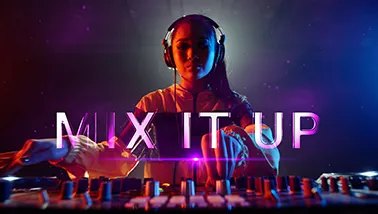
New Access Free Adobe Stock Title Templates
Choose from lots of free, professionally designed templates right inside premiere elements.
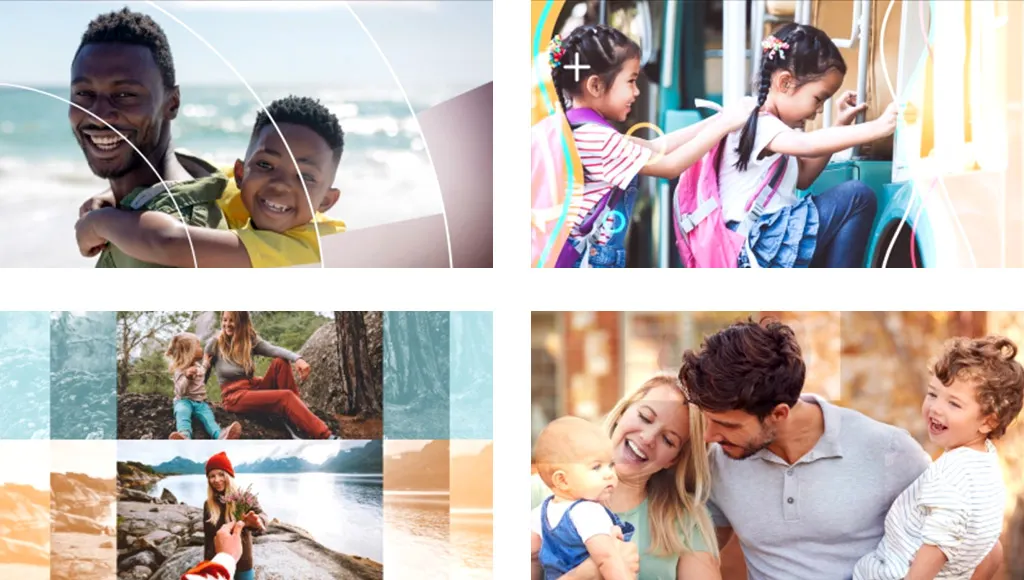
Tell Stories with Slideshow Templates
Share your photos and videos in animated slideshows that feature a range of modern looks and themes.
Bring Collages to Life
Create dynamic collages with photos and videos that bring some of your favourite memories into one creation.
Check out the video:
Freeze Frames with Motion Titles
Create a freeze frame of the action and then add an eye-catching motion title.
Organisation: Find Photos and Videos Fast
Check out the video:
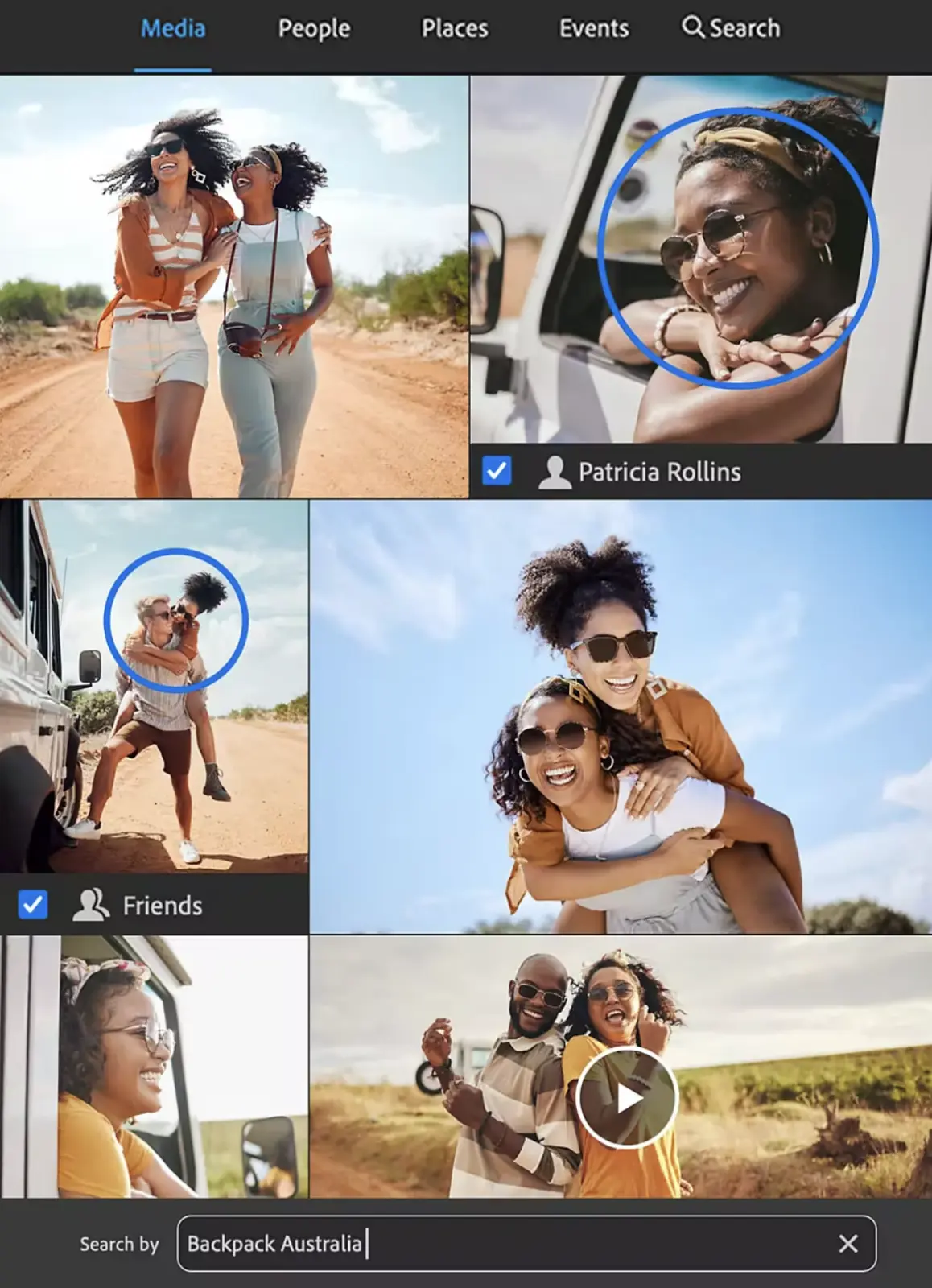
Find Photos Faster with Auto-Tagging
Smart Tags are added to your photos based on subjects like sunsets and birthdays and the people in your photos are also recognised so it’s easy to tag and find them later.
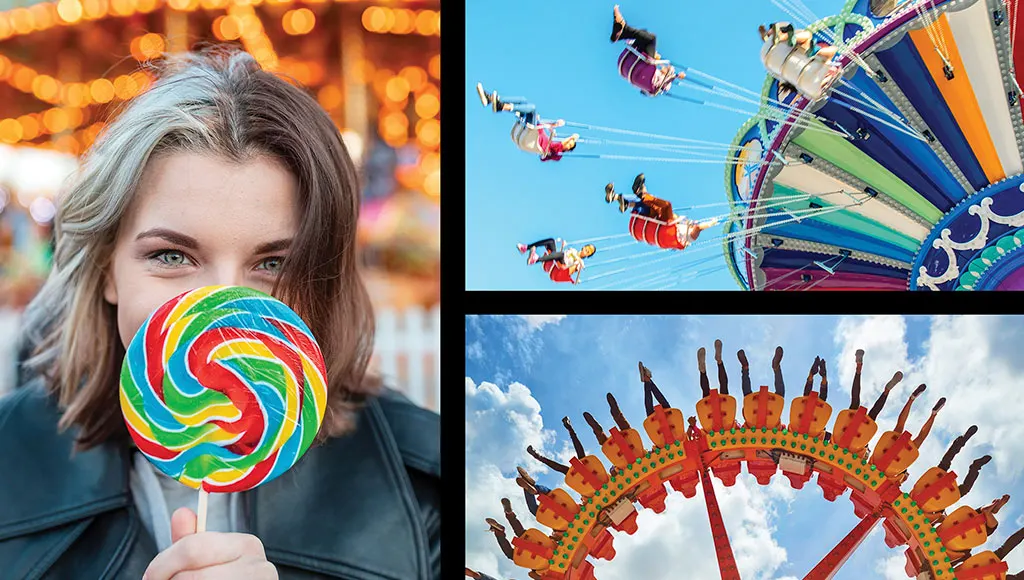
GIF Playback in the Organiser
Just click to view your GIFs — the Organiser supports playback.
Find Your Best Photos with Auto Curate
Your photos are automatically curated based on quality, faces, subjects, smart tags and more, so you don’t have to search for the standouts.
Automatic Sorting and Backup
Go from hundreds of mystery folders to a visual view of your photos automatically sorted by date, subject, people, places and events. Catalogues are automatically backed up for easy recovery.
Product Features:
- Edit and create
- Edit with the magic of AI
- Artistic effects
- Animated overlays
- Find photos fast
- Get a head start with creative templates
- Guided edits
Specifications
General
-
Brand
- Adobe
-
Product Category
- Software
-
Product Type
- Photo Editing Software
Delivery & Returns
Delivery
We offer a comprehensive nationwide (Republic of Ireland only) delivery service; we aim to deliver all orders as quickly as possible.
| Item Type | Delivered In | Delivered By |
|---|---|---|
| Small Items | 3 - 5 Working days | DPD |
| Large Electrical Items | 3 - 5 Working days | Independent transport company |
| Furniture & Bedding | 3 - 5 Working days | Independent transport company |
| Clearance Items | 5 - 7 Working days | Independent transport company |
| Harvey Norman Customer Direct | Please refer to each individual product description page for accurate lead times. | |
Please note: Delivery times for rural areas may vary depending on routes and availability. If you have ordered any products that involve a lead time, are customised, or made to measure, we will contact you to discuss delivery. For more information regarding delivery and associated costs, please click here.
Free Click & Collect In Store
Can’t wait for delivery or don’t want to pay additional delivery charges? It’s incredibly simple to collect your online order in store and get your hands on your product quickly and easily. Simply select the Click & Collect option and head to your nearest Harvey Norman store to collect your order.
During checkout, select “Click & Collect” and select your preferred store.
After your order is placed, you will receive an order acknowledgement email with your order number.
Once the store has confirmed your order and reserved the stock, you will receive an email to inform you that your order is “Ready for collection”. If you want to use "Contactless Click & Collect" select this option on this email.
Bring your order number to the store you selected for Click & Collect, along with photo ID and the credit card you used to make the order.
Speak to one of our staff and your order should be processed in minutes.
If availing of Contactless Click & Collect, please click the link in your email “ready to pick up” to let the store know you are on your way. When you have parked in the designated parking bay, open your email, and choose the “I’m here” option and a member of staff will bring your purchase out to your car.
Easy returns
Store Purchases: For all items purchased from a physical store, please return to your local Harvey Norman Store. Please see Terms & Conditions here.
Online Purchases: For all items purchased via our Online Store (website), please contact our Online Customer Service Team at [email protected] where a dedicated Customer Service Agent will guide you through the process.
Reviews
Ask a question

Delivery to
Delivery
Collect from
Click & Collect
Collect in store
Nearest store with stock
Nearest store with stock
Available services
You may also like
You may also like
Recently viewed
Compare
 Secure Online Shopping