


Description
Big buttons. Easy calling.
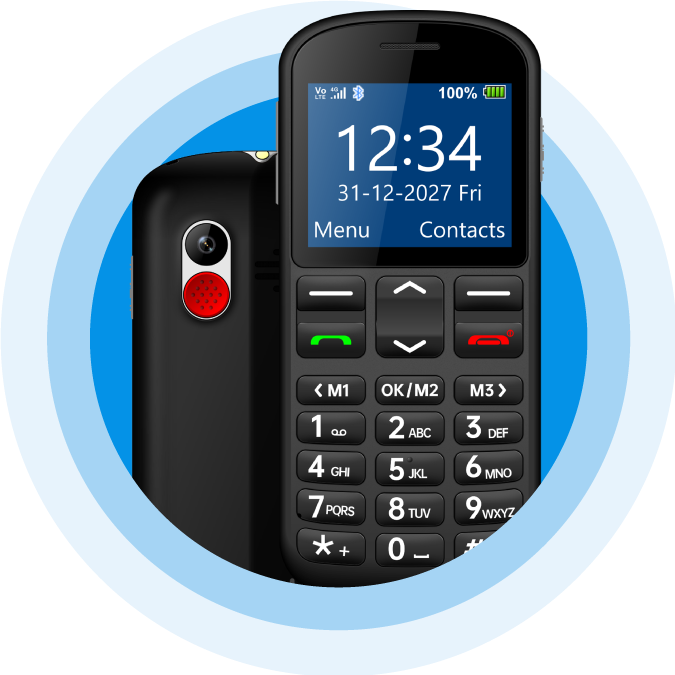
The Opel BigButton M: a beautifully designed 4G phone that could not be any easier to use.
The best mobile phone for seniors, kids,
and the visually
and hearing impaired
Simple, practical and built to keep you safe
Elegantly designed yet robust, the BigButton M is the perfect phone for anyone looking for a simple, practical mobile. It's network unlocked with 4G VoLTE for clear calls, and pairs big, easy-to-press buttons with an SOS button, hearing aid compatibility and a charging cradle in the box.
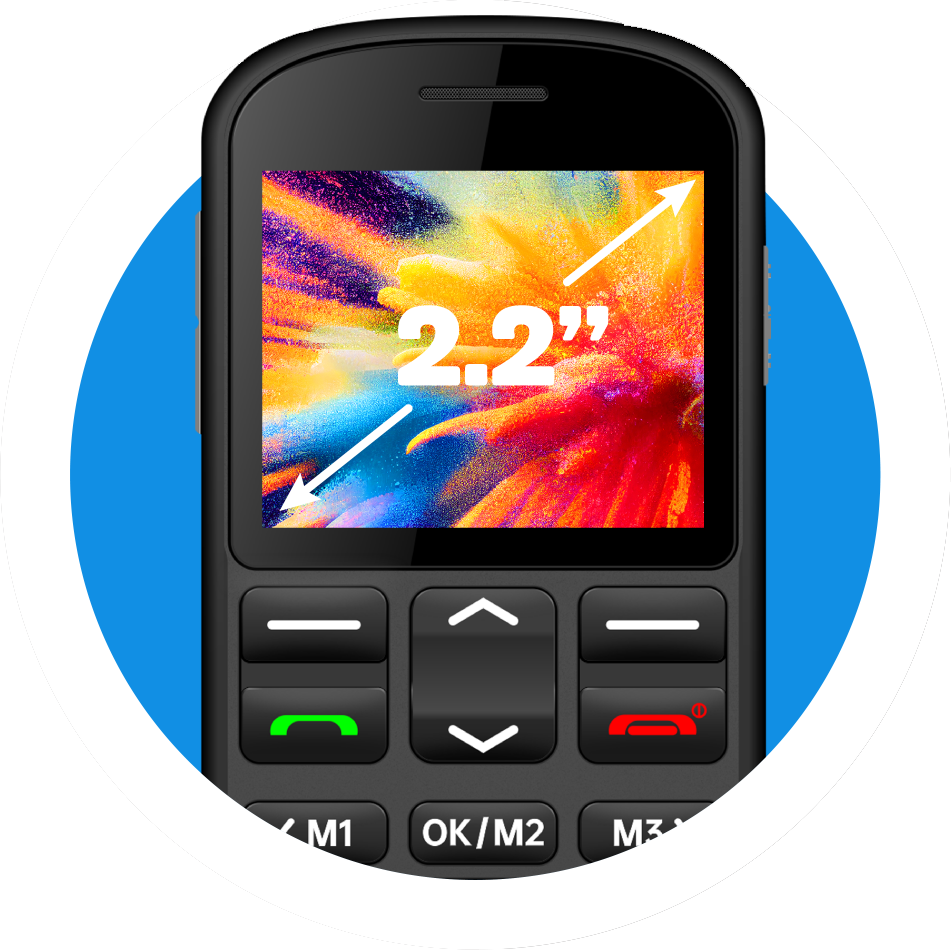
Large 2.2" colour display
A bright screen with an easy-to-read font and a simple, intuitive menu, so answering calls and sending texts is easy.
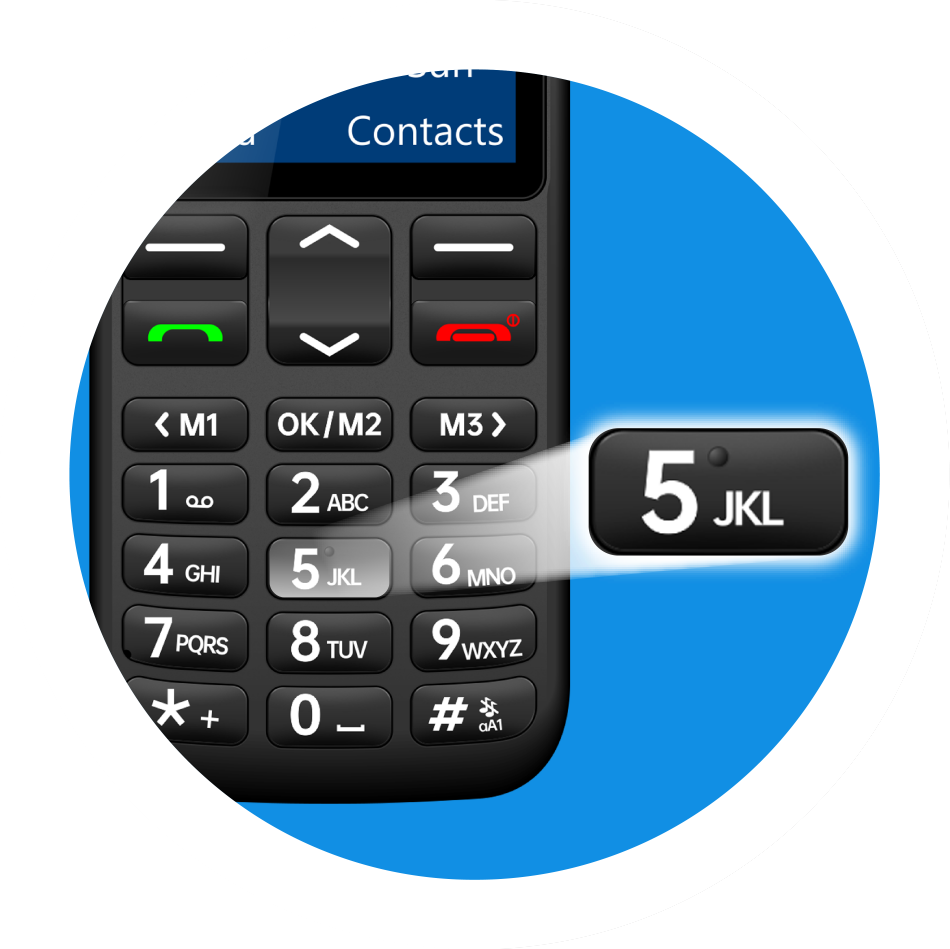
Big physical buttons
Raised, well-spaced tactile keys help prevent accidental presses, and a clear directional button makes the menu easy to navigate.
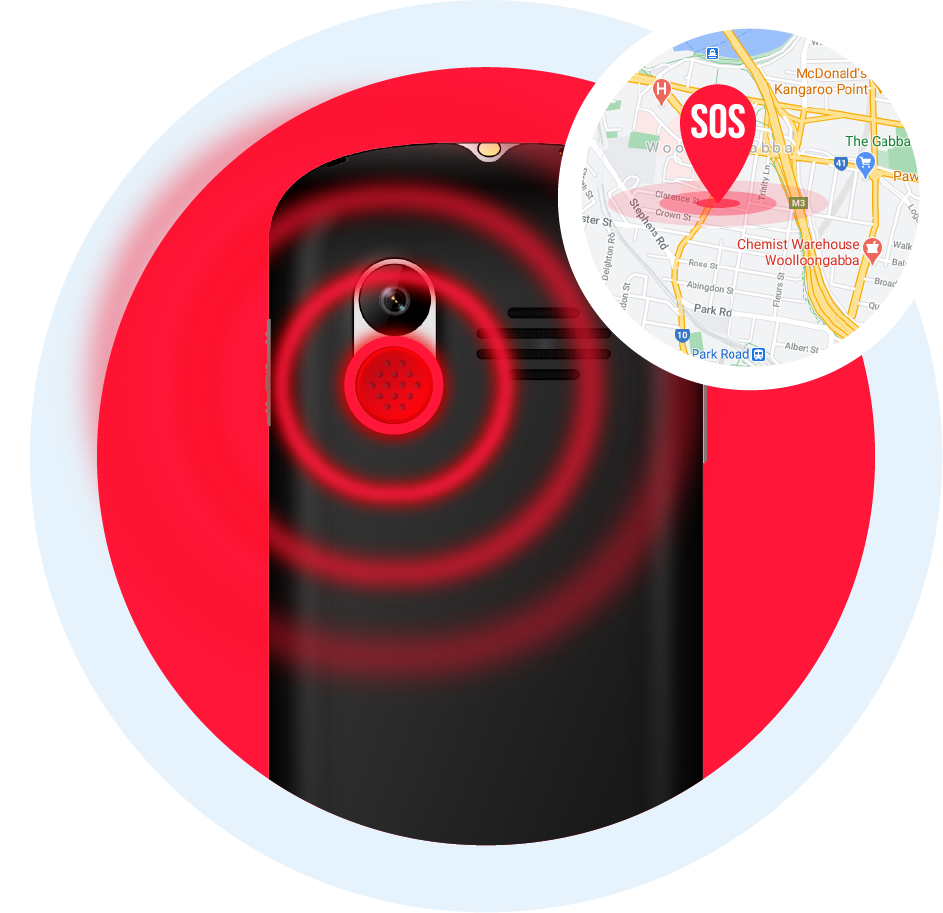
SOS emergency button
Activate SOS and the BigButton M calls up to five contacts, sounds an alarm and texts the phone's location to up to five contacts or emergency services of your choice.
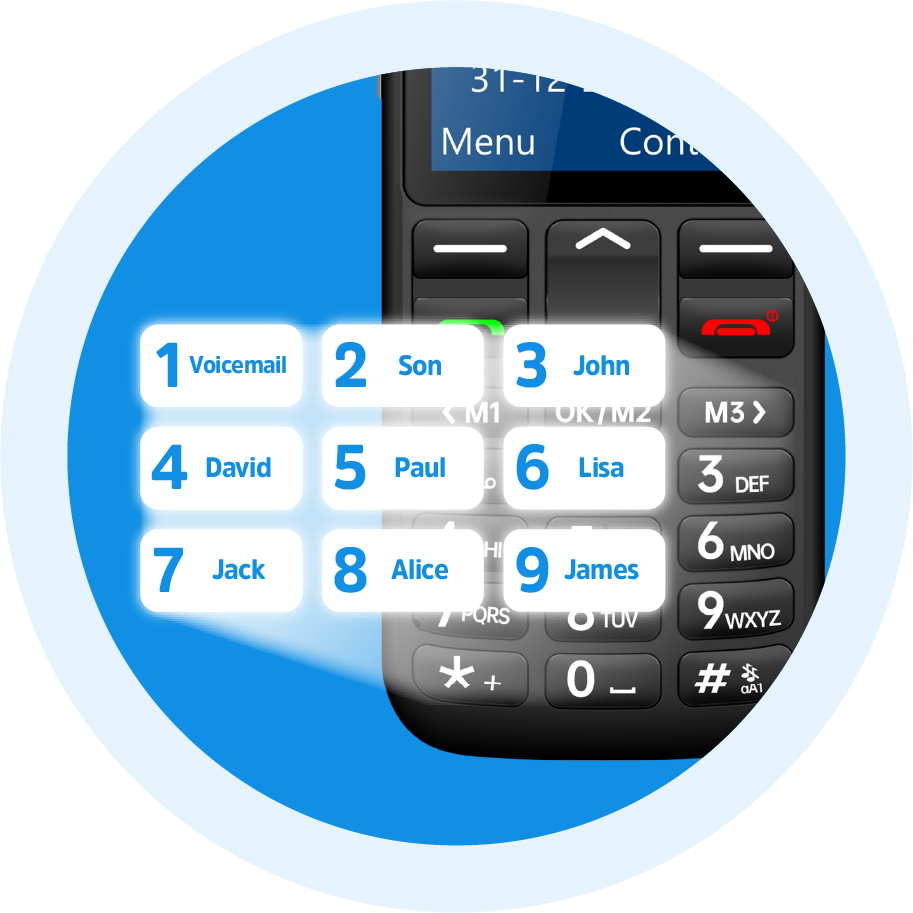
Speed dial and photo contacts
Speed dial up to 8 contacts with a single press, and add photos to up to 8 of your favourite contacts.
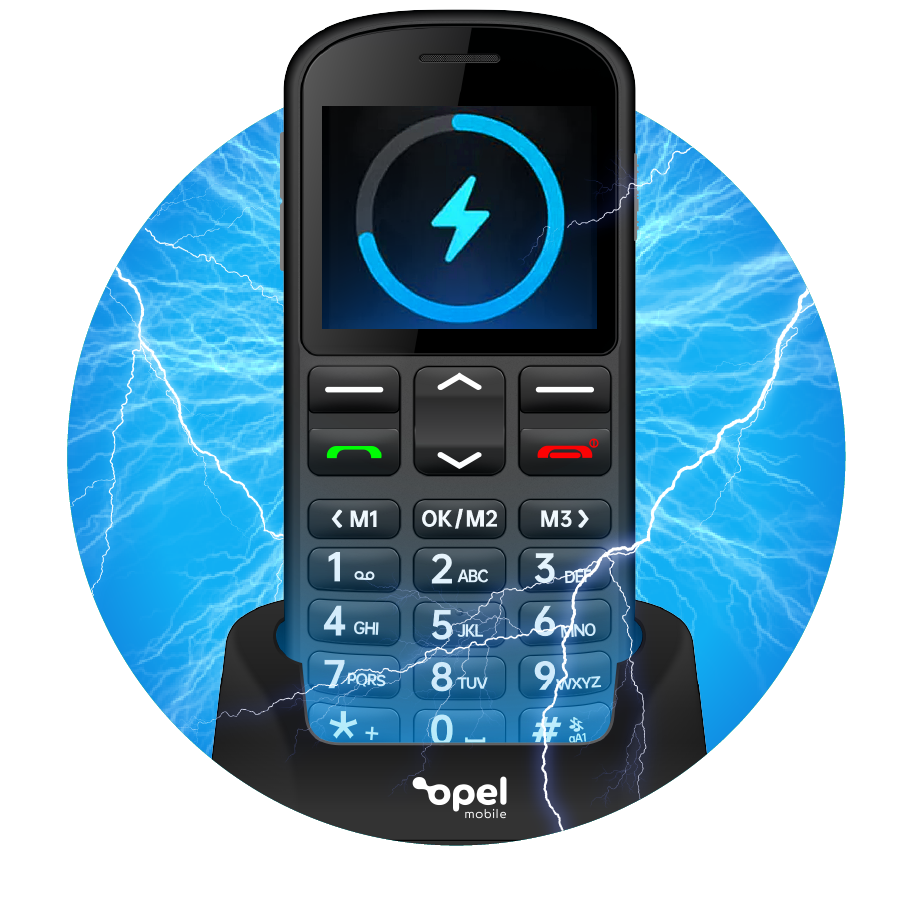
Charging cradle included
Charging and storing your phone overnight is a breeze: just pop it into the included cradle.

Hearing impaired? Never miss a thing
The BigButton M is hearing aid compatible with an M4/T4 rating. Add an extra loud 105dB ringtone and a talking keypad option, and you'll never miss a call again.
Everyday essentials built in
- Voice task reminders recorded in your own voice
- Bluetooth 5.0 so you never miss a call in the car
- Talking keypad option reads out numbers as you dial
- FM radio for listening on the go
- Torch at the press of a key
- Music player and voice memo for the little things
- 3.5mm headphone jack for wired earphones
- Predictive text for quicker messaging
- Calendar to keep track of appointments
- Expandable memory up to 32GB via microSD card
Peace of mind at the press of a button
The SOS button on the back of the phone sets off a loud built-in alarm to get the attention of anyone nearby. At the same time, it texts the phone's location to your chosen contacts and starts a hands-free call to each one in turn until someone answers. You can programme up to five SOS contacts, such as family members, your doctor's office or emergency contacts.
Why choose the Opel BigButton M?
- Big, easy-to-press buttons and a large 2.2" screen
- Clear 4G VoLTE calls on the network you choose
- SOS button with alarm, calls and location SMS
- M4/T4 hearing aid compatible with a 105dB ringtone
- Charging cradle included
Frequently asked questions
What SIM card does it use?
It takes a single Nano SIM. It is network unlocked, so you can use the network of your choice.
How do I activate SOS?
Press the SOS button on the back three times. To stop it, press the red end-call key a few times until you're back at the home screen.
Does it have Wi-Fi or apps?
No. The BigButton M isn't a smartphone, so it has no Wi-Fi, can't install apps and can't scan QR codes. It's made for calls and texts.
Is it a touch screen?
No. It uses big physical buttons that are easy to press.
How do I turn on the torch?
Just press and hold the 0 key.
How do I charge it?
Use the included charging cradle, or plug in directly through the USB-C port.
What's in the box
- Opel BigButton M
- Charging cradle
Specifications
General
-
Brand
- Opel
-
Product Category
- Feature Phones
-
Product Type
- Mobile Phone
Connectivity
-
Wireless Connectivity (4G, 5G, Bluetooth, Bluetooth 5.3, Cellular)
- 3G
- 4G
- Bluetooth
-
Wireless Ready Yes/No
- Yes
Mobile Phones Features
-
Back Facing Camera
- 2 MP
-
Battery Capacity
- 1000 mAh
-
Mobile Storage
- 128 MB
-
Cellular
- 4G
Display
-
Screen Type
- QVGA
-
Screen Size
- 2.2"
-
Screen Resolution
- 220 x 176 px
Camera
-
Rear Facing Camera Features
- 2 MP
Battery & Power
-
Power Source
- Battery
Dimensions
-
Width
- 57.8 mm
-
Depth
- 14.2 mm
-
Height
- 129.8 mm
-
Weight
- 0.11 kg
Delivery & Returns
Delivery
We offer a comprehensive nationwide (Republic of Ireland only) delivery service; we aim to deliver all orders as quickly as possible.
| Item Type | Delivered In | Delivered By |
|---|---|---|
| Small Items | 3 - 5 Working days | DPD |
| Large Electrical Items | 3 - 5 Working days | Independent transport company |
| Furniture & Bedding | 3 - 5 Working days | Independent transport company |
| Clearance Items | 5 - 7 Working days | Independent transport company |
| Harvey Norman Customer Direct | Please refer to each individual product description page for accurate lead times. | |
Please note: Delivery times for rural areas may vary depending on routes and availability. If you have ordered any products that involve a lead time, are customised, or made to measure, we will contact you to discuss delivery. For more information regarding delivery and associated costs, please click here.
Free Click & Collect In Store
Can’t wait for delivery or don’t want to pay additional delivery charges? It’s incredibly simple to collect your online order in store and get your hands on your product quickly and easily. Simply select the Click & Collect option and head to your nearest Harvey Norman store to collect your order.
During checkout, select “Click & Collect” and select your preferred store.
After your order is placed, you will receive an order acknowledgement email with your order number.
Once the store has confirmed your order and reserved the stock, you will receive an email to inform you that your order is “Ready for collection”. If you want to use "Contactless Click & Collect" select this option on this email.
Bring your order number to the store you selected for Click & Collect, along with photo ID and the credit card you used to make the order.
Speak to one of our staff and your order should be processed in minutes.
If availing of Contactless Click & Collect, please click the link in your email “ready to pick up” to let the store know you are on your way. When you have parked in the designated parking bay, open your email, and choose the “I’m here” option and a member of staff will bring your purchase out to your car.
Easy returns
Store Purchases: For all items purchased from a physical store, please return to your local Harvey Norman Store. Please see Terms & Conditions here.
Online Purchases: For all items purchased via our Online Store (website), please contact our Online Customer Service Team at [email protected] where a dedicated Customer Service Agent will guide you through the process.
Reviews
Ask a question

Delivery to
Delivery
Collect from
Click & Collect
Collect in store
Nearest store with stock
Nearest store with stock
Your legal guarantee rights

Available services
You may also like
You may also like
Recently viewed
Compare
 Secure Online Shopping